
 AsyaTicari
 AsyaRestoran
 AsyaOtel
 AsyaCrm
 AsyaKlinik
 AsyaSpor
 AsyaSSH
 AsyaEmlak
 AsyaFilo
 AsyaPuantaj
 AsyaİSG
 AsyaİHD
 Kolay Öğren
AsyaSpor · Settings
Control panel
Club settings: channel and payment provider note, company details, number format, exchange rates, integrations and code templates.
The Control panel collects the club's general settings. It is visible to the company administrator or users with the settings permission.
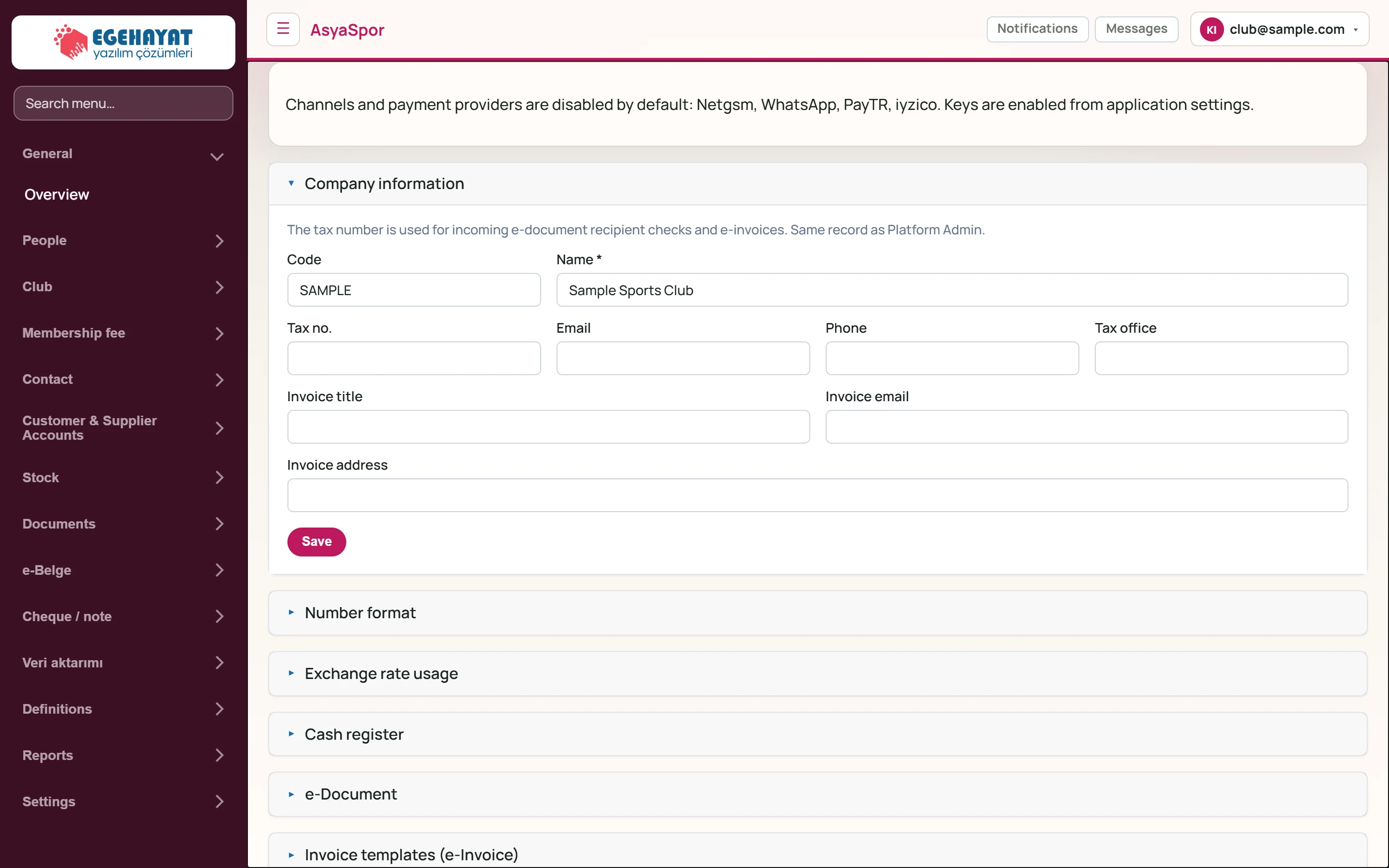
- 1Channels and payment providers are disabled by … Note on channel and payment providers.
- 2Company information Company details card.
- 3Number format Number format card.
Channel and payment providers
The note at the top reminds you that messaging channels and online payment providers (Netgsm, WhatsApp, PayTR, iyzico) are off by default. Provider keys are enabled in the application settings; until then Message and Automation do not send real messages.
Settings cards
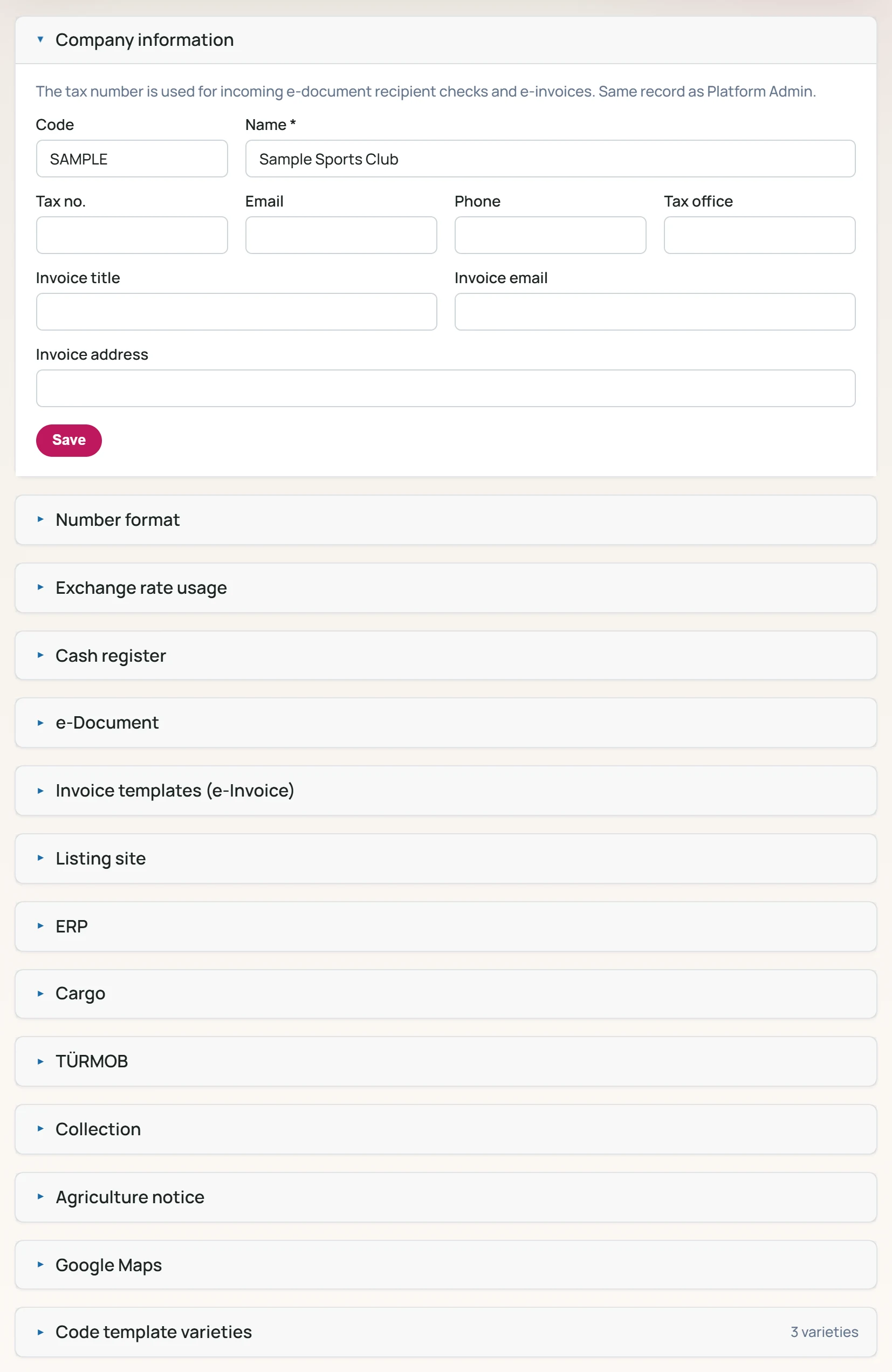
The cards are shared with all commerce applications: company details, number format, exchange rate usage, integrations (cash register, e-Document, cargo …) and code template kinds. Each card opens / closes and is saved separately with its own Save button. Details are in the shared guide under Settings → Control panel.