
 AsyaTicari
 AsyaRestoran
 AsyaOtel
 AsyaCrm
 AsyaKlinik
 AsyaSpor
 AsyaSSH
 AsyaEmlak
 AsyaFilo
 AsyaPuantaj
 AsyaİSG
 AsyaİHD
 Kolay Öğren
AsyaSpor · Reports
Grade, camp, store
Measurement templates, evaluations, matches, drills, camps, tournaments, facilities, store, licences and tryouts.
The Grade, camp, store screen lists the club's additional records on one page: measurement templates, evaluations, matches, the drill library, camps, tournaments, facility rentals, store products, licences and tryouts. Empty lists show «No record yet.».
asyaspor · /genis
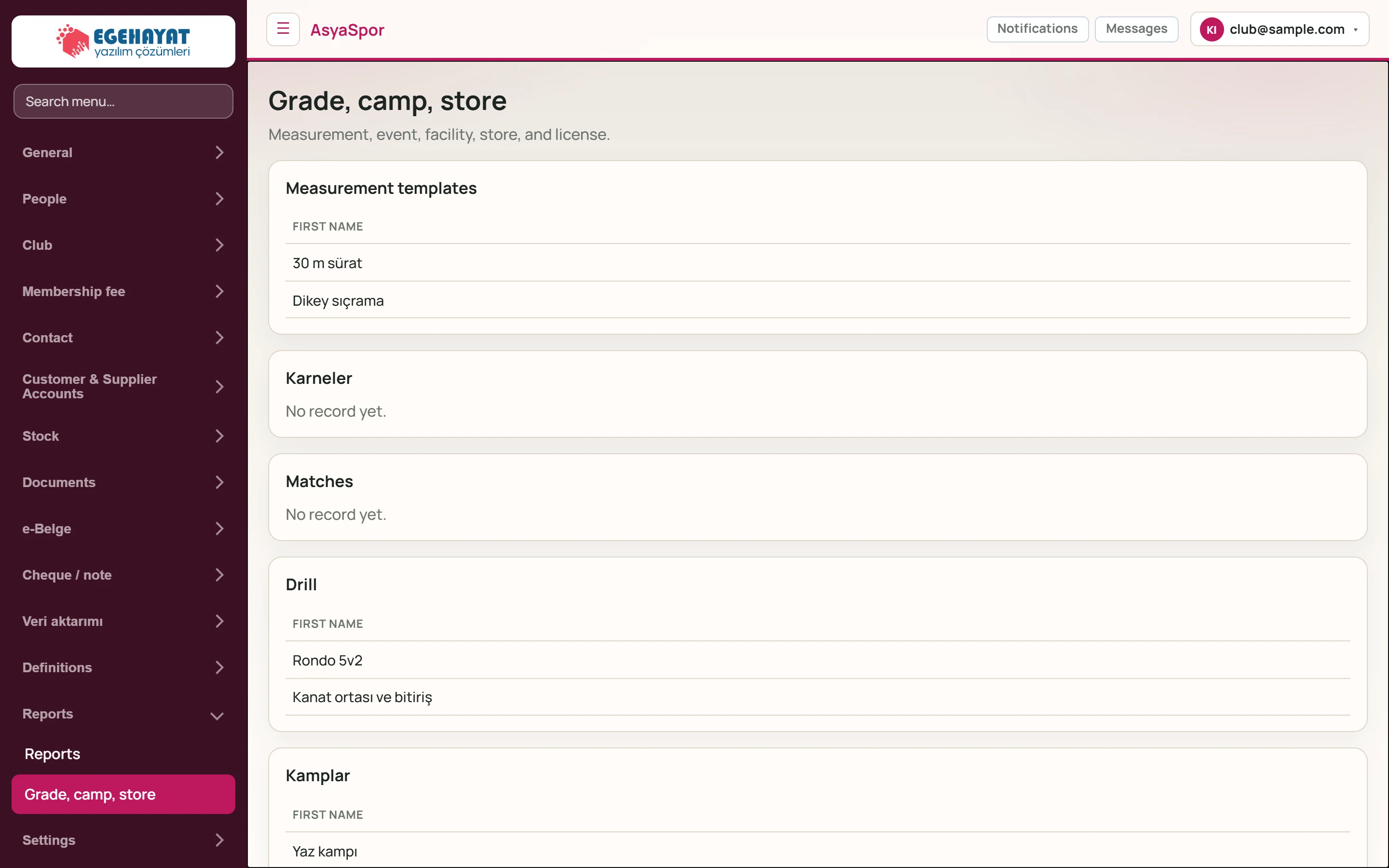
- 1Measurement, event, facility, store, and licens… Short description of the screen.
- 2Measurement templates Measurement templates (evaluation metrics).
- 3Karneler Measurement results entered for athletes (evaluations).
- 4Matches Matches.
- 5Drill Drill (training exercise) library.
- 6Kamplar Camps.
Add record
Part of the screenAdd record
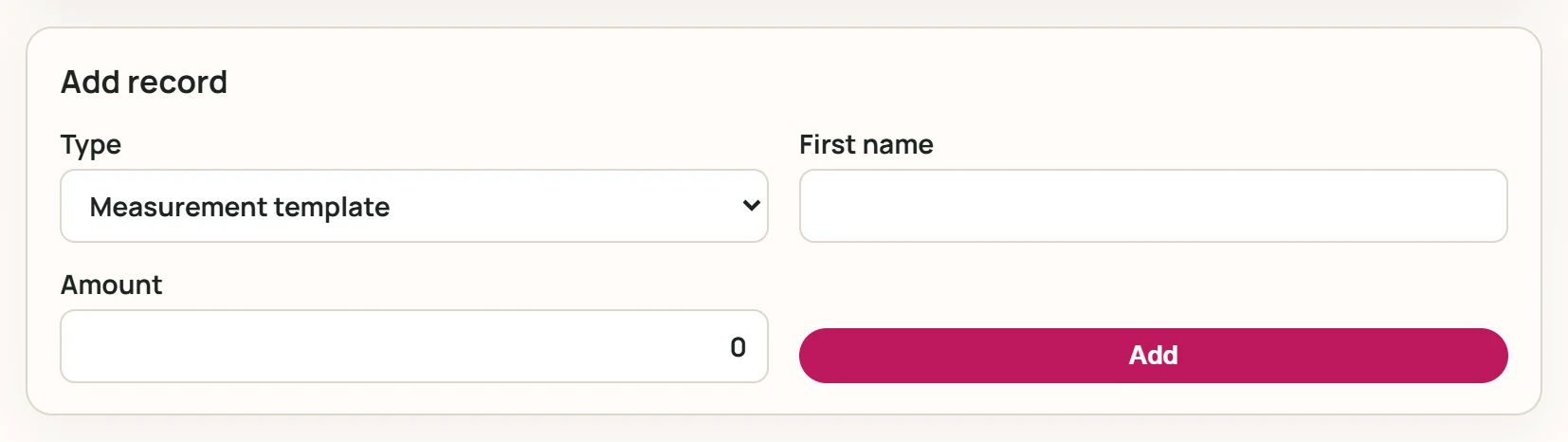
- 1Add Adds the record.
| Field | Sign in | Description |
|---|---|---|
| Type | Choice list | Measurement template, drill, camp, tournament, facility, store or tryout. Options: Measurement template · Drill · Campaign · Tournament · Facility · Store · Select |
| First name | Text | Name of the record (required). |
| Amount | Text | Amount for paid records (camp fee, facility rent, product price). |
- Choose the Type, enter the name; for paid records enter the Amount.
- Press Add.
- A camp is created as a 3-day record starting today, a facility booking as a 1-hour record starting now.
- A store product is created as a stock card (code starting with «SPR-») and also appears on the stock screens.
Measurement templates and drills require the Spor.Performans feature, camps / tournaments / facilities Spor.Etkinlik, store and tryouts Spor.Magaza. If the feature is off, no record is added.