
 AsyaTicari
 AsyaRestoran
 AsyaOtel
 AsyaCrm
 AsyaKlinik
 AsyaSpor
 AsyaSSH
 AsyaEmlak
 AsyaFilo
 AsyaPuantaj
 AsyaİSG
 AsyaİHD
 Kolay Öğren
AsyaRestoran · Selling
Self-service
Opening self-service / by-name bills not tied to a table and continuing open ones.
The Self-service screen is for bills not tied to a table: counter orders, pick-up or a bill opened in someone's name. The Bill by name button on the table plan also opens this screen.
asyarestoran · /satis/self
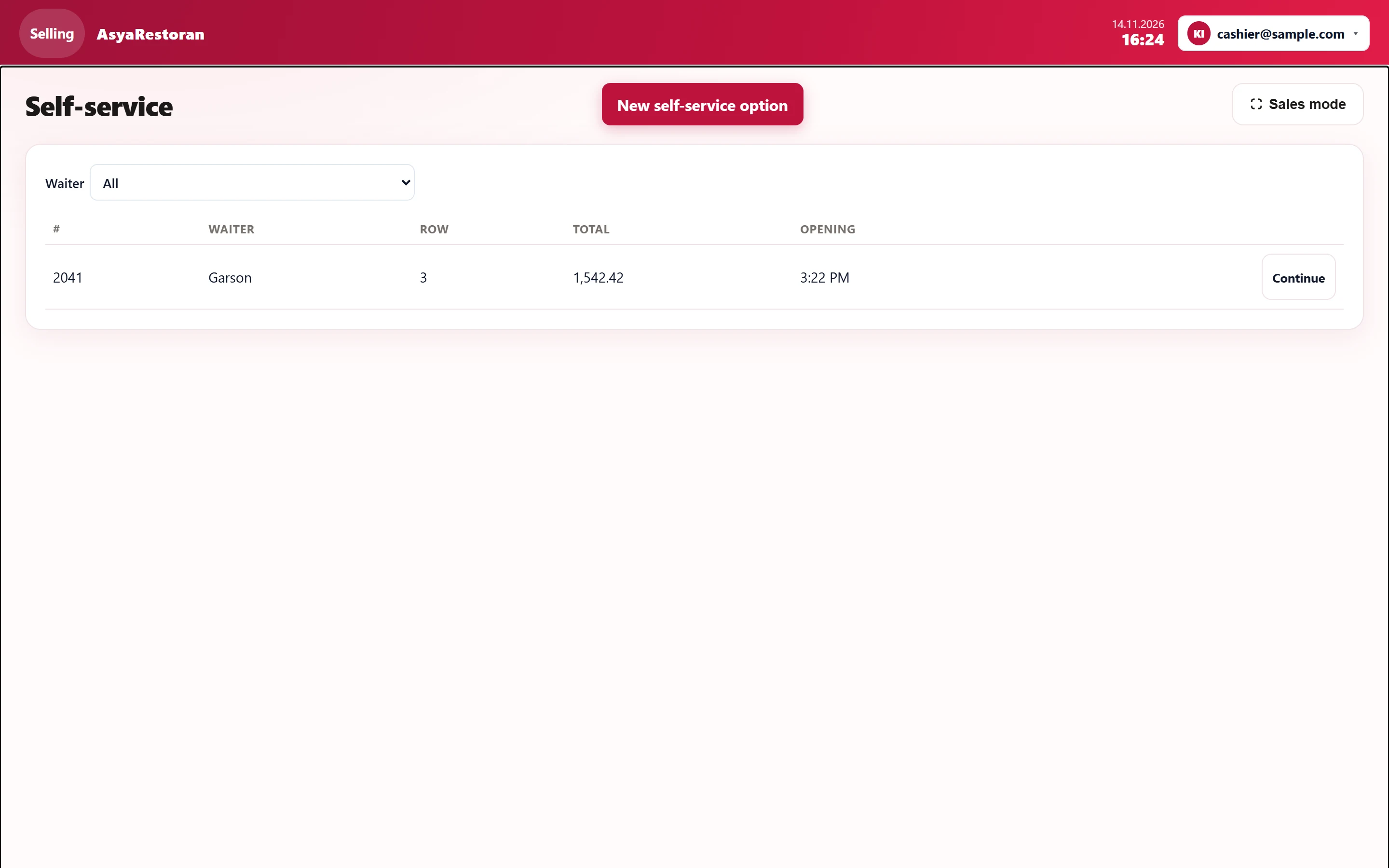
- 1New self-service option Opens a new self-service bill and goes to the bill screen.
- 2All Filters by waiter; "My open bills" shows only yours.
- 32041 Garson 3 1,542.42 3:22 PM Continue Open self-service bill: number, waiter, lines, total, opening time.
- 4Continue Continues the bill.
- Press New self-service option (new self-service bill); the bill screen opens.
- Add items and take payment (see Bill and payment).
- Unpaid self-service bills stay in this list; resume them with Continue.
The Waiter list filters the table; My open bills shows only those you opened. Move to table on the bill screen can later attach a self-service bill to a table.
Common warnings
| Warning | Cause | Solution |
|---|---|---|
| This feature is not enabled in your package. | Self-service sales are disabled for the company. | Have it enabled in the company features. |