
 AsyaTicari
 AsyaRestoran
 AsyaOtel
 AsyaCrm
 AsyaKlinik
 AsyaSpor
 AsyaSSH
 AsyaEmlak
 AsyaFilo
 AsyaPuantaj
 AsyaİSG
 AsyaİHD
 Kolay Öğren
AsyaRestoran · Definitions
Quick notes
Ready-made note keys (rare, no sugar…) added to lines on the bill and kiosk, and mandatory choices.
Quick notes are ready-made notes added to a bill line with one tap (e.g. Rare, No onions, No sugar). General notes appear on every item; notes linked to an item group or item appear only there.
asyarestoran · /tanimlar/hizli-notlar
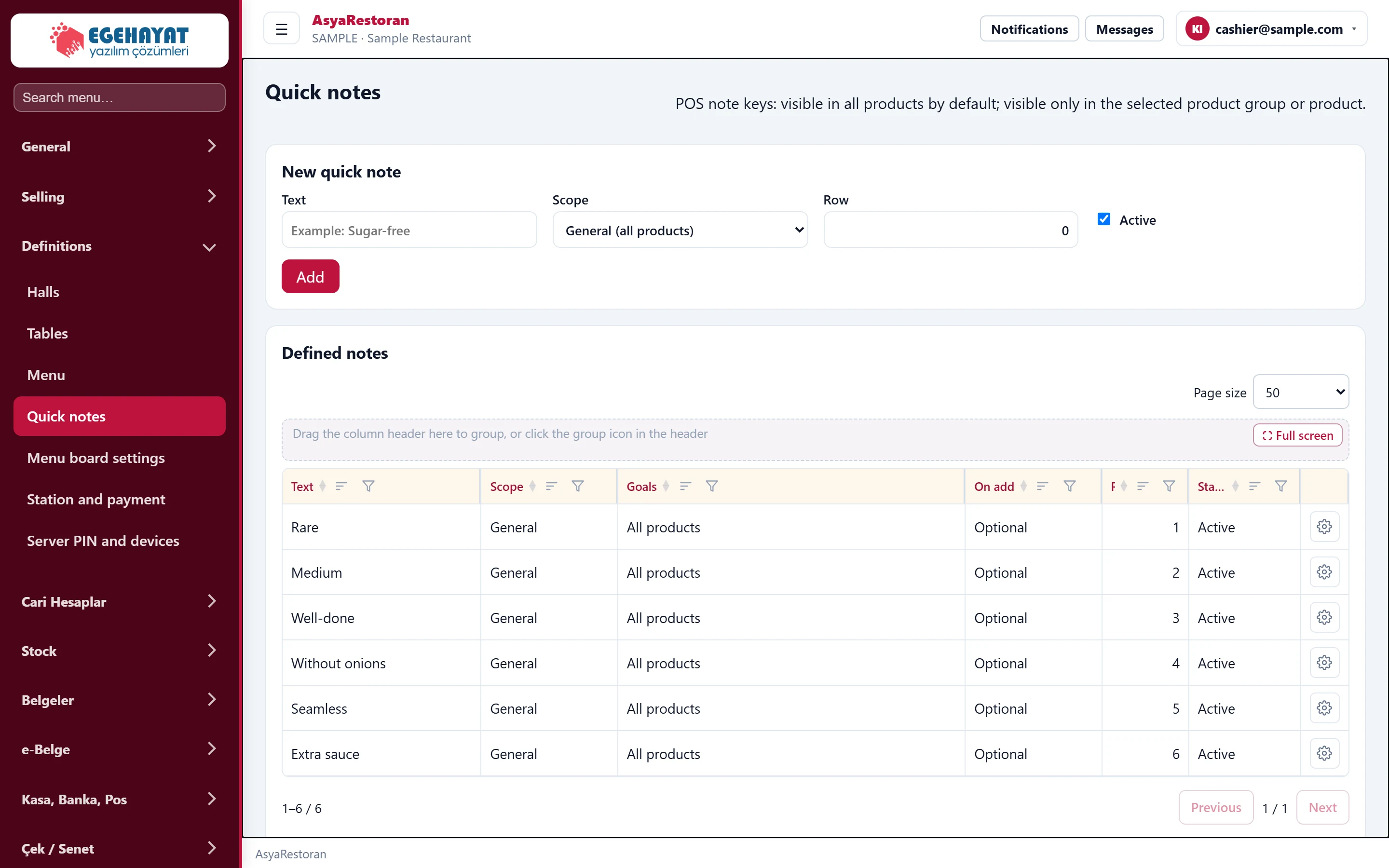
- 1Defined notes Defined notes: scope, target, required flag and order.
Adding a note
Part of the screenQuick note form
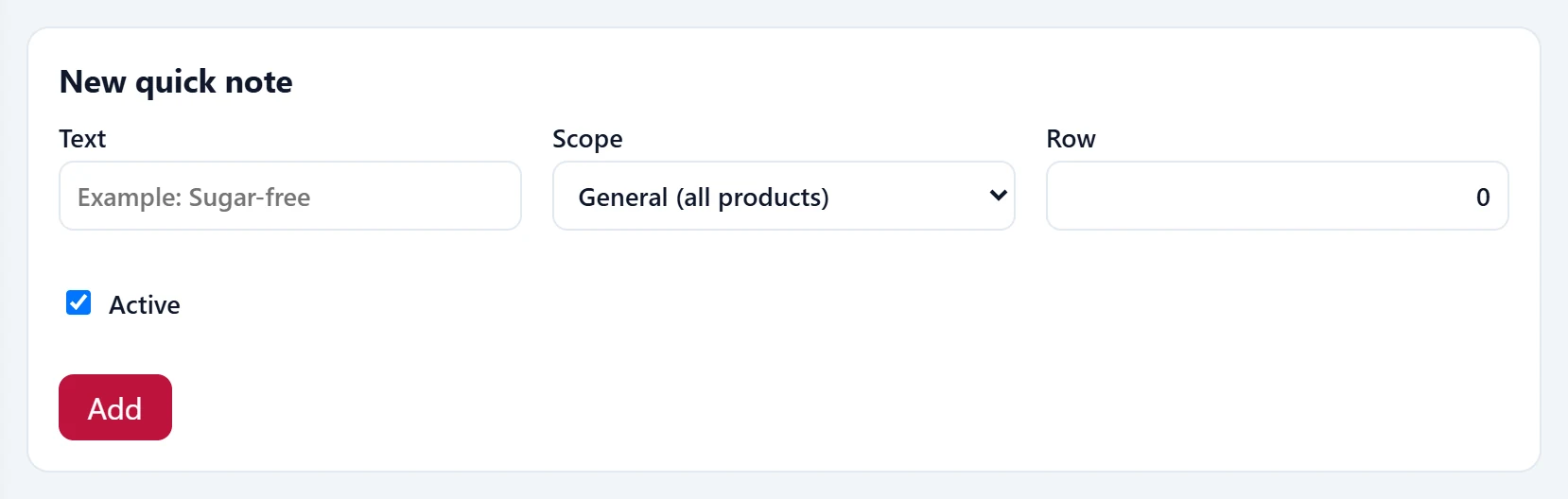
| Field | Sign in | Description |
|---|---|---|
| Text | Text | Text on the note key (required), e.g. No sugar. Placeholder: «Example: Sugar-free» |
| Scope | Choice list | General (all items), item group or individual items. Options: General (all products) · Product group · Product |
| Row | Text | Order of the note keys. |
| Active | Checkbox | An inactive note is not shown on the sales screen. |
- Type the Text.
- Choose the Scope: general (all items), item group or item. When a group / item scope is chosen, a multi-select list appears below; search and tick.
- With an item group or item scope, the Required on add box appears. If on, the item is not added to the bill until one of these notes is chosen (e.g. Turkish coffee: plain / medium / sweet).
- Press Add. Use Edit / Delete in the list.
Common warnings
| Warning | Cause | Solution |
|---|---|---|
| Text is required. | The note text is empty. | Type the text. |
| Select at least one item group. | Scope is item group, nothing ticked. | Tick a group in the list. |
| Select at least one item. | Scope is item, nothing ticked. | Tick an item in the list. |