
 AsyaTicari
 AsyaRestoran
 AsyaOtel
 AsyaCrm
 AsyaKlinik
 AsyaSpor
 AsyaSSH
 AsyaEmlak
 AsyaFilo
 AsyaPuantaj
 AsyaİSG
 AsyaİHD
 Kolay Öğren
AsyaPuantaj · General
ERP sync
Queue of punches to be sent to the ERP, retrying failed records and the latest sync log.
The ERP sync screen shows the queue of punches being sent to the ERP (e.g. Logo, Mikro, Live ERP) and the latest synchronisation records.
asyapuantaj · /senkron
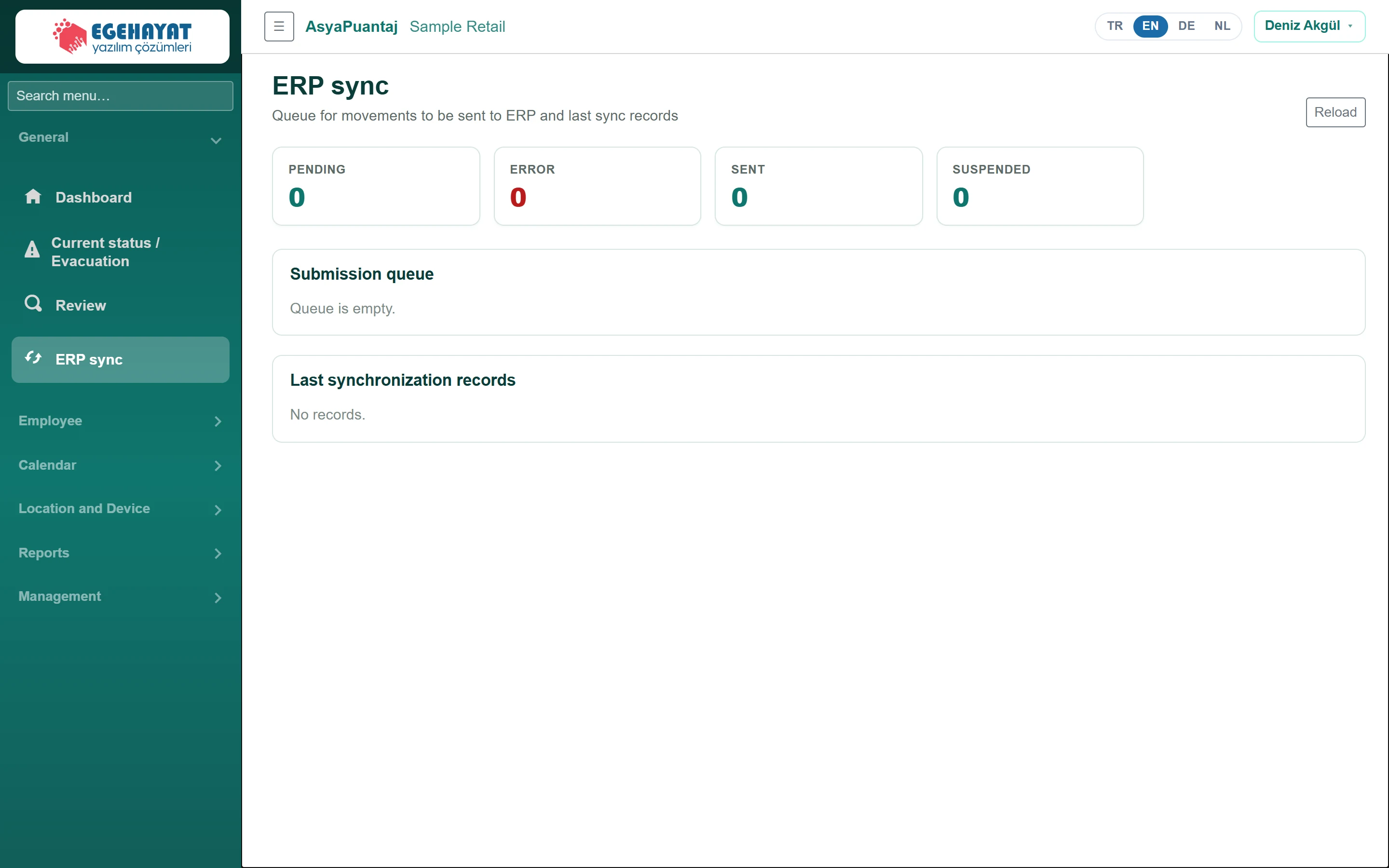
- 1PENDING Queue status: pending, error, sent, paused.
- 2Submission queue Send queue: failed / paused records are resent with Retry.
- 3Last synchronization records Recent sync log: time, direction, result, duration and message.
Queue
- The Pending / Error / Sent / Suspended cards summarise the queue.
- The Submission queue table shows each record's provider, status, attempt count, next attempt time and error message.
- For a failed or suspended record, click Retry to put it back in the queue.
Getting data from the ERP
If a Live ERP connection is enabled, a Get from ERP now button appears in the header; it immediately fetches workplaces, departments and staff. The result summary appears at the top. Last synchronization records lists the time, direction, result, duration and message of each send / fetch.
Connections are defined under Management → Control panel → ERP connections. If the queue is empty and there is no connection, there is nothing to do here.