
 AsyaTicari
 AsyaRestoran
 AsyaOtel
 AsyaCrm
 AsyaKlinik
 AsyaSpor
 AsyaSSH
 AsyaEmlak
 AsyaFilo
 AsyaPuantaj
 AsyaİSG
 AsyaİHD
 Kolay Öğren
AsyaPuantaj · Reports
Daily timesheet
Per person, day by day: entry, exit, net work, lateness, early leave and overtime.
The Daily timesheet report shows, for each person and day, the first entry, last exit, expected and net working time, lateness, early leave, overtime and status.
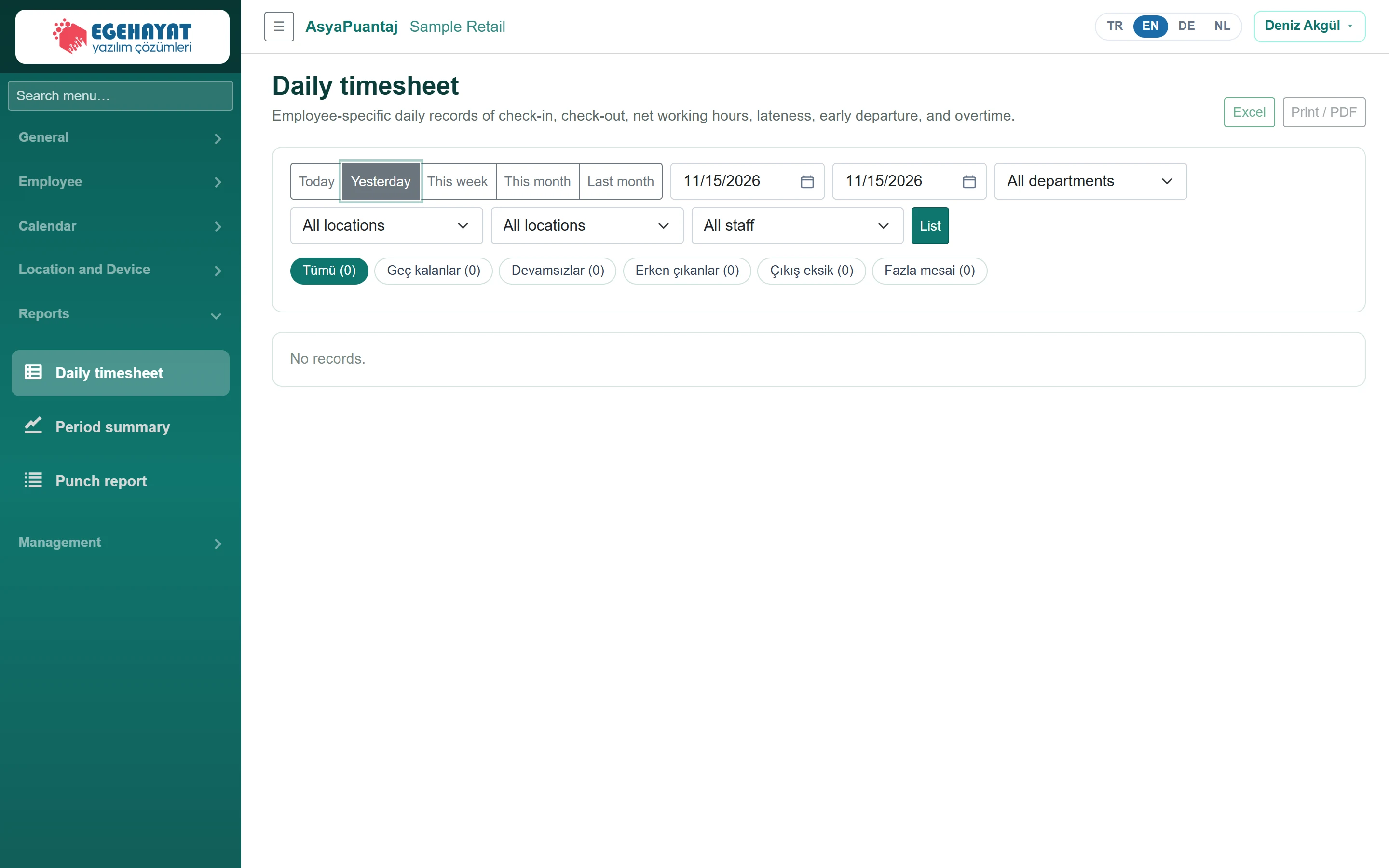
- 1Excel Export to Excel; print / PDF with the button next to it.
- 2Today Preset periods: today, yesterday, this week, this month, last month.
- 3List Pick dates, department, workplace, location and staff, then click List.
- 4Tümü (0) View: all, late, absent, left early…
The Type column lists the work types of that day (typed check-in/out movements and approved work entries). Approved home / warehouse entries are added to net work time; time overlapping with movements is counted once. The Excel export also has a Work type column.
Filters
The Today, Yesterday, This week, This month, Last month buttons choose the period and refresh the list immediately. After choosing the date range, unit, workplace, location and staff click List. Excel downloads the list, Print / PDF opens the print view.
Views
Use the chips to switch between views such as All, Late employees, Absences, Employees who left early; the row count is in brackets. Click a name to open the staff card.
Overtime is the part of net work that exceeds the calendar's expected time; work on a public holiday also counts as overtime.