
 AsyaTicari
 AsyaRestoran
 AsyaOtel
 AsyaCrm
 AsyaKlinik
 AsyaSpor
 AsyaSSH
 AsyaEmlak
 AsyaFilo
 AsyaPuantaj
 AsyaİSG
 AsyaİHD
 Kolay Öğren
AsyaPuantaj · Location and Device
Workplaces
Company branches / workplaces: code, name, address, position and status.
Workplaces are the company's branches. Staff, units and locations belong to a workplace; reports can be filtered by workplace.
asyapuantaj · /isyerleri
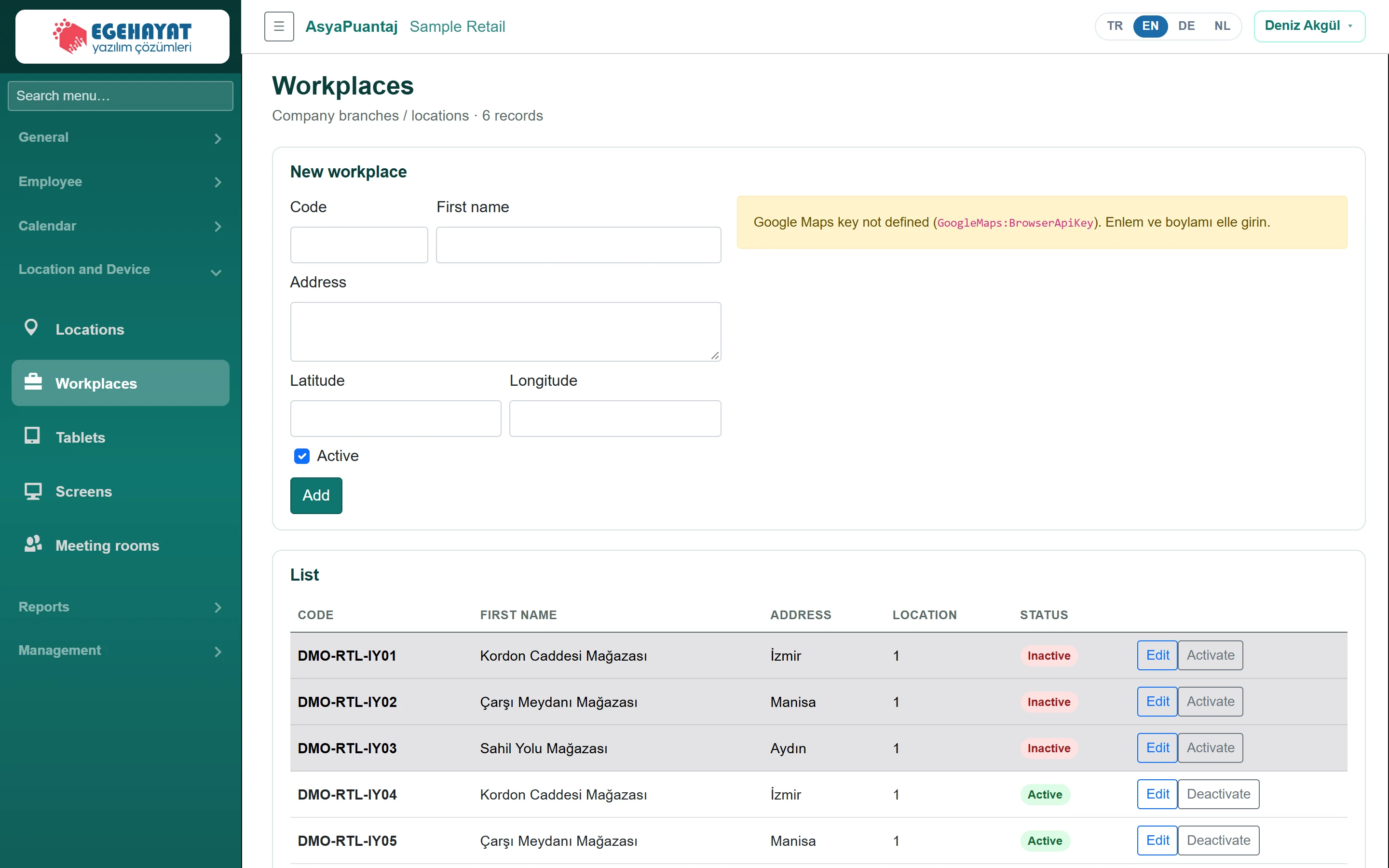
- 1New workplace New workplace form and map.
- 2DMO-RTL-IY01 Kordon Caddesi Mağazası İzmir 1 In… Workplace row: code, name, address, location count, status.
Adding / editing a workplace
Part of the screenWorkplace form
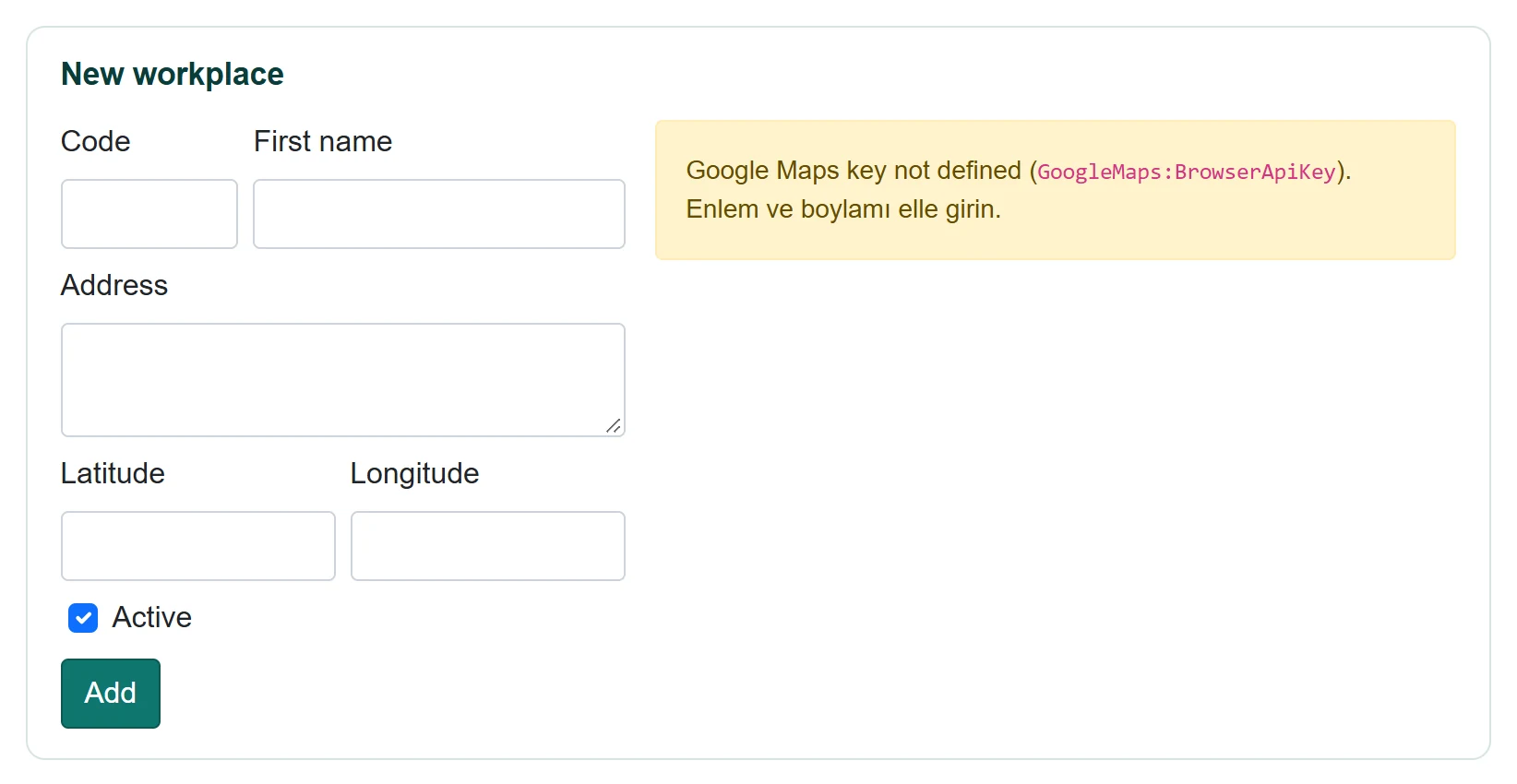
| Field | Sign in | Description |
|---|---|---|
| Code | Text | Workplace code (required); cannot be changed after saving. |
| First name | Text | Workplace name (required). |
| Address | Long text | Full address. |
| Latitude | Text | Can be picked on the map. |
| Longitude | Text | Can be picked on the map. |
| Active | Checkbox | Inactive workplaces appear greyed out. |
- Enter code and name and the address; optionally pick the position on the map.
- Click Add (when editing, Save).
- In the list use Edit to fill the form and Deactivate / Activate to change the status.
The location column of the list is the number of locations linked to the workplace; workplaces from the ERP carry an ERP badge.
Common messages
| Message | Cause | Solution |
|---|---|---|
| Code and name are required. | Field empty. | Fill in both fields. |
| While the ERP integration is active, new workplaces are created in the ERP. | ERP connection enabled. | Create the workplace in the ERP. |