
 AsyaTicari
 AsyaRestoran
 AsyaOtel
 AsyaCrm
 AsyaKlinik
 AsyaSpor
 AsyaSSH
 AsyaEmlak
 AsyaFilo
 AsyaPuantaj
 AsyaİSG
 AsyaİHD
 Kolay Öğren
AsyaPuantaj · Employee
Punches
Entry / exit records: filtering, map, out-of-area and under-review punches, cancelling.
The Punches screen shows all entry / exit records in company time (up to 1000 rows). The default range is today.
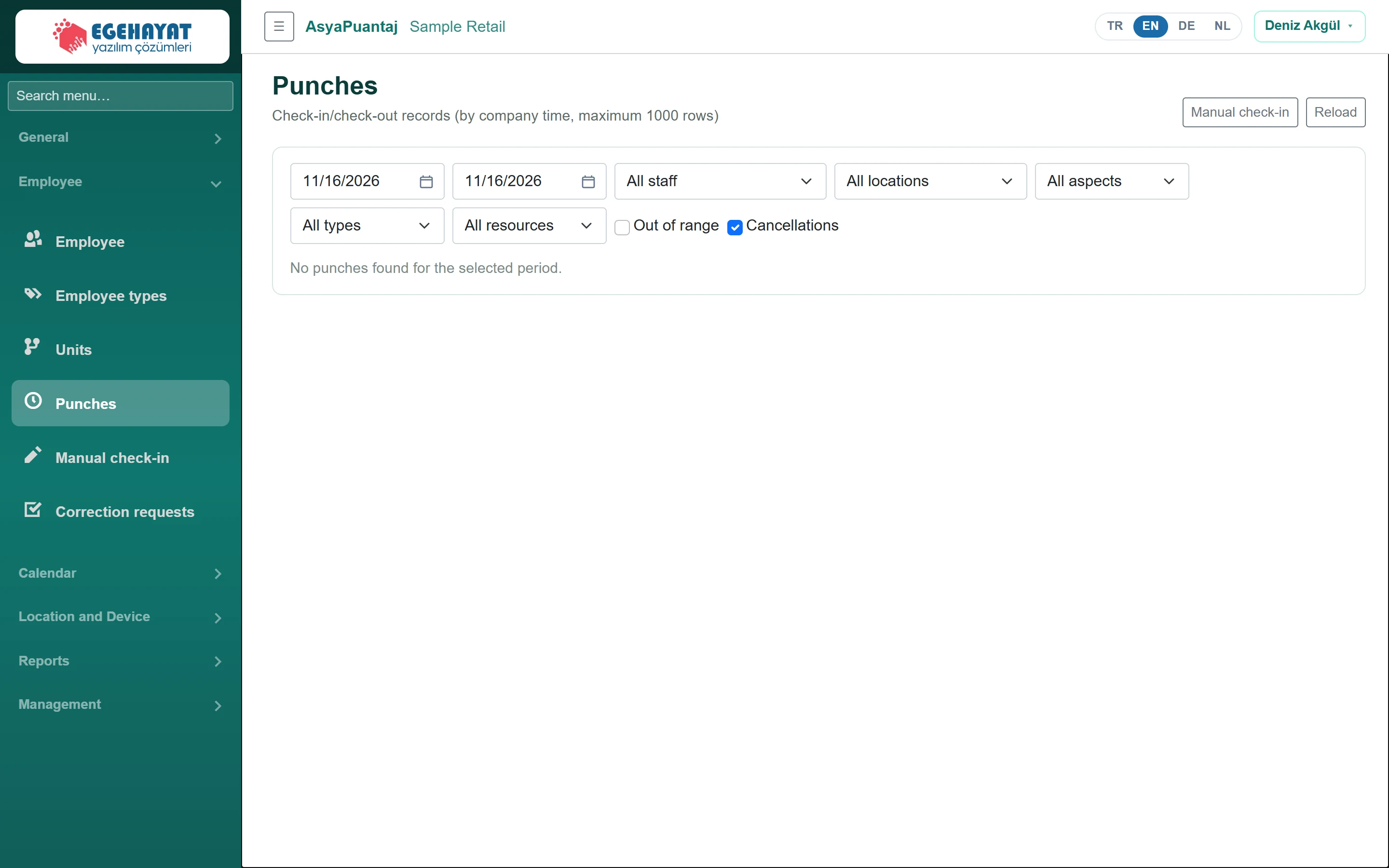
- 1mm/dd/yyyy Date range (start / end).
- 2All staff Filter by employee, location, type, direction and source.
- 3Out of range Only punches made outside the area.
- 4Cancellations Also show cancelled punches.
The Type column shows the work type of the movement (Installation, Office, Warehouse); use the All types list to filter by type or by older records with Type not specified. Site arrival / departure movements count as Installation. Home and warehouse time entries are not listed here but on General → Work entries.
Filtering
- Choose start / end date, staff and location; the list refreshes.
- Narrow down with the direction list (entry, exit, break, field) and All resources (QR, button, manual, correction, automatic check-out, reader).
- Out of range shows only punches made outside the location radius, Cancellations also shows cancelled ones.
- If a map key is configured, the Map button shows punches on a map.
The location column shows inside / outside the area and the distance; the status column shows valid, under review, approved or cancelled.
Cancelling a punch

- 1Cancellation reason Enter the cancellation reason (required).
- 2Cancel Cancel: the punch is cancelled and the day recalculated.
- Click Cancel on the row.
- Enter the Cancellation reason and click Cancel again. The punch is not deleted but marked as cancelled, and the day is recalculated.
Cancelling a punch already sent to the ERP does not correct the ERP record automatically; correct it in the ERP as well, as the on-screen message says.
Common messages
| Message | Cause | Solution |
|---|---|---|
| Enter a cancellation reason. | Reason empty. | Enter a reason. |
| No punches in the selected range. | Nothing matches the filters. | Widen the date range. |