
 AsyaTicari
 AsyaRestoran
 AsyaOtel
 AsyaCrm
 AsyaKlinik
 AsyaSpor
 AsyaSSH
 AsyaEmlak
 AsyaFilo
 AsyaPuantaj
 AsyaİSG
 AsyaİHD
 Kolay Öğren
AsyaPuantaj · Calendar
Personal plans
Person-specific shift, leave or custom hours that replace the calendar for a date range.
Personal work schedules replace the calendar for one person over a date range: custom hours, another calendar or leave / holiday. Annual and special leave are entered here.
asyapuantaj · /calisma-planlari
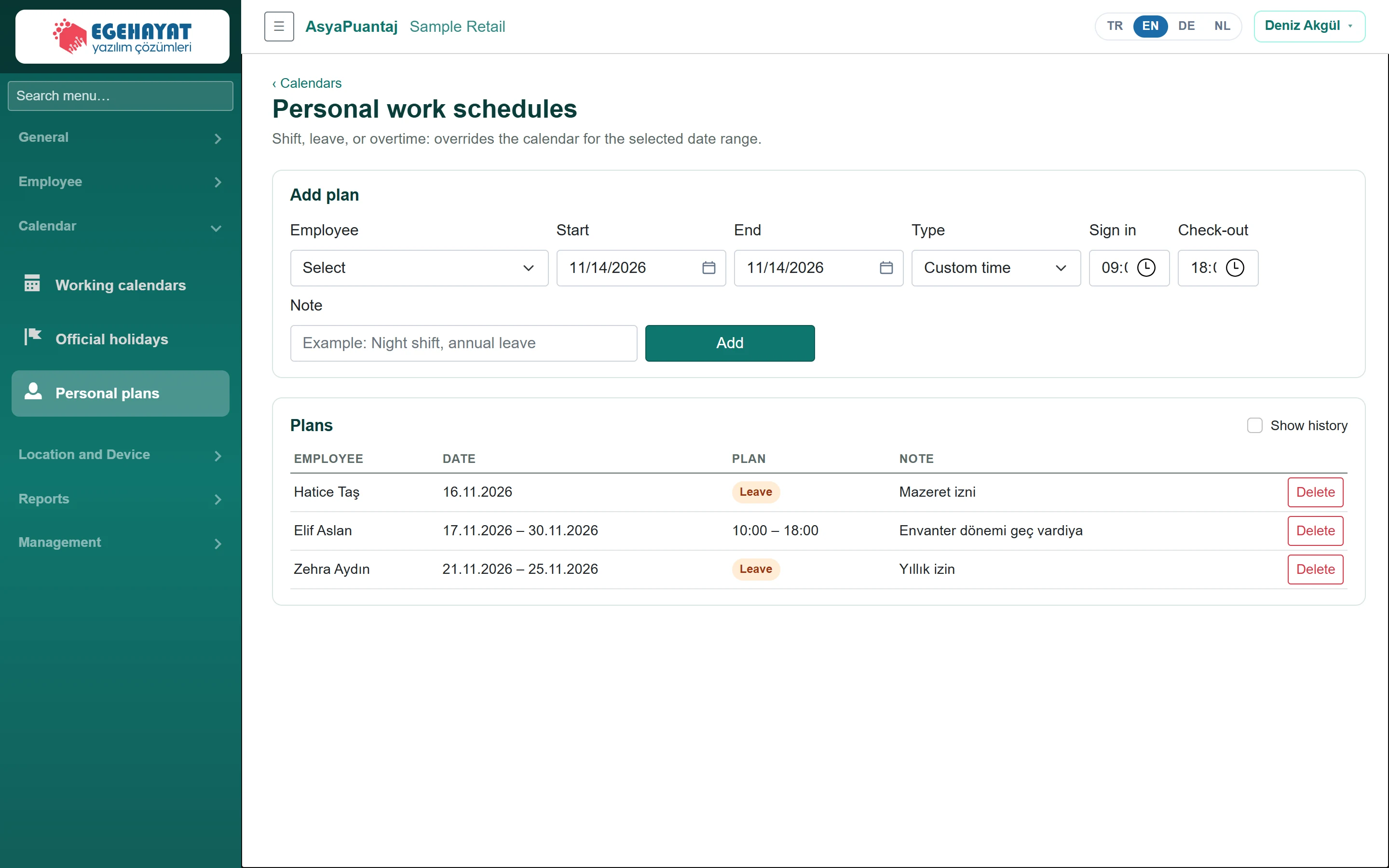
- 1Add plan Add a plan: staff, date range, type and note.
- 2EMPLOYEE DATE PLAN NOTE Plans: leave, another calendar or custom hours.
- 3 Also shows past plans.
Adding a plan
Part of the screenAdd plan
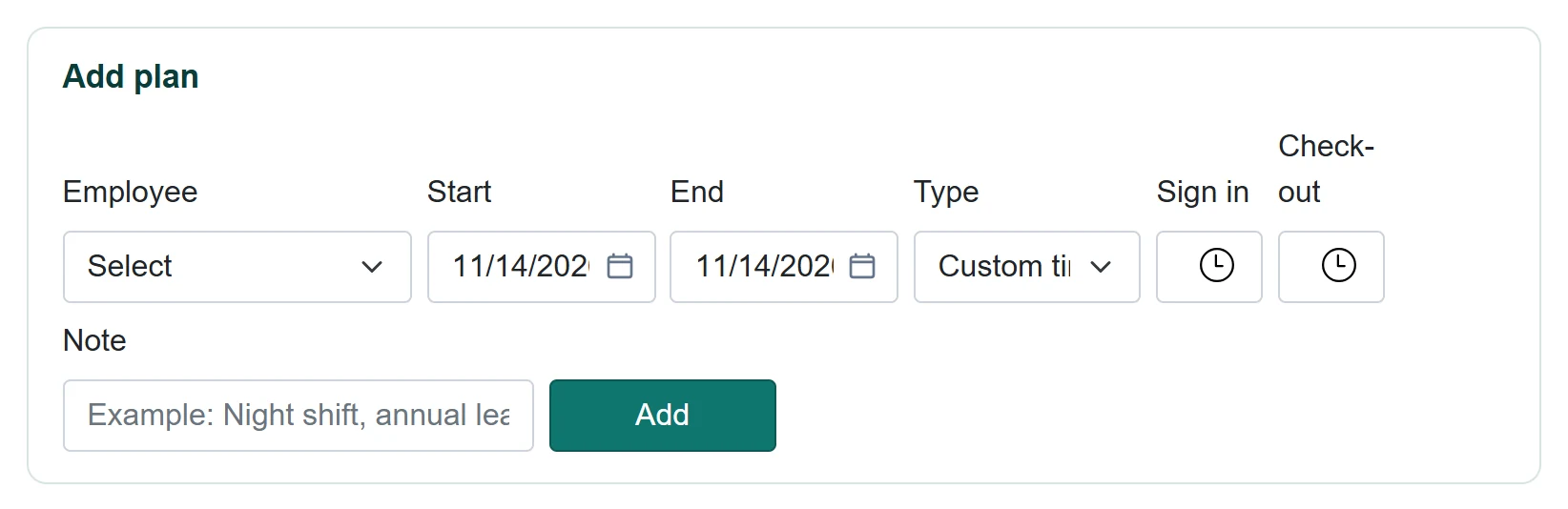
| Field | Sign in | Description |
|---|---|---|
| Employee | Choice list | Person the plan applies to. |
| Start | Text | First day of the plan. Placeholder: «mm/dd/yyyy» |
| End | Text | Last day of the plan; at most one year. Placeholder: «mm/dd/yyyy» |
| Type | Choice list | Custom hours, another calendar or leave / day off. Options: Custom time · Another calendar · Leave / Holiday |
| Sign in | Time | Start time for custom hours. |
| Check-out | Time | End time for custom hours. |
| Note | Text | Note (e.g. annual leave, night shift). Placeholder: «Example: Night shift, annual leave» |
- Choose the Employee and enter the Start and End dates.
- Choose the Type: Custom time (in / out time), Another calendar (choose a calendar) or Leave / Holiday.
- Enter a Note and click Add.
The Plans table shows plans from today on; Show history also lists past plans. Delete removes a plan.
A person on leave is not counted as absent; they appear on the On leave / Holiday card of the Dashboard.
Common messages
| Message | Cause | Solution |
|---|---|---|
| Select an employee. | Employee empty. | Choose an employee. |
| End cannot be before start. | Dates reversed. | Correct the dates. |
| A plan can span at most one year. | Range longer than a year. | Split the range. |
| Enter in and out times. | Custom time without times. | Enter the times. |
| Select a calendar. | Another calendar without a calendar. | Choose a calendar. |