
 AsyaTicari
 AsyaRestoran
 AsyaOtel
 AsyaCrm
 AsyaKlinik
 AsyaSpor
 AsyaSSH
 AsyaEmlak
 AsyaFilo
 AsyaİSG
 AsyaİHD
 Kolay Öğren

User guide
AsyaPuantaj
Staff attendance tracking: entry / exit by QR, button and kiosk tablet, work calendars and personal plans, correction requests, location / device management, daily and period reports, notifications and ERP transfer.
General
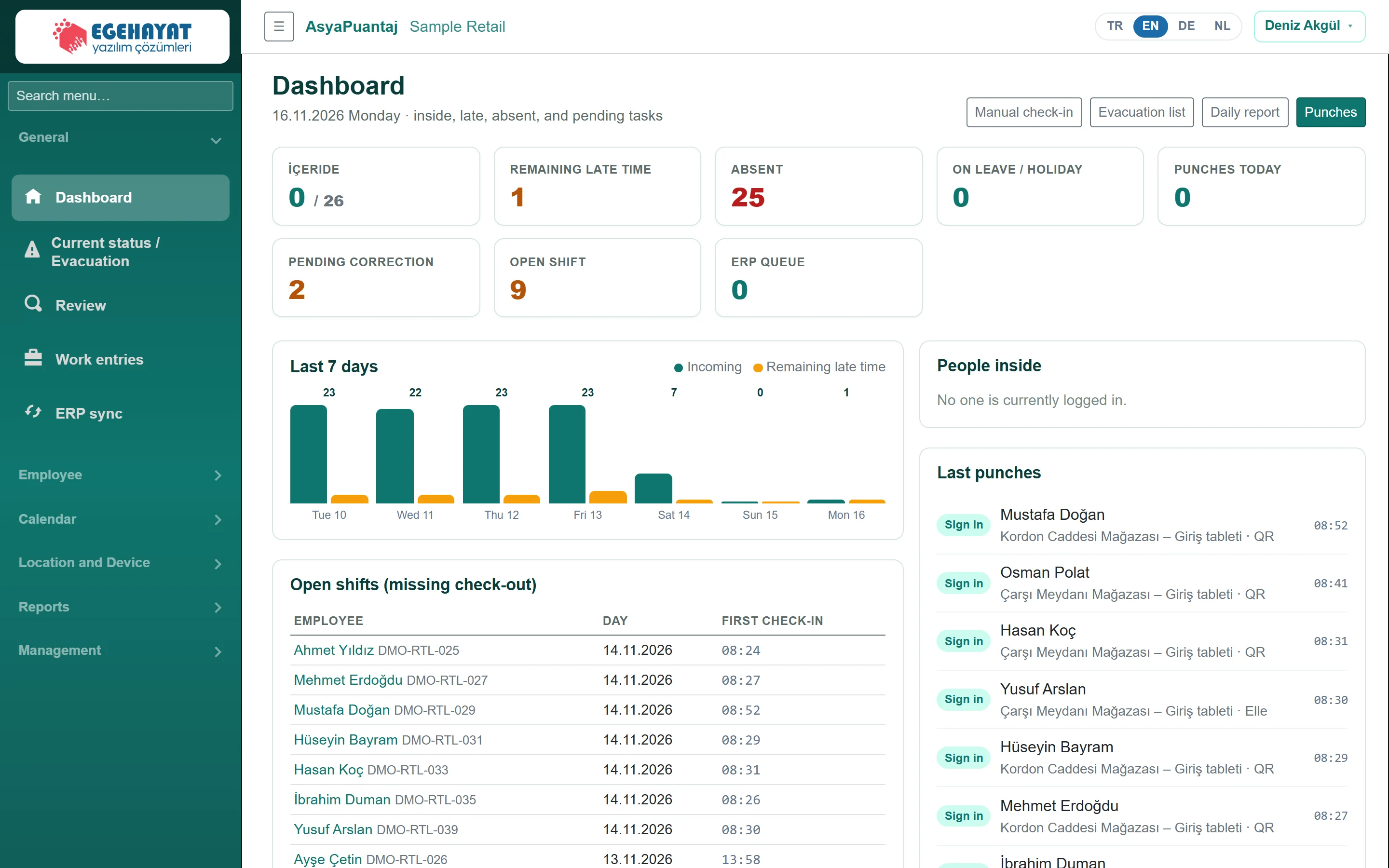 Dashboard
Today at a glance: inside, late, absent, pending corrections, open shifts and the ERP queue.
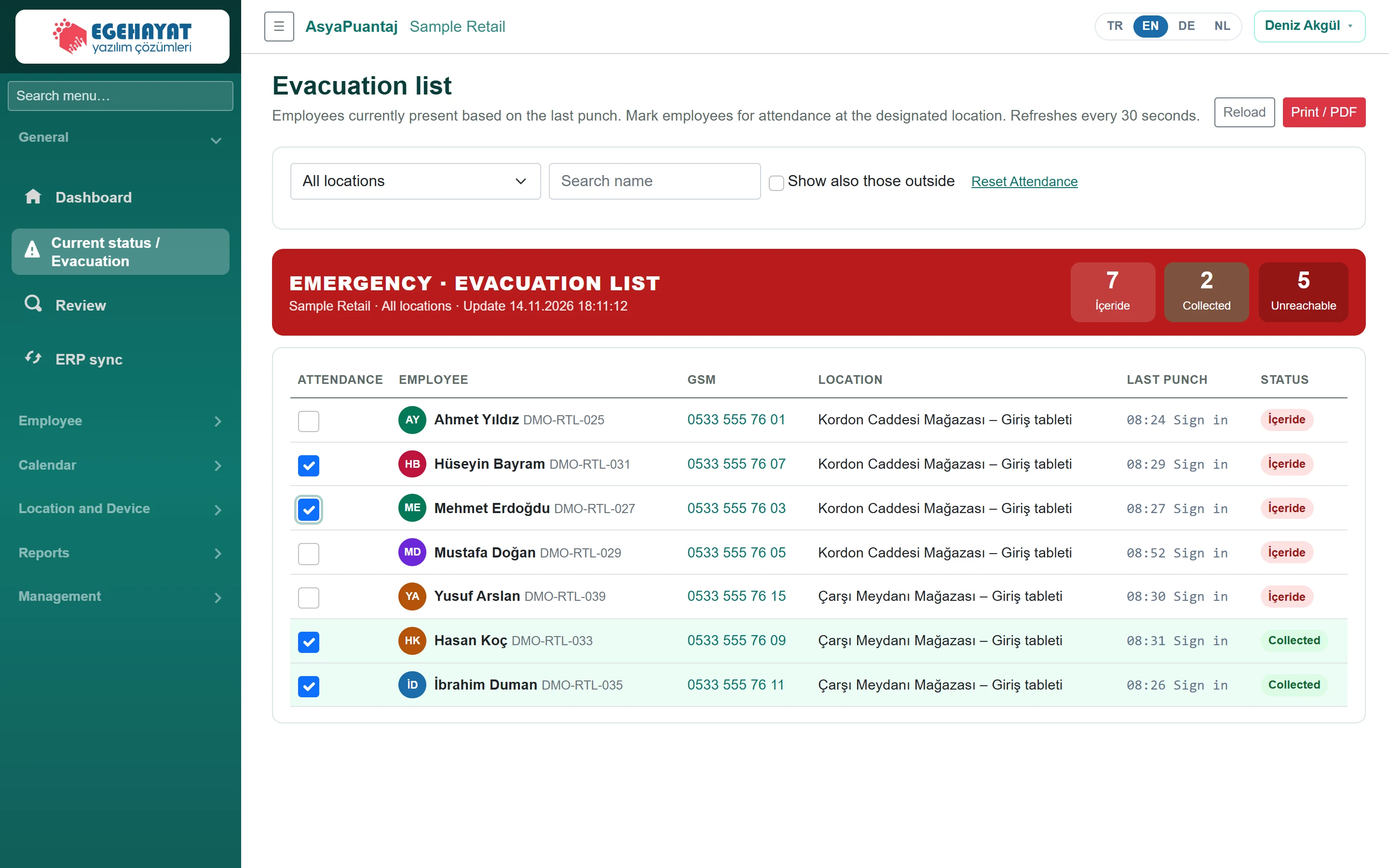 Current status / Evacuation
Emergency list of everyone currently inside; roll call at the assembly point and printing.
 Review
Approve or reject staff correction requests, choosing the location.
 Work entries
Approve or reject home and warehouse work that staff enter in the mobile app with start and end times.
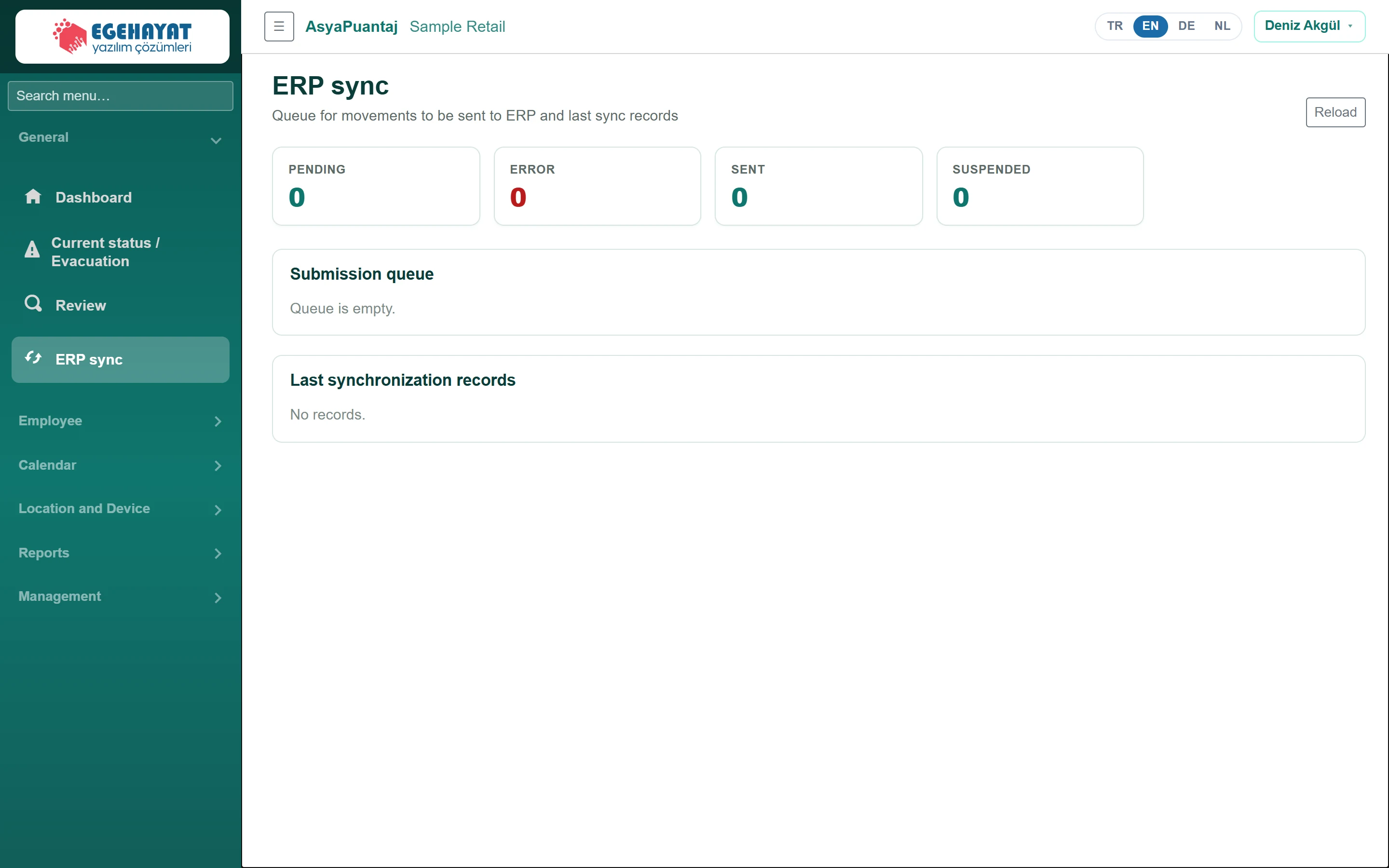 ERP sync
Queue of punches to be sent to the ERP, retrying failed records and the latest sync log.
Employee
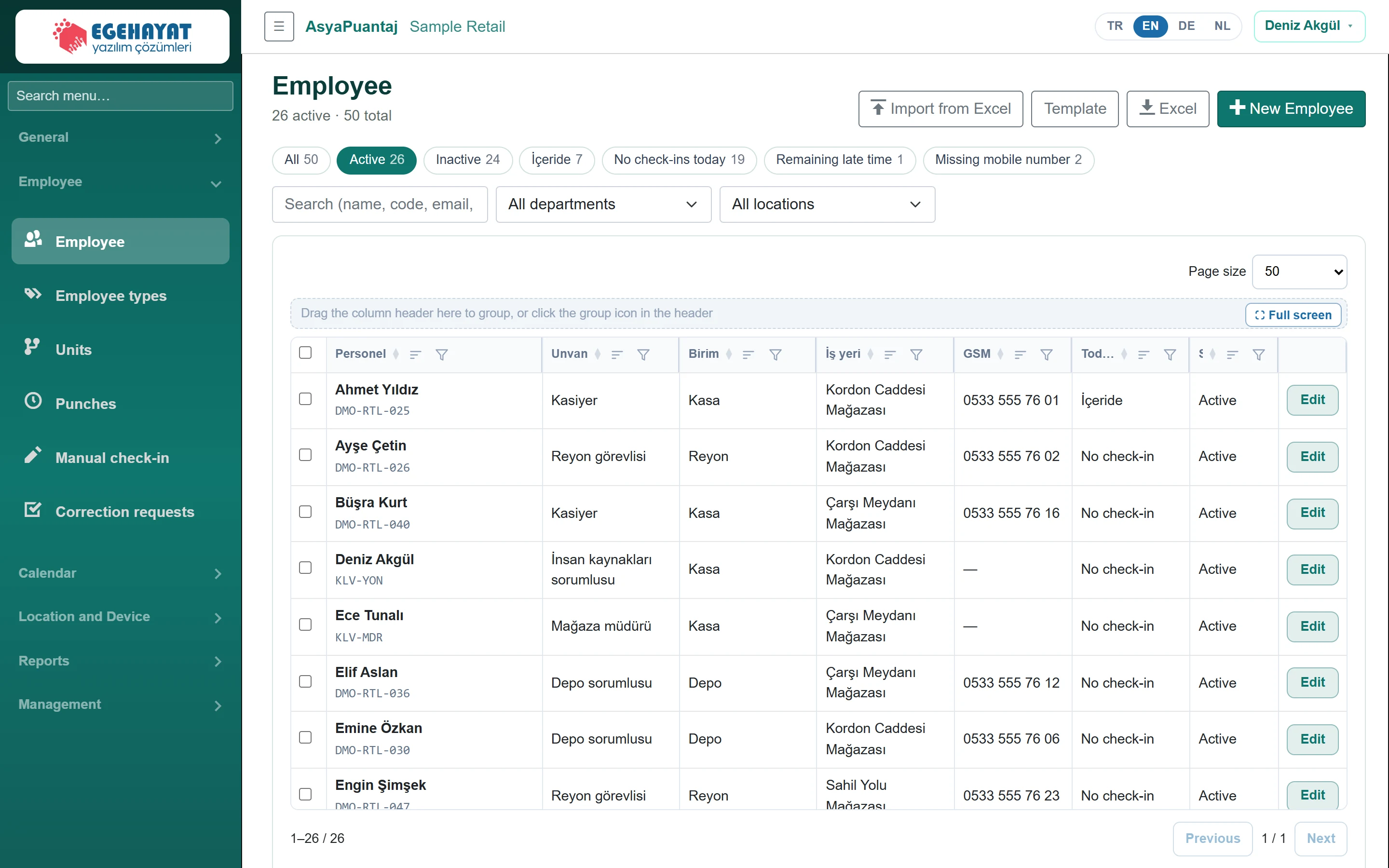 Employees
Staff list, Excel import, bulk actions and the staff card (general, locations, remote work, punches).
 Employee types
List of job titles chosen on the staff card.
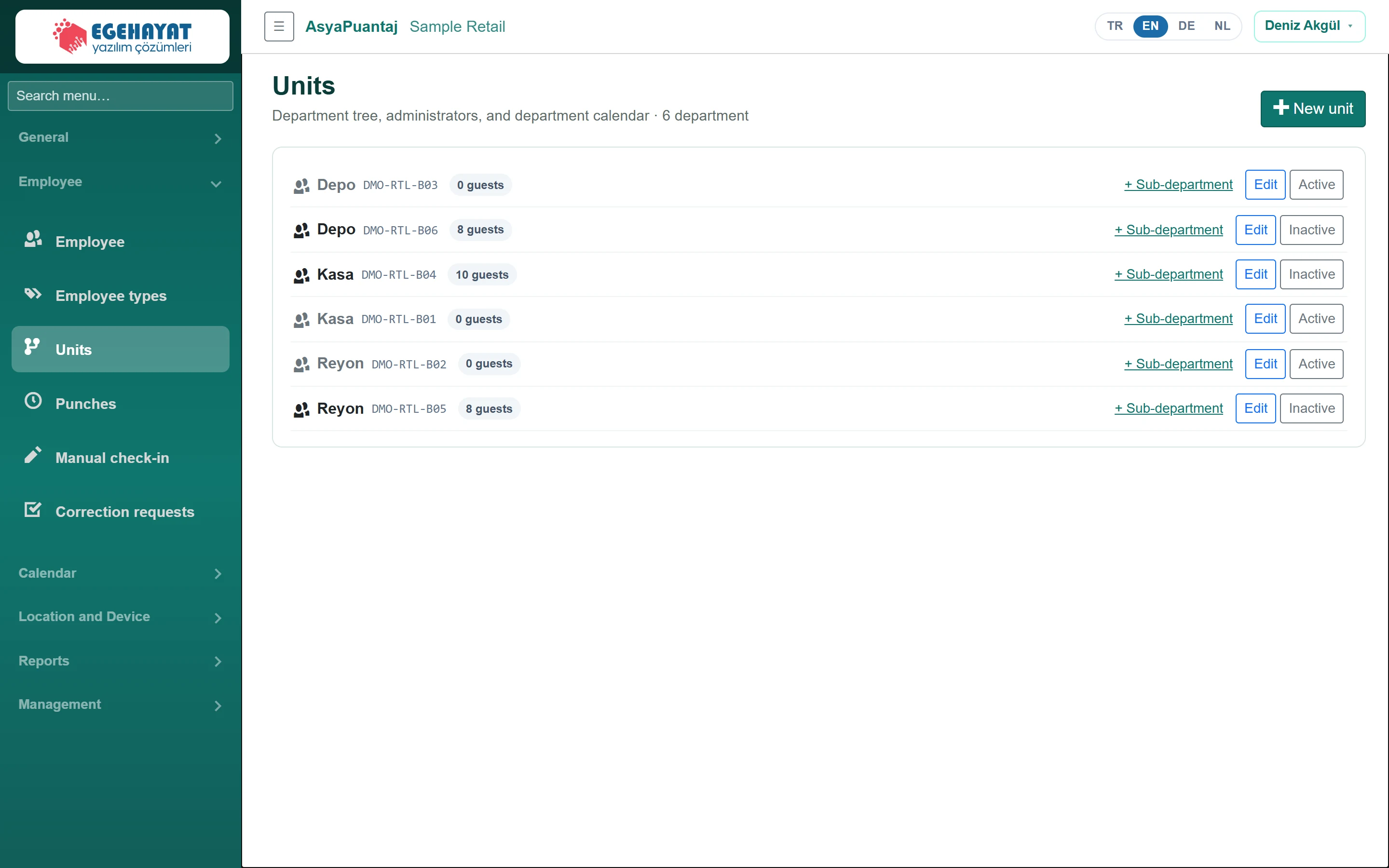 Units
Department tree, unit managers and unit calendar.
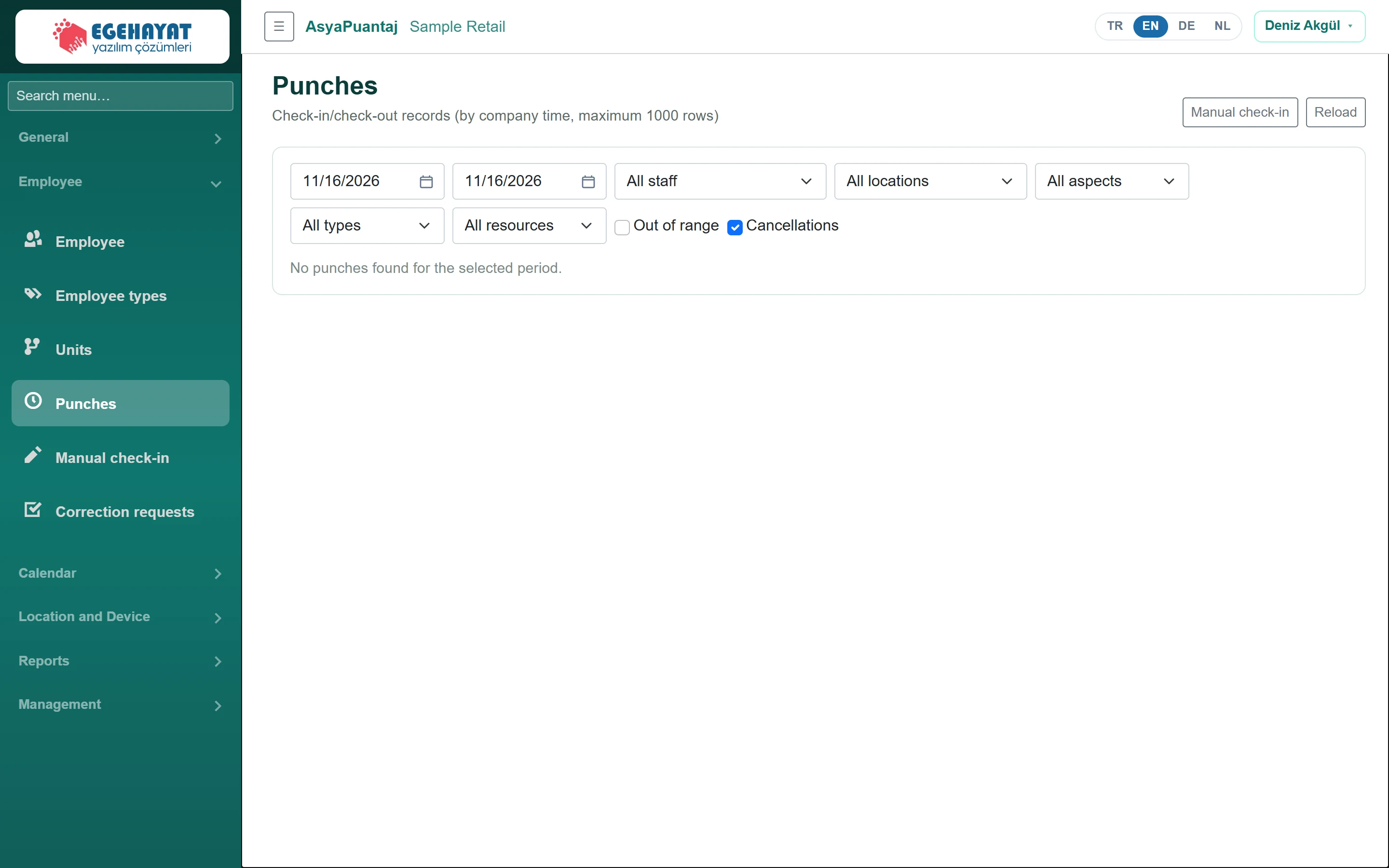 Punches
Entry / exit records: filtering, map, out-of-area and under-review punches, cancelling.
 Manual check-in
Recording a forgotten or device-less entry / exit with an explanation.
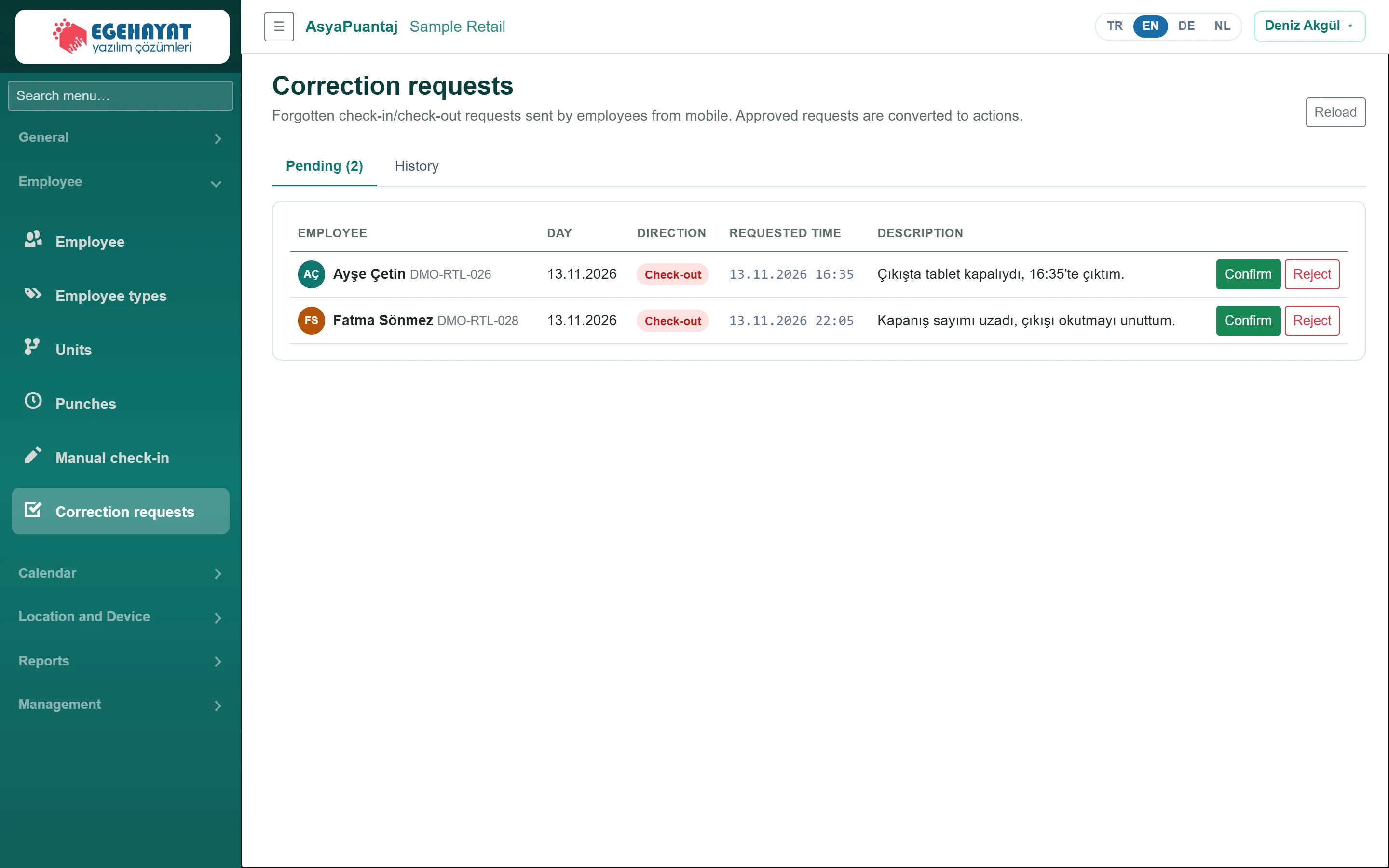 Correction requests
Approve / reject forgotten entry / exit requests sent from the mobile app.
Calendar
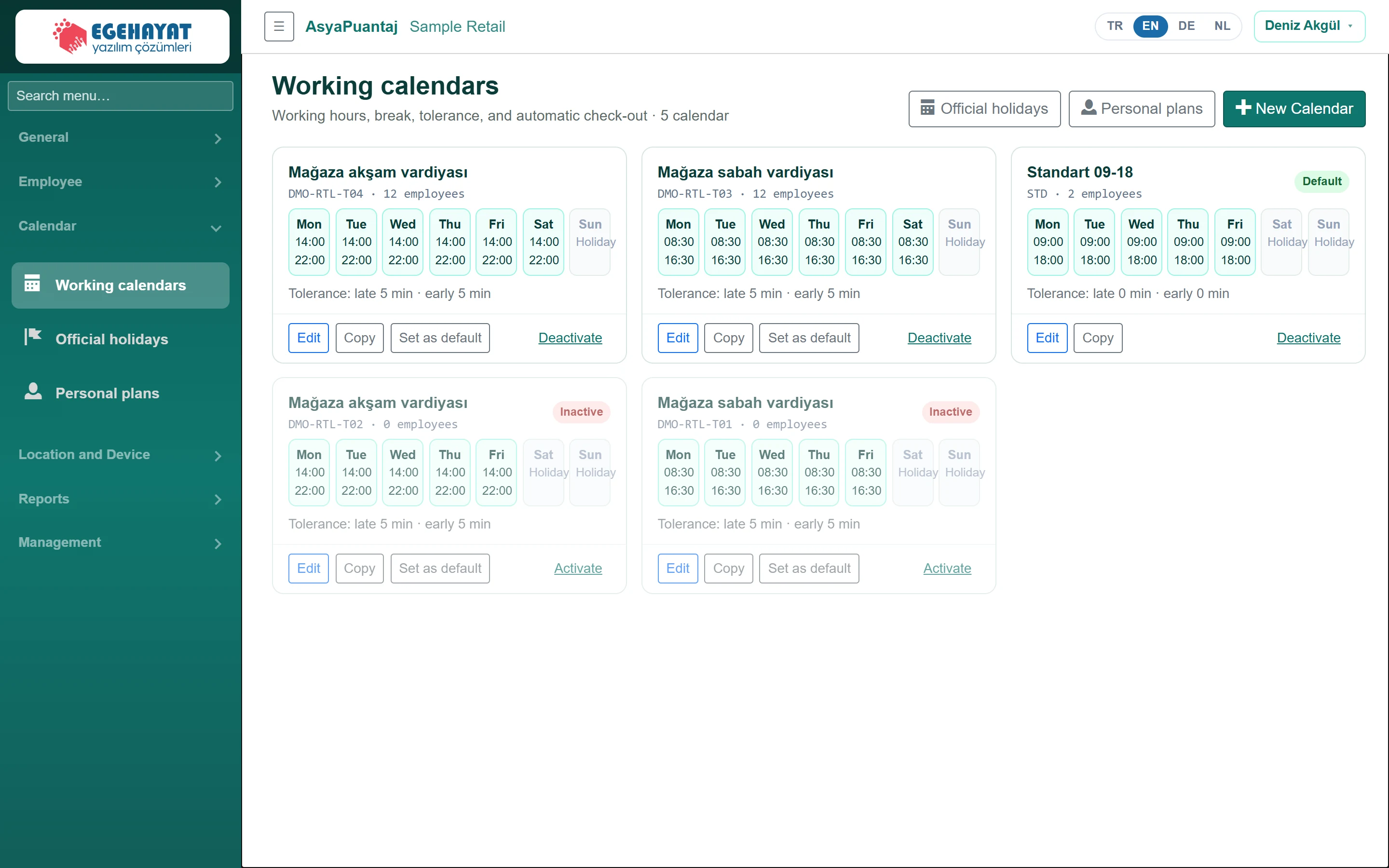
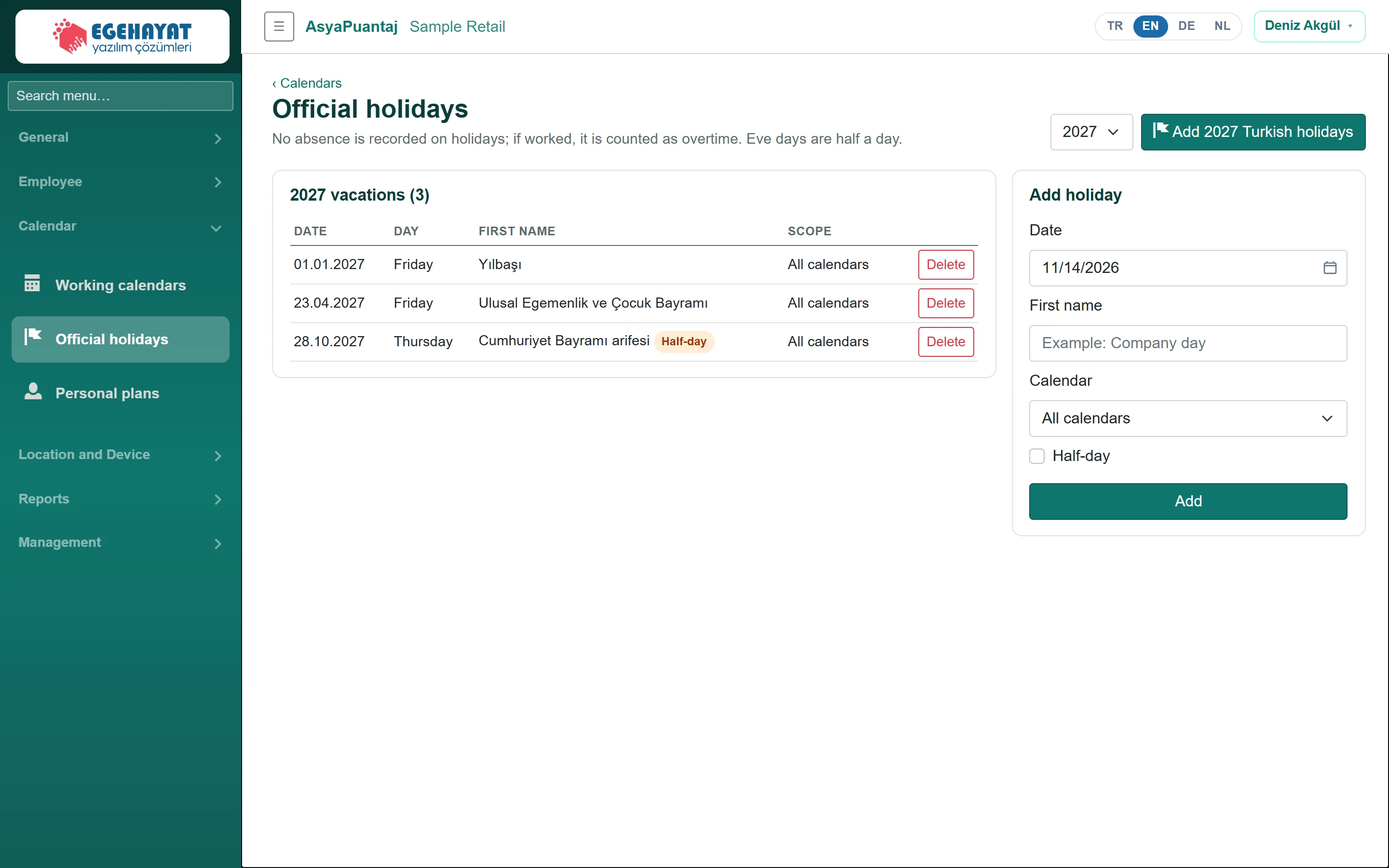
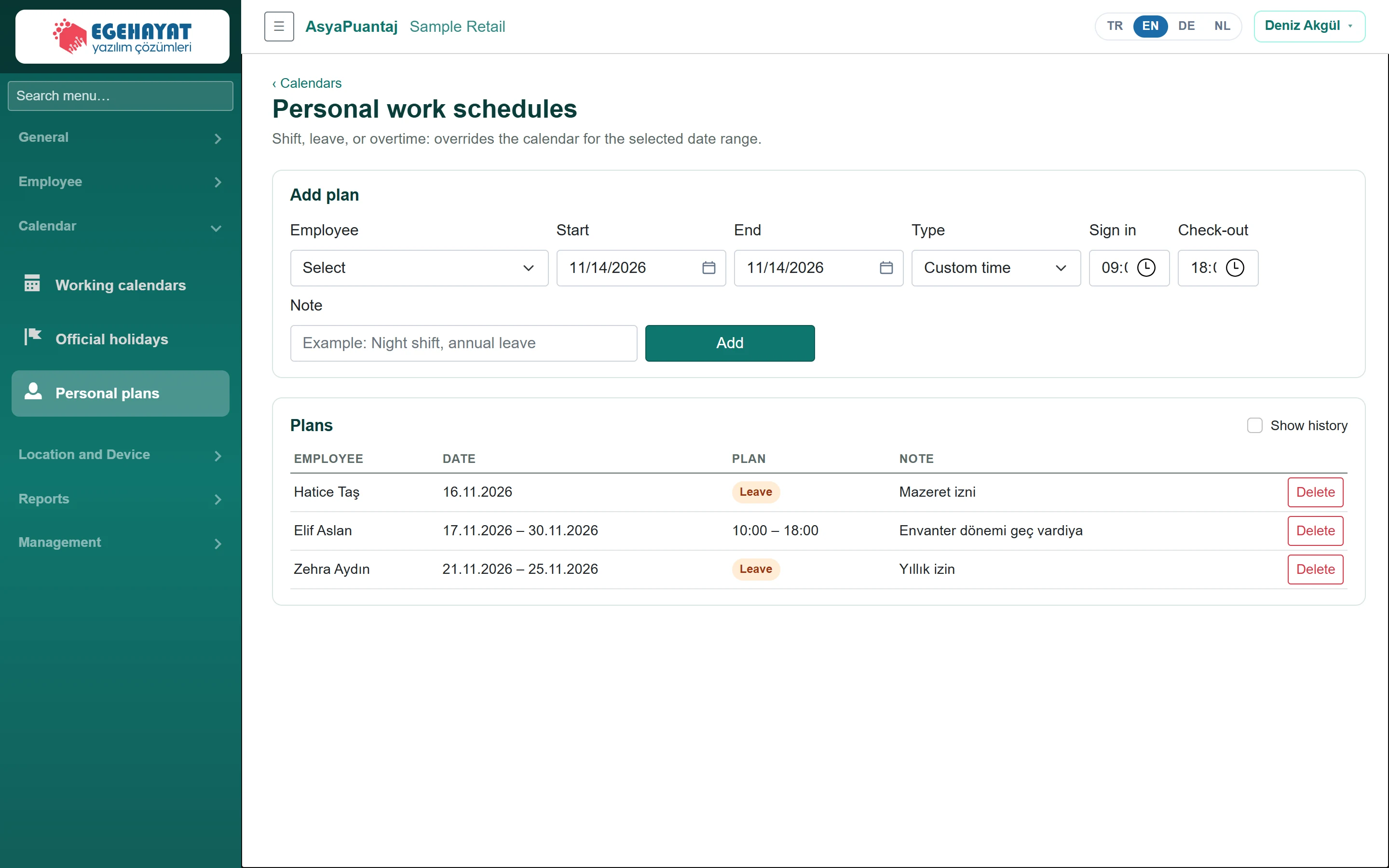
Location and Device
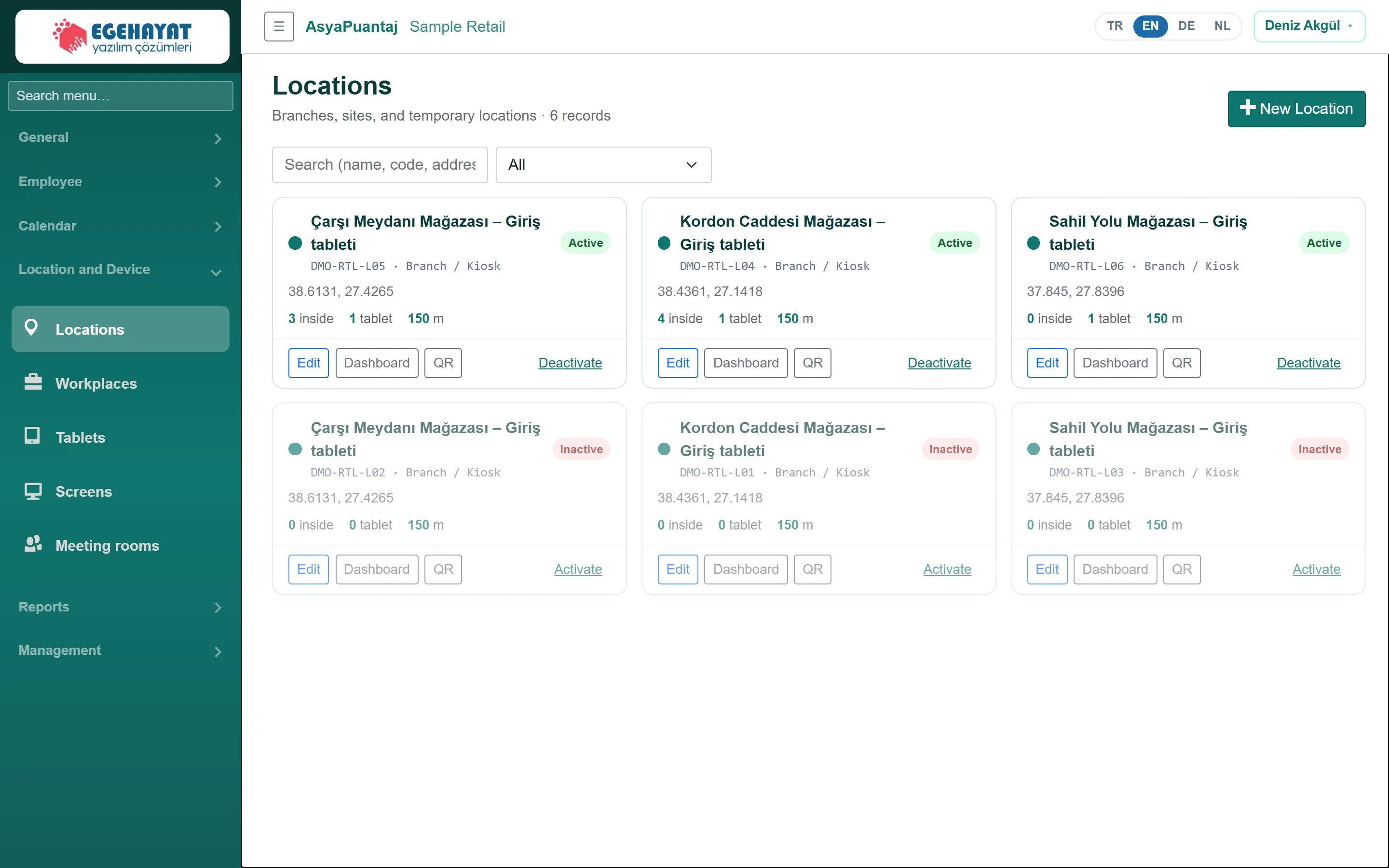 Locations
Punch points: position and radius, punch rules, readers, tablets, screens, QR and the location dashboard.
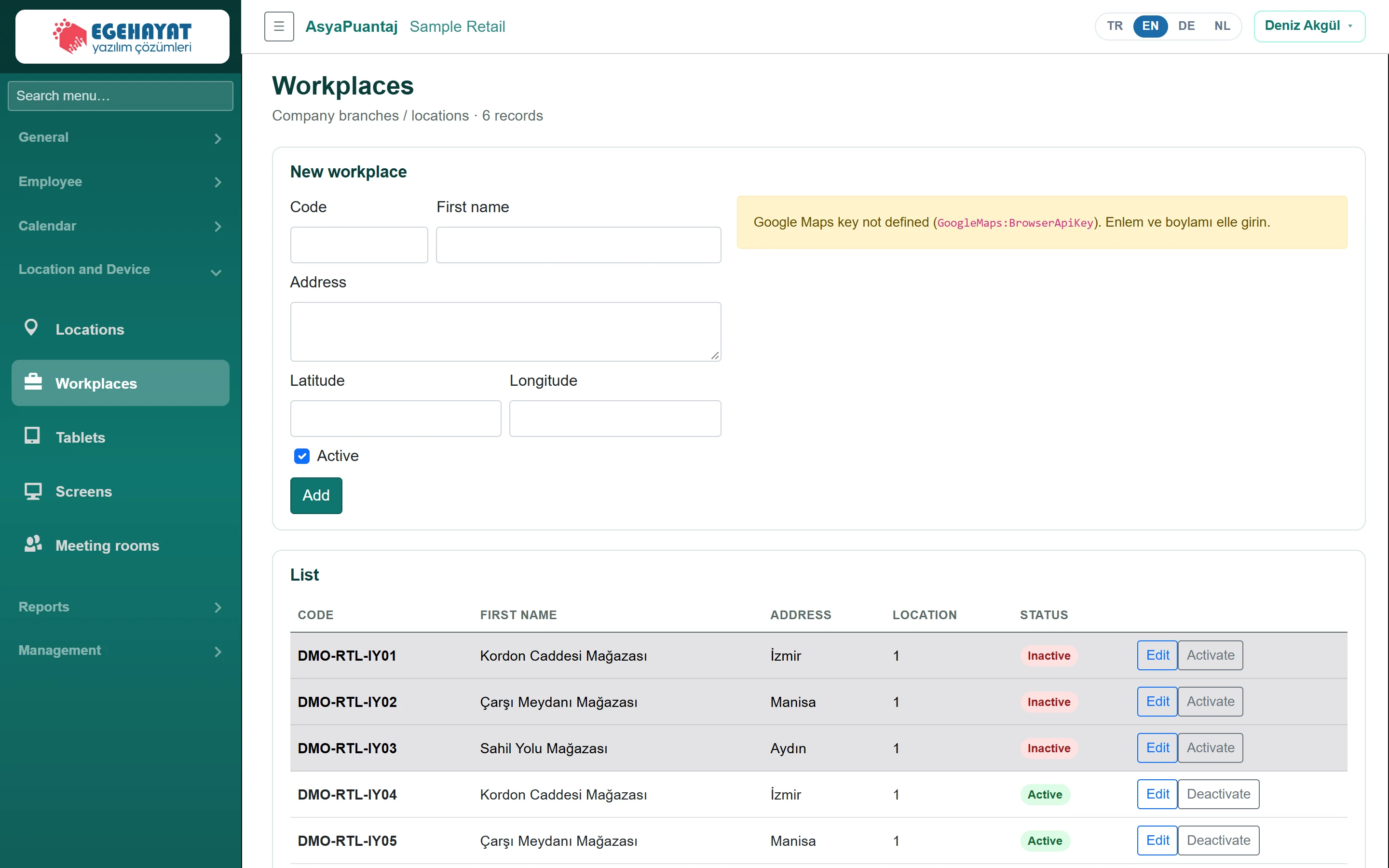 Workplaces
Company branches / workplaces: code, name, address, position and status.
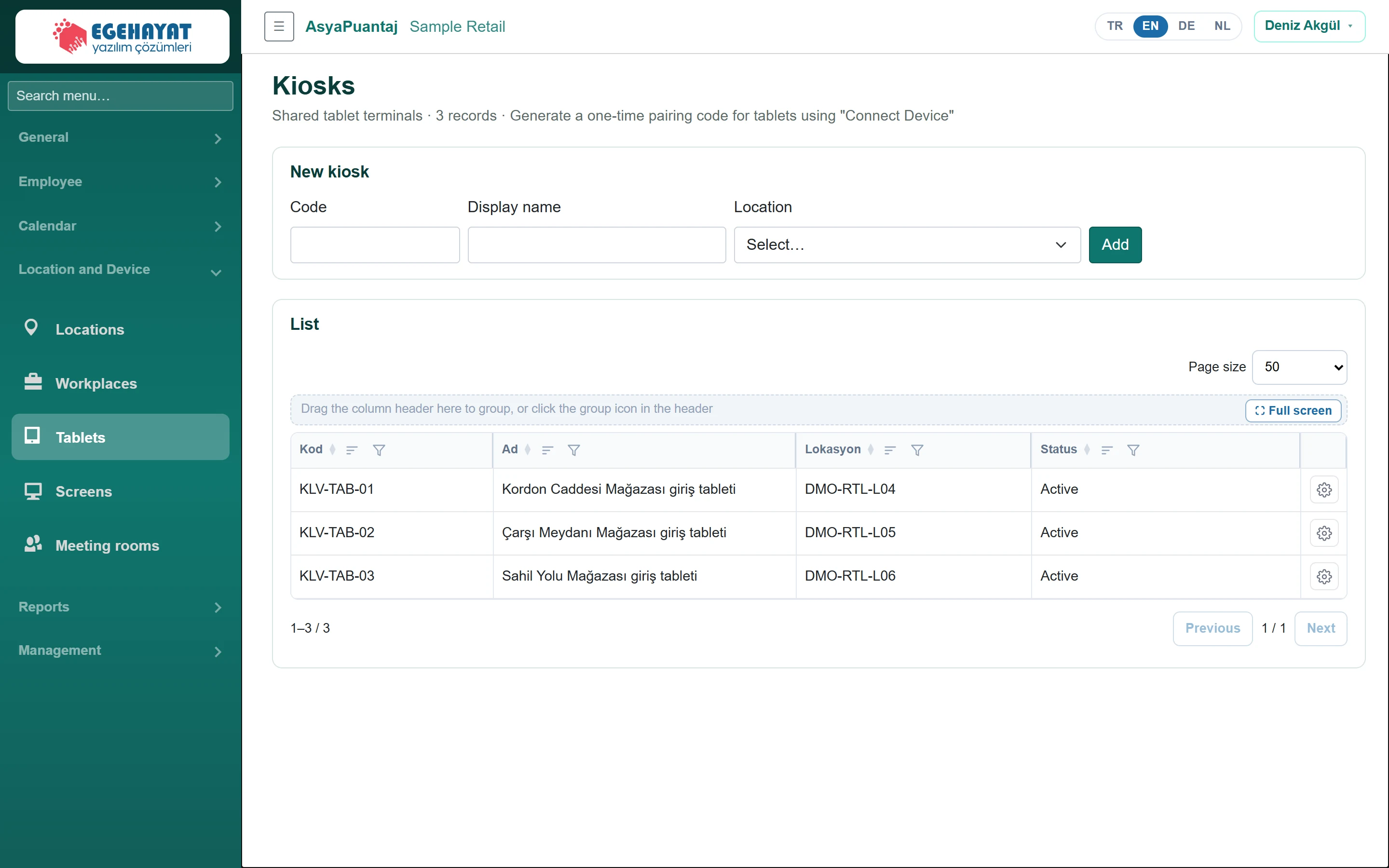 Tablets
Shared punch tablets (kiosks): defining, pairing code, deactivating and deleting.
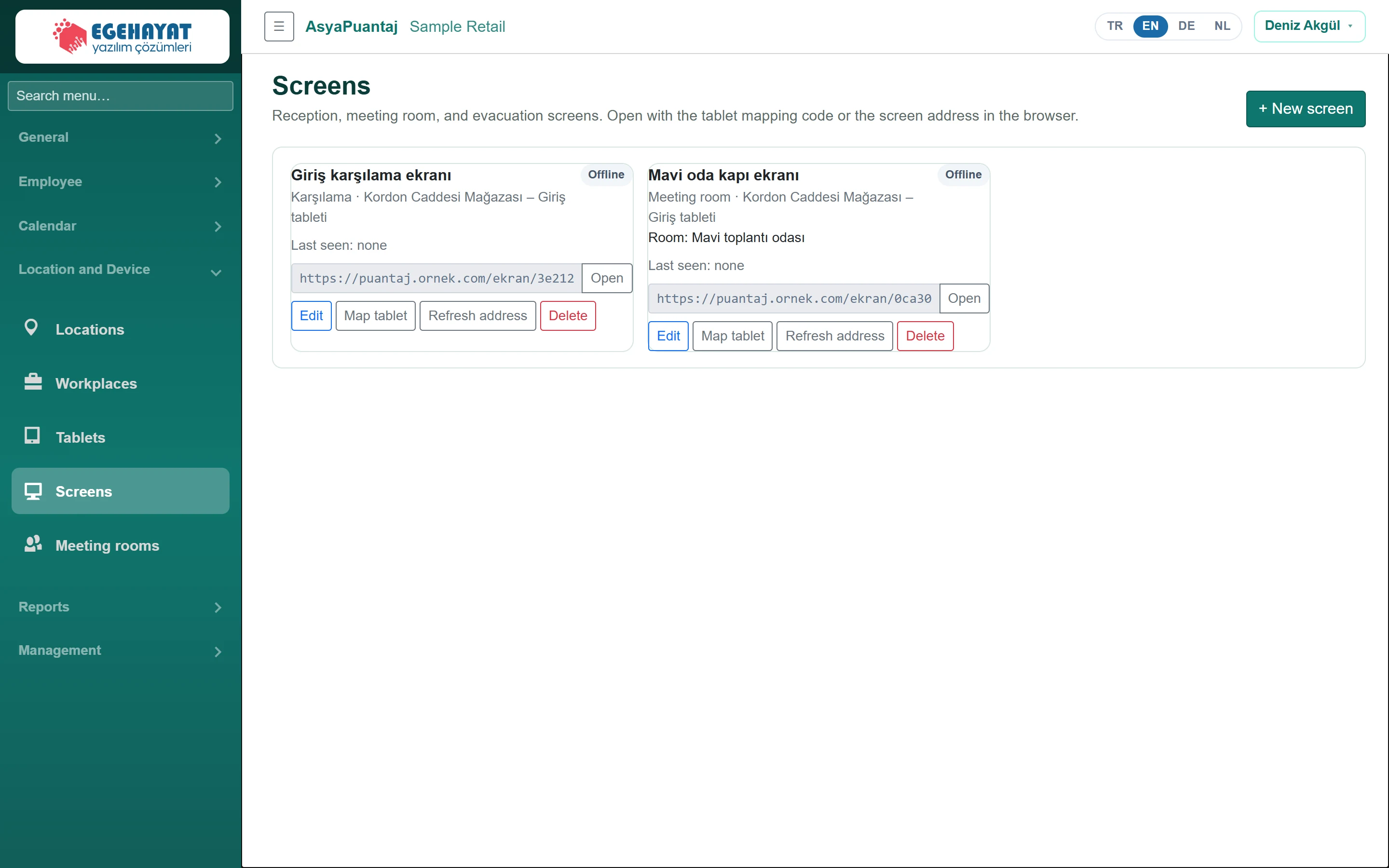 Screens
Welcome, meeting room and evacuation screens; tablet pairing and screen address.
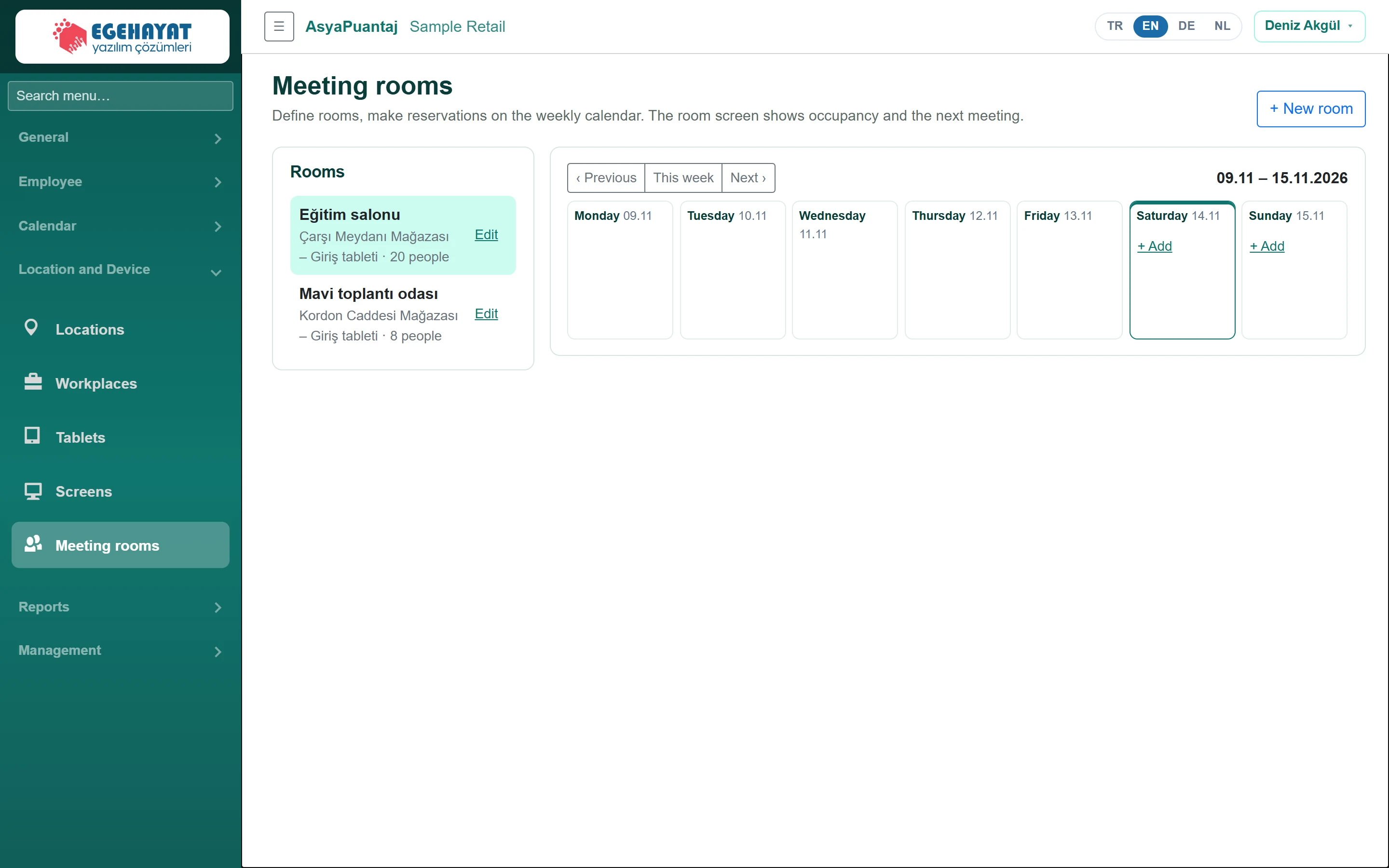 Meeting rooms
Meeting room definitions and the weekly booking calendar.
Reports
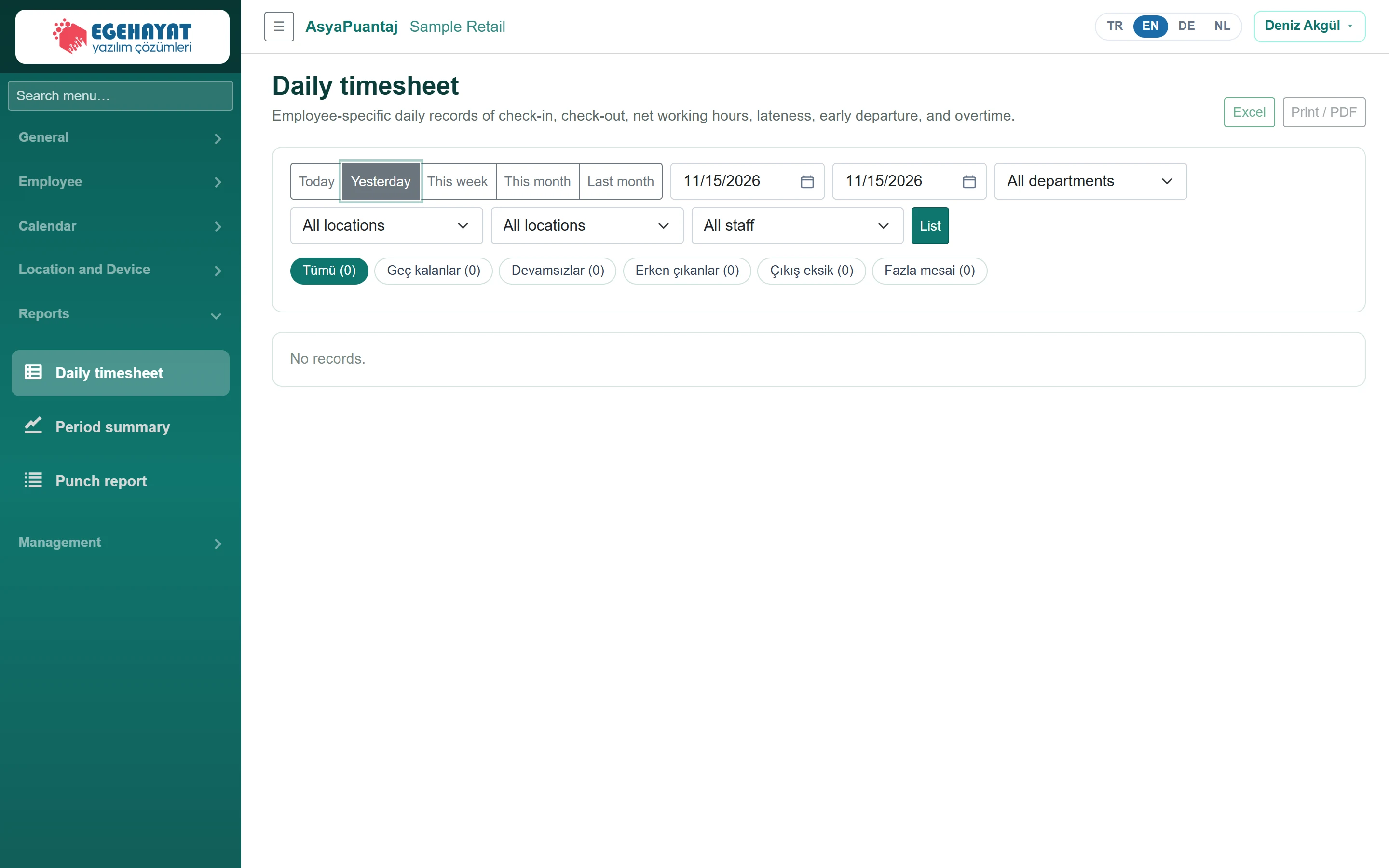
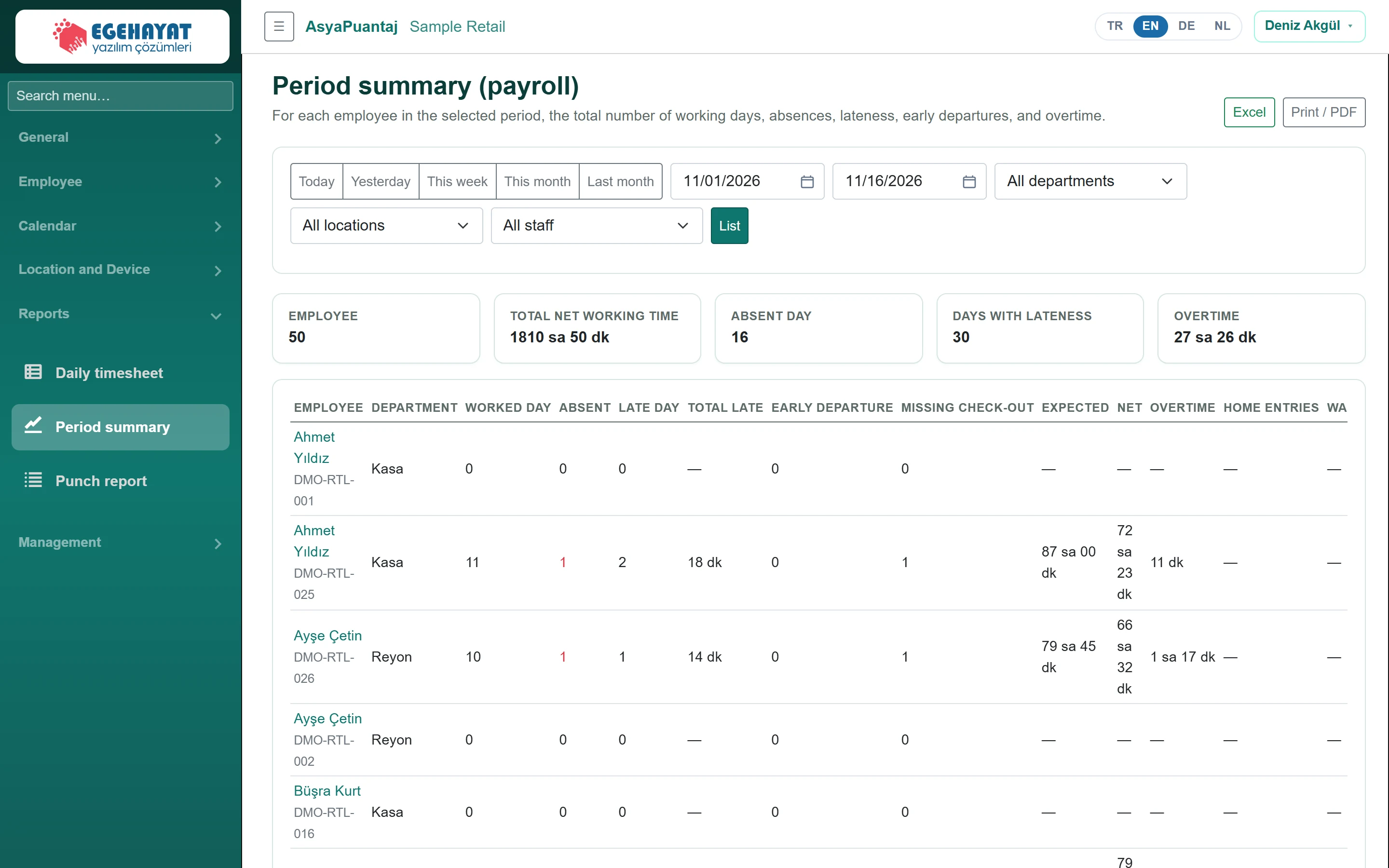
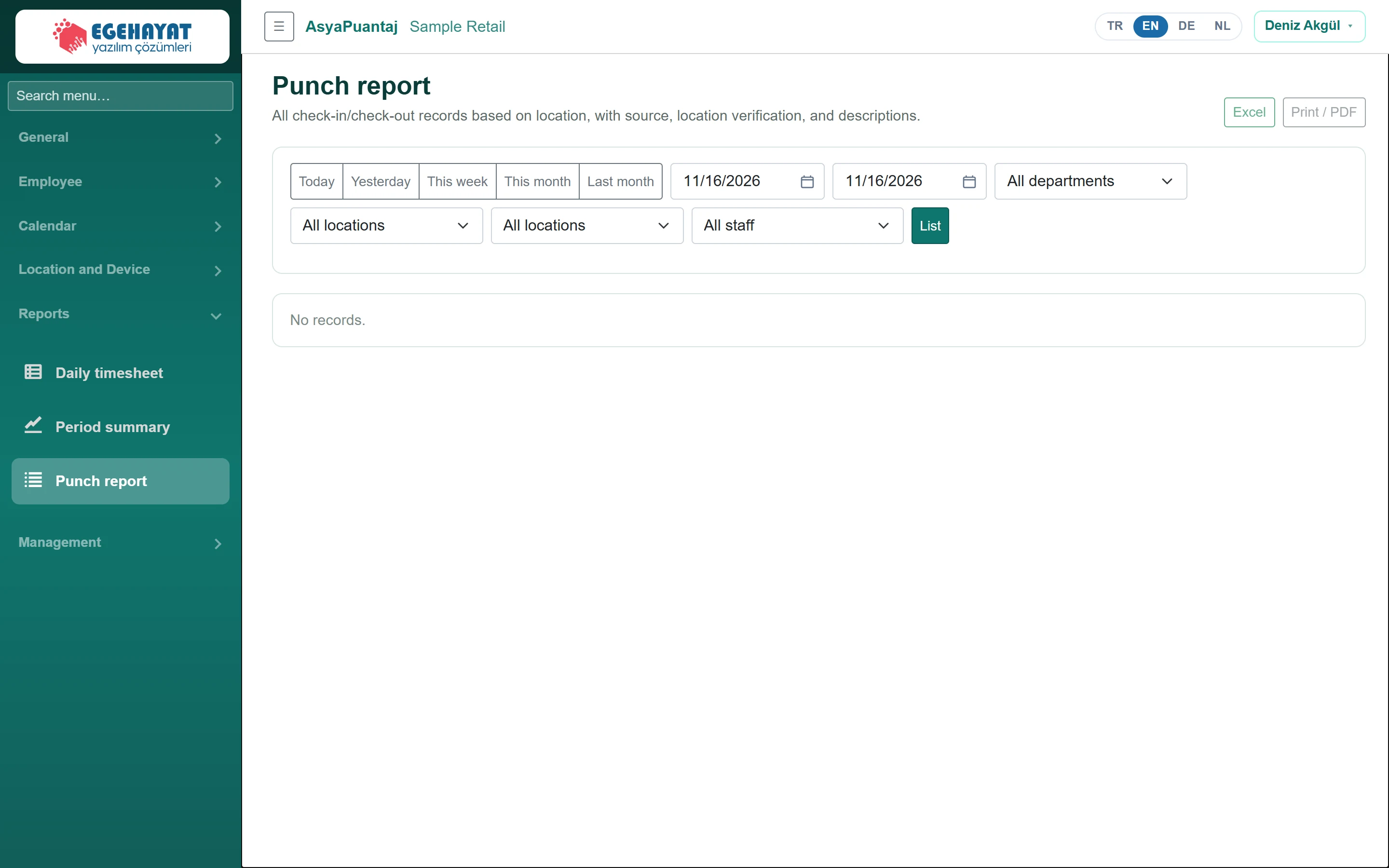
Management
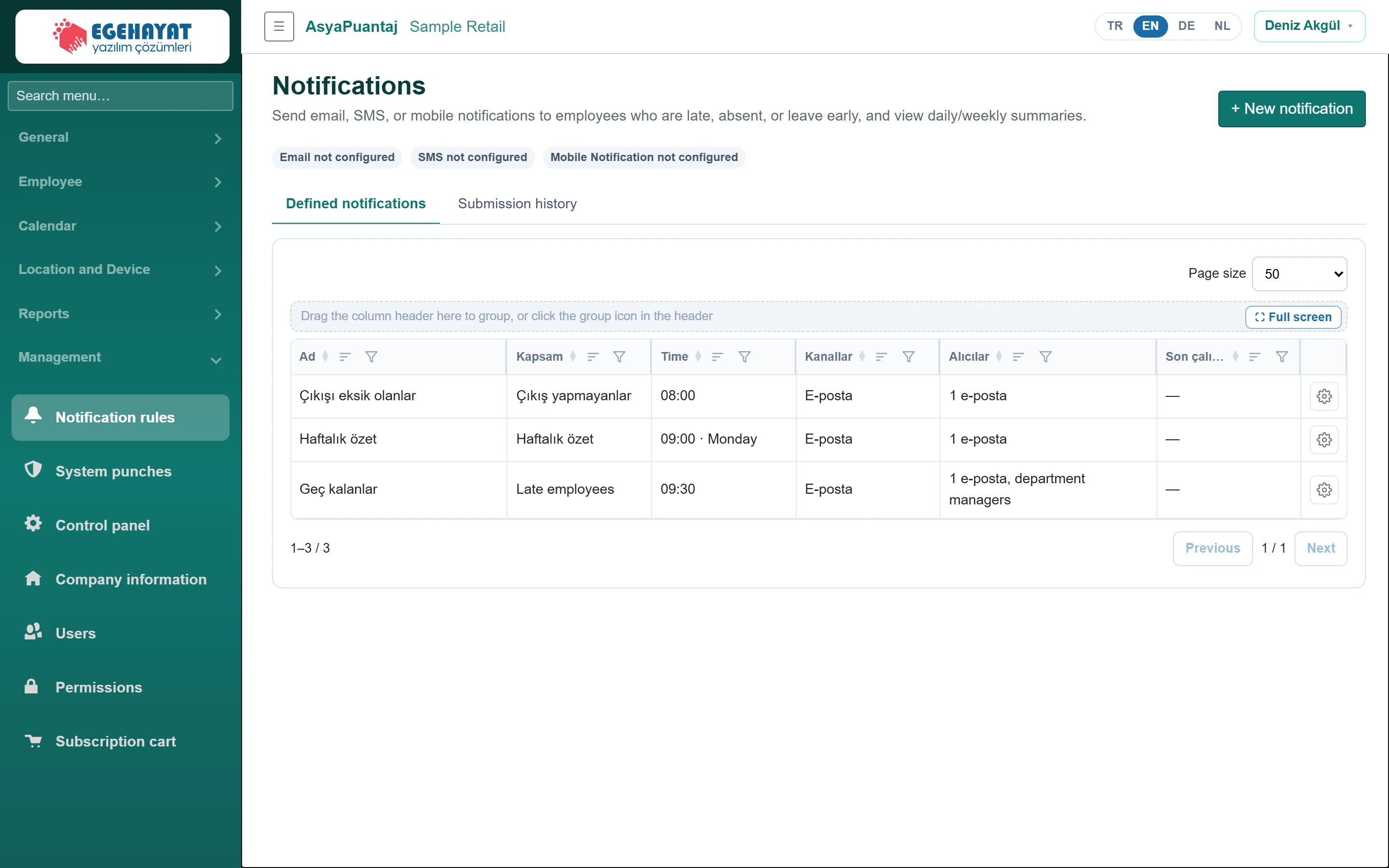 Notification rules
Notifications about late, absent, early-leaving and not-checked-out staff, and daily / weekly summaries.
 System punches
Who changed which record and when: permissions, manual entries, locations, staff and rejected punch attempts.
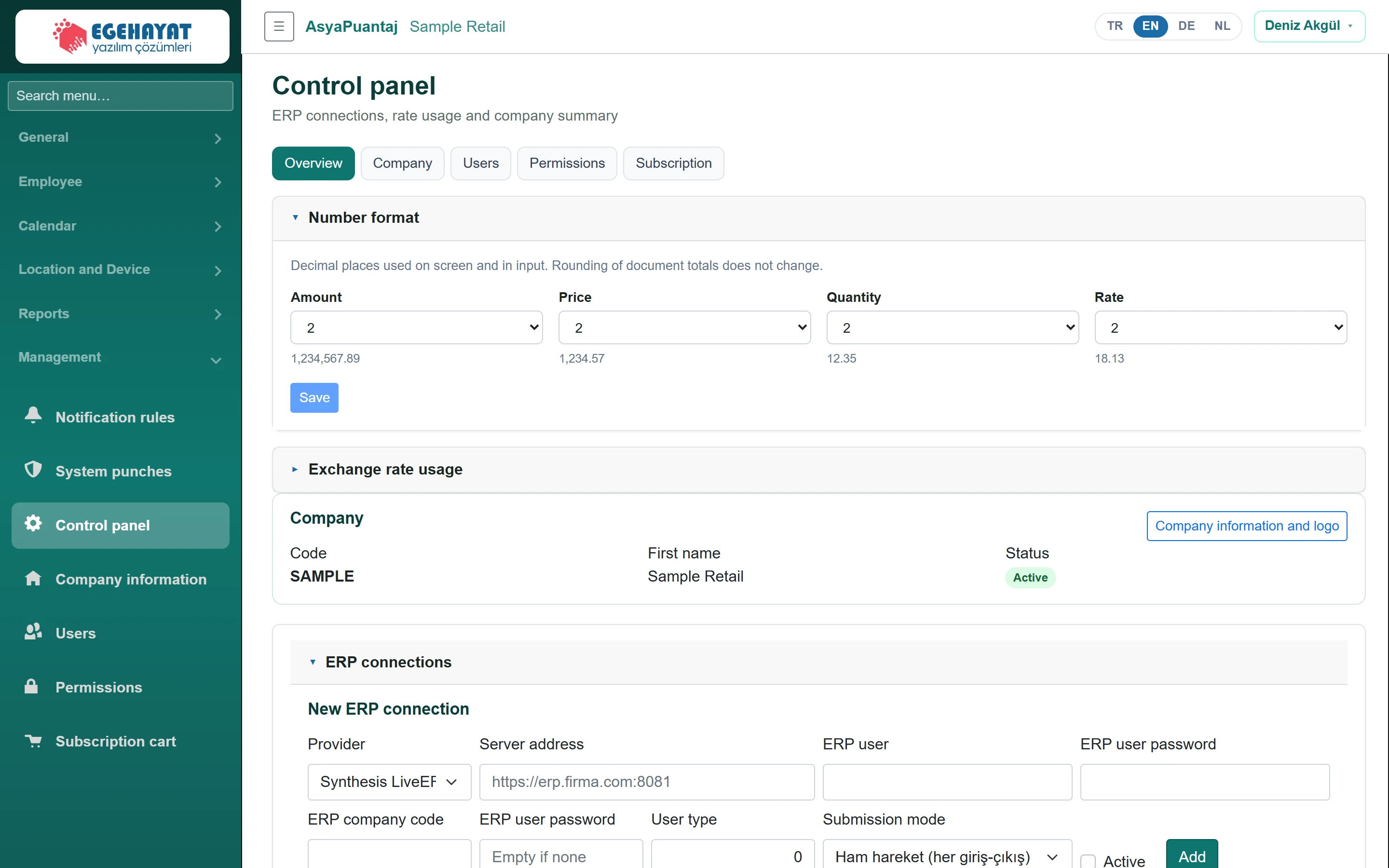 Control panel
Company summary, number format / exchange rate usage and ERP connections.
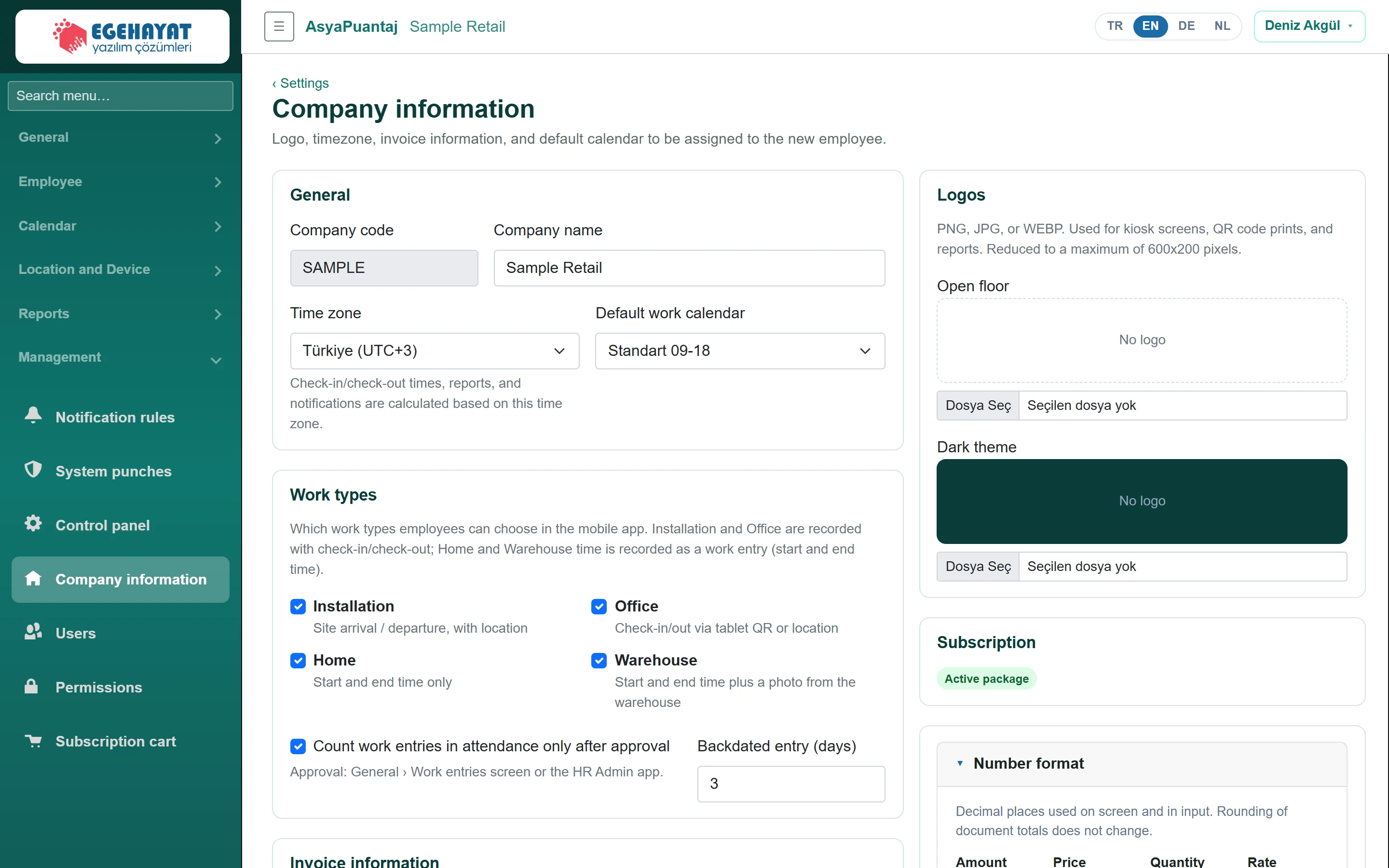 Company information
Company name, time zone, default calendar, invoice details and logos.
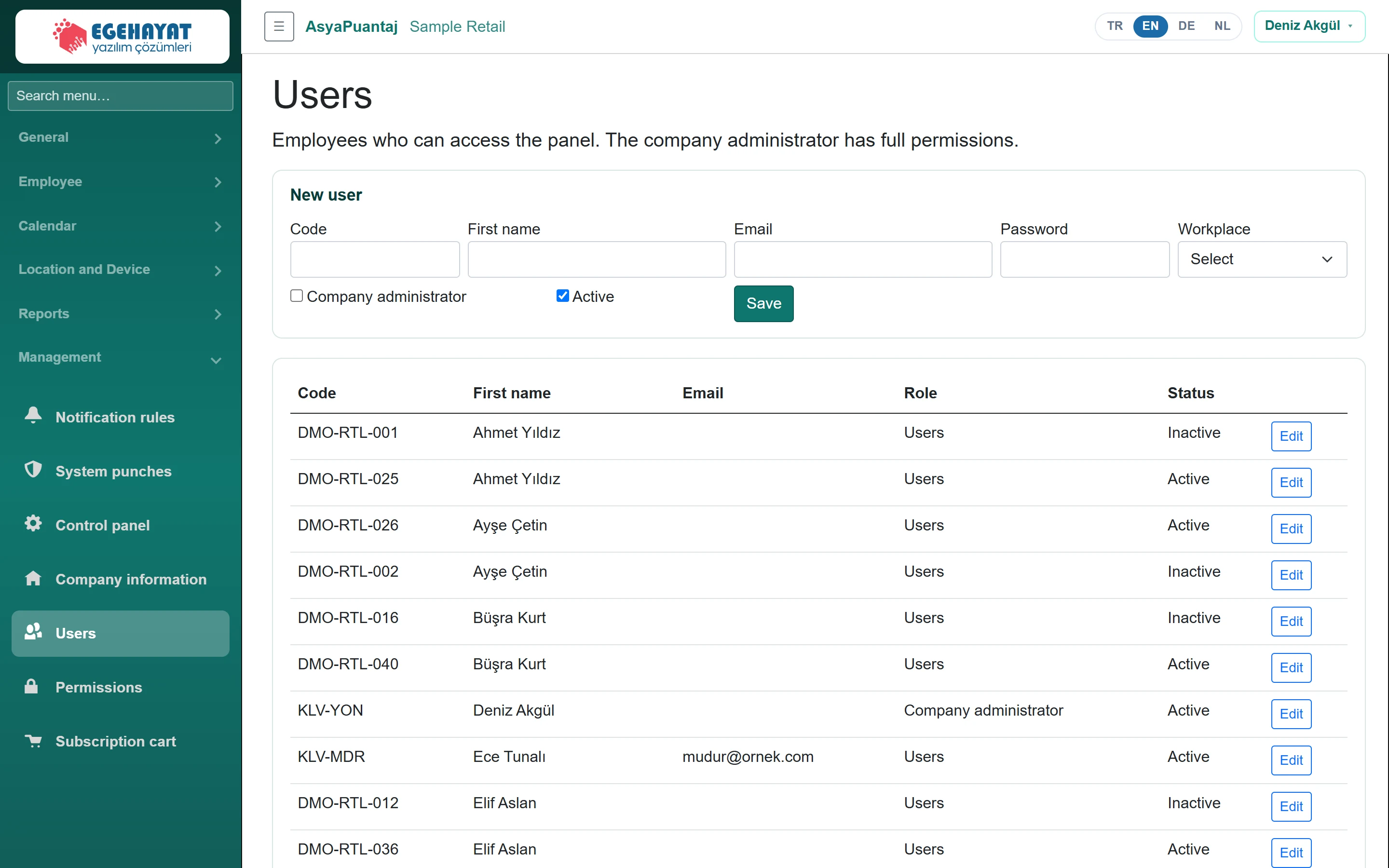 Users
Staff who may enter the admin panel, company administrator flag and password.
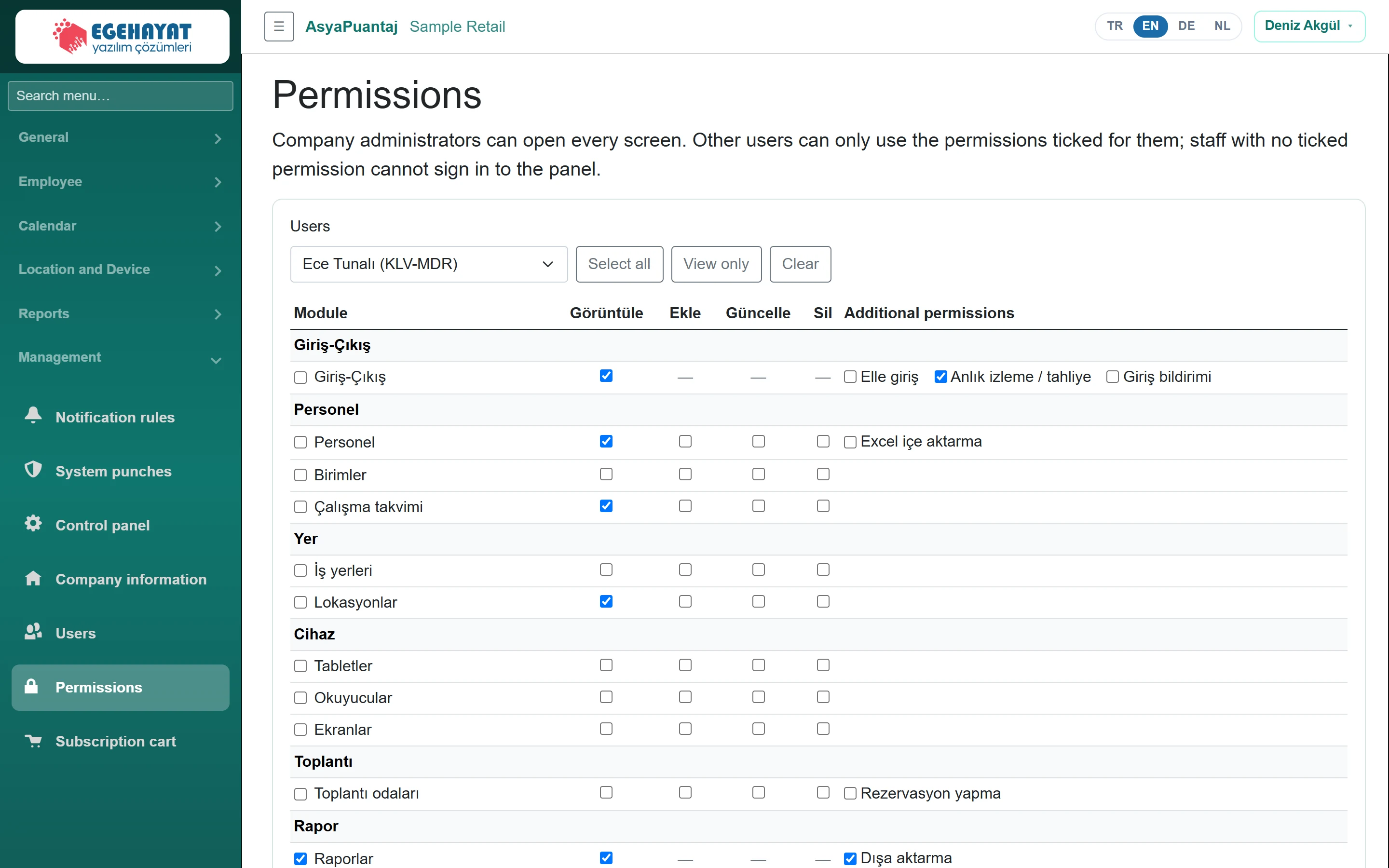 Permissions
Module permissions per user: view, add, edit, delete and extra permissions.
 Subscription cart
The company's active product, module, integration and feature items; period amounts, deactivating items and payment.