
 AsyaTicari
 AsyaRestoran
 AsyaOtel
 AsyaCrm
 AsyaKlinik
 AsyaSpor
 AsyaSSH
 AsyaEmlak
 AsyaFilo
 AsyaPuantaj
 AsyaİSG
 AsyaİHD
 Kolay Öğren
AsyaOtel · Hotel management
Wake-up calls
Entering wake-up times for rooms and the day's wake-up list.
On the Wake-up call screen you enter wake-up times for rooms and follow the list of the selected day. Rooms with a wake-up call are marked in the room rack.
asyaotel · /on-buro/uyandirma
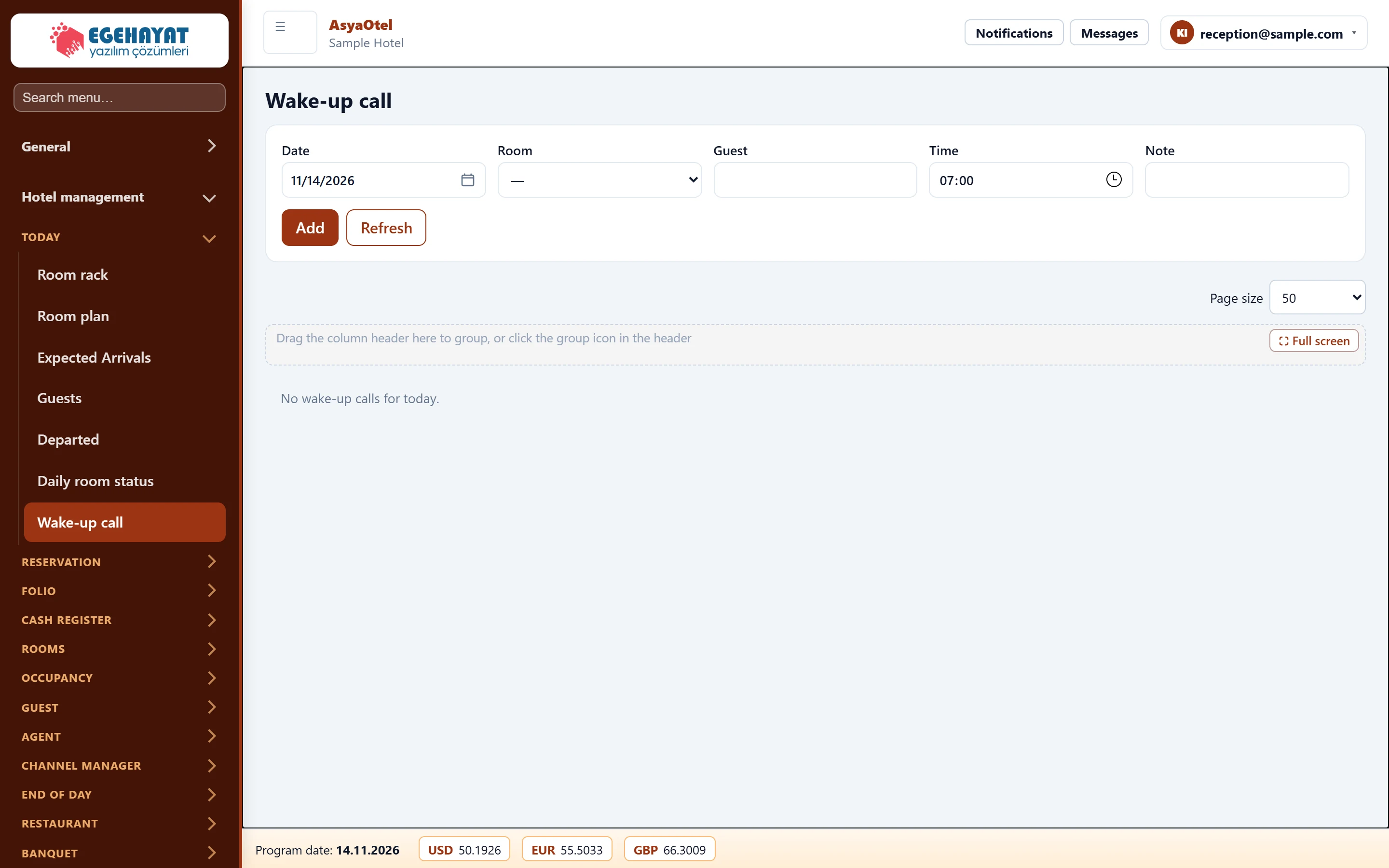
- 1Add wake-up call Enter room, time and note, then press Add.
- 2List Wake-up calls of the day; mark done with OK.
Adding a wake-up call
Part of the screenAdd wake-up call
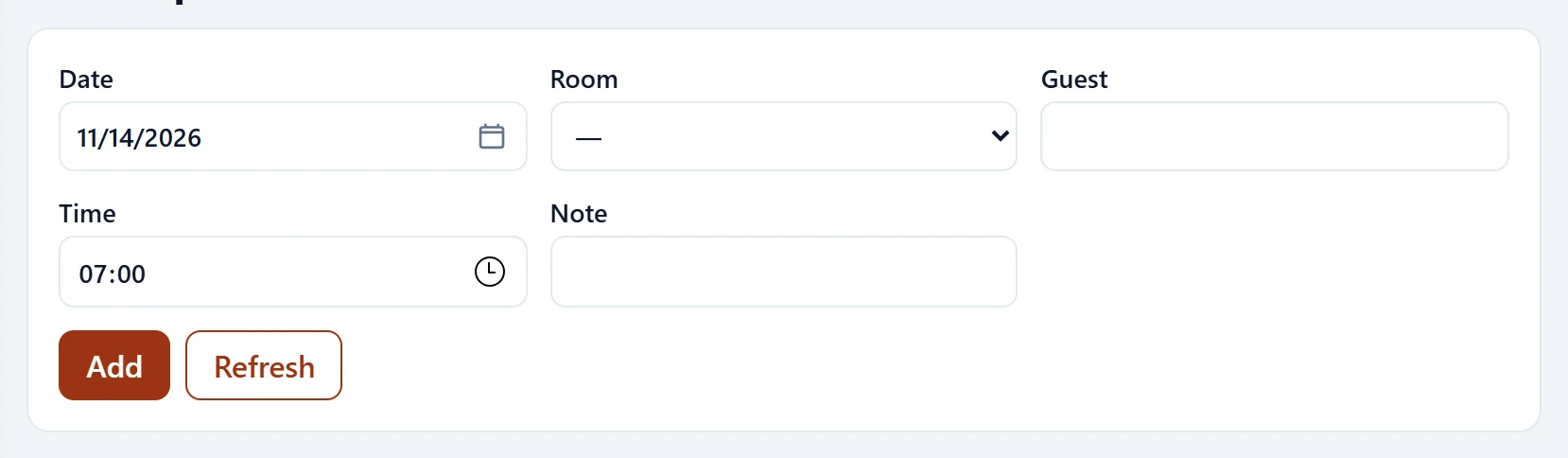
| Field | Sign in | Description |
|---|---|---|
| Date | Text | Wake-up day. Placeholder: «mm/dd/yyyy» |
| Room | Choice list | In-house room; required. |
| Guest | Text | Guest in the room; filled automatically. |
| Time | Time | Wake-up time. |
| Note | Text | Free-text note. |
- Choose the Date.
- Choose the Room; the guest name is filled in.
- Enter the Time and, if needed, a Note, then press Add.
- When the call has been made, press OK in the list.
| Warning | Cause | Solution |
|---|---|---|
| A room must be selected for the wake-up call. | Room is empty. | Choose a room. |