
 AsyaTicari
 AsyaRestoran
 AsyaOtel
 AsyaCrm
 AsyaKlinik
 AsyaSpor
 AsyaSSH
 AsyaEmlak
 AsyaFilo
 AsyaPuantaj
 AsyaİSG
 AsyaİHD
 Kolay Öğren
AsyaOtel · Hotel management
Reservation card (individual and group)
Individual and group bookings: dates, persons, room, agency, price, guests, notes and daily price detail.
Single opens a one-room booking card, Group a multi-room booking. The card holds the booking details at the top and tabs below.
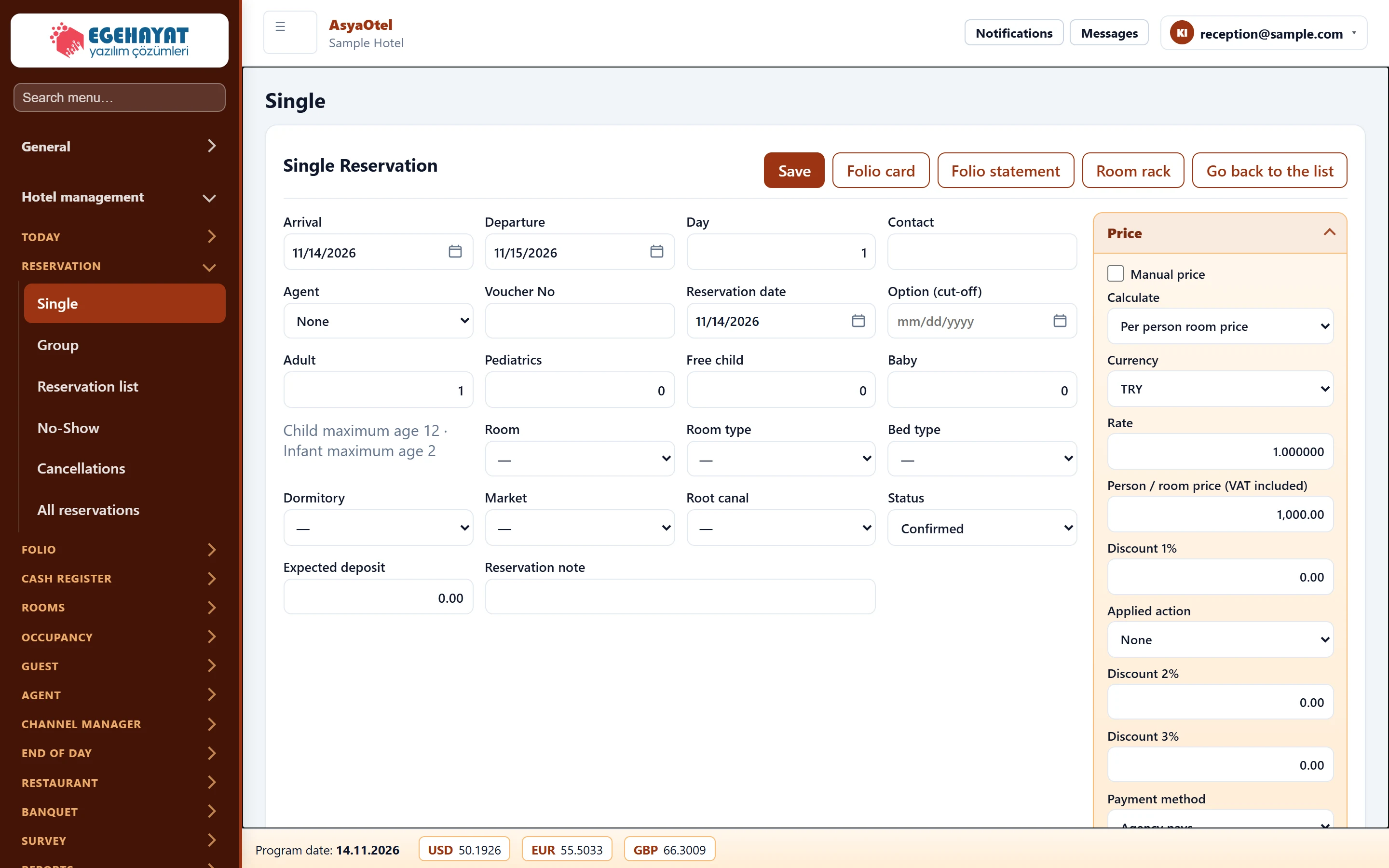
- 1Single Reservation Save, folio card, folio statement and back to list.
- 2Arrival Date, persons, room, agency, status and price fields.
- 3Guest Guest, notes, services and daily price detail tabs.
Booking details
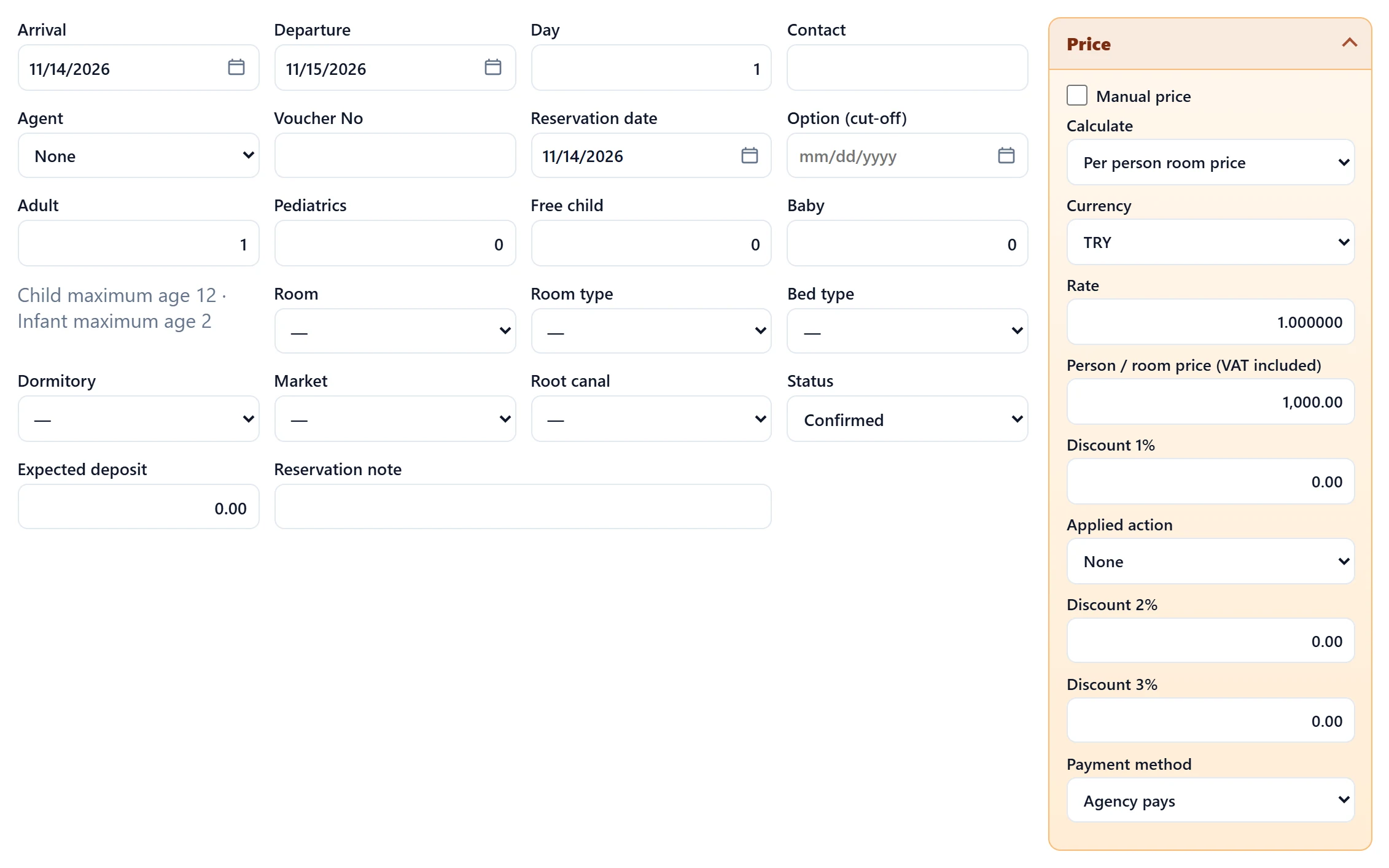
| Field | Sign in | Description |
|---|---|---|
| Arrival | Text | Arrival (check-in) date. Placeholder: «mm/dd/yyyy» |
| Departure | Text | Departure date; cannot be before arrival. Placeholder: «mm/dd/yyyy» |
| Day | Text | Number of nights, calculated from the dates. |
| Contact | Text | Contact person / phone of the booker. |
| Agent | Choice list | Agency of the booking; the price comes from its rate agreement. Options: None · Akdeniz Resort Sales · Corporate Travel Desk · Demo Seyahat Acentesi · Ege Tur Operatörü · Online Channel Partner |
| Voucher No | Text | Agency voucher number. |
| Reservation date | Text | Date the booking was taken. Placeholder: «mm/dd/yyyy» |
| Option (cut-off) | Text | Last day an option booking must be confirmed. Placeholder: «mm/dd/yyyy» |
| Adult | Text | Number of adults. |
| Pediatrics | Text | Number of paying children. |
| Free child | Text | Number of children staying free. |
| Baby | Text | Number of infants. |
| Room | Choice list | Room number. |
| Room type | Choice list | Room type (Hotel definitions → Room type). Options: OCA-DLX — Deluxe · OCA-STD — Standart · OCA-STE — Suit |
| Bed type | Choice list | Bed type. |
| Dormitory | Choice list | Board type (e.g. bed & breakfast). |
| Market | Choice list | Market segment (Market definitions). |
| Root canal | Choice list | Sales channel: agency, direct, online. Options: Acente · Doğrudan · Online |
| Status | Choice list | Option, confirmed, in house, checked out, cancelled, no-show. Options: Tentative · Confirmed · InHouse · Checked Out · Cancelled · NoShow · Waiting |
| Expected deposit | Text | Expected deposit; tracked on the Deposit screen. |
| Reservation note | Text | Note about the booking. |
| Manual price | Checkbox | When checked, the price is typed manually instead of calculated. |
| Calculate | Choice list | Calculate from the per-person price or from the room price. Options: Per person room price · Room price |
| Currency | Choice list | Currency. Options: TRY · USD · EUR · GBP |
| Rate | Text | Exchange rate. |
| Person / room price (VAT included) | Text | Nightly price; VAT included or excluded per parameter. |
| Discount 1% | Text | First discount rate. |
| Applied action | Choice list | Discount type (Action definitions). Options: None · EARLY — Erken rezervasyon %10 (10%) · LONGSTAY — Uzun konaklama %15 (15%) · PROMO — Kampanya %20 (20%) |
| Discount 2% | Text | Second discount rate. |
| Discount 3% | Text | Third discount rate. |
| Payment method | Choice list | Agency pays or guest pays. Options: Agency pays · Guest pays |
The price is calculated from the selected agency's rate agreement (room type × board). With Manual price you type it yourself. The source is shown below the price: price list, special price or manual price.
Guest tab
Add guest adds a person row to the room: first name, surname, title, ID, age. Complete guest details are needed for check-in, and the KBS notification is made from them.
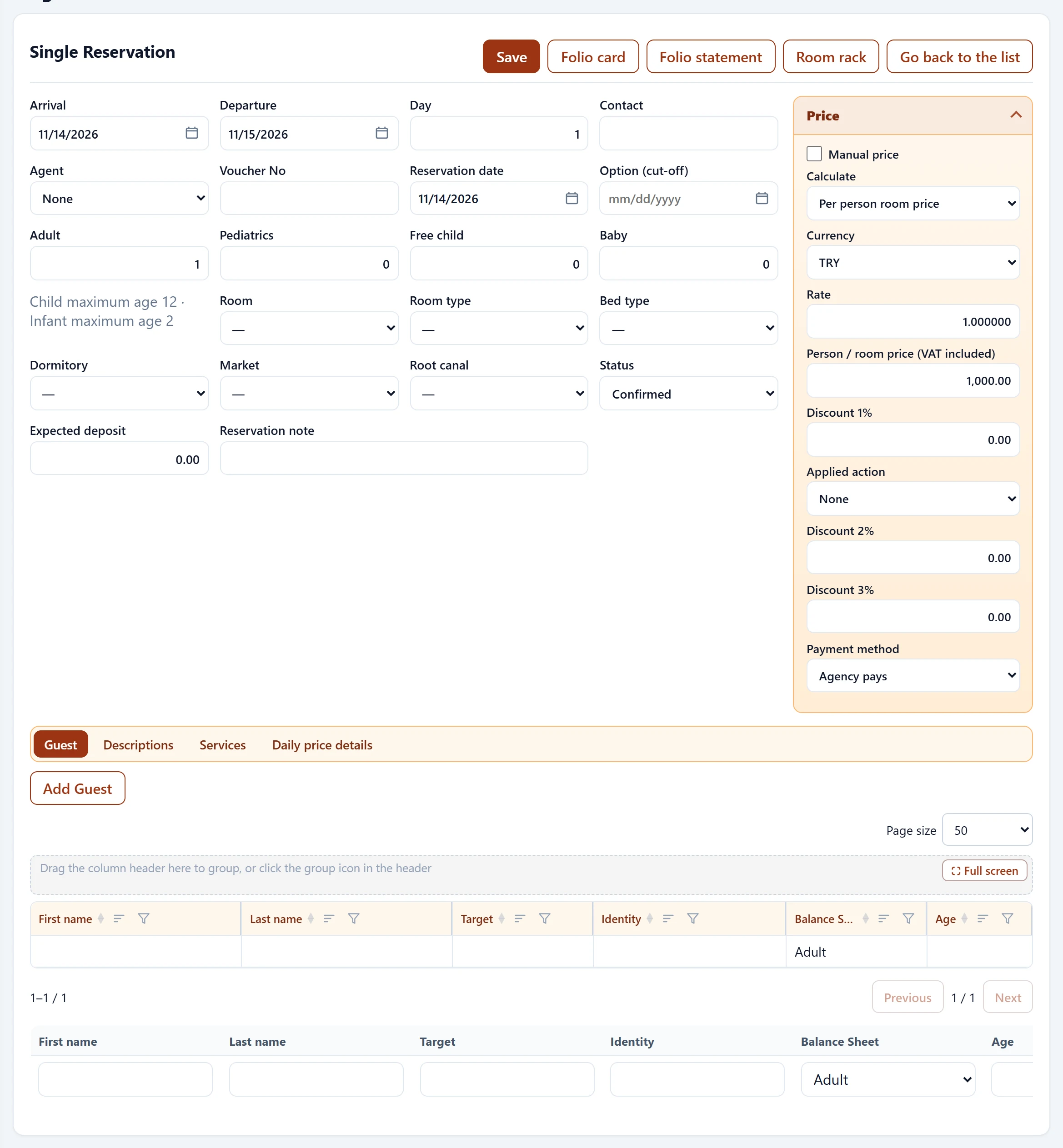
- 1Guest Tabs.
- 2Save Adds a guest row to the room.
Daily price detail
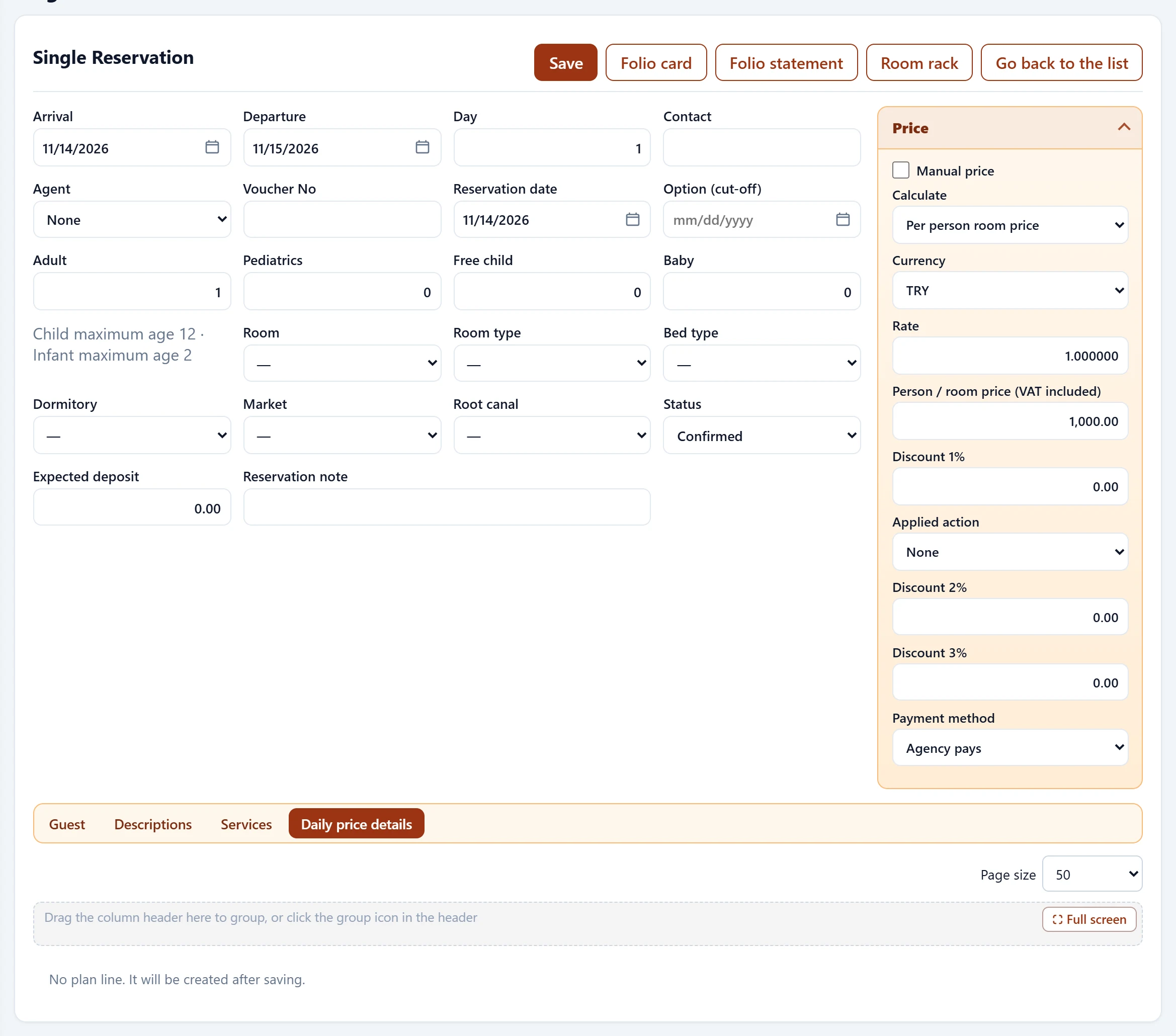
Shows person price, total, discount and net amount for every night. Lines are created after saving; nights posted by the night audit are marked as processed.
Group booking
On a group card the shared dates, agency and price are entered once. On the Rooms tab, Select rooms / pax picks available rooms for the date range with adults, children and infants per room. Click a row to open that room's card; Back to group card returns.
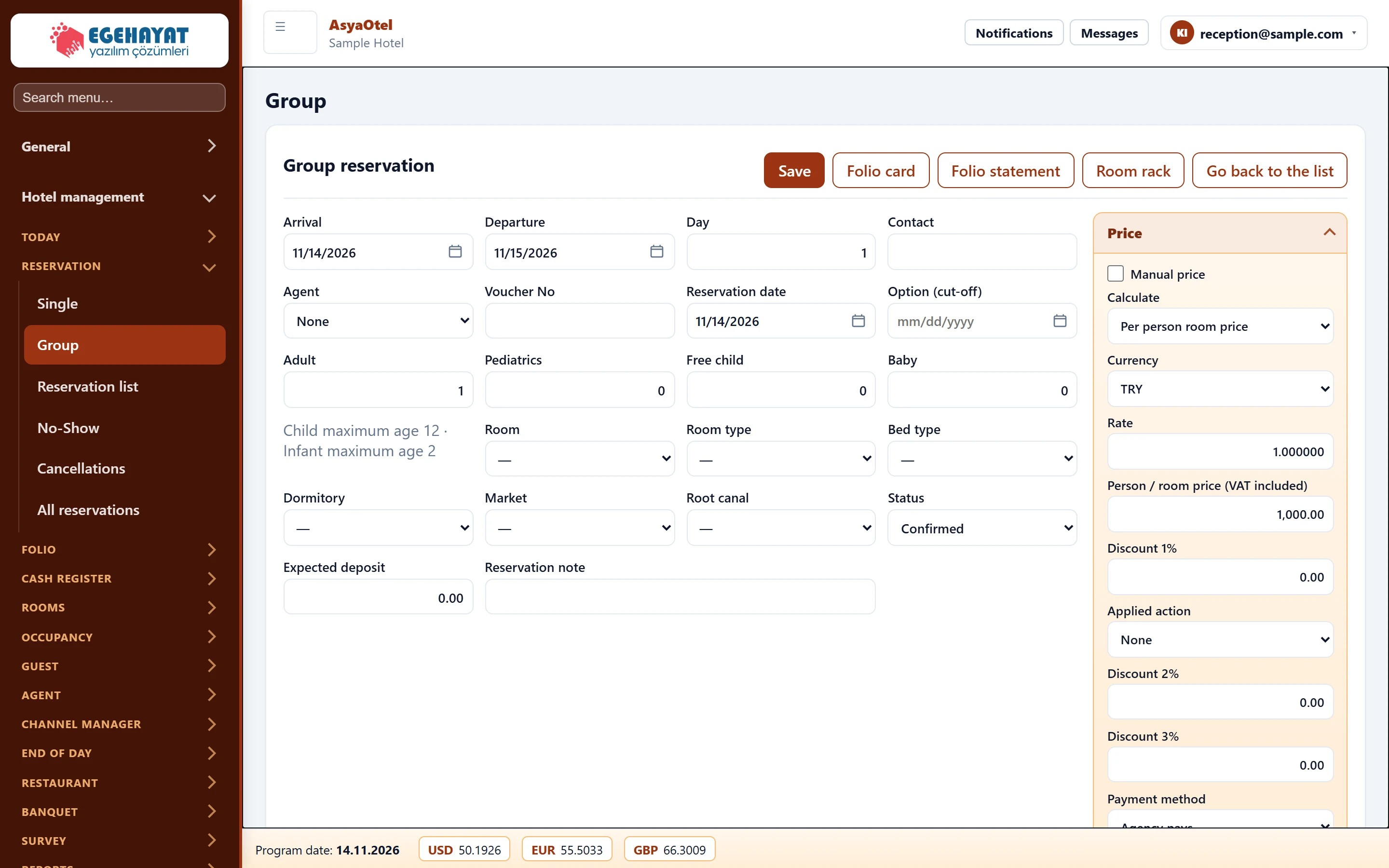
- 1Arrival Shared dates, agency, board and price of the group.
- 2Rooms Room / pax selection on the Rooms tab; click a row to open the room card.
Deposit
Take deposit on the card records a payment. It is posted to the reservation folio and moved to the room folio at check-in (see the Deposit screen).
Track option bookings that are not confirmed by their Option (cut-off) date with the waiting filter in the reservation list.
| Warning | Cause | Solution |
|---|---|---|
| Departure date cannot be before arrival. | Dates entered in reverse. | Correct the departure date. |
| No available rooms. | No vacant room in the range. | Change dates or room type. |