
 AsyaTicari
 AsyaRestoran
 AsyaOtel
 AsyaCrm
 AsyaKlinik
 AsyaSpor
 AsyaSSH
 AsyaEmlak
 AsyaFilo
 AsyaPuantaj
 AsyaİSG
 AsyaİHD
 Kolay Öğren
AsyaOtel · Hotel management
Guest cards
Guest ID, contact, VIP / blacklist and KBS notification details.
The Guest Cards screen keeps guest details. ID and personal details are the source of the KBS notification and must be complete.
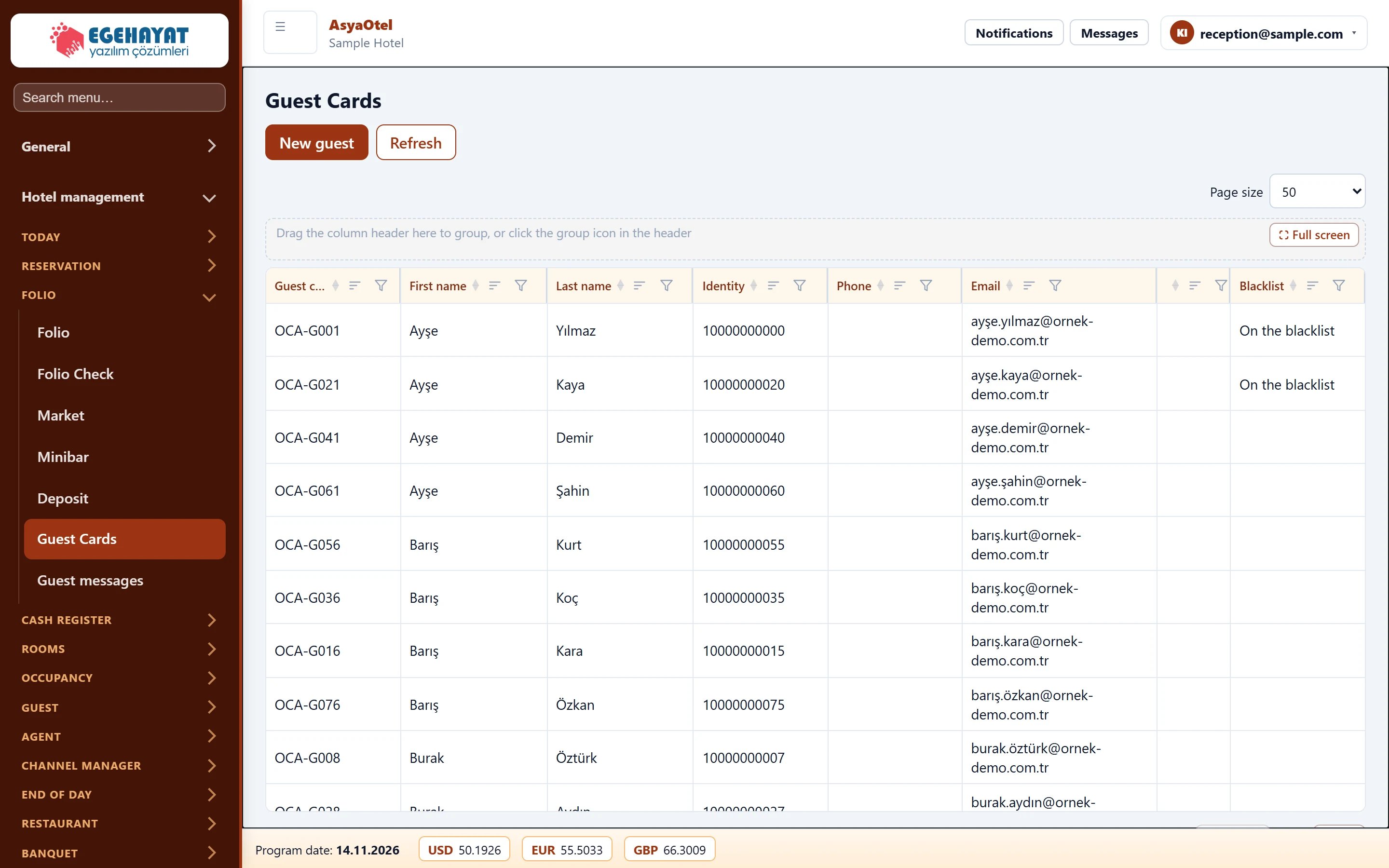
- 1New guest New guest card.
- 2OCA-G001 Ayşe Yılmaz 10000000000 ayşe.yılmaz@or… Click a row to open the guest card.
Guest card
Click a row to open the card. Tabs: General, Address, Notes, Personal, ID / passport, History, Attachments.
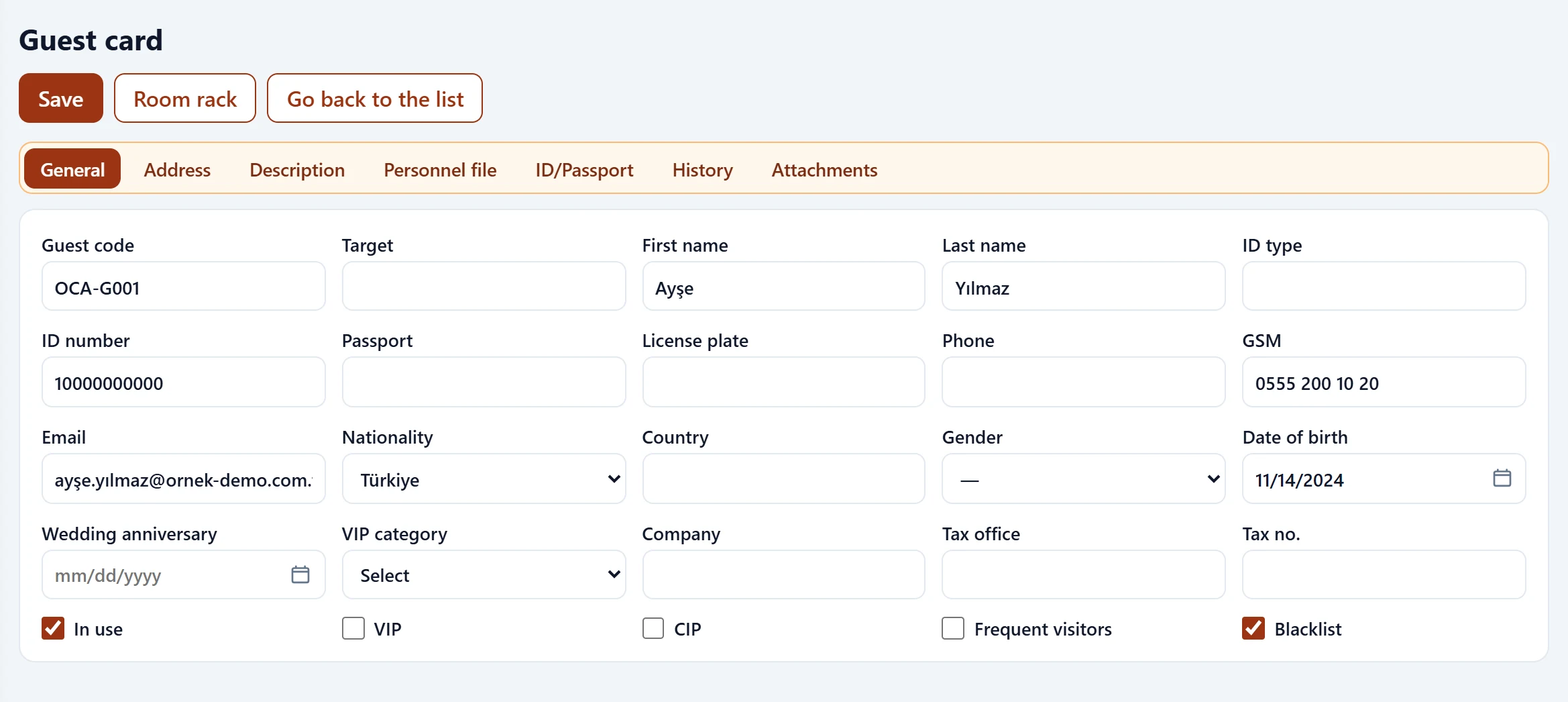
- 1General General, address, notes, personal, ID / passport, history and attachments.
| Field | Sign in | Description |
|---|---|---|
| Guest code | Text | Guest number; assigned automatically. |
| Target | Text | Mr, Mrs etc. |
| First name | Text | First name. |
| Last name | Text | Surname. |
| ID type | Text | ID type (Turkish ID, passport …). |
| ID number | Text | Turkish / foreign ID number; used for the KBS notification. |
| Passport | Text | Passport number of a foreign guest. |
| License plate | Text | Vehicle plate. |
| Phone | Text | Phone number. |
| GSM | Text | Mobile phone. |
| Text | E-mail address. | |
| Nationality | Choice list | Nationality; mapped to a country code for KBS. Options: Select · Türkiye |
| Country | Text | Country of address. |
| Gender | Choice list | Male / female; required by the gendarmerie KBS. Options: Male · Female |
| Date of birth | Text | Date of birth; birthdays are marked in the room rack. Placeholder: «mm/dd/yyyy» |
| Wedding anniversary | Text | Anniversary, marked in the room rack. Placeholder: «mm/dd/yyyy» |
| VIP category | Choice list | VIP category. Options: Select · CIP — CIP · GOLD — Gold · VIP — VIP |
| Company | Text | Guest's company. |
| Tax office | Text | Tax office for invoicing. |
| Tax no. | Text | Tax number. |
| In use | Checkbox | When checked, it can be selected for new records. |
| VIP | Checkbox | VIP guest flag. |
| CIP | Checkbox | Commercially important guest flag. |
| Frequent visitors | Checkbox | Frequent guest. |
| Blacklist | Checkbox | Blacklisted guest; marked in the room rack. |
VIP, CIP, Frequent guest and Blacklist flags are shown in the room rack and in the showcase filter.
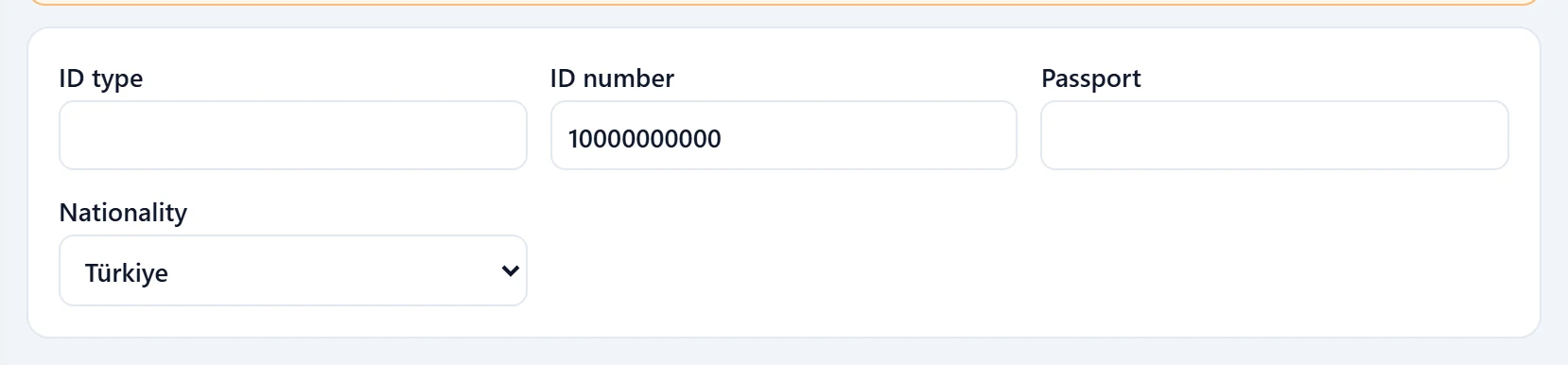
ID / passport and KBS
| Field | Sign in | Description |
|---|---|---|
| ID type | Text | ID type (Turkish ID, passport …). |
| ID number | Text | Turkish / foreign ID number; used for the KBS notification. |
| Passport | Text | Passport number of a foreign guest. |
| Nationality | Choice list | Nationality; mapped to a country code for KBS. Options: Select · Türkiye |
| Place of birth | Text | Required for the police (EGM) notification. |
| Mother's name | Text | Mother's name. |
| Father's name | Text | Father's name. |
| Marital status | Choice list | Single / married; required by the gendarmerie for foreigners. Options: Single · Married |
Turkish citizens are reported with their Turkish ID number, foreign guests with their passport (or a foreign ID number starting with 99). For foreigners the gendarmerie requires gender and marital status, the police the place of birth.
The History tab shows the last room, last check-in and last price. All stays and messages of a guest are listed on the Guest history page (link on the guest messages screen).