
 AsyaTicari
 AsyaRestoran
 AsyaOtel
 AsyaCrm
 AsyaKlinik
 AsyaSpor
 AsyaSSH
 AsyaEmlak
 AsyaFilo
 AsyaPuantaj
 AsyaİSG
 AsyaİHD
 Kolay Öğren
AsyaOtel · Hotel management
Minibar entry
Posting the minibar consumption of an in-house room to its folio; cancel and quantity correction.
On the Minibar screen you select the in-house room and enter the quantities consumed. The amount is posted to the room's folio with the Minibar department.
asyaotel · /on-buro/minibar
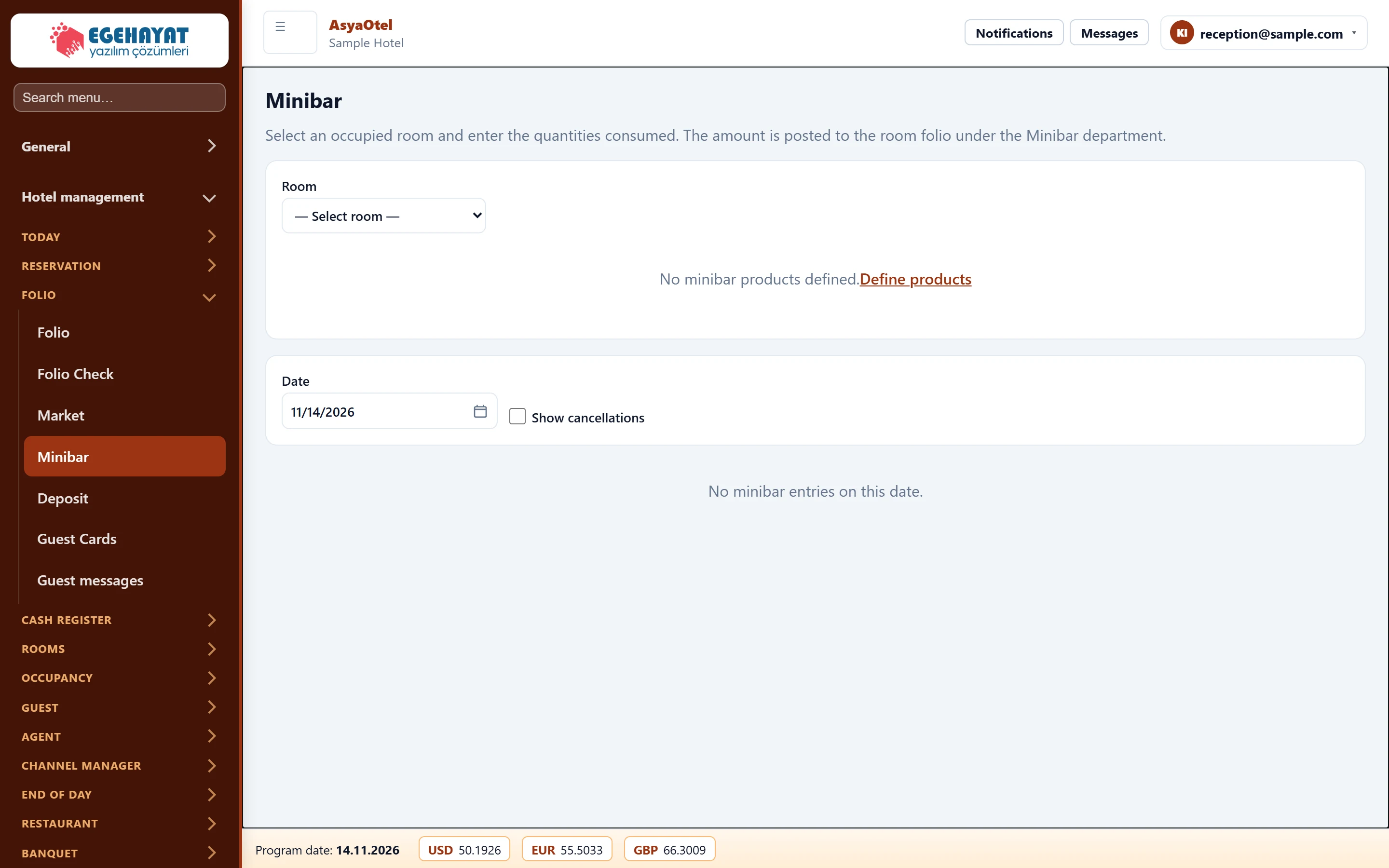
- 1Minibar entry Select the in-house room; increase product quantities and save.
- 2Entries Entries of the selected date; cancel / correct quantity.
Making an entry
Part of the screenMinibar entry
| Field | Sign in | Description |
|---|---|---|
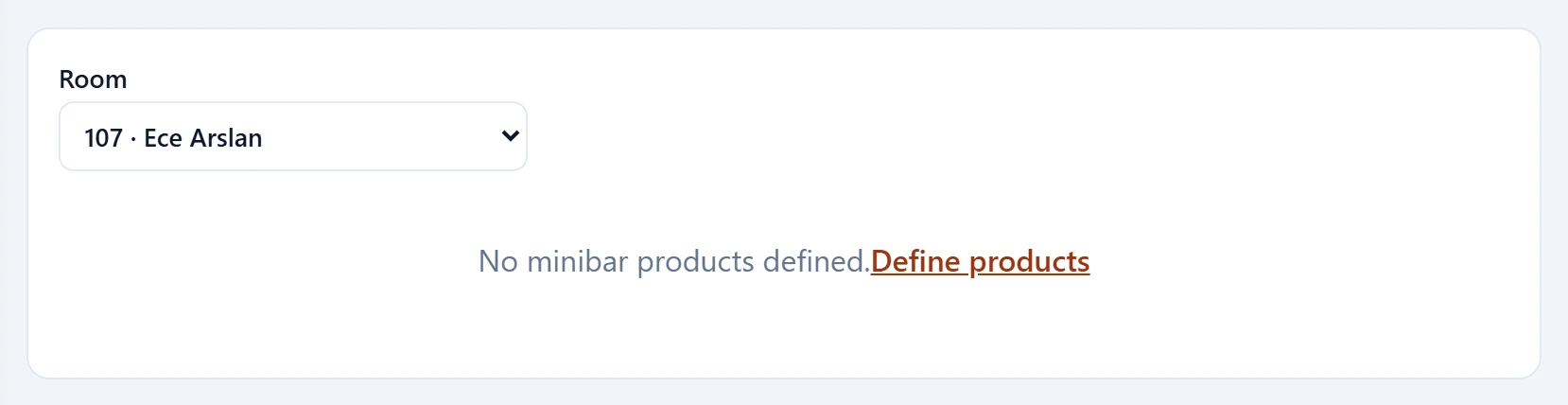
| Room | Choice list | In-house room, shown as room · guest name. |
- Choose the in-house room from Room (room · guest name).
- Enter quantities with the plus / minus buttons on the product tiles.
- Press Save.
The list below shows the entries of the selected date. Cancel cancels an entry with a reason; Correct sets a new quantity. Show cancelled lists cancelled entries too.
| Warning | Cause | Solution |
|---|---|---|
| No minibar products defined. | No product cards. | Use Define products to go to Hotel definitions → Minibar Products. |
| no folio | The room has no open folio. | Check the check-in / folio status. |