
 AsyaTicari
 AsyaRestoran
 AsyaOtel
 AsyaCrm
 AsyaKlinik
 AsyaSpor
 AsyaSSH
 AsyaEmlak
 AsyaFilo
 AsyaPuantaj
 AsyaİSG
 AsyaİHD
 Kolay Öğren
AsyaOtel · Hotel management
KBS notifications
Gendarmerie / police ID notification queue: pending, failed, sent, not queued and reconciliation.
Accommodation businesses in Türkiye must report their guests to the identity notification system (KBS). AsyaOtel writes one notification per person to a queue at check-in, check-out and room change; the KBS notifications screen manages this queue. Results are kept separately: waiting, sent, error.
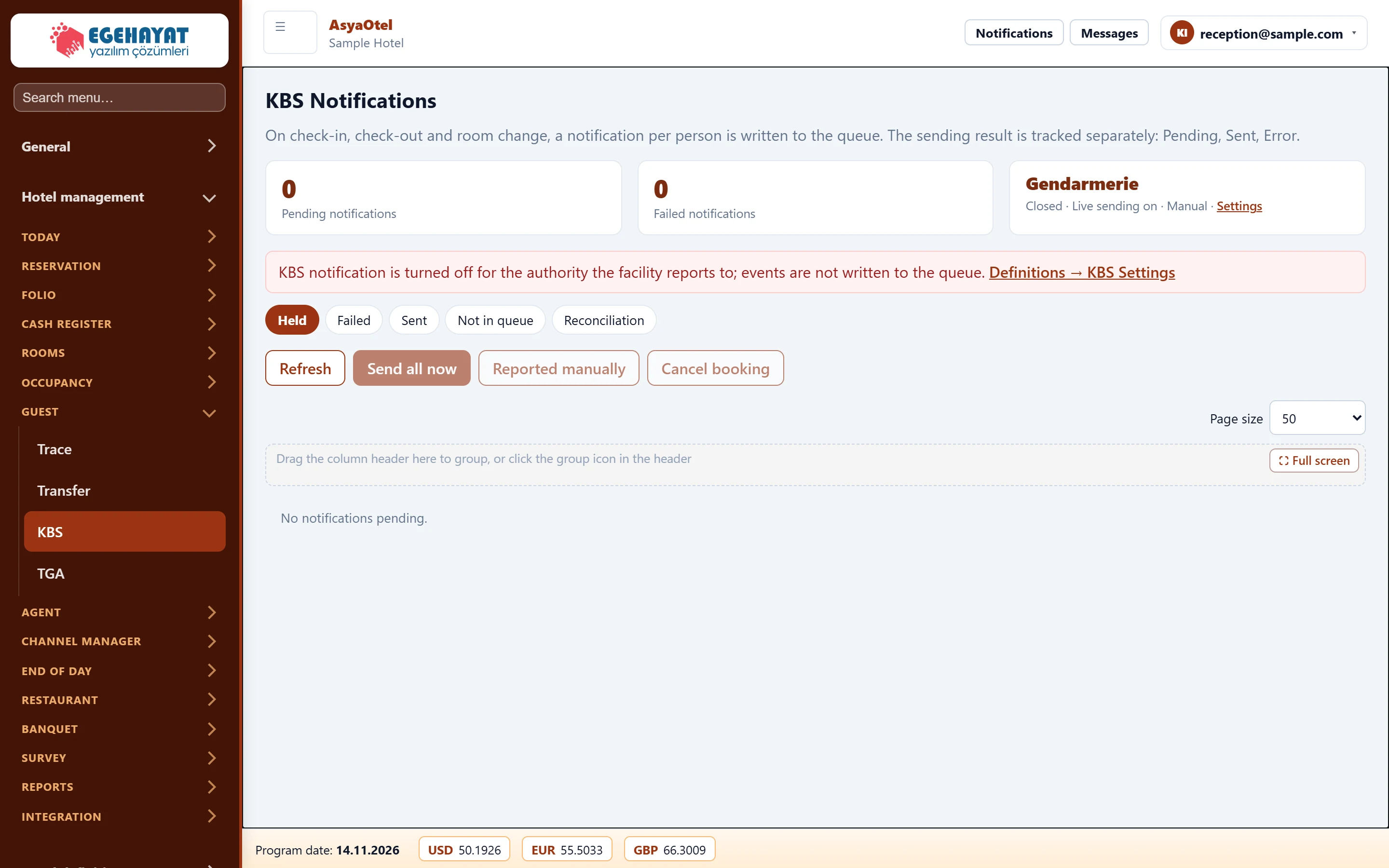
- 10 Pending / failed counts and authority status (enabled, live sending, automatic).
- 2KBS notification is turned off for the authorit… Warning if the authority is disabled, with a link to KBS settings.
- 3Held Pending, failed, sent, not queued, reconciliation.
- 4Refresh Refresh, send all now, reported manually, cancel.
Status cards
The top shows the number of pending and failed notifications and the status of the authority the property reports to (gendarmerie or police): enabled / disabled, live sending on / off, automatic / manual.
- If the authority is disabled, events are not queued at all.
- If live sending is off, records wait in the queue and are not sent.
Tabs
- Pending / Failed: Send all now sends the queue immediately; after fixing a failed record use Resend. If it was reported manually on the EGM / gendarmerie site choose Reported manually, otherwise Cancel.
- Sent: notifications sent in the last … days.
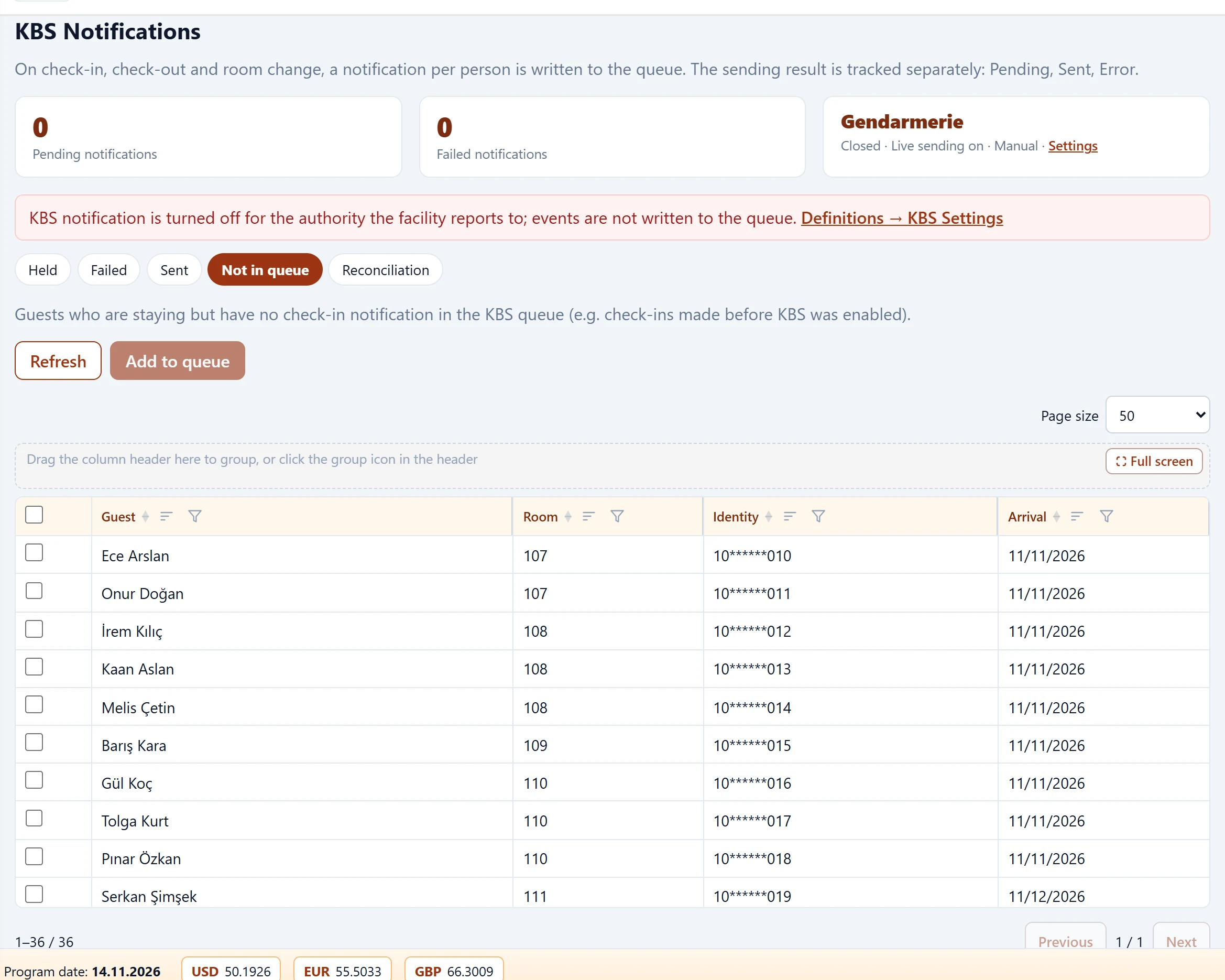
- Not queued: in-house persons without an arrival notification in the queue (e.g. check-ins made before KBS was enabled); add them with Queue.
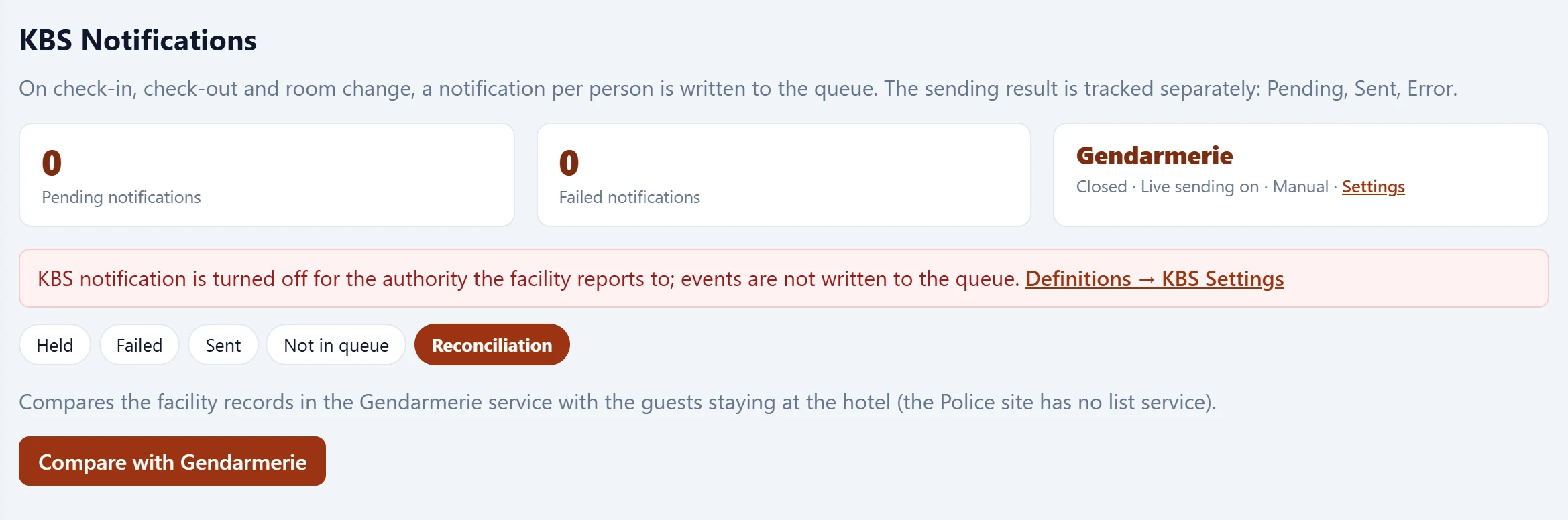
- Reconciliation: compares the gendarmerie's facility records with the hotel's in-house guests (Compare with gendarmerie). Results: matching, different room, not in KBS, not in hotel. The police site has no list service, so reconciliation is gendarmerie only.
For real sending, the property's own user credentials must be entered in KBS settings and the server's outbound IP address must be registered in the property's gendarmerie KBS account. Police (EGM) sending uses browser automation and has not yet been tested against live EGM; run Site check and Login test in the settings first. Nothing was sent for the screenshots in this guide.