AsyaTicari
 AsyaRestoran
 AsyaOtel
 AsyaCrm
 AsyaKlinik
 AsyaSpor
 AsyaSSH
 AsyaEmlak
 AsyaFilo
 AsyaPuantaj
 AsyaİSG
 AsyaİHD
 Kolay Öğren
AsyaOtel · Hotel definitions
KBS settings
Gendarmerie (JKBS) and police (EGM KBS) notification settings, setup requirements and nationality mapping.
KBS Settings hold the gendarmerie (JKBS) and police (EGM KBS) notification settings. Password and TOTP key are stored encrypted on the server and are not shown on screen.
General
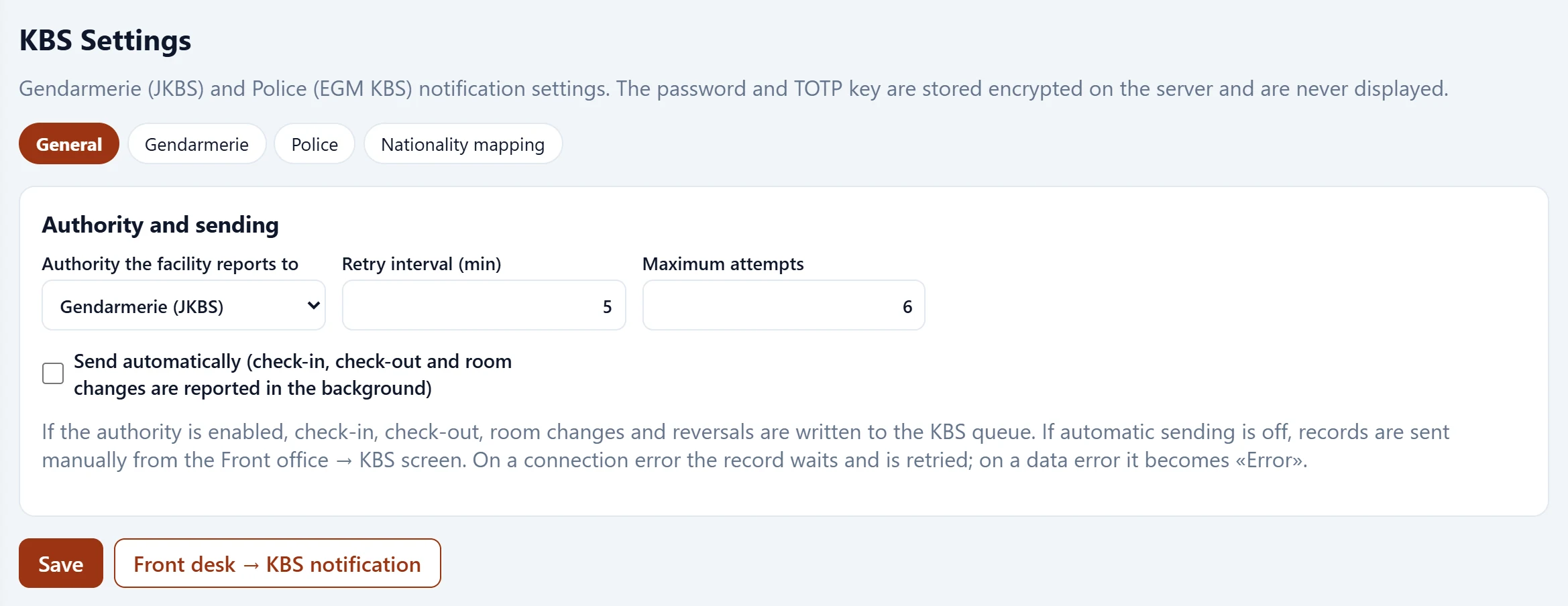
- 1General General, gendarmerie, police, nationality mapping.
| Field | Sign in | Description |
|---|---|---|
| Authority the facility reports to | Choice list | Gendarmerie (JKBS) or police (EGM KBS). Options: Gendarmerie (JKBS) · Police (EGM KBS) |
| Retry interval (min) | Text | Retry interval after a connection error. |
| Maximum attempts | Text | After this many tries the record becomes an error. |
If the authority is enabled, check-in, check-out, room change and undo actions are written to the KBS queue. With automatic sending off, records are sent manually from Front office → KBS. On a connection error the record waits and is retried; on a data error it becomes «Error».
Gendarmerie (JKBS)
Gendarmerie notifications use a web service (SOAP).
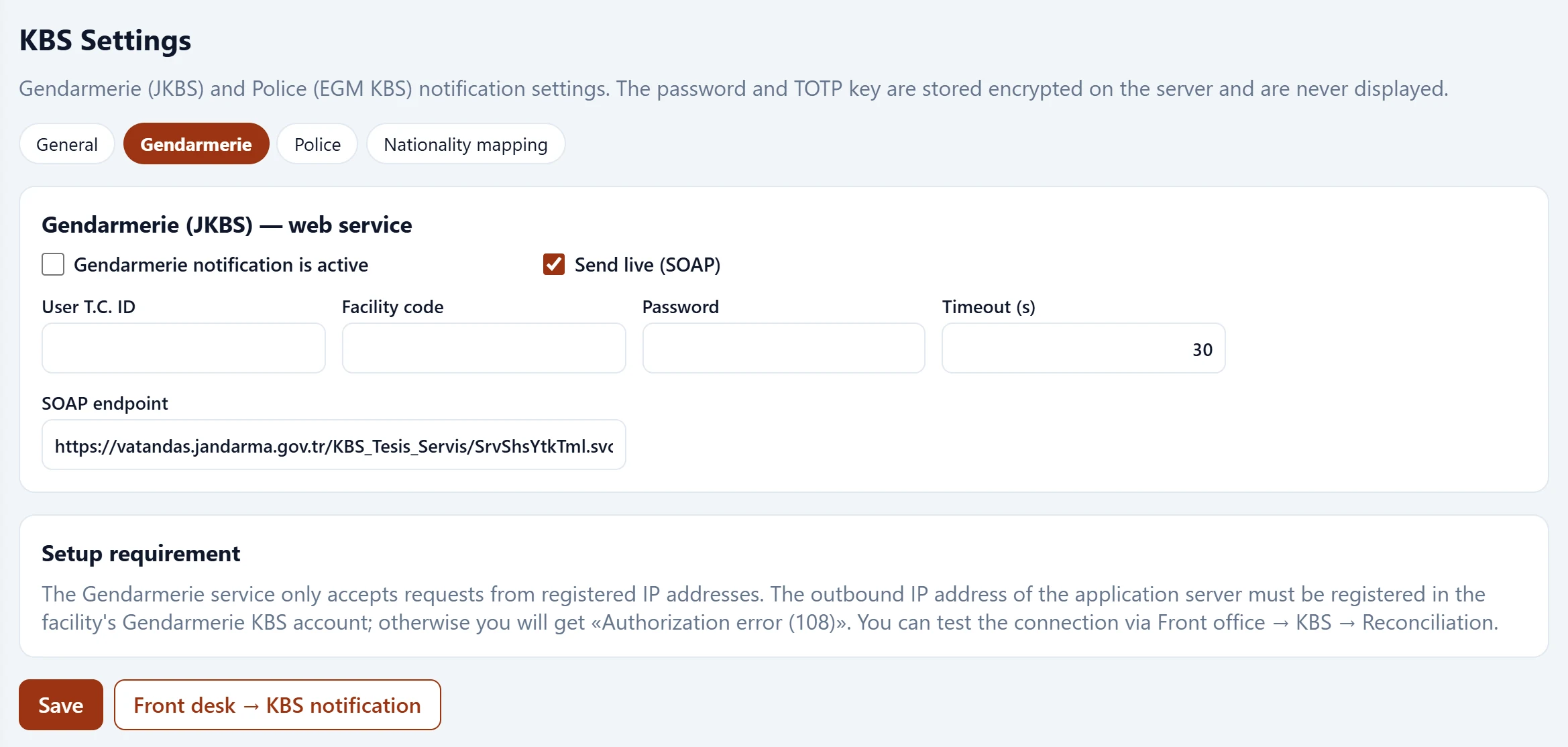
| Field | Sign in | Description |
|---|---|---|
| Gendarmerie notification is active | Checkbox | Events are queued for the gendarmerie. |
| Send live (SOAP) | Checkbox | When off, records wait in the queue. |
| User T.C. ID | Text | Turkish ID of the facility user. |
| Facility code | Text | KBS facility code. |
| Password | Text | Not shown after saving; type again to change it. |
| Timeout (s) | Text | Service timeout. |
| SOAP endpoint | Text | Gendarmerie service URL. Placeholder: «https://vatandas.jandarma.gov.tr/KBS_Tesis_Servis/SrvShsYtkTml.svc» |
The gendarmerie service only accepts requests from registered IP addresses. The application server's outbound IP must be registered in the property's gendarmerie KBS account, otherwise «Authorisation error (108)» is returned. Test the connection with Front office → KBS → Reconciliation. Do not enable live sending before the property's real credentials are entered and the connection is verified.
Police (EGM KBS)
EGM has no web service; notifications are made by an invisible browser on the server that fills in the kbs.egm.gov.tr forms. Not yet tested against live EGM: first run Site check and Login test, then enable live sending.
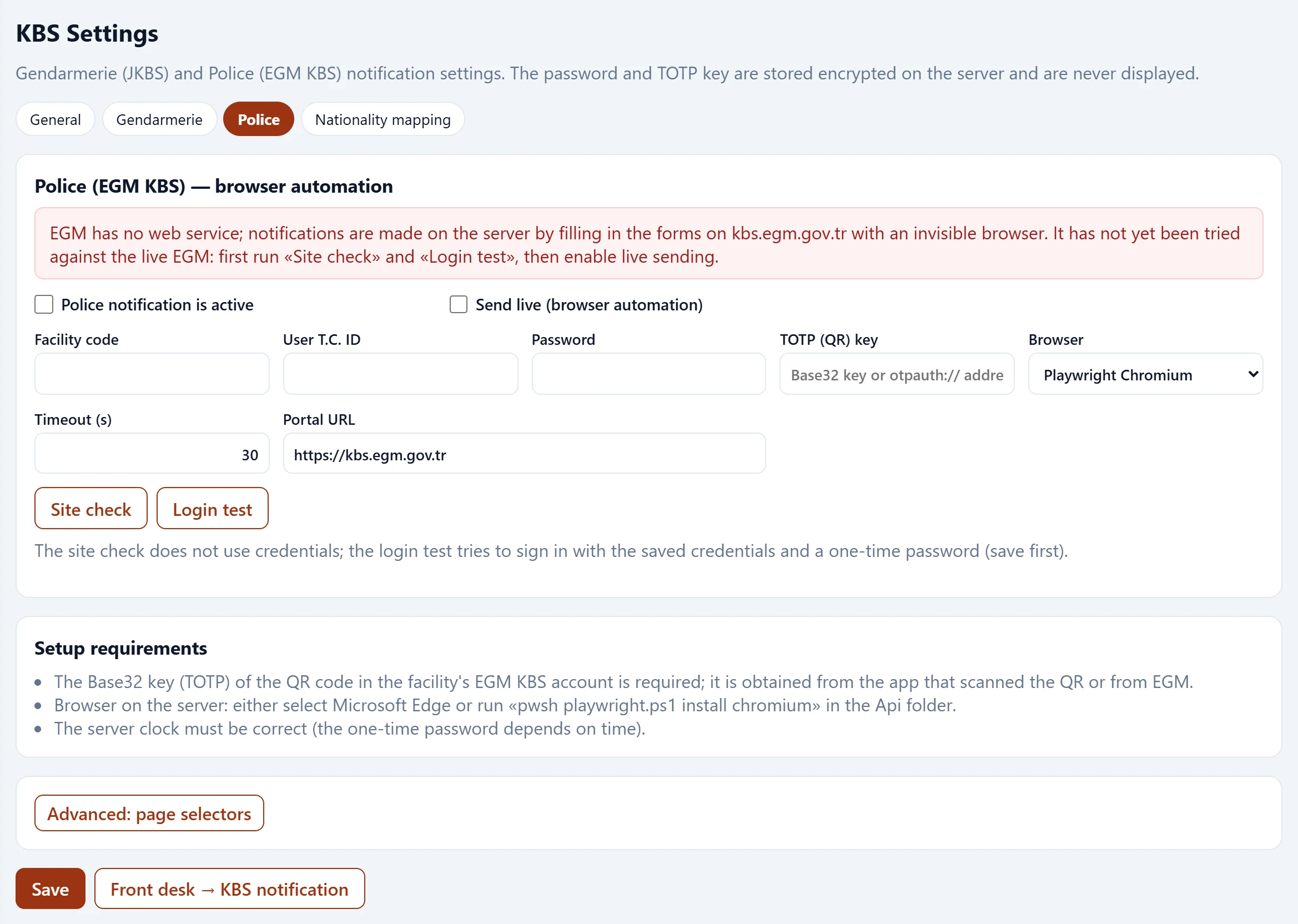
| Field | Sign in | Description |
|---|---|---|
| Police notification is active | Checkbox | Events are queued for the police. |
| Send live (browser automation) | Checkbox | Do not enable before the site check and login test succeed. |
| Facility code | Text | EGM KBS facility code. |
| User T.C. ID | Text | Turkish ID of the EGM user. |
| Password | Text | Not shown after saving; type again to change it. |
| TOTP (QR) key | Text | Base32 key of the QR code or otpauth:// URL. Placeholder: «Base32 key or otpauth:// address» |
| Browser | Choice list | Playwright Chromium, Microsoft Edge or Google Chrome. Options: Playwright Chromium · Microsoft Edge (installed on the server) · Google Chrome (installed on the server) |
| Timeout (s) | Text | Page timeout. |
| Portal URL | Text | EGM KBS address. Placeholder: «https://kbs.egm.gov.tr» |
Setup requirements:
- The Base32 key (TOTP) of the QR code in the property's EGM KBS account; taken from the app that scanned the QR or from EGM.
- A browser on the server: either choose Microsoft Edge or run «pwsh playwright.ps1 install chromium» in the Api folder.
- The server clock must be correct (one-time passwords are time-based).
Site check uses no credentials; Login test tries to sign in with the saved credentials and a one-time password (save first). Advanced: page selectors is only needed if the EGM site changes.
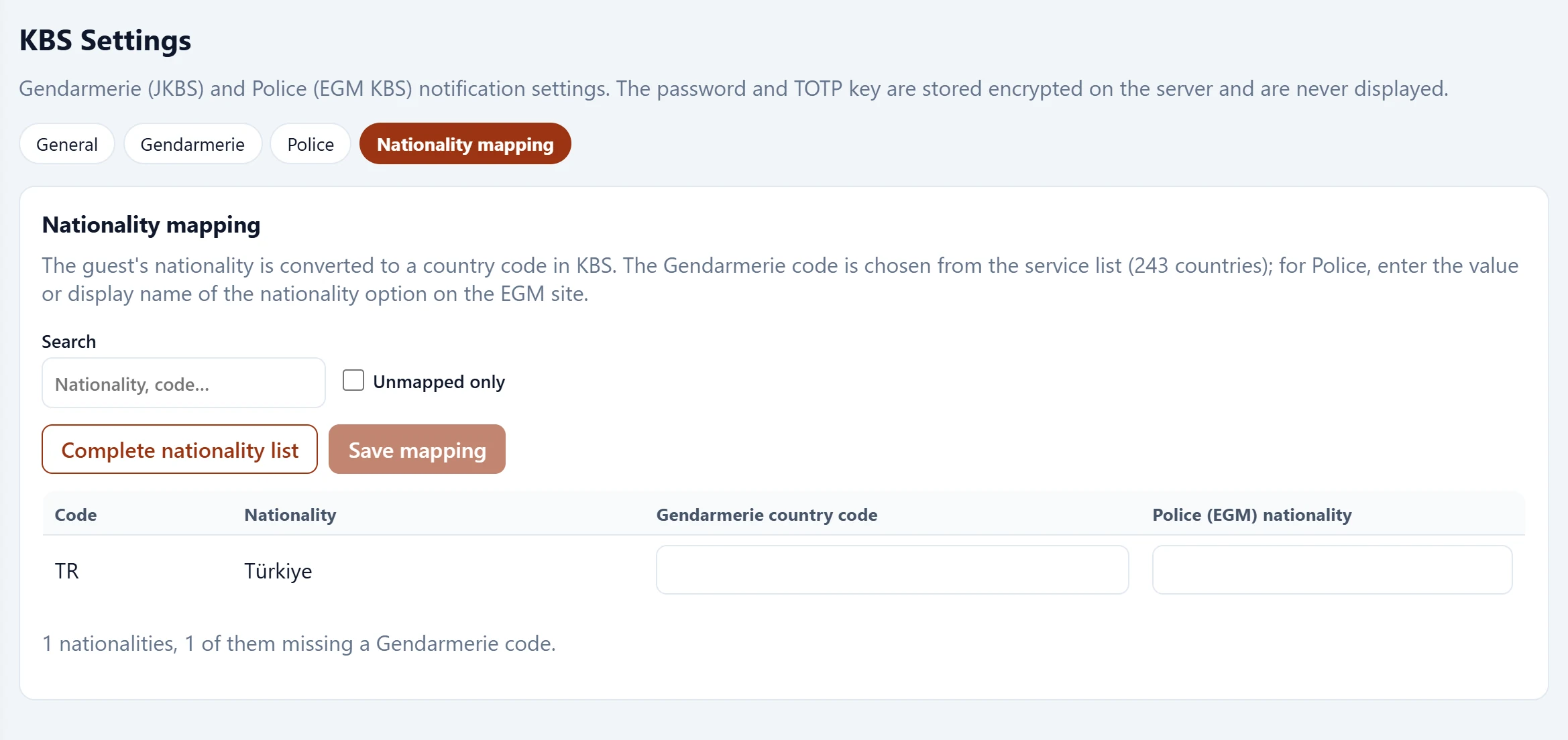
Nationality mapping
The guest's nationality is converted to a KBS country code. The gendarmerie code is chosen from the service list; for the police enter the value of the nationality option on the EGM site.