
 AsyaTicari
 AsyaRestoran
 AsyaOtel
 AsyaCrm
 AsyaKlinik
 AsyaSpor
 AsyaSSH
 AsyaEmlak
 AsyaFilo
 AsyaPuantaj
 AsyaİSG
 AsyaİHD
 Kolay Öğren
AsyaOtel · Hotel management
Blocking and quick blocking
Taking a room or room type off sale for a date range.
A block reserves a room or room type for a date range; blocked stock is removed from sellable stock in the room rack. Quick block is a shortcut to the same screen.
asyaotel · /rezervasyon/blokaj
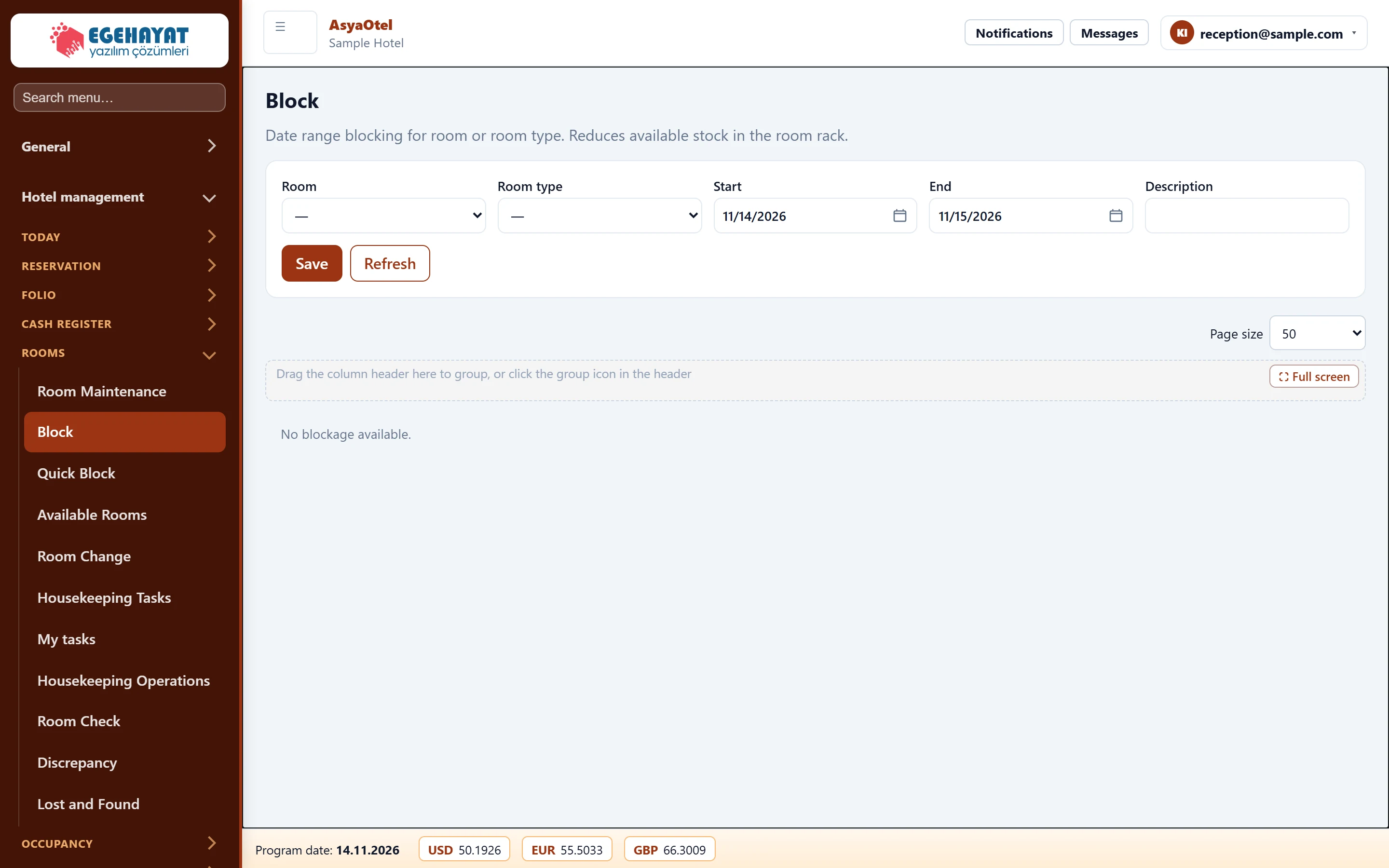
- 1Blocking Room or room type, date range and description.
- 2List Active blocks; remove with Cancel.
Part of the screenBlocking form
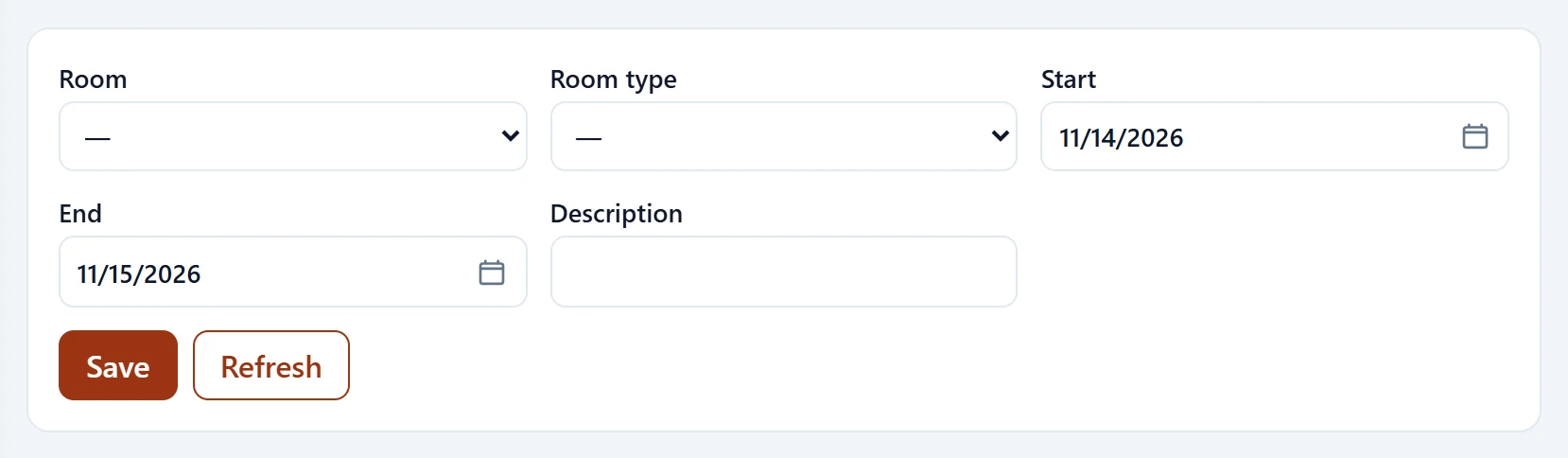
| Field | Sign in | Description |
|---|---|---|
| Room | Choice list | Room to block (or choose a room type). |
| Room type | Choice list | Blocks one unit of the type instead of a specific room. Options: OCA-DLX — Deluxe · OCA-STD — Standart · OCA-STE — Suit |
| Start | Text | First day of the range. Placeholder: «mm/dd/yyyy» |
| End | Text | Last day of the range. Placeholder: «mm/dd/yyyy» |
| Description | Text | Free-text description. |
Cancel in the list removes a block.
| Warning | Cause | Solution |
|---|---|---|
| Select a room or room type. | Both empty. | Choose at least one. |