AsyaTicari
 AsyaRestoran
 AsyaOtel
 AsyaCrm
 AsyaKlinik
 AsyaSpor
 AsyaSSH
 AsyaEmlak
 AsyaFilo
 AsyaPuantaj
 AsyaİSG
 AsyaİHD
 Kolay Öğren

User guide
Shared modules
Screens that work the same in every commerce application: accounts, stock, documents, e-documents, cash / bank / POS, cheques and notes, data import, definitions and company settings.
General
AsyaAI assistant
AsyaAI chat assistant that answers guide questions (Portal and product screens).
 Quick sale
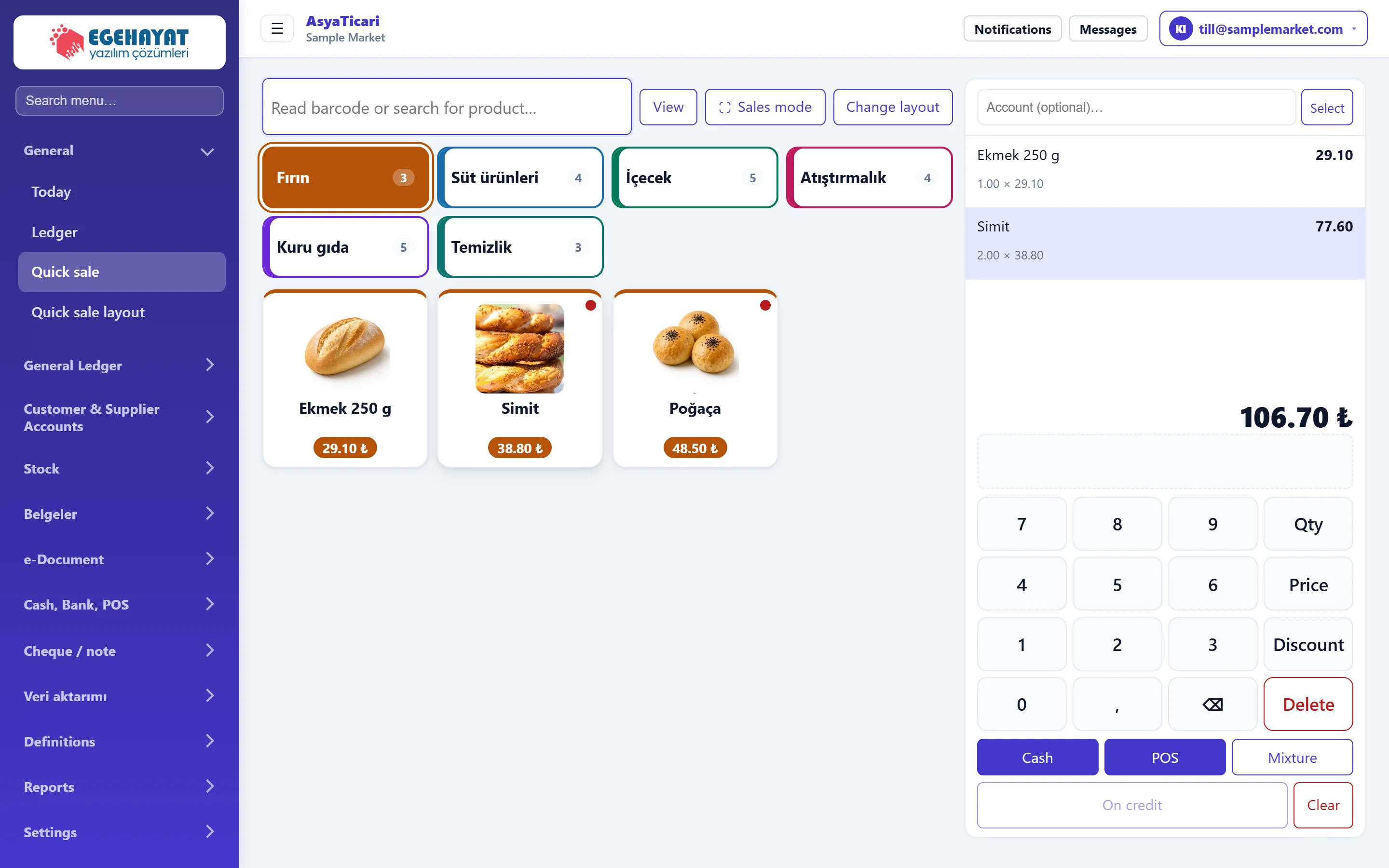
Counter sales by scanning a barcode or tapping a product button; keypad for quantity, price and discount; cash, POS, mixed and credit payment.
 Quick sale layout
Defining the tabs, product buttons, colours, order and fixed prices of the quick sale screen, and its cash register and POS account.
Quick sale
Counter sales by scanning a barcode or tapping a product button; keypad for quantity, price and discount; cash, POS, mixed and credit payment.
Quick sale layout
Defining the tabs, product buttons, colours, order and fixed prices of the quick sale screen, and its cash register and POS account.
Customer & Supplier Accounts
 Account list and statement
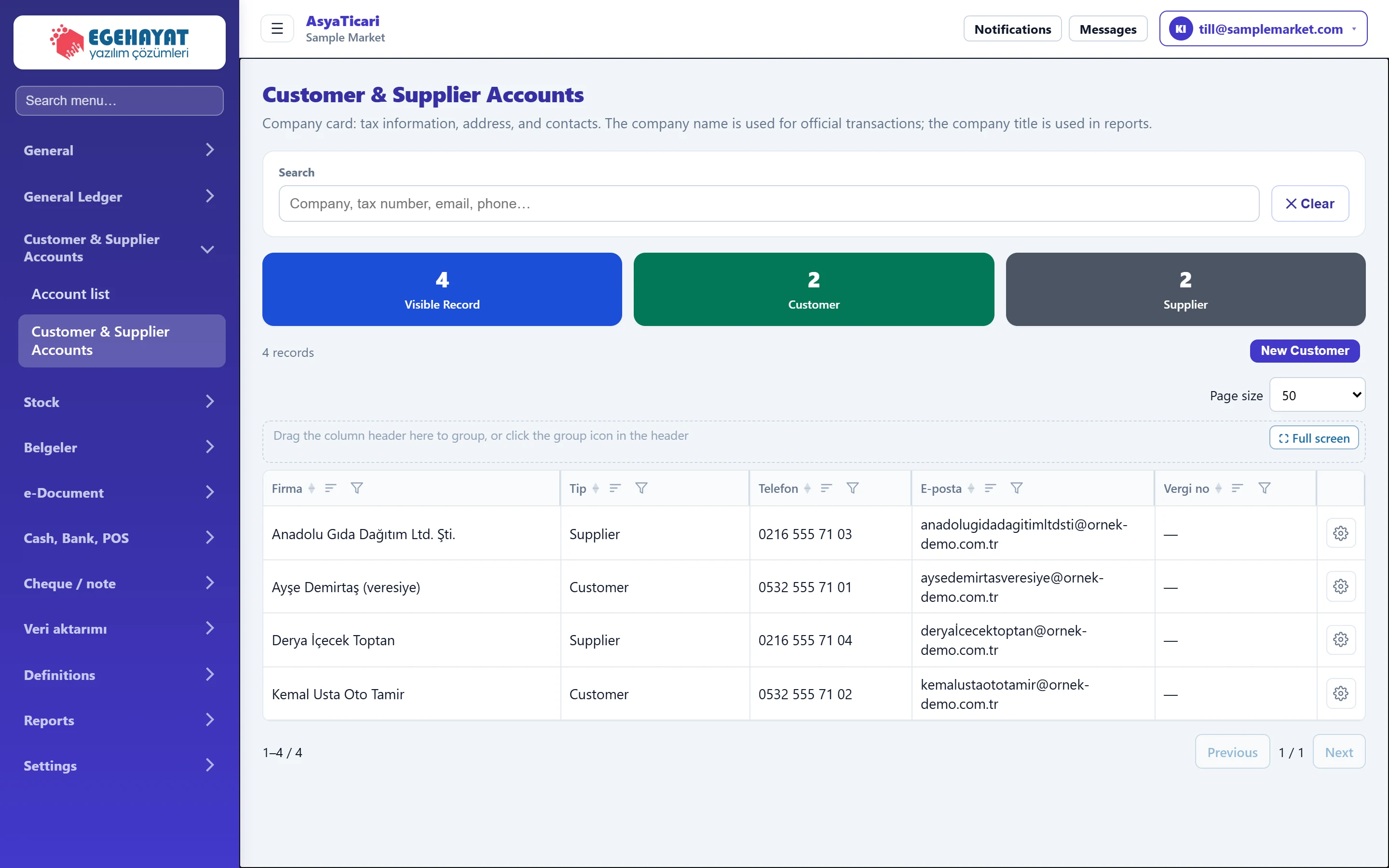
Customer and supplier balances, overdue amounts, account statement, collections / payments and debit / credit entries without invoice.
 Account cards (customer / supplier)
Creating, editing and copying customer and supplier cards: identity, tax and e-document details, commercial terms, logistics, risk limit, addresses and contacts.
Stock
 Stock cards
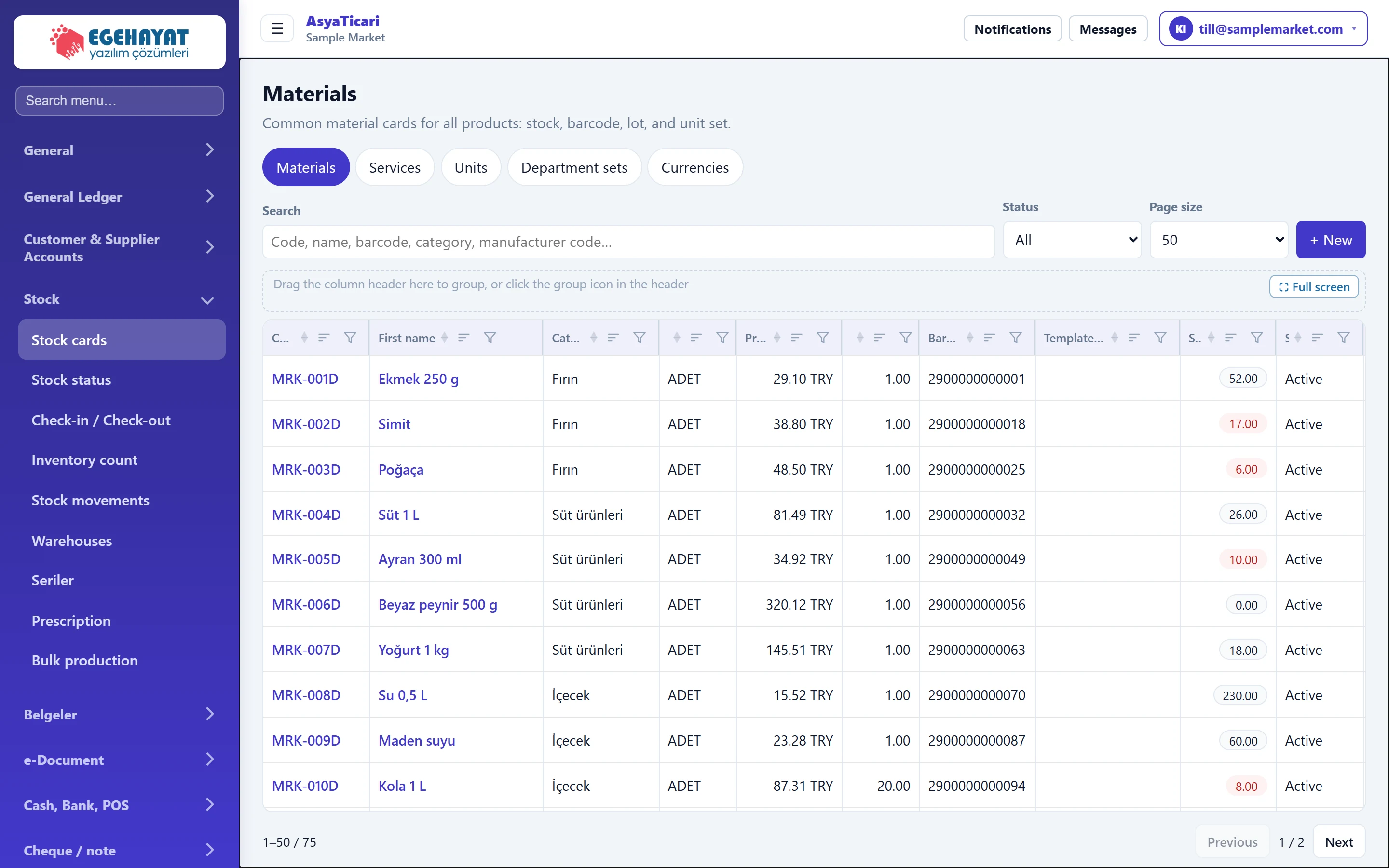
Listing, searching and creating material (stock) cards: identity, price and VAT, stock tracking, product picture, units and barcodes, allergens.
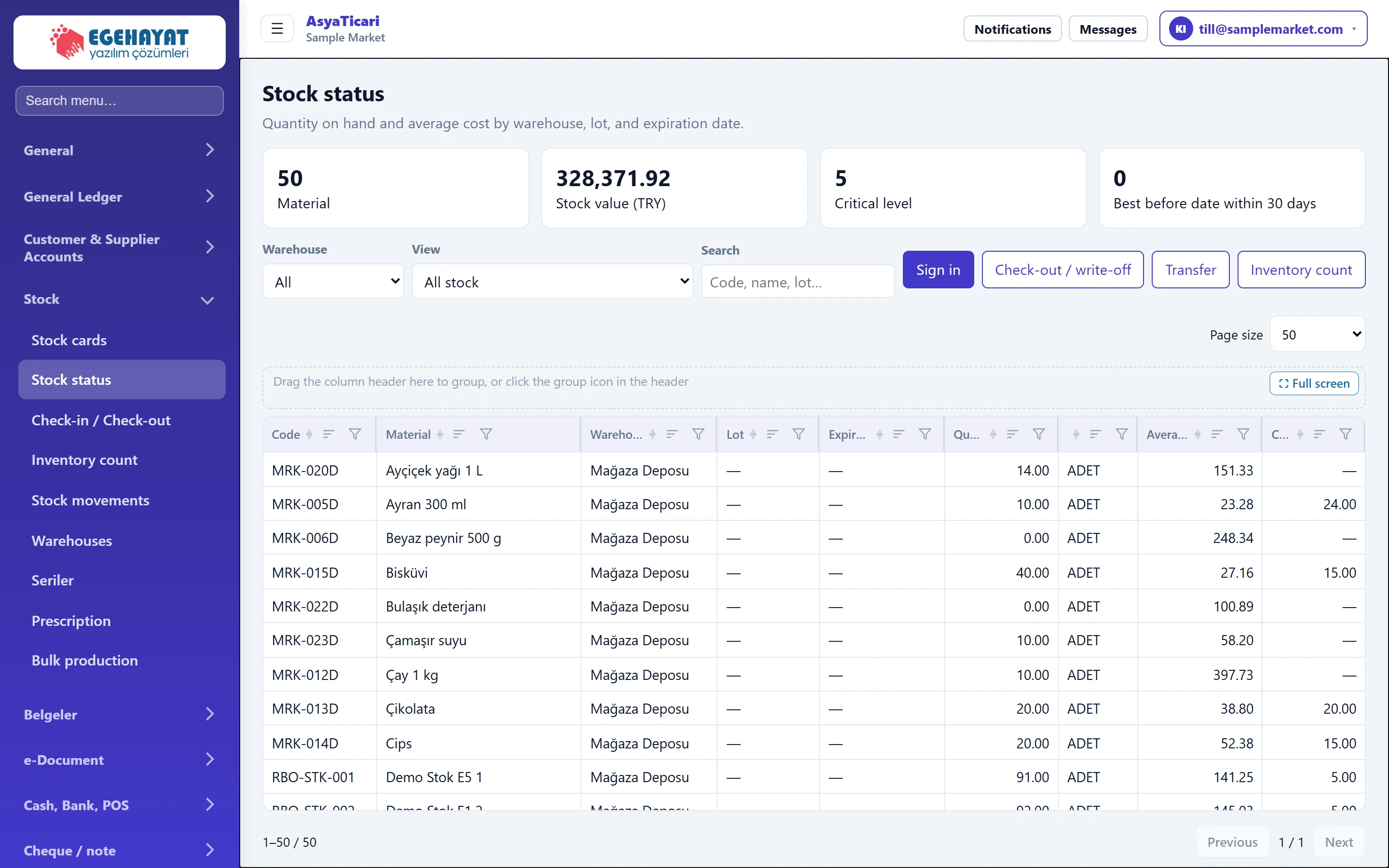 Stock status
Quantity on hand and cost by warehouse, lot and expiry date; critical stock and expiry warnings; single-item receipt, issue, transfer and count.
 Stock in / out slip
Recording non-invoice receipts, consumption issues and waste on a single multi-line slip by scanning barcodes.
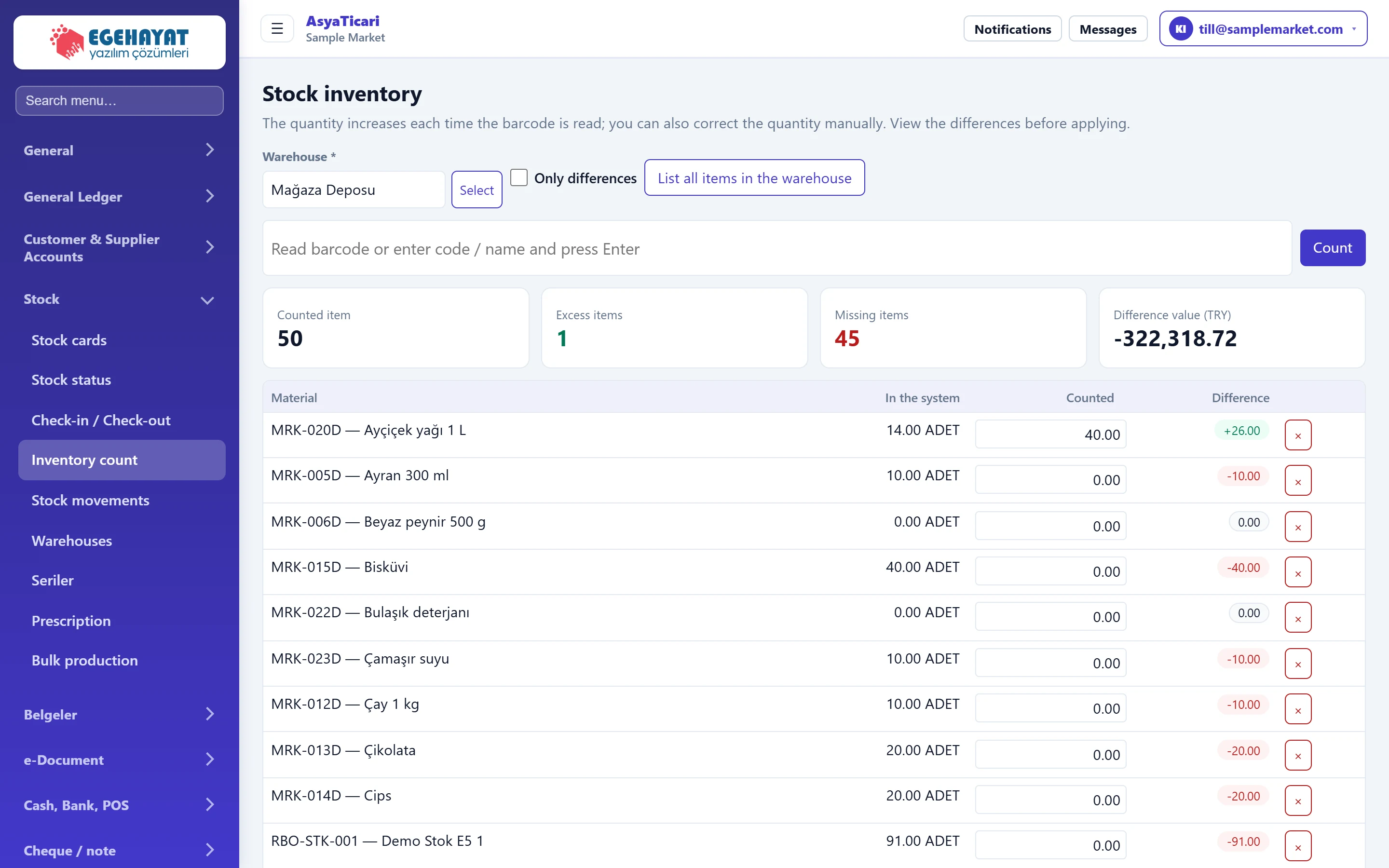 Stock count
Counting a warehouse by barcode, comparing system and counted quantities and posting the differences to stock.
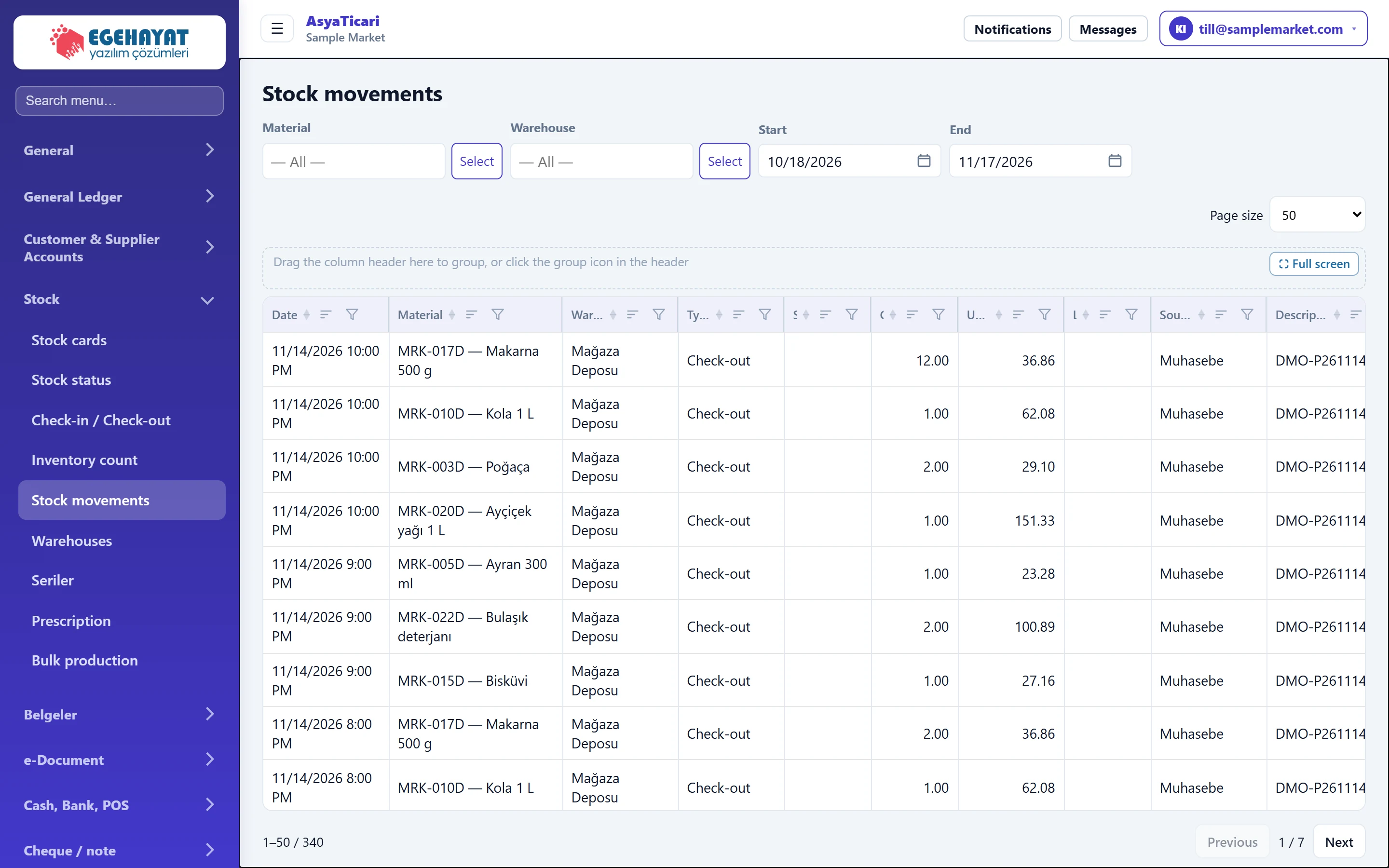 Stock movements
List of all stock receipts and issues by material, warehouse and date.
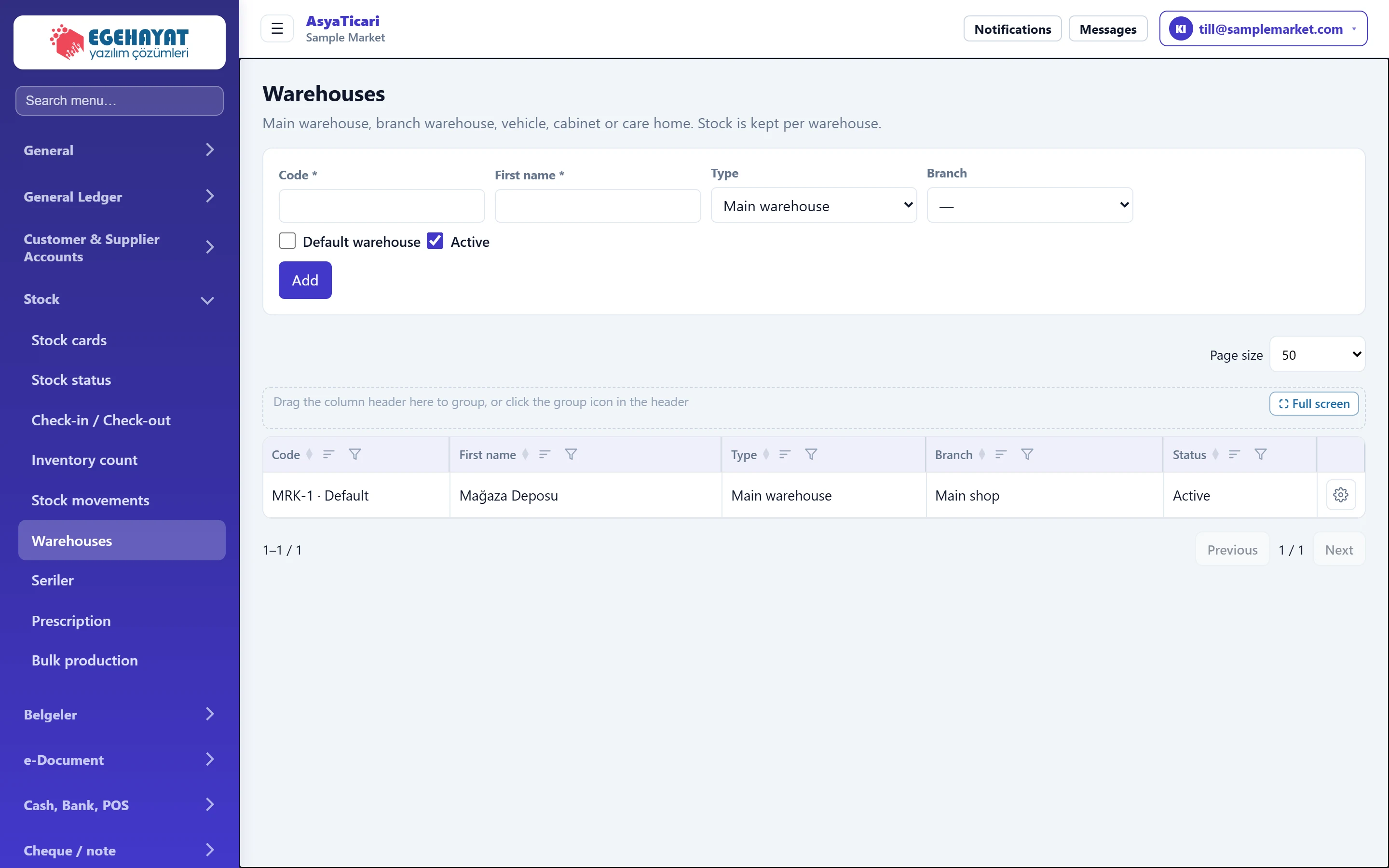 Warehouses
Defining main warehouse, branch warehouse, vehicle or cabinet; choosing the default warehouse.
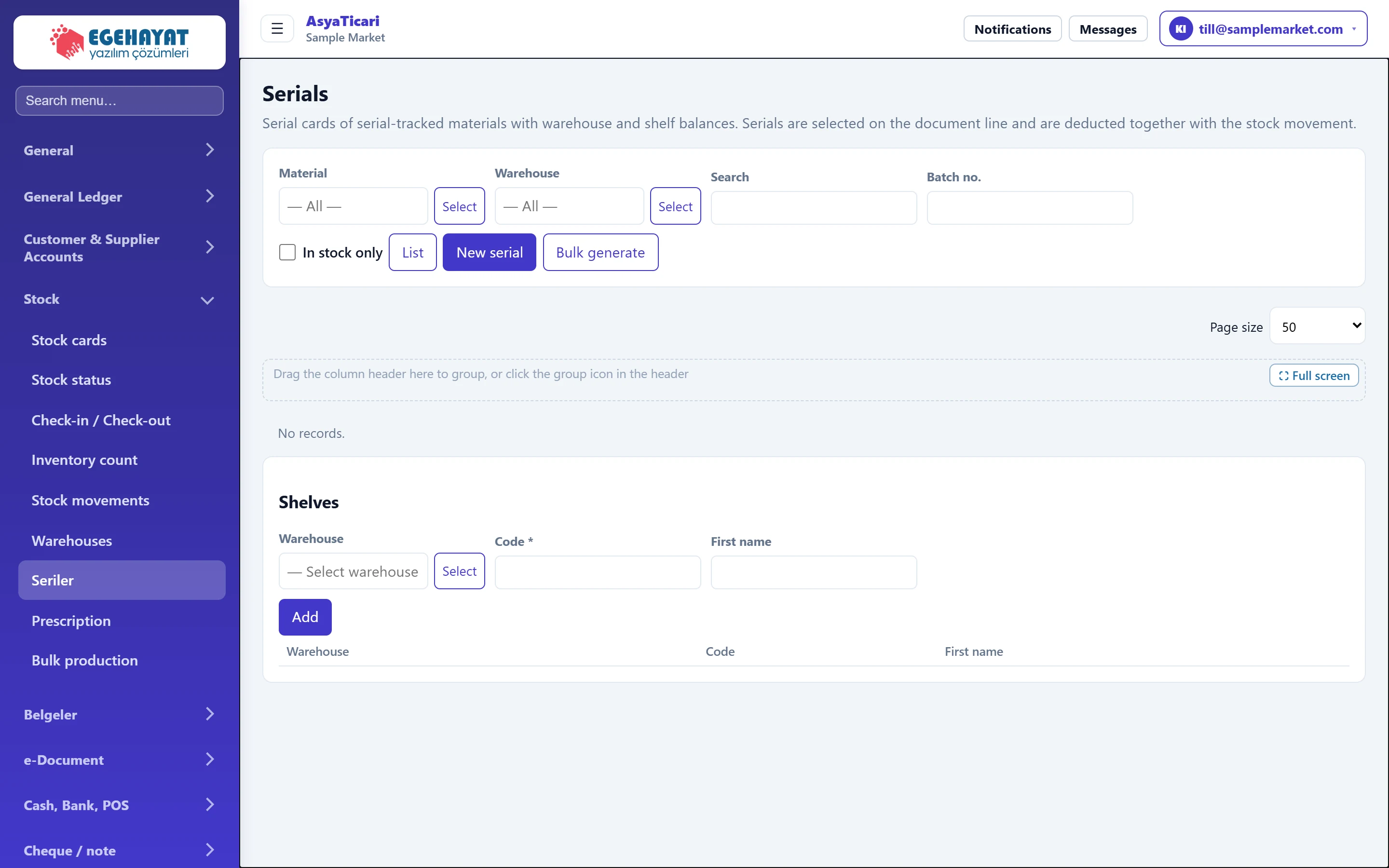 Serials (serial / roll tracking)
Serial cards of serial-tracked materials, bulk serial generation, warehouse and shelf balances, shelf definitions.
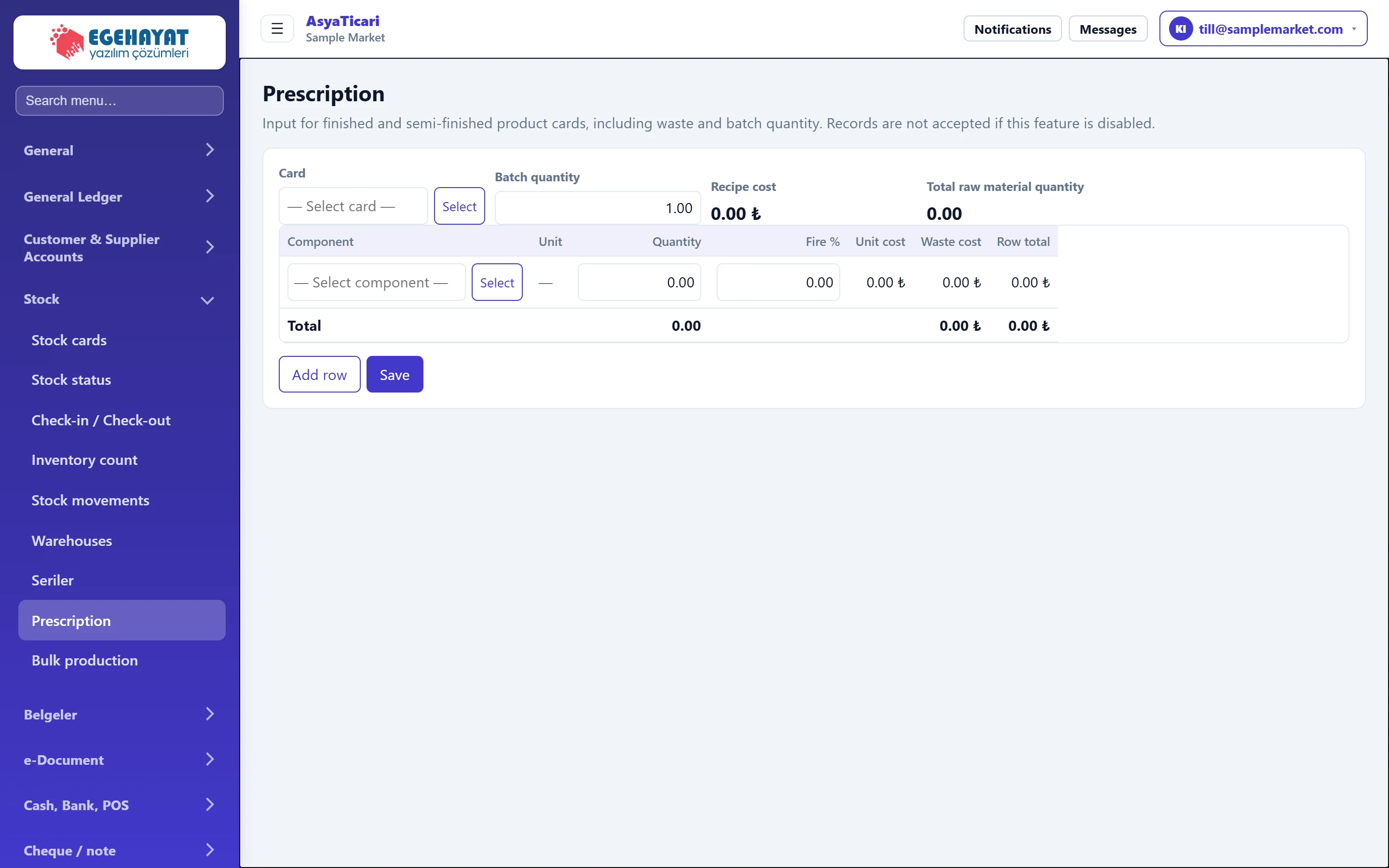 Recipe
Defining components, quantities and waste rates for finished and semi-finished cards; viewing the recipe cost.
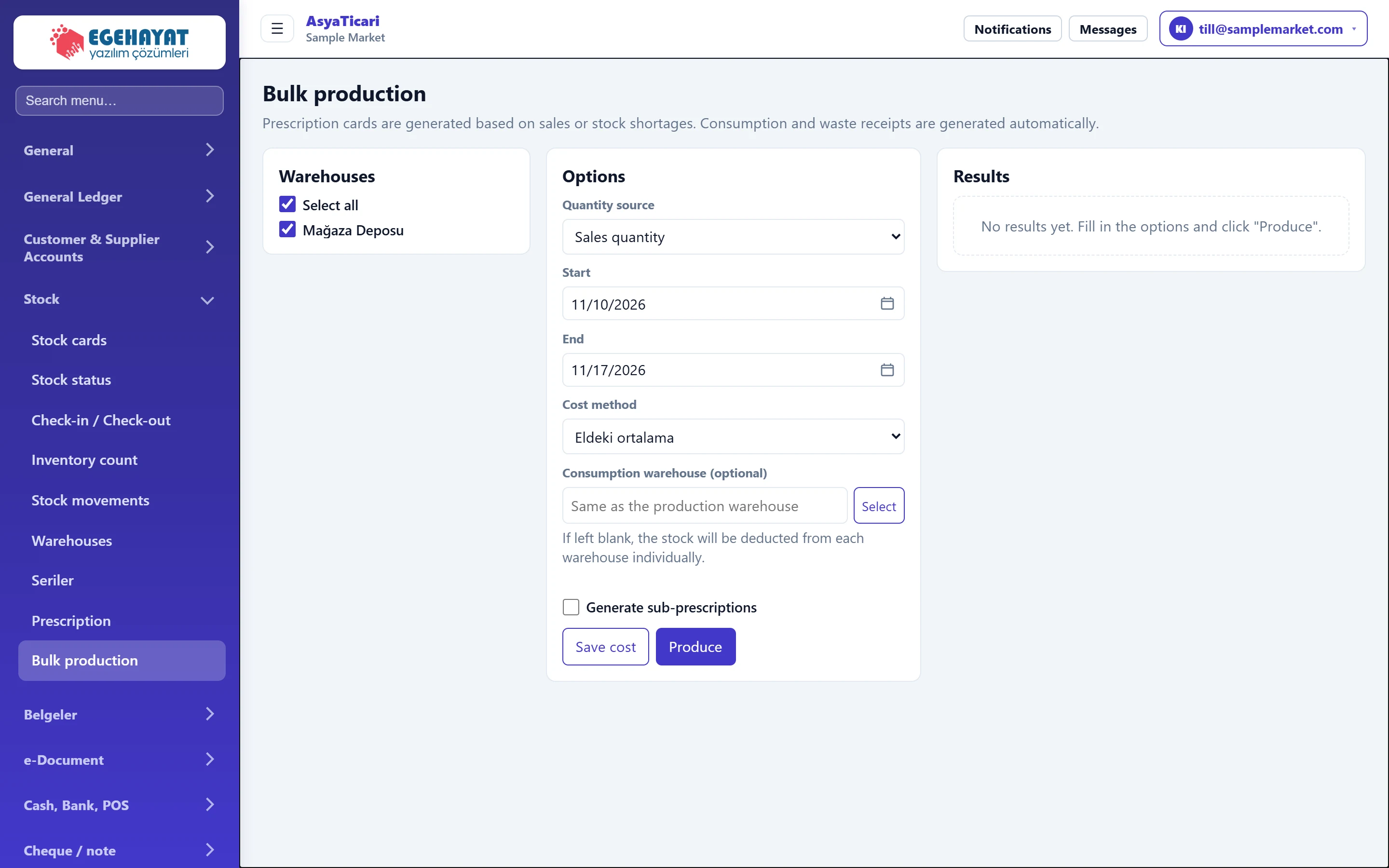 Bulk production
Producing recipe products in bulk based on sales or stock shortage; consumption and waste slips are issued automatically.
Belgeler
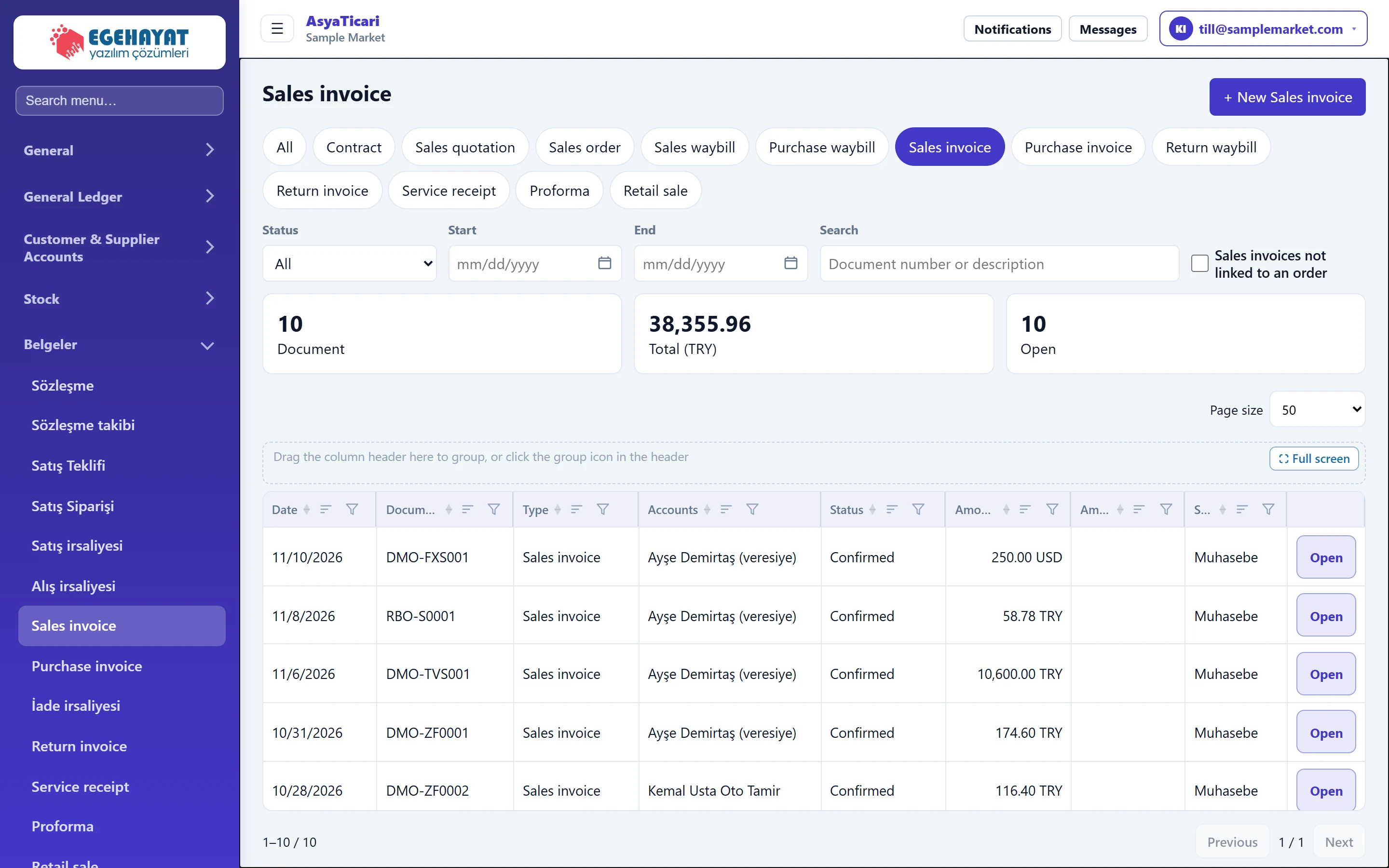 Document lists
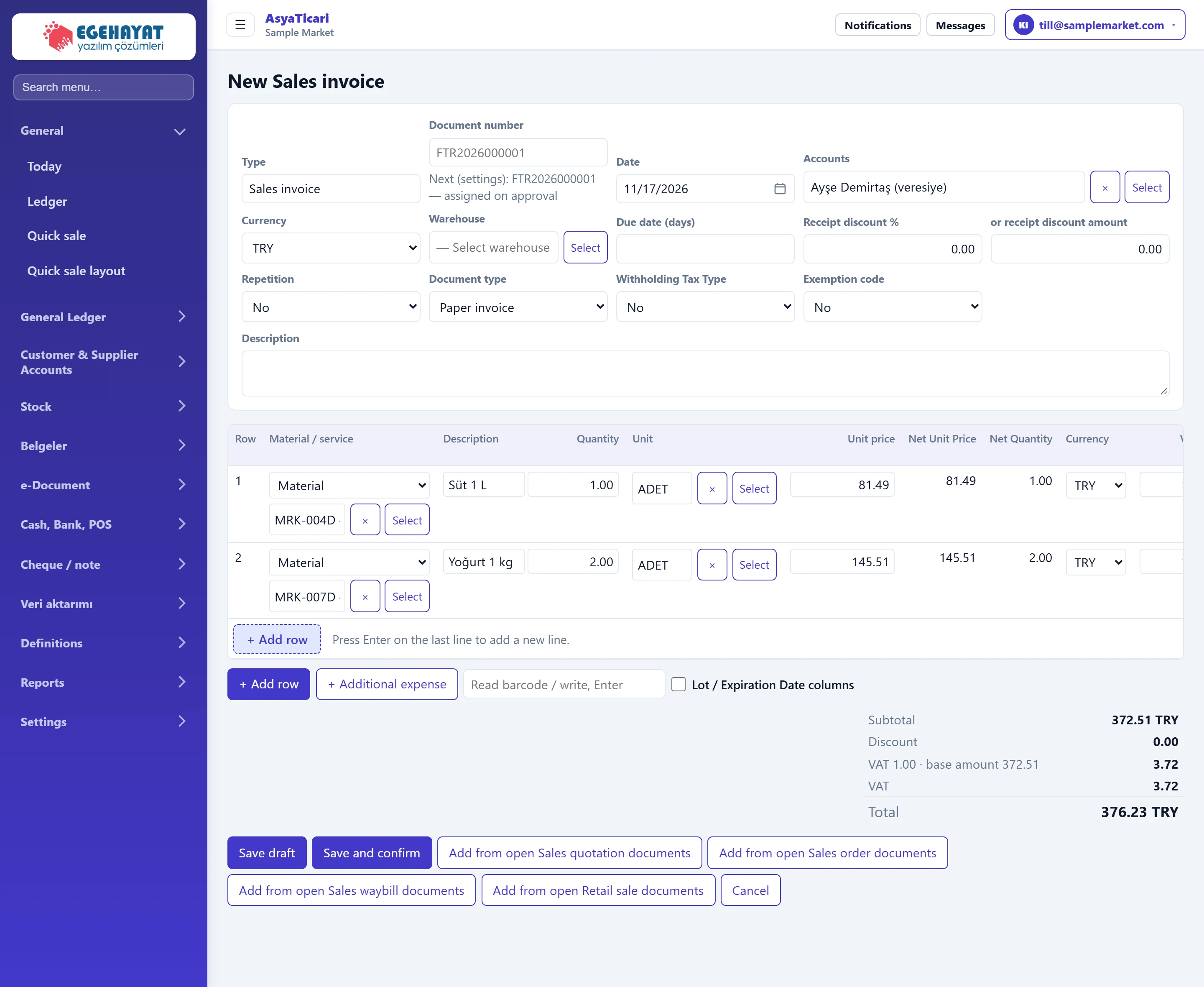
Listing, filtering and creating quotes, orders, waybills, invoices, returns, service slips, pro formas and retail sales by type.
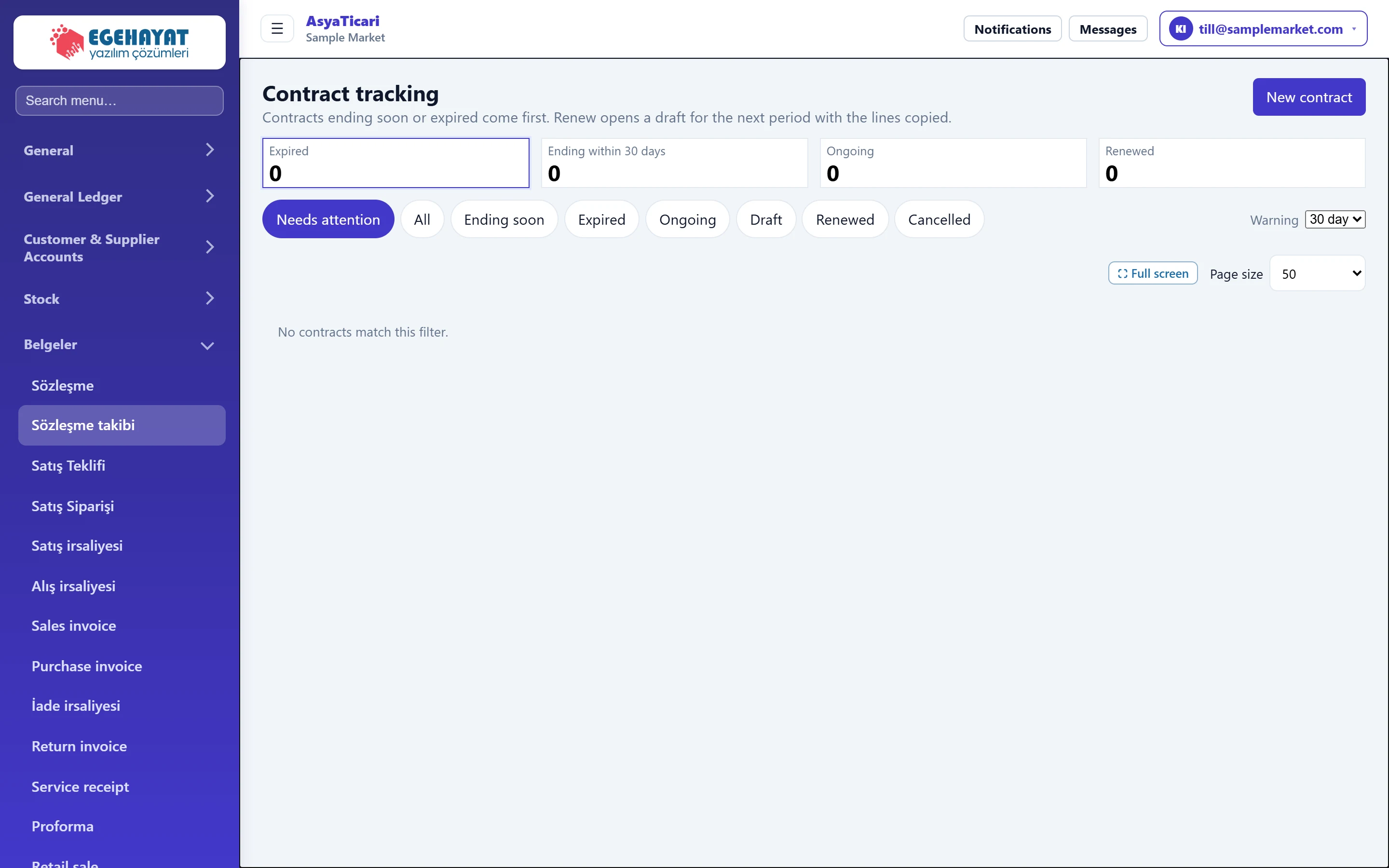 Contract tracking
Following contracts that are about to end or have expired, reminding customers via WhatsApp and renewing a contract for a new period.
 Marketplace
Importing orders from marketplaces such as Trendyol, Hepsiburada, N11 and from web shops, mapping stock cards and sending stock.
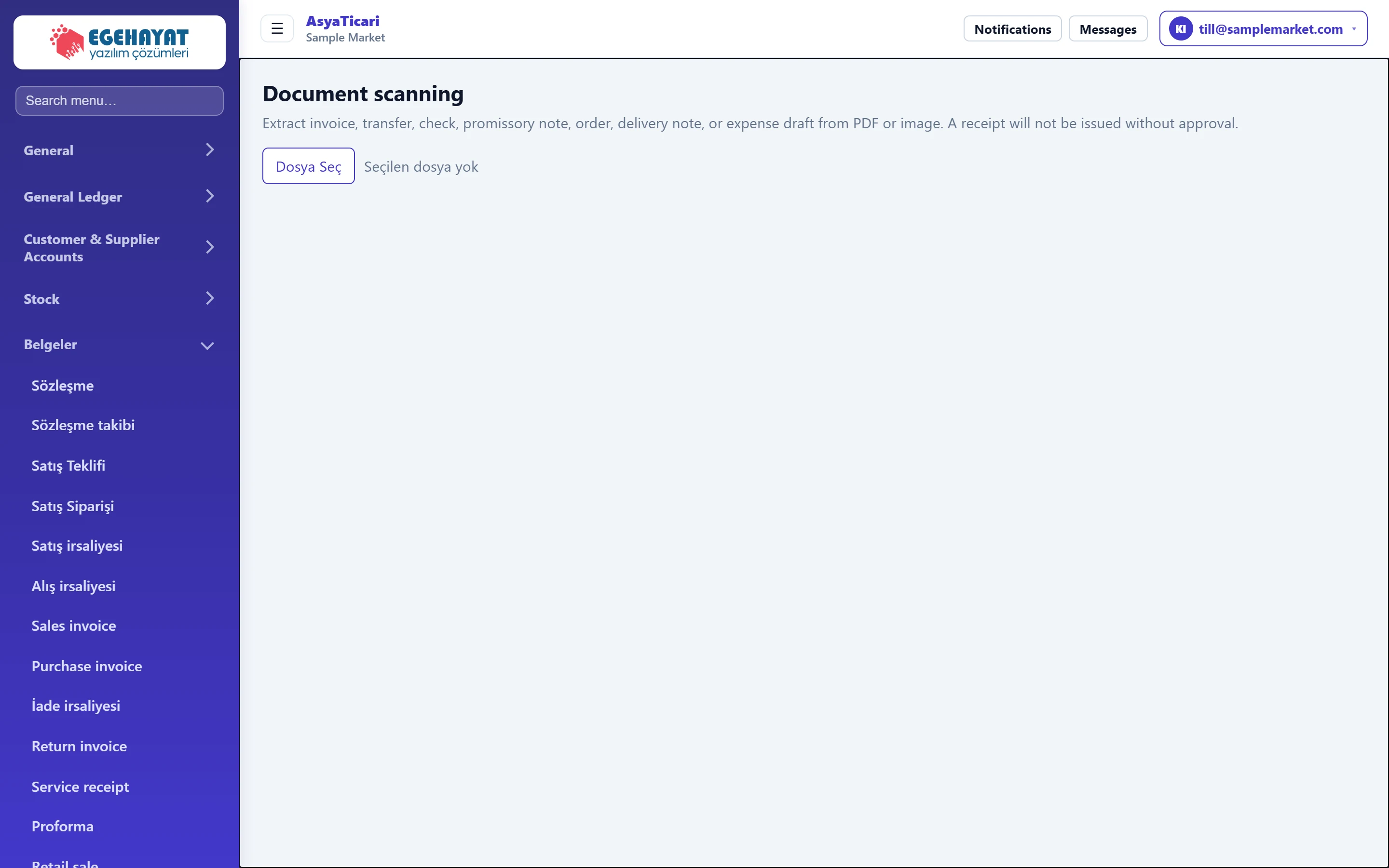 Document scanning
Reading name, tax number, amount and document number from PDF invoices, bank receipts, cheques and promissory notes and creating a draft document or record.
e-Document
Cash, Bank, POS
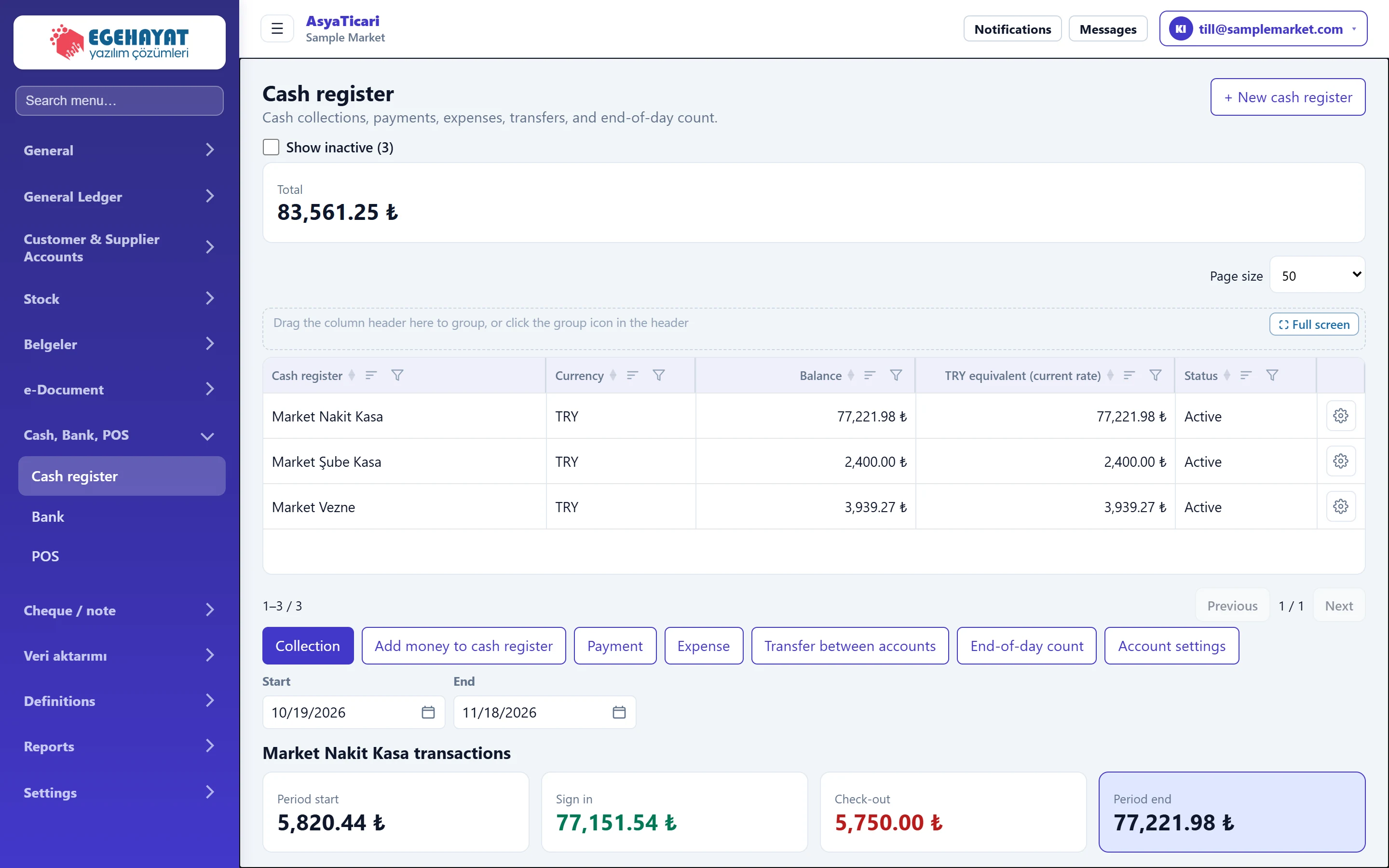 Cash register
Defining cash registers; receipts, payments, expenses, deposits, transfers, end-of-day count and register transactions.
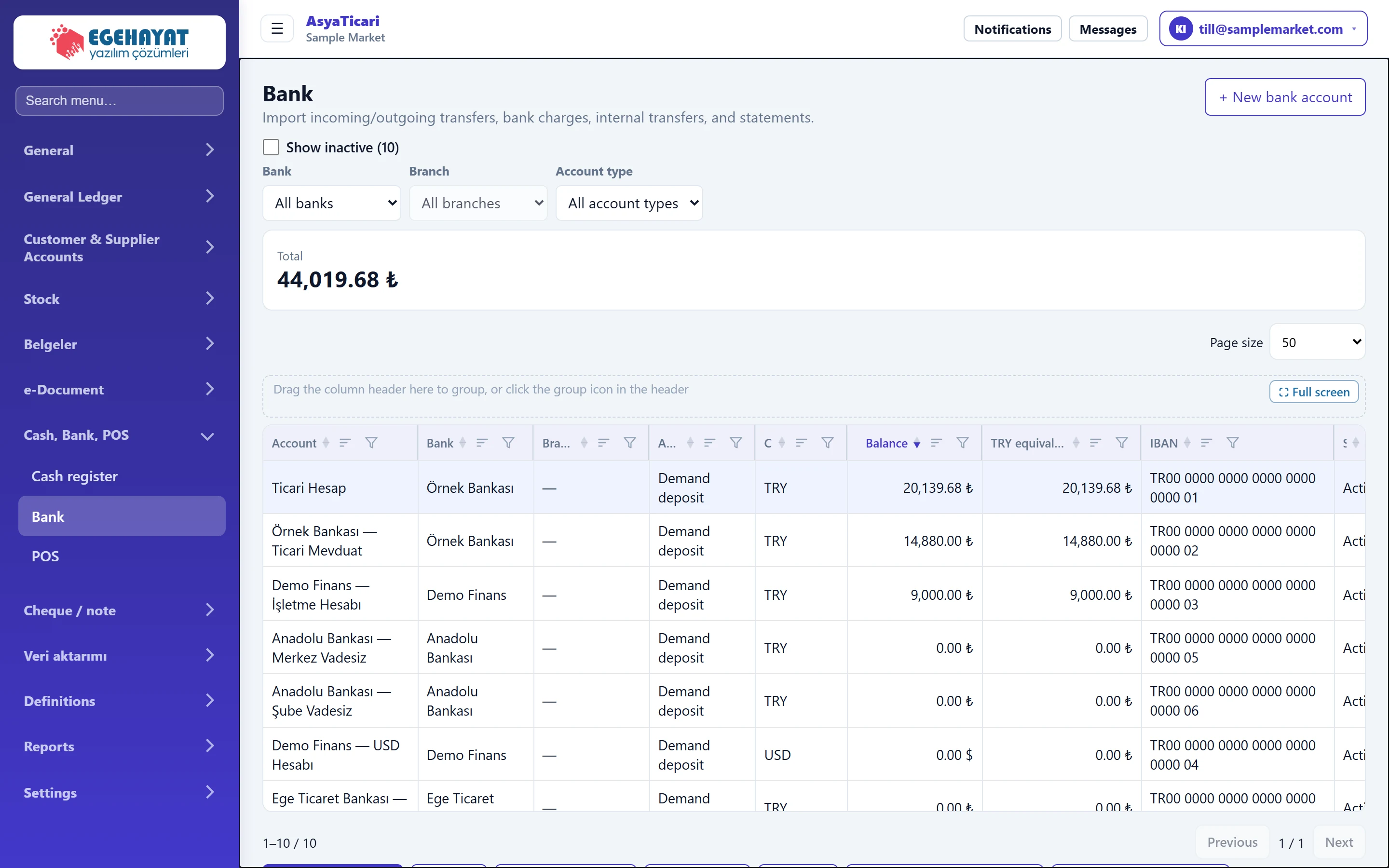 Bank
Bank accounts; incoming / outgoing transfers, bank charges, expenses, deposits, transfers between accounts, CSV statement import and account transactions.
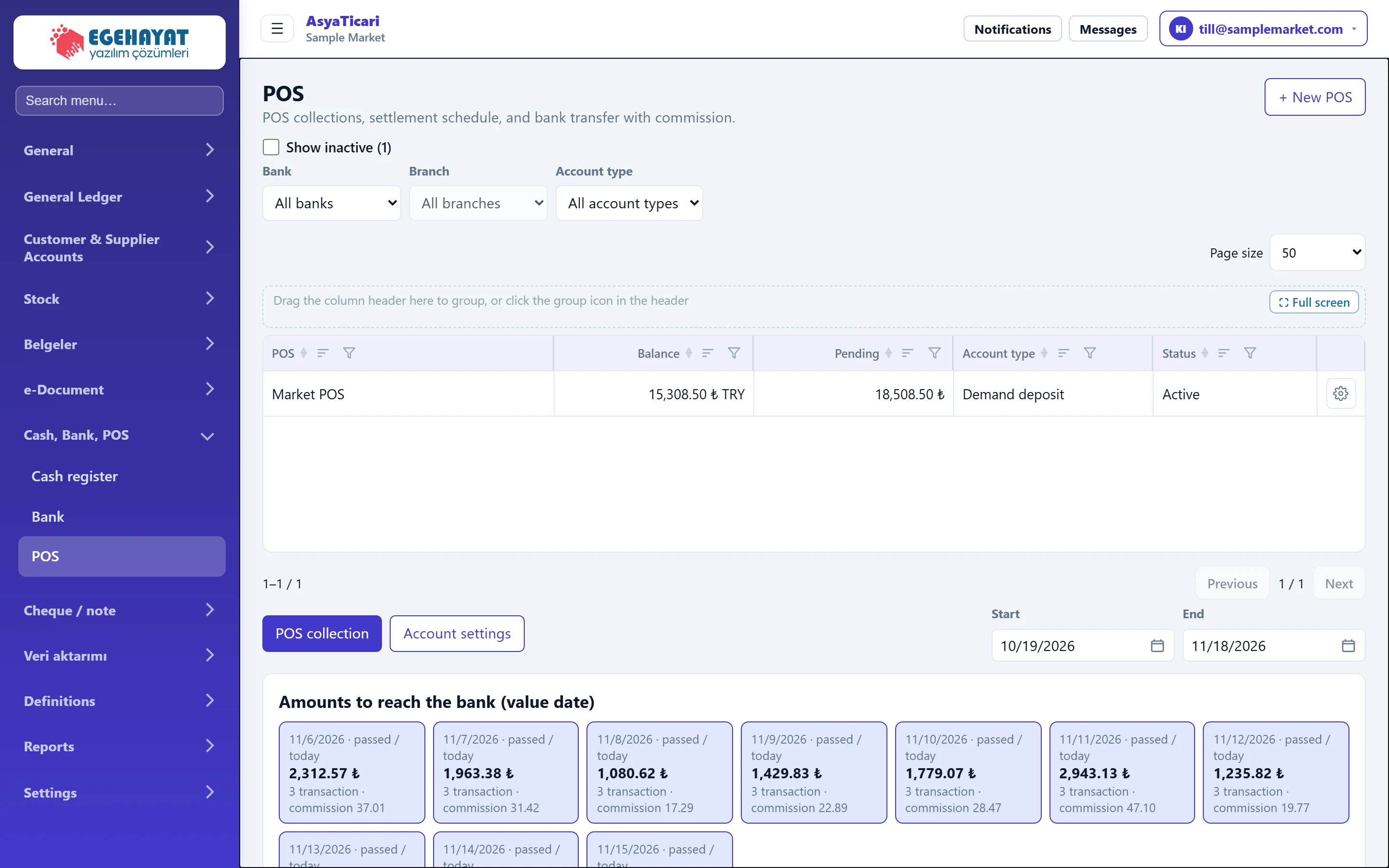 POS
Card terminals; POS collections, value date calendar, transfer to the bank with commission and POS transactions.
Cheque / note
 New cheque / note entry
Recording a cheque / note received from a customer or issued by you; account, serial no, amount, due date, bank, cheque book and cheque image.
 Cheque / note portfolio and details
List, summaries and filters of received and issued cheques / notes; on the detail screen endorse, collect, bounce, return, edit and undo.
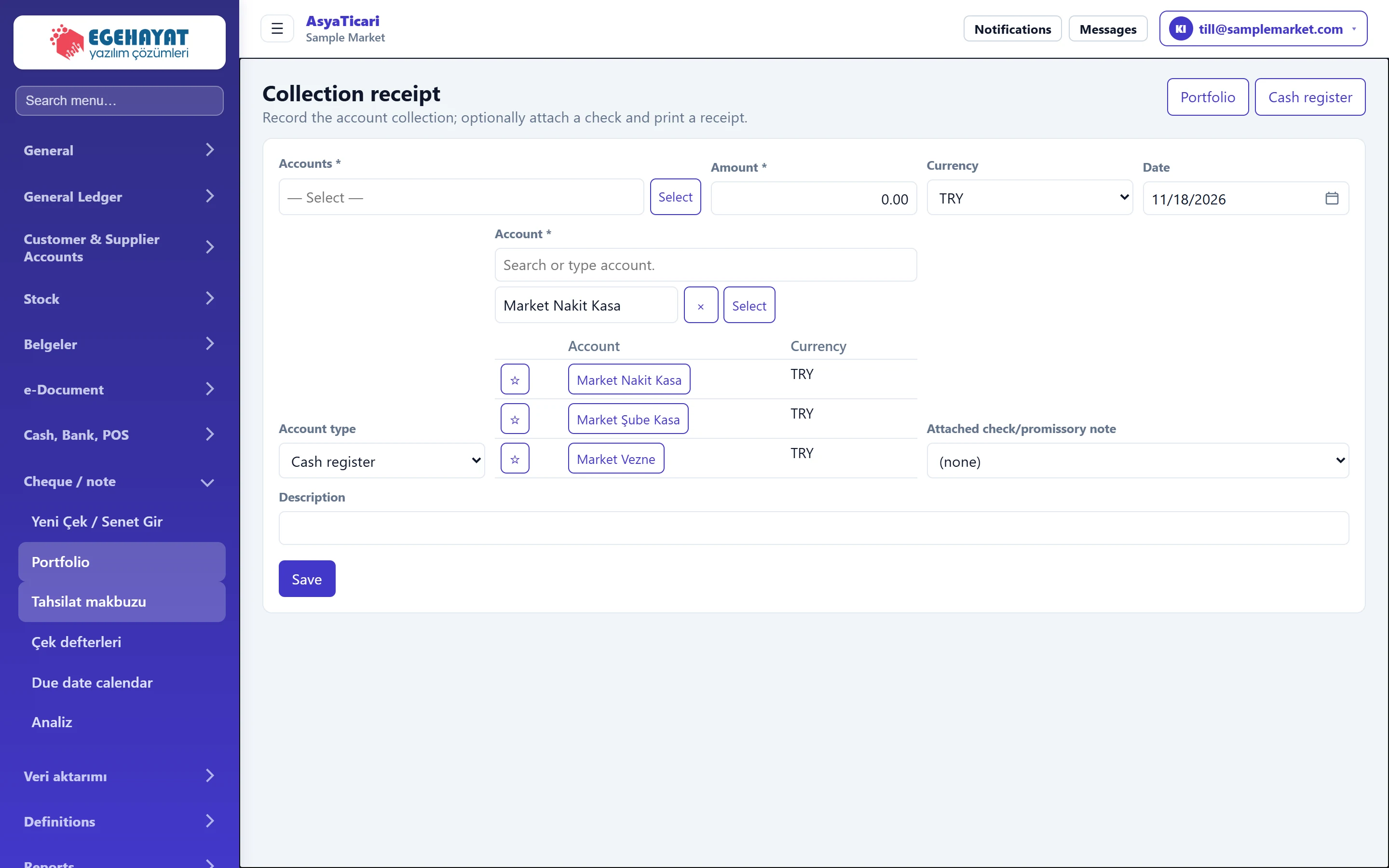 Collection receipt
Recording money received from an account into a register or bank and printing a collection receipt; optionally linking a cheque / note.
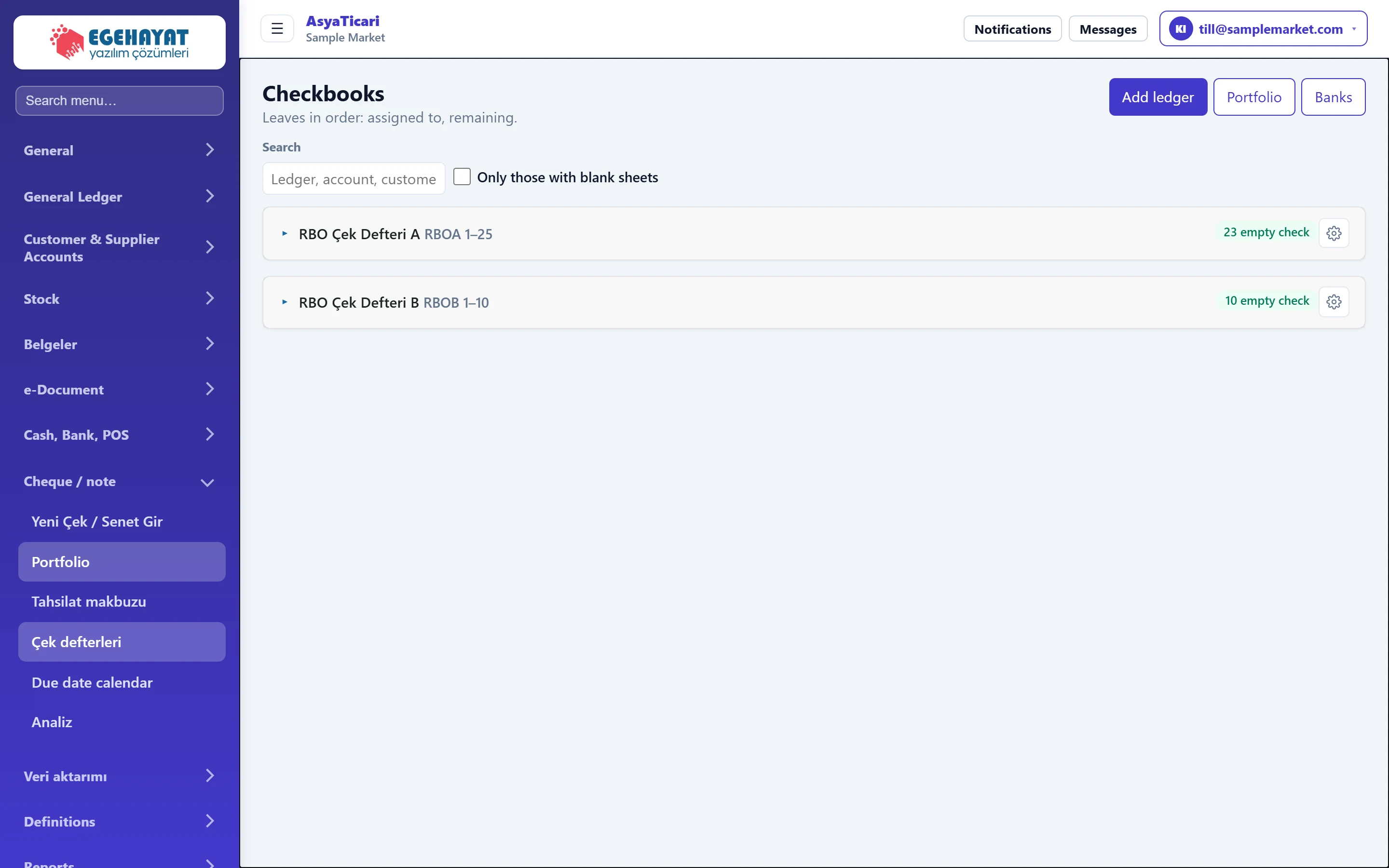 Cheque books
Defining, extending and tracking your own cheque books leaf by leaf: which cheque went to whom and how many free leaves are left.
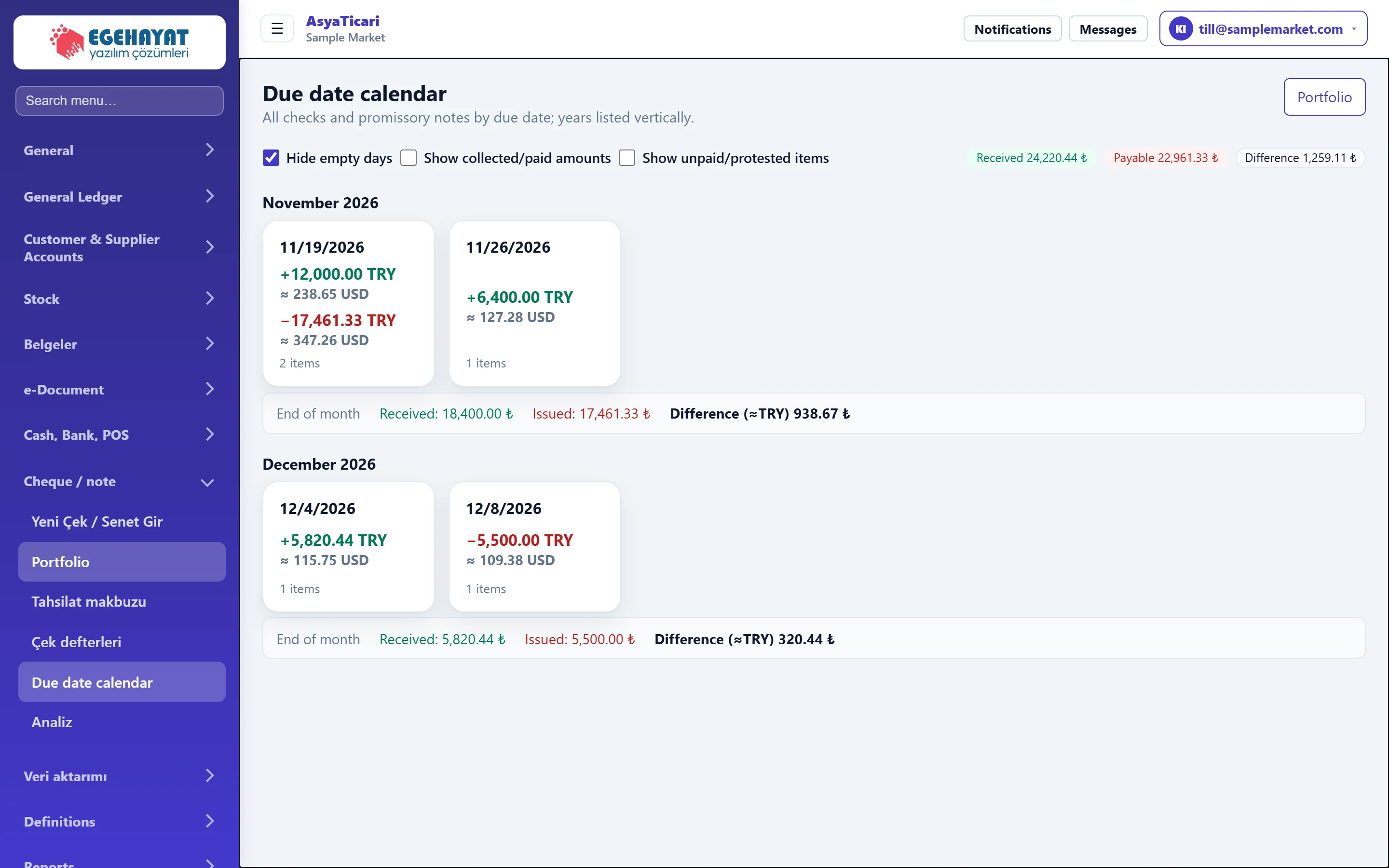 Due date calendar
Calendar of cheques and notes by due day, month by month; daily received / issued totals and day list.
 Cheque / note analysis
Daily, weekly or monthly summary of received and issued cheques / notes in a range; status breakdown, detail list and CSV export.
Veri aktarımı
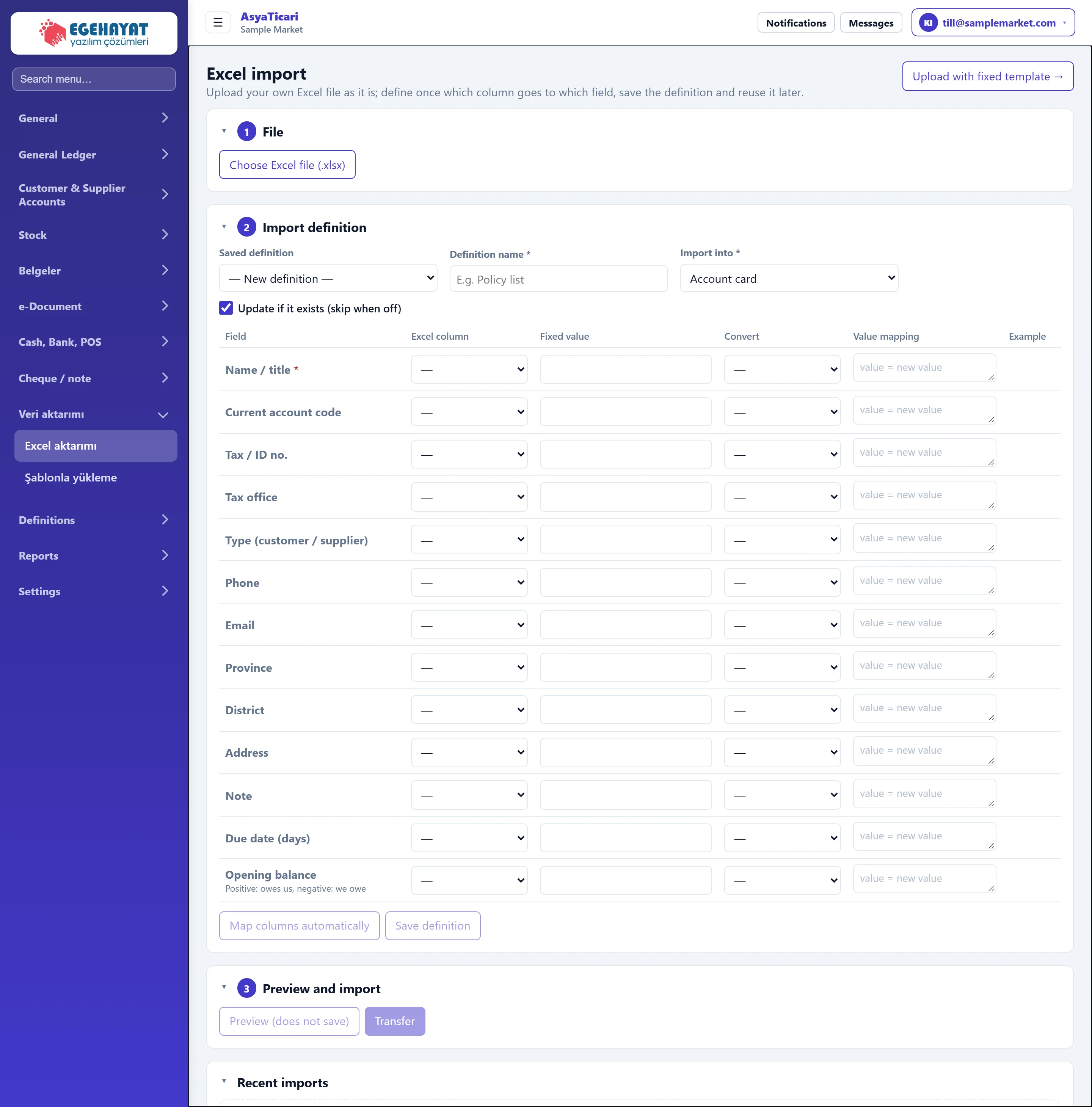 Excel import
Importing your own Excel file into accounts, items, services, documents, cheques / notes and cash / bank movements with column mapping; preview and undo.
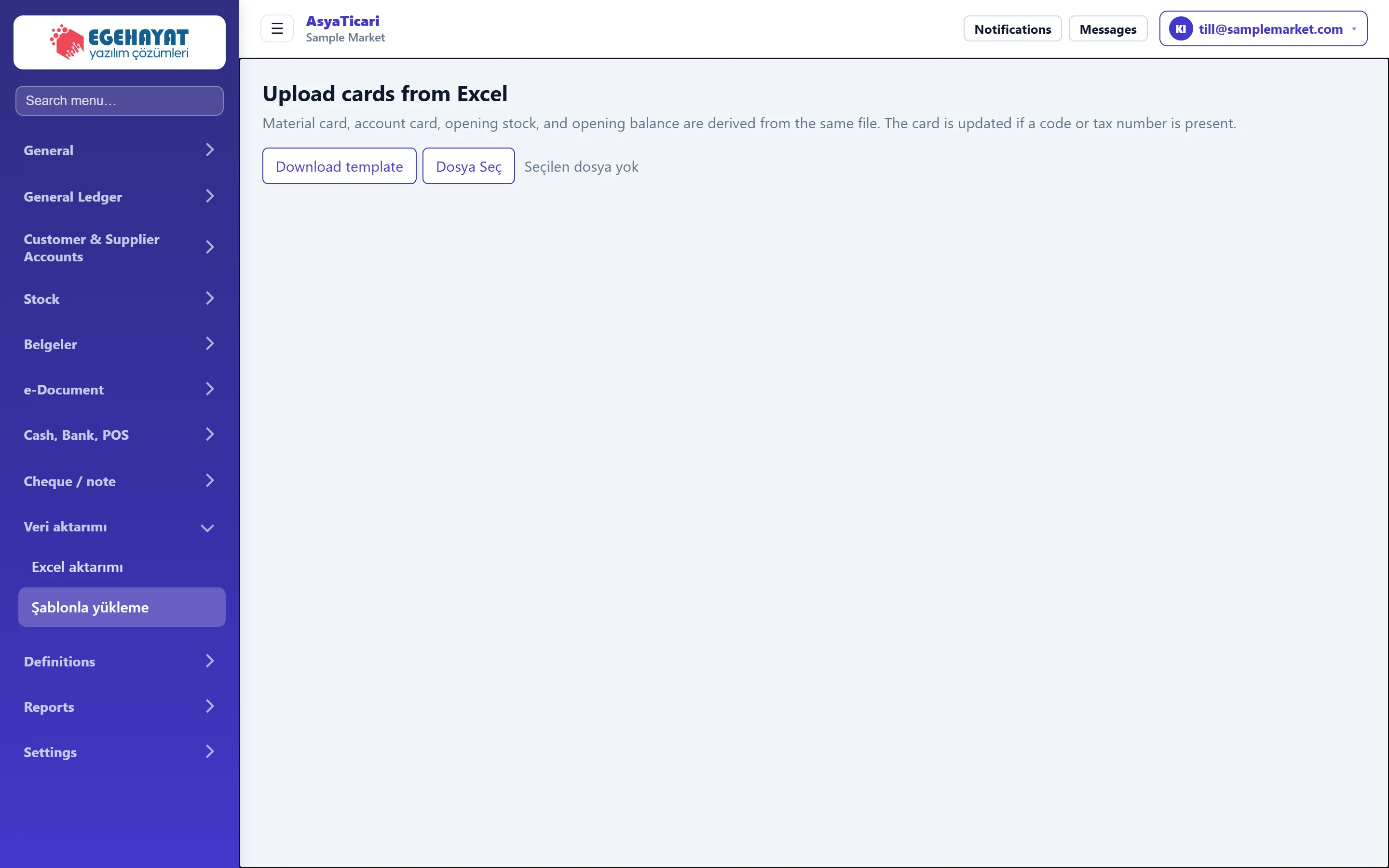 Template upload
Downloading the ready-made Excel template, filling it in and uploading item cards, account cards, opening stock and opening balances from one file.
Definitions
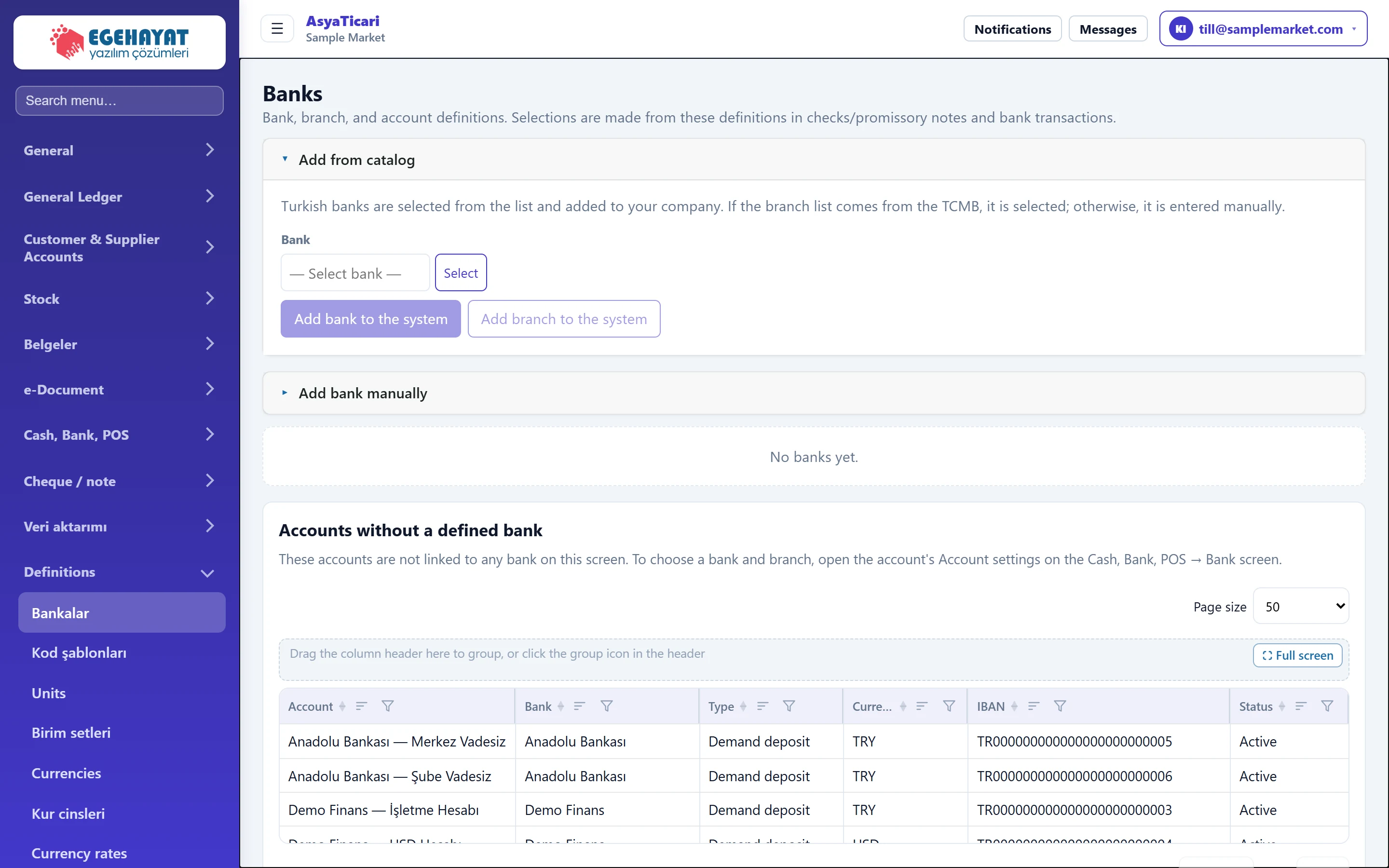 Banks
The banks the company works with, their branches, accounts (IBAN), contact persons and the cheque books of issued cheques.
 Code templates
Code template definition that builds account, item and service codes level by level (main group, sub-group, brand…) plus a sequence number.
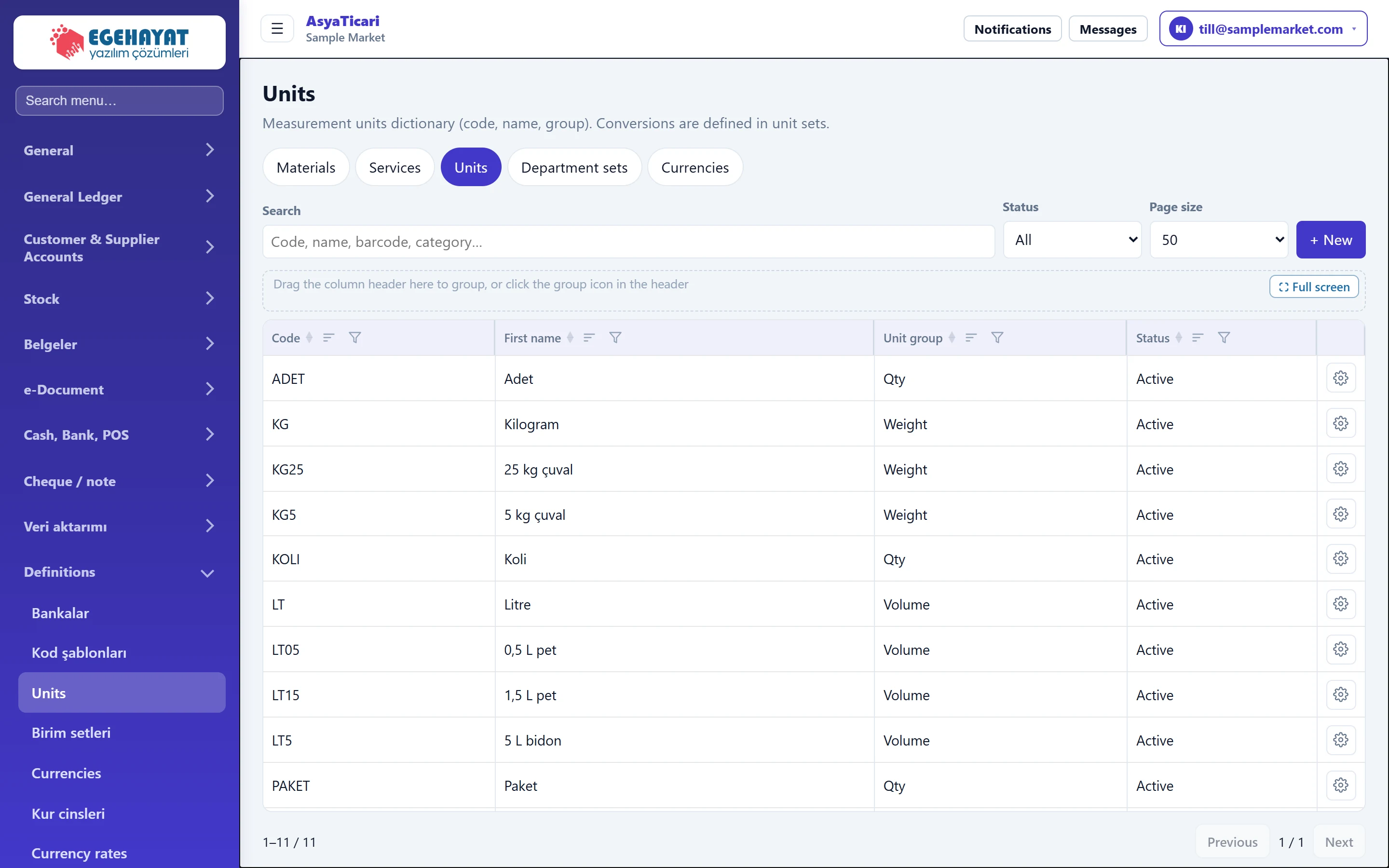 Units and unit sets
Measurement units (piece, kg, litre…) and the unit sets that convert between them (piece + box, kg + sack).
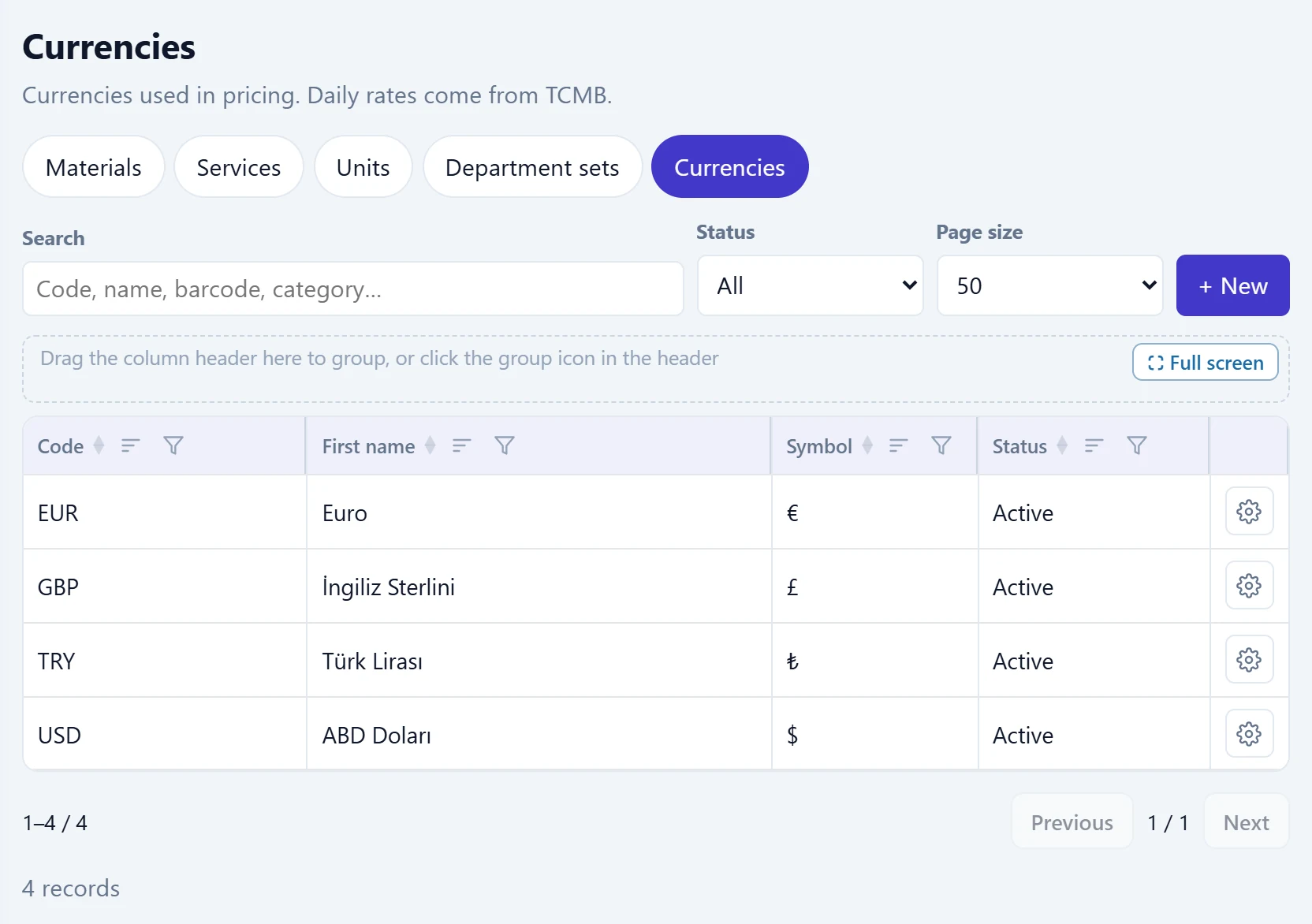 Currencies, rate types and exchange rates
Currencies used in prices, the rate types that can be used in documents, and daily exchange rates fetched from the central bank (TCMB) or entered manually.
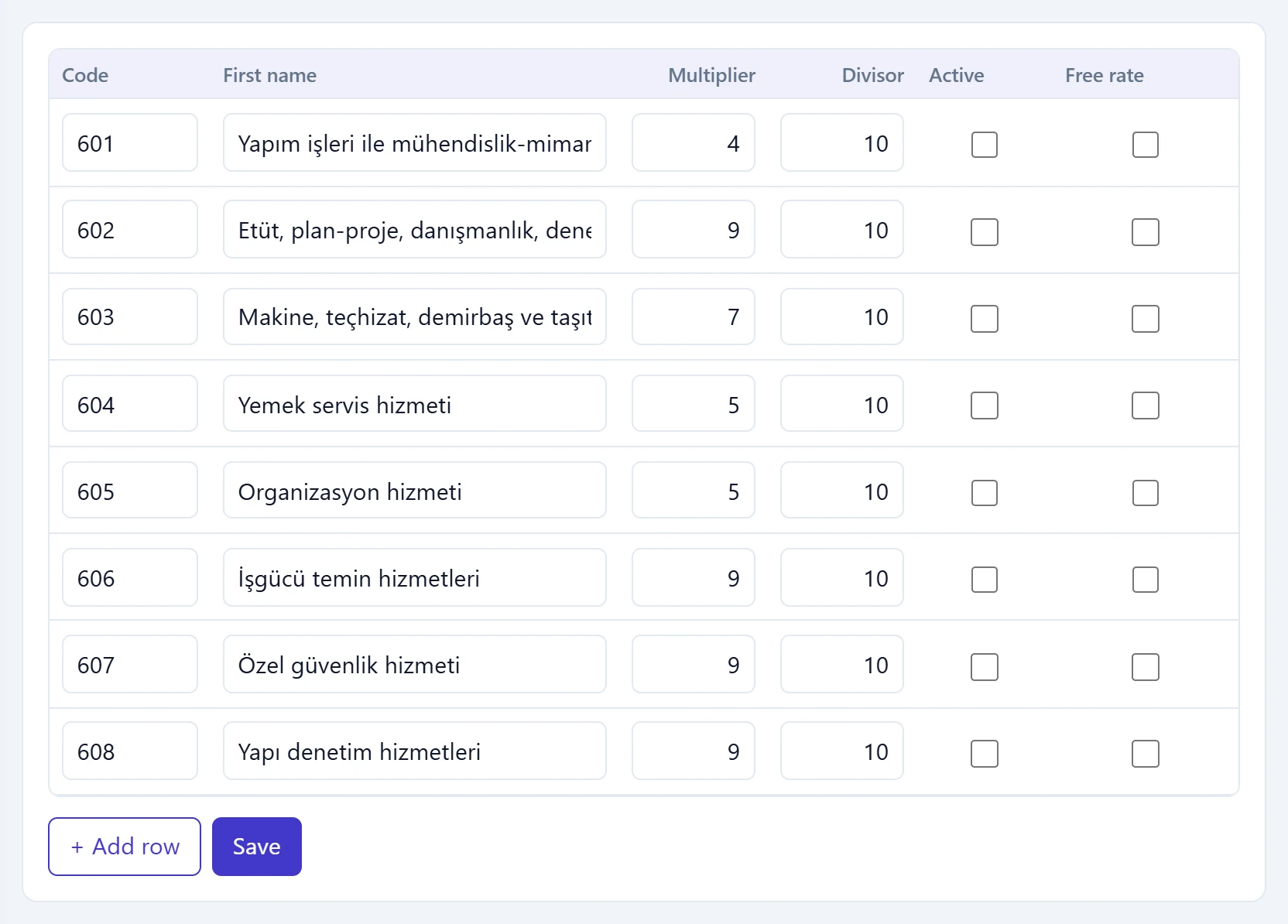 Withholding, VAT exemption and tax offices
Tax authority (GİB) VAT withholding codes and rates, VAT exemption codes for zero-VAT lines, and the tax offices chosen on account cards.
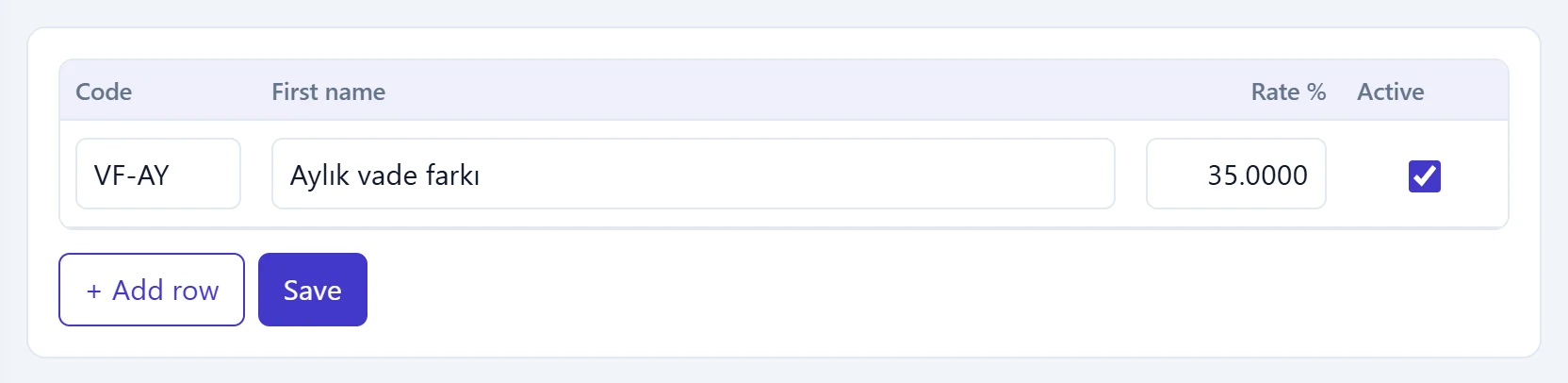 Interest, discount, expense type and payment definitions
Late-payment / interest rates, purchase and sales discounts, cash and bank expense types, instalment payment plans and payment cards.
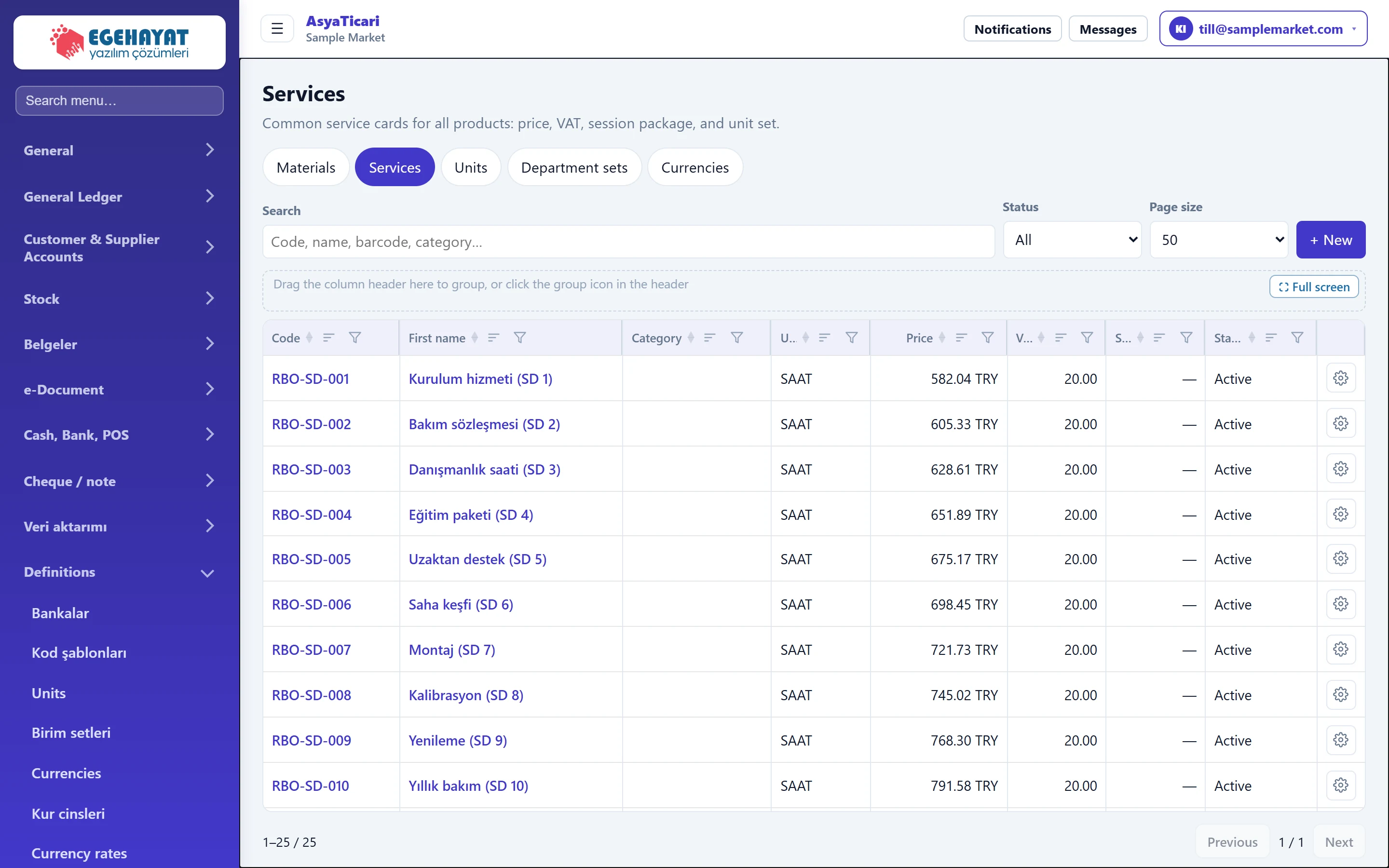 Service definitions
Cards for sales items without stock (labour, installation, maintenance, session packages) with price, VAT, withholding, unit set and package details.
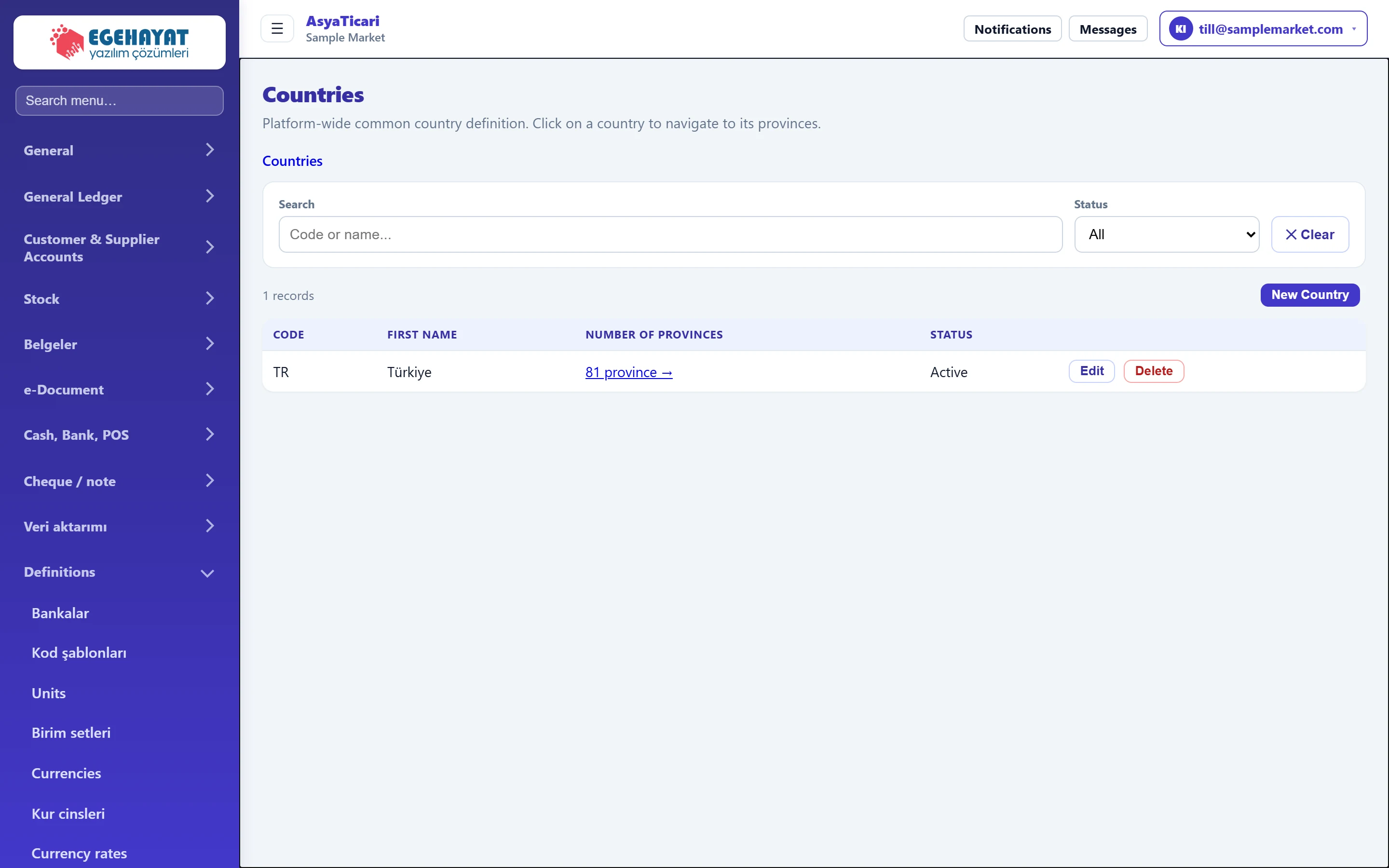 Countries, provinces and districts
Country, province and district lists used in address pickers; navigation between the lists, search and new records.
Settings
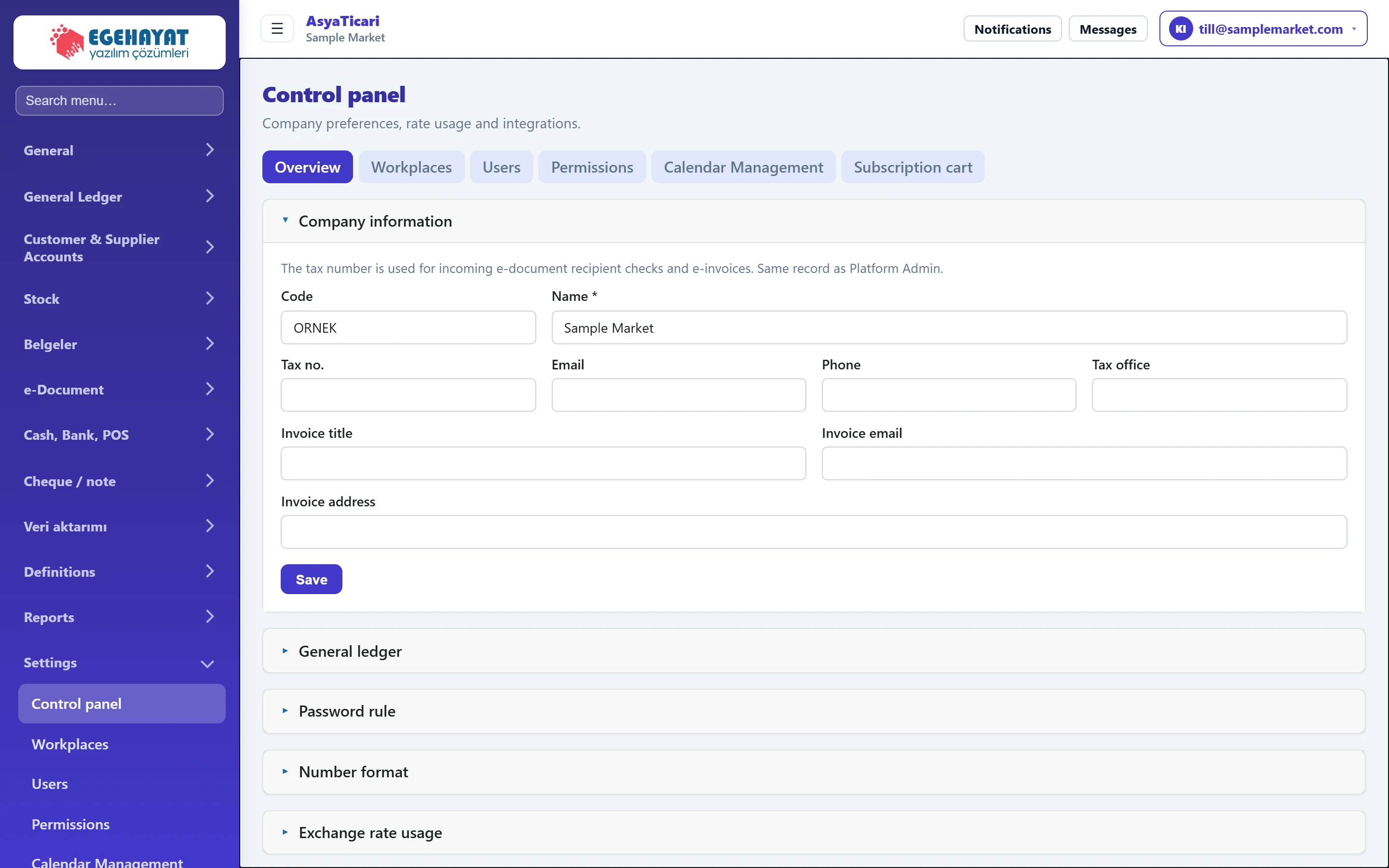 Control panel
Company information, general ledger, password rule, number format, exchange rate usage, integrations (e-documents, fiscal cash register, cargo …), code template types, commerce preferences and company features.
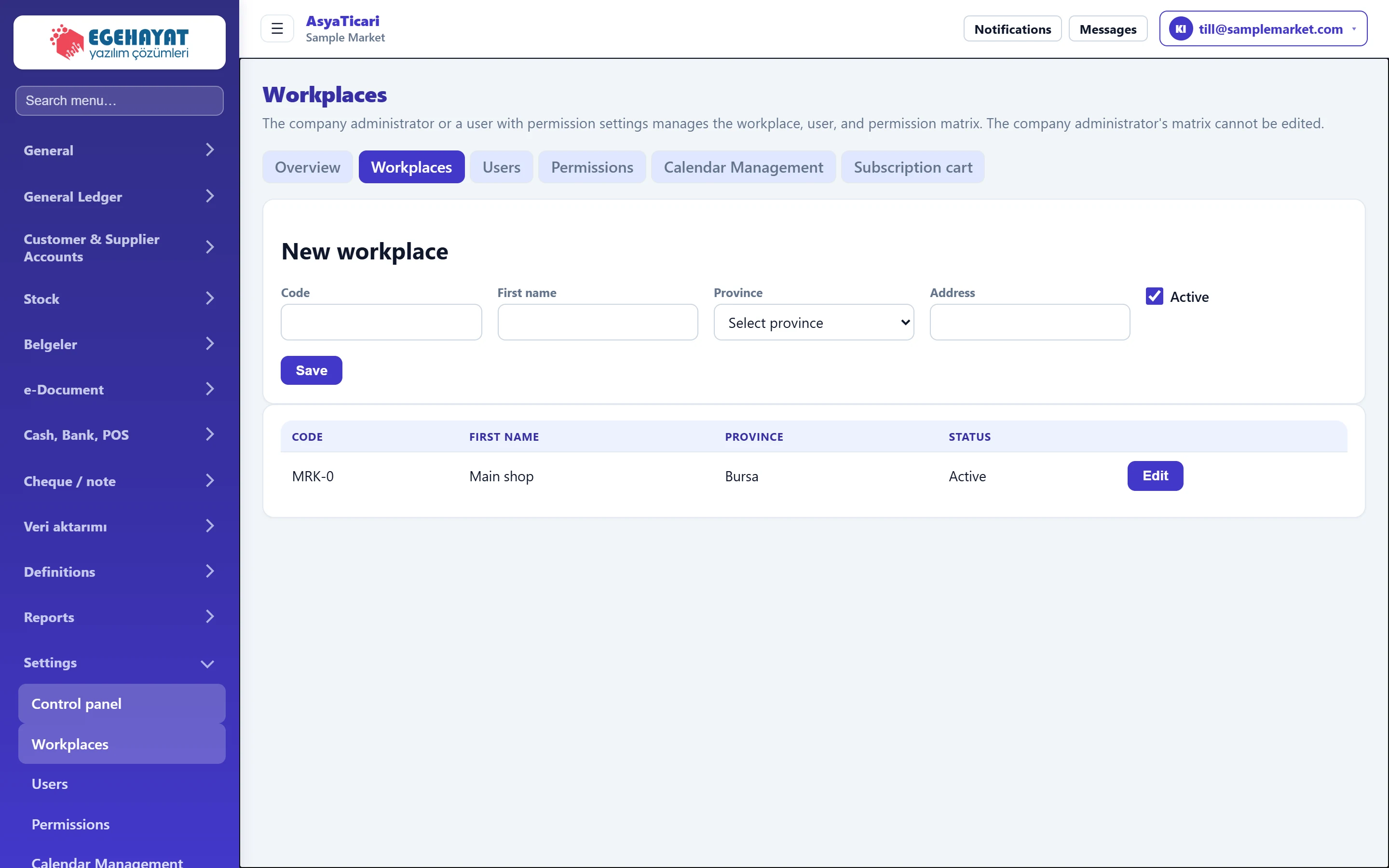 Workplaces
Adding, editing and deactivating the company's workplaces (branches, shops, warehouses).
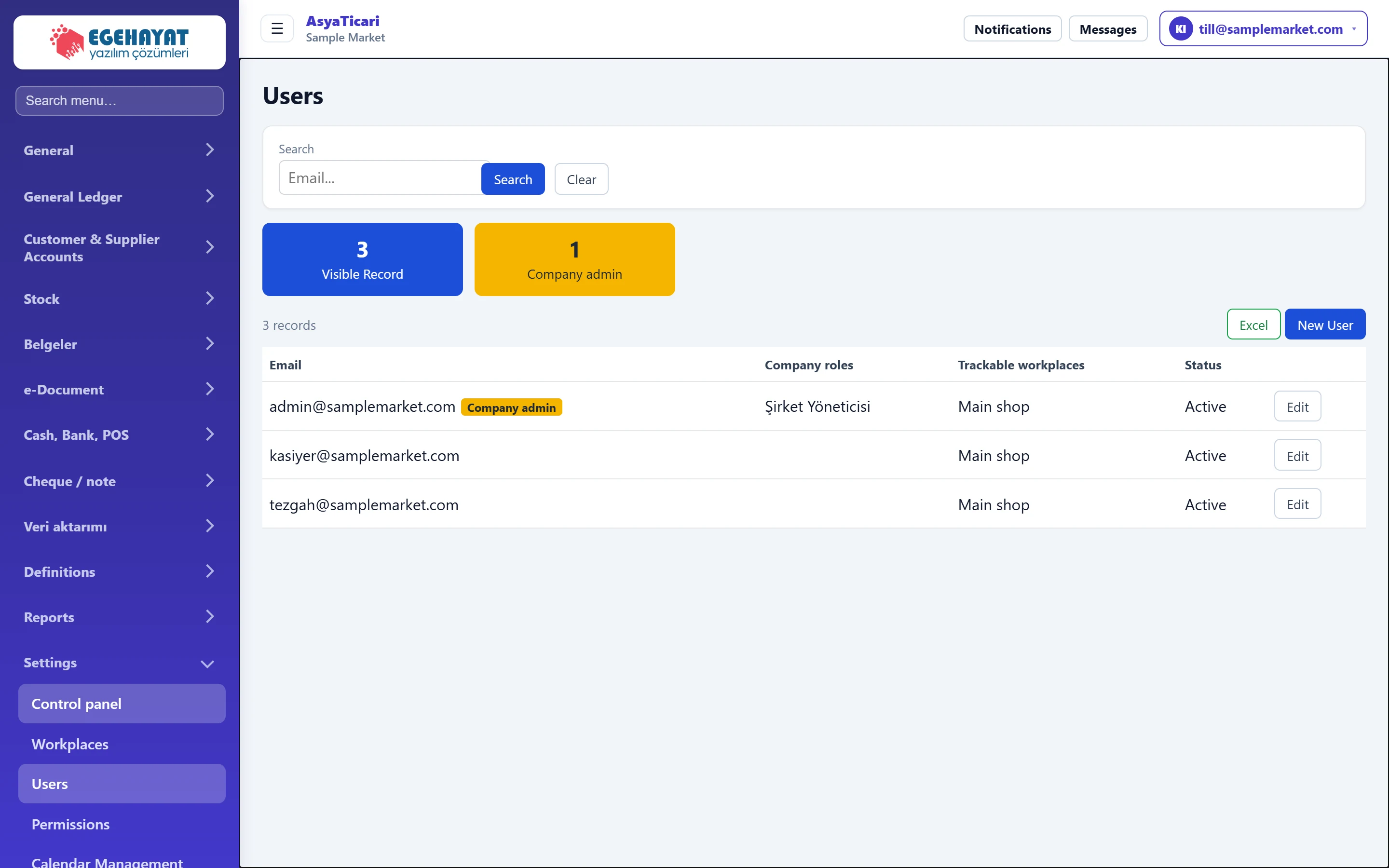 Users
Listing company users, creating new users, assigning roles and workplaces, deactivating users and resetting passwords.
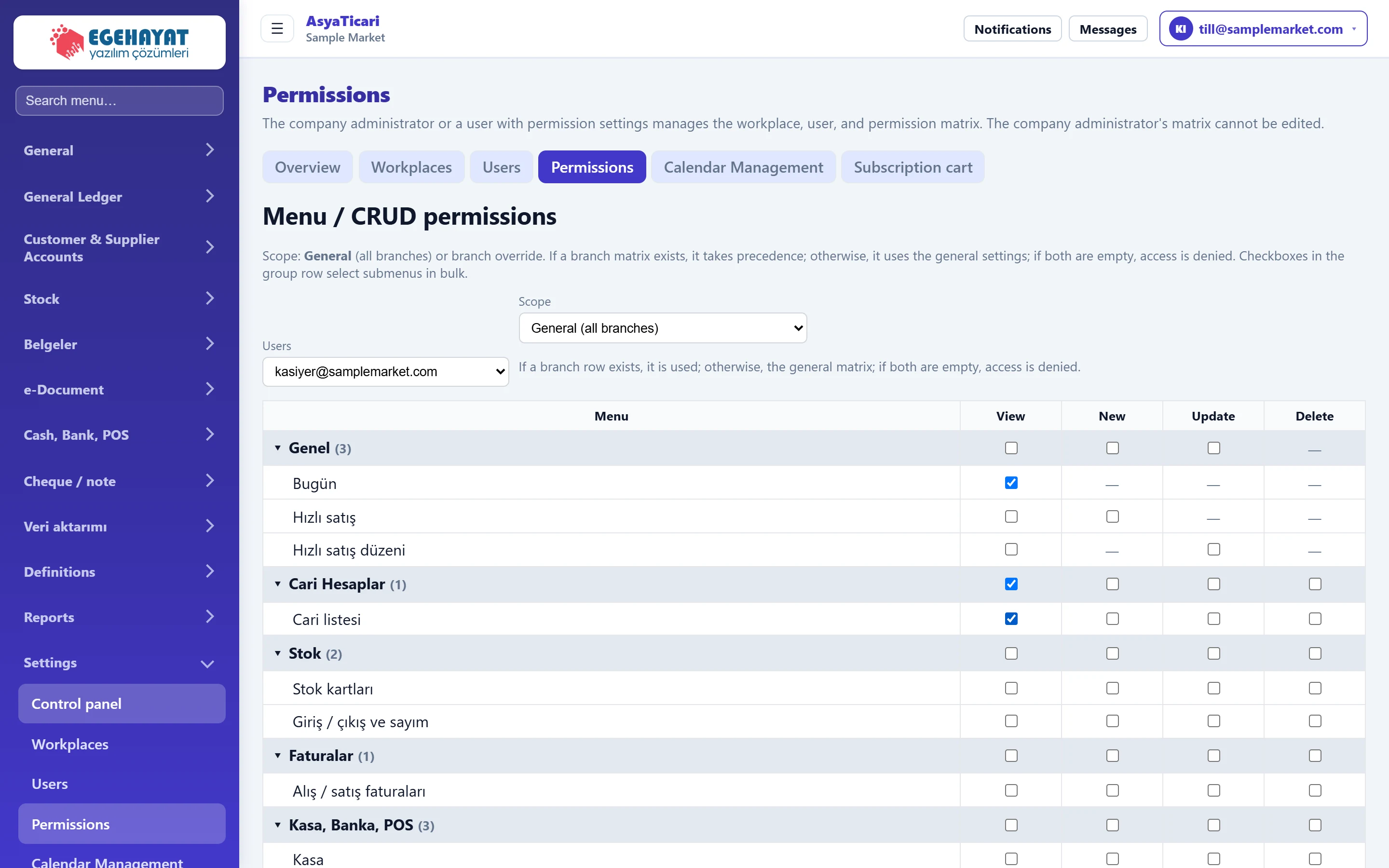 Permissions
Per-user menu and action permissions (view, new, update, delete); for all branches or a single branch.
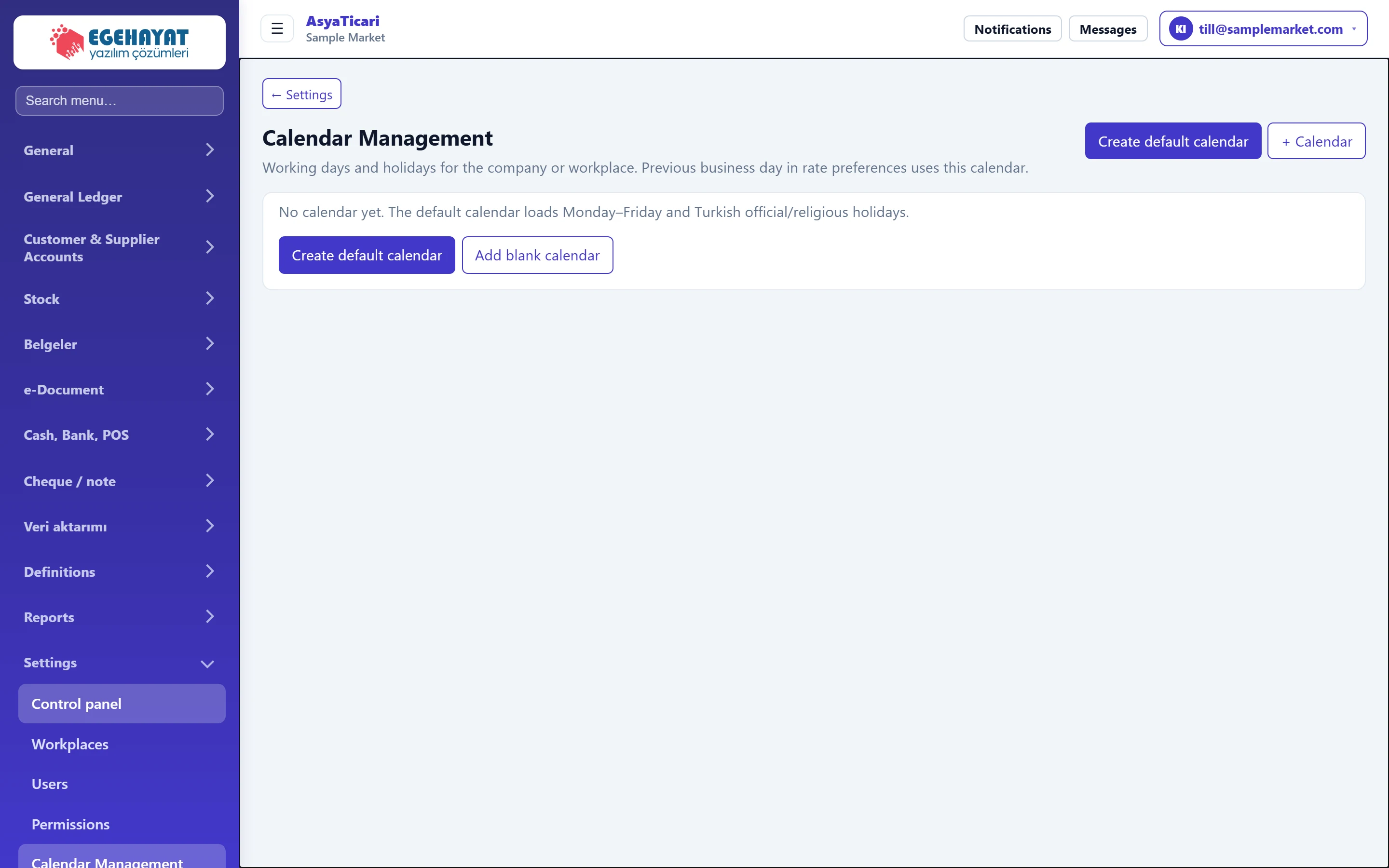 Calendar Management
Working days, official / religious holidays and special days for the company or a workplace.
 Subscription cart
The company's active product, module, integration and feature items; period amounts, deactivating items and payment.
 My apps
Switch with one click between the applications your company subscribes to.