
 AsyaTicari
 AsyaRestoran
 AsyaOtel
 AsyaCrm
 AsyaKlinik
 AsyaSpor
 AsyaSSH
 AsyaEmlak
 AsyaFilo
 AsyaPuantaj
 AsyaİSG
 AsyaİHD
 Kolay Öğren
 · Settings
Permissions
Per-user menu / CRUD permission matrix; general or branch-specific scope.
On Permissions you edit a user's view, new, update and delete rights on the Kolay Öğren menus.
kolay öğren · /Ayarlar/Organizasyon?sekme=yetkiler
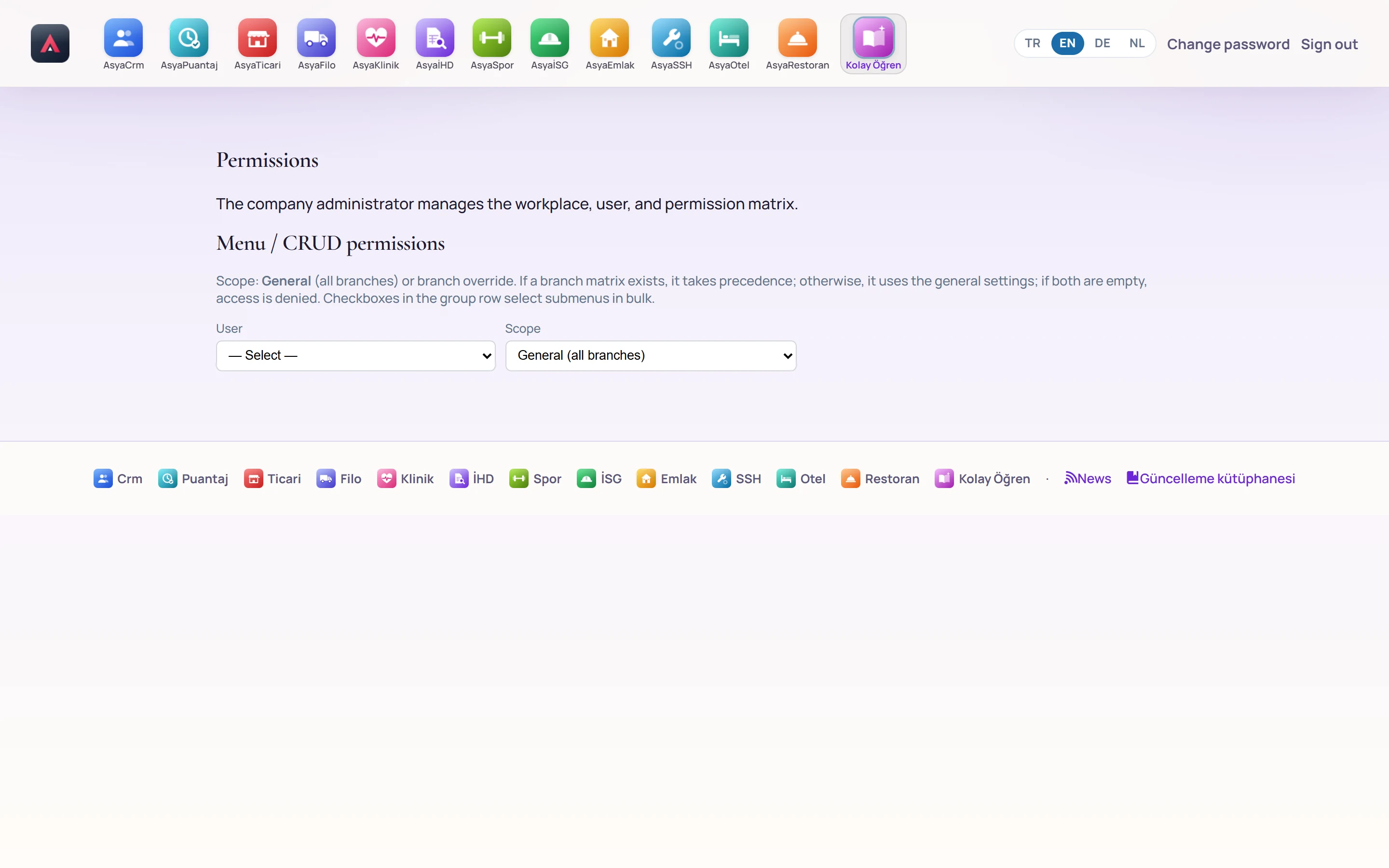
- 1User / Scope Choose the user and scope (General or a branch); the matrix opens below.
- Choose User and Scope. «General (all branches)» applies to all workplaces; choosing a branch keeps a separate matrix for it.
- Tick the row (menu) and column (View, New, Update, Delete) boxes in the matrix.
- Press Save Permissions.
The branch matrix applies if it exists, otherwise the general one; if both are empty there is no access.
The company administrator has all permissions; their matrix is not edited.