
 AsyaTicari
 AsyaRestoran
 AsyaOtel
 AsyaCrm
 AsyaKlinik
 AsyaSpor
 AsyaSSH
 AsyaEmlak
 AsyaFilo
 AsyaPuantaj
 AsyaİSG
 AsyaİHD
 Kolay Öğren
 · Account
Notifications and messages
Task / system notifications and messaging with users of the same company.
The Notifications and Messages buttons in the top bar open the platform-wide shared inbox; the unread count appears on the button.
Notifications
Part of the screen

Tasks and system notifications assigned to you are listed; the Mark read link marks a notification as read.
Messages
Part of the screen
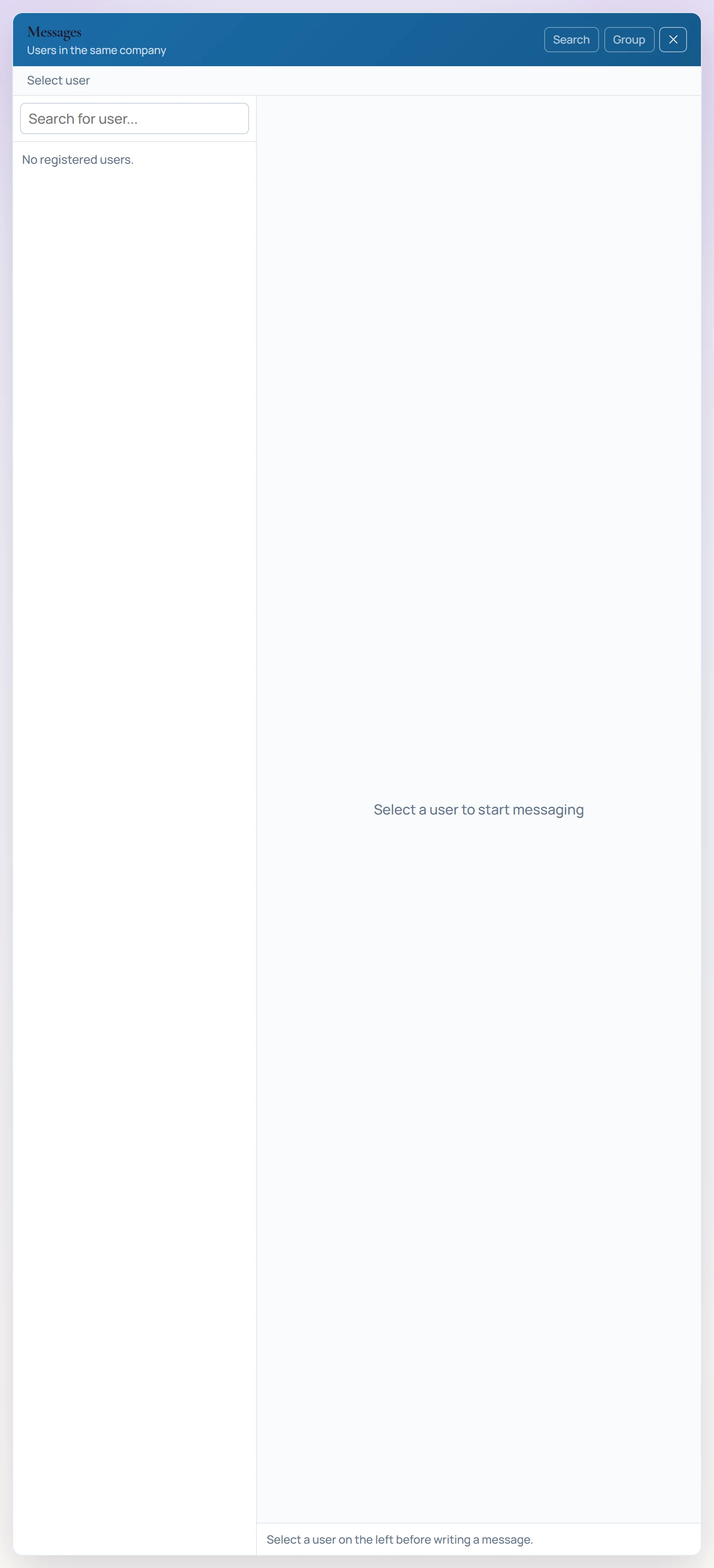
- 1Search for user... Searches users of the same company.
- 2Users Choose the user to message.
- 3Chat Conversation with the selected user; type the message in the box below.
Choose a user of the same company on the left, type your message in the box below and press Send →. The search and group chat buttons are not available yet.