
 AsyaTicari
 AsyaRestoran
 AsyaOtel
 AsyaCrm
 AsyaKlinik
 AsyaSpor
 AsyaSSH
 AsyaEmlak
 AsyaFilo
 AsyaPuantaj
 AsyaİSG
 AsyaİHD
 Kolay Öğren
AsyaKlinik · Patient file
Measurements
Recording pain, range of motion, weight, blood pressure, temperature, oxygen, blood sugar and similar values as a series, with out-of-range alerts.
On the Measurements screen you record a patient's measurements in date order. Values outside the threshold are marked red and listed under Alerts from the last 48 hours.
asyaklinik · /olcumler
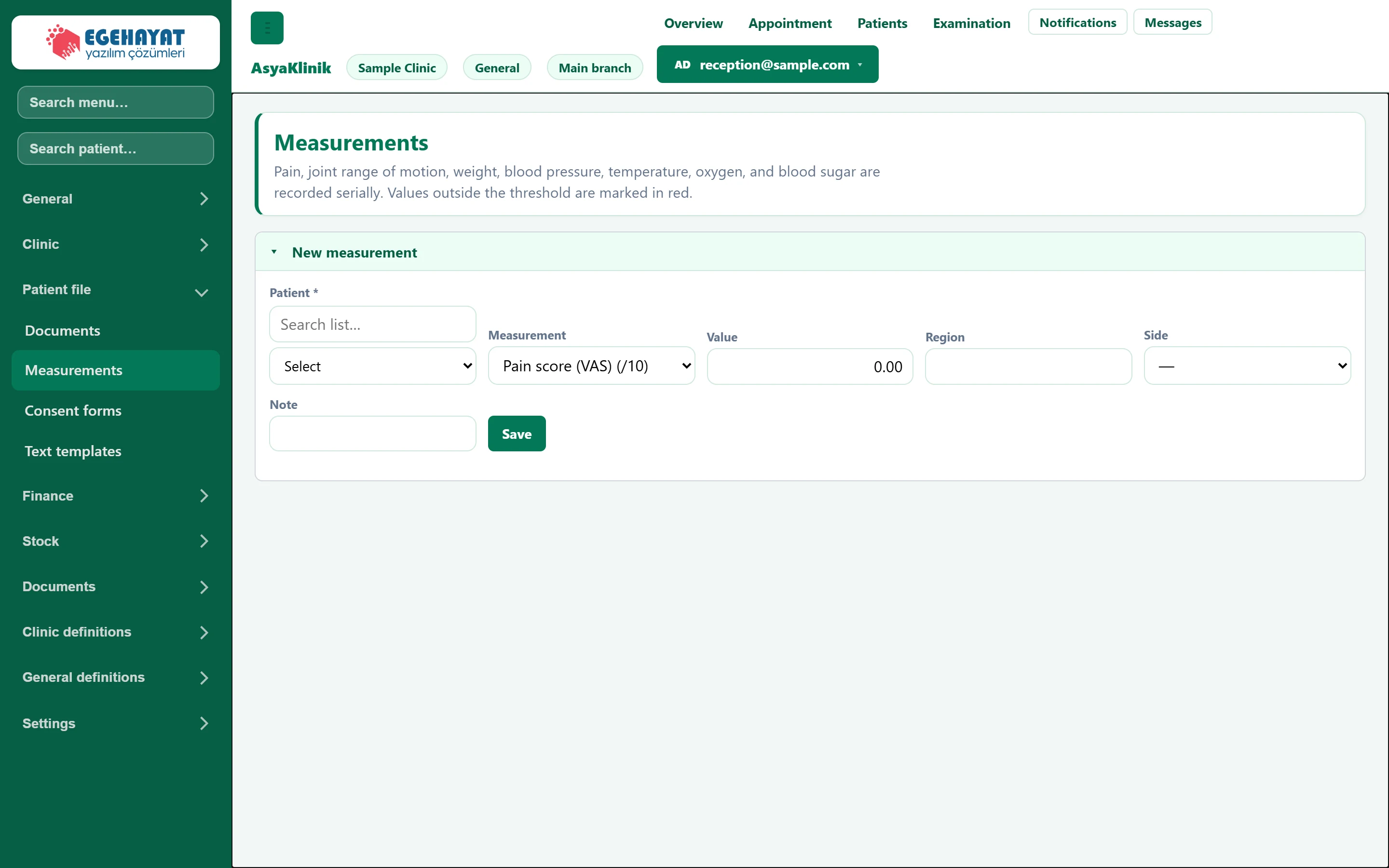
- 1▾ New measurement form.
- 2Measurements Screen title and short description.
New measurement
Part of the screenNew measurement
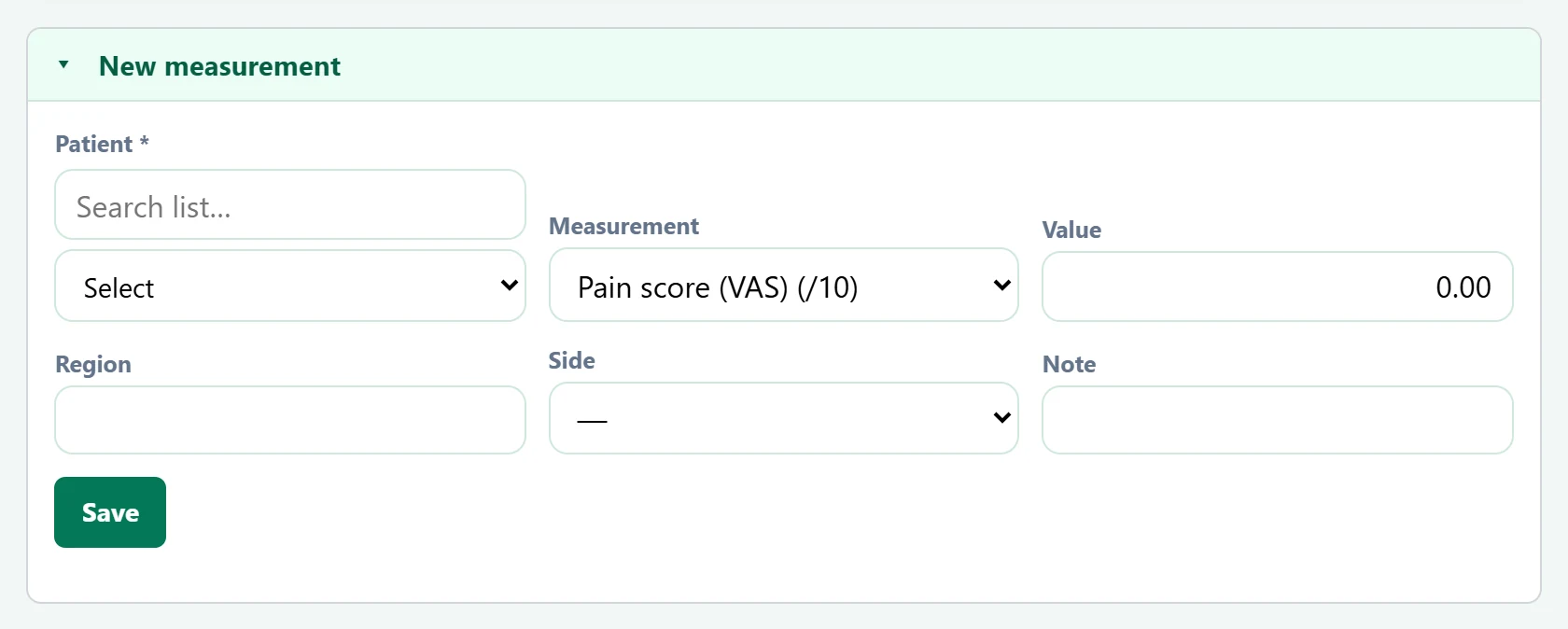
- 1Save Saves the measurement; values outside the threshold are flagged red.
| Field | Sign in | Description |
|---|---|---|
| Patient required | Search | The patient measured. Required. Placeholder: «Search list…» |
| Measurement | Choice list | Measurement type: pain, range of motion, weight, blood pressure, temperature, oxygen, blood sugar etc. |
| Value | Text | The measured number; the unit depends on the type. |
| Region | Text | Body region measured (e.g. "Knee"). |
| Side | Choice list | Right, Left or Both sides. Options: Right · Left · Two parties |
| Note | Text | Short note. |
- Choose the patient and the measurement type.
- Enter the Value; for joint or region measurements also enter Region and Side.
- Click Save. If the value is out of range, "Saved. Value outside the threshold." appears.
After choosing a patient their measurement history is listed below; delete a wrong entry with Delete.
Common messages
| Message | Cause | Solution |
|---|---|---|
| Select a patient. | No patient chosen. | Choose the patient. |
| Saved. Value outside the threshold. | The value is outside the type's threshold. | Check the value; if correct, inform the doctor. |