
 AsyaTicari
 AsyaRestoran
 AsyaOtel
 AsyaCrm
 AsyaKlinik
 AsyaSpor
 AsyaSSH
 AsyaEmlak
 AsyaFilo
 AsyaPuantaj
 AsyaİSG
 AsyaİHD
 Kolay Öğren
AsyaKlinik · Settings
Control panel
Clinical specialties enabled for your company, primary specialty, session information and access to the other settings pages.
The Control panel (page title Settings) shows the clinical specialties enabled for your company and your current session; the other settings pages are reached through the tabs. Users who are not company administrators only see the Overview and Parameters tabs.
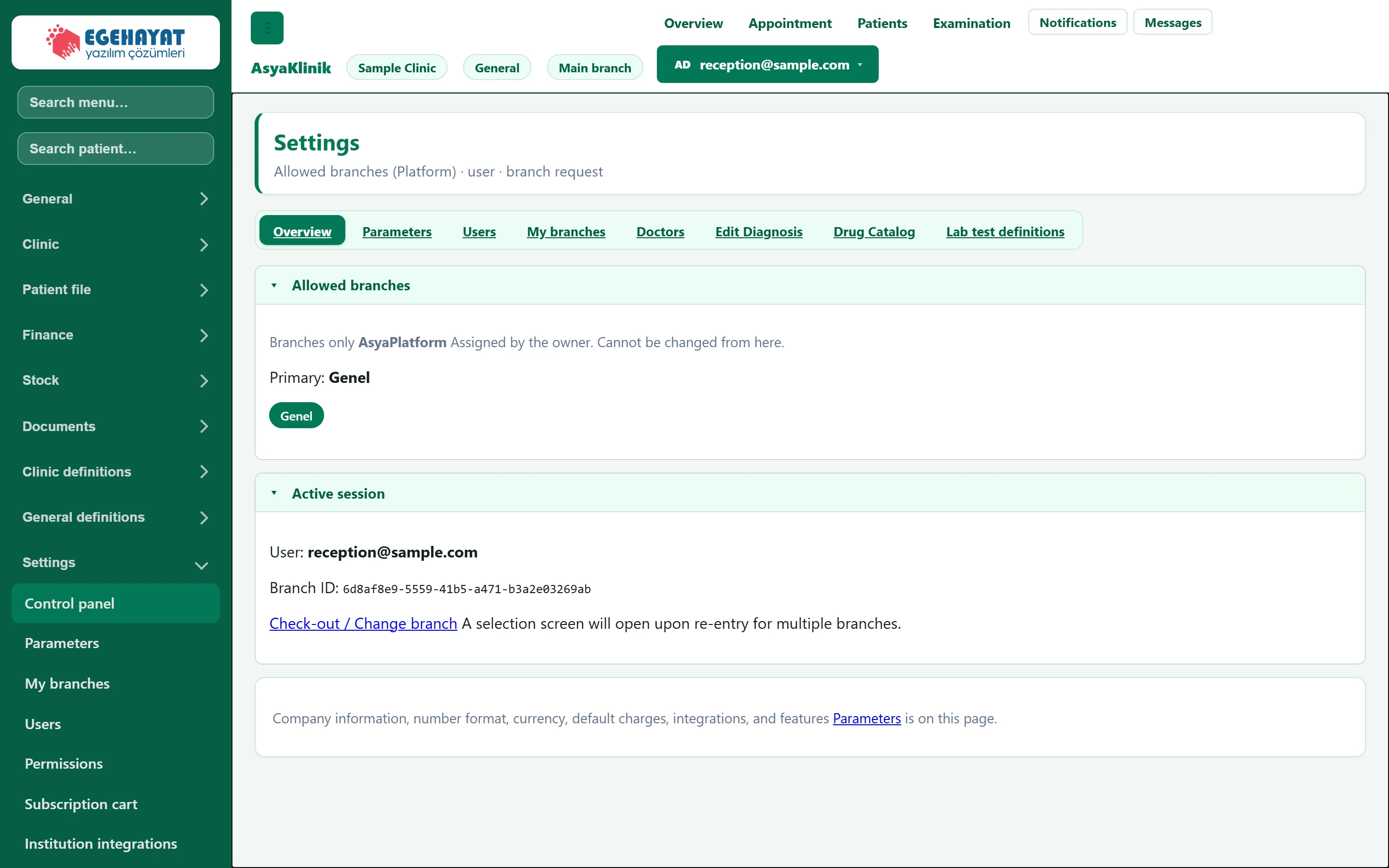
- 1Tabs Switch between settings pages.
- 2Allowed specialties Specialties enabled for your company; the primary one is highlighted.
- 3Active session Signed-in user and current branch.
- 4Parameters Goes to company, format, fee and appointment settings.
Allowed specialties
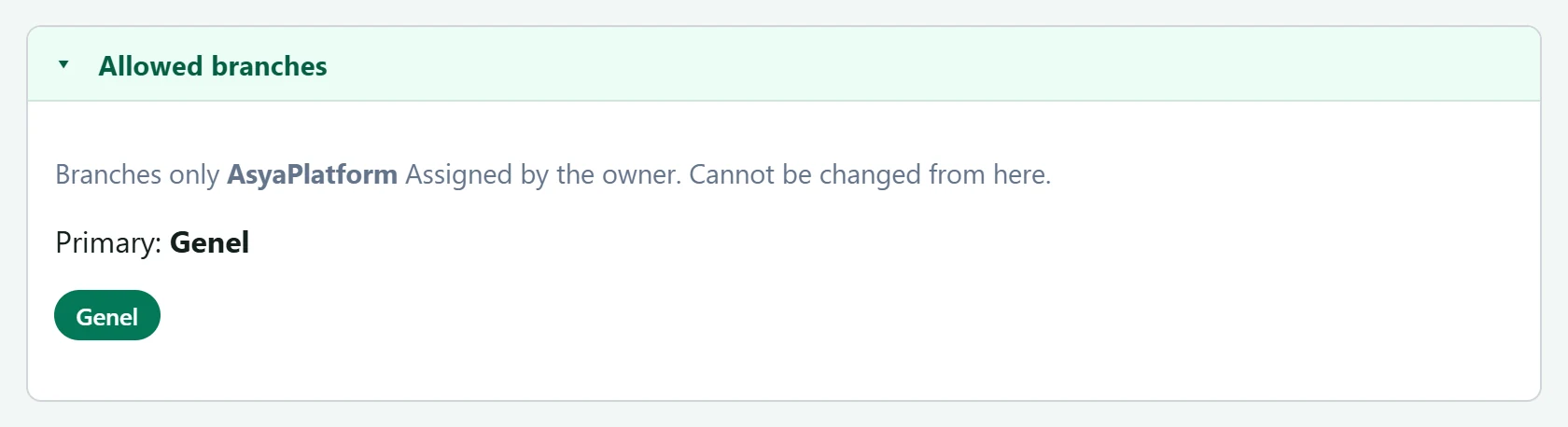
- 1Primary specialty Primary specialty; screen terms (patient / doctor / examination) follow it.
The specialties enabled for your company (e.g. General, Oral and Dental Health, Physiotherapy) are listed here. Specialty menu groups and screens such as quick sale, resources or session packages appear according to them. The primary specialty sets the terms on screen: in veterinary practice animals instead of patients, in home care care recipients, and so on.
Specialties are only assigned by the AsyaPlatform owner and cannot be changed here. Contact your dealer or AsyaPlatform support for a new specialty.
Active session
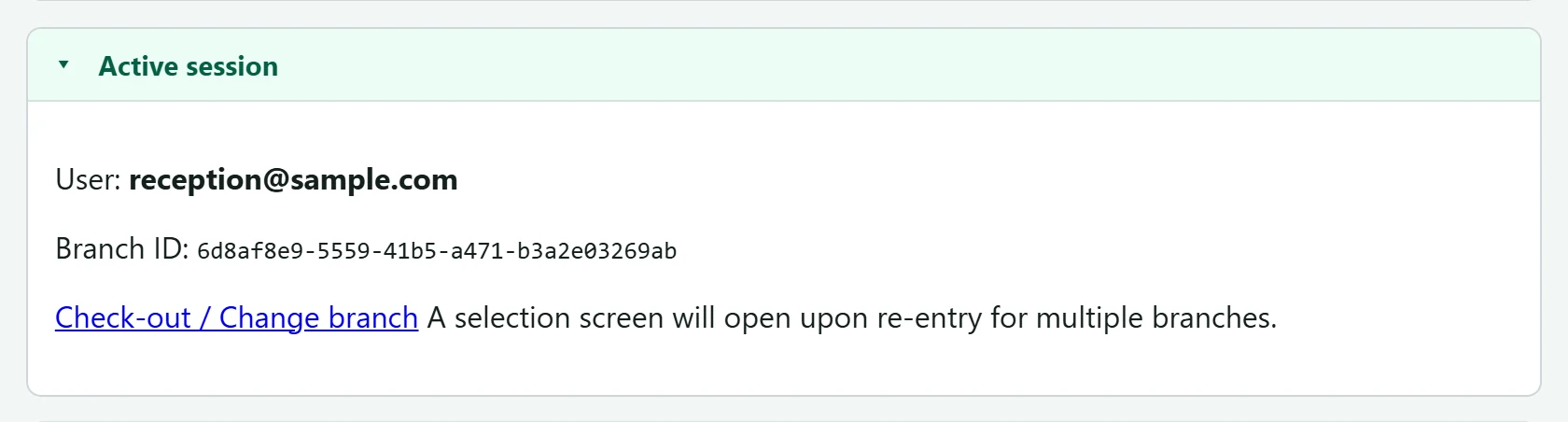
- 1Check-out / Change branch Signs out; with several branches you choose one when signing in again.
The signed-in user and branch ID are shown. With several branches, use Check-out / Change branch and choose another branch when you sign in again.
Company information, number format, currency, fee defaults, appointment buffer and integration settings are on the Parameters page.