
 AsyaTicari
 AsyaRestoran
 AsyaOtel
 AsyaCrm
 AsyaKlinik
 AsyaSpor
 AsyaSSH
 AsyaEmlak
 AsyaFilo
 AsyaPuantaj
 AsyaİSG
 AsyaİHD
 Kolay Öğren
AsyaKlinik · Finance
Patient accounts
Charging fees to patients, immediate payment or open account, partial payment, the account list and editing an account.
On the Patient accounts screen you charge fees such as examinations or procedures to a patient. Cash / card payments are taken at once; an open account stays as the patient's debt and is collected later on the Cashier / Collections screen.
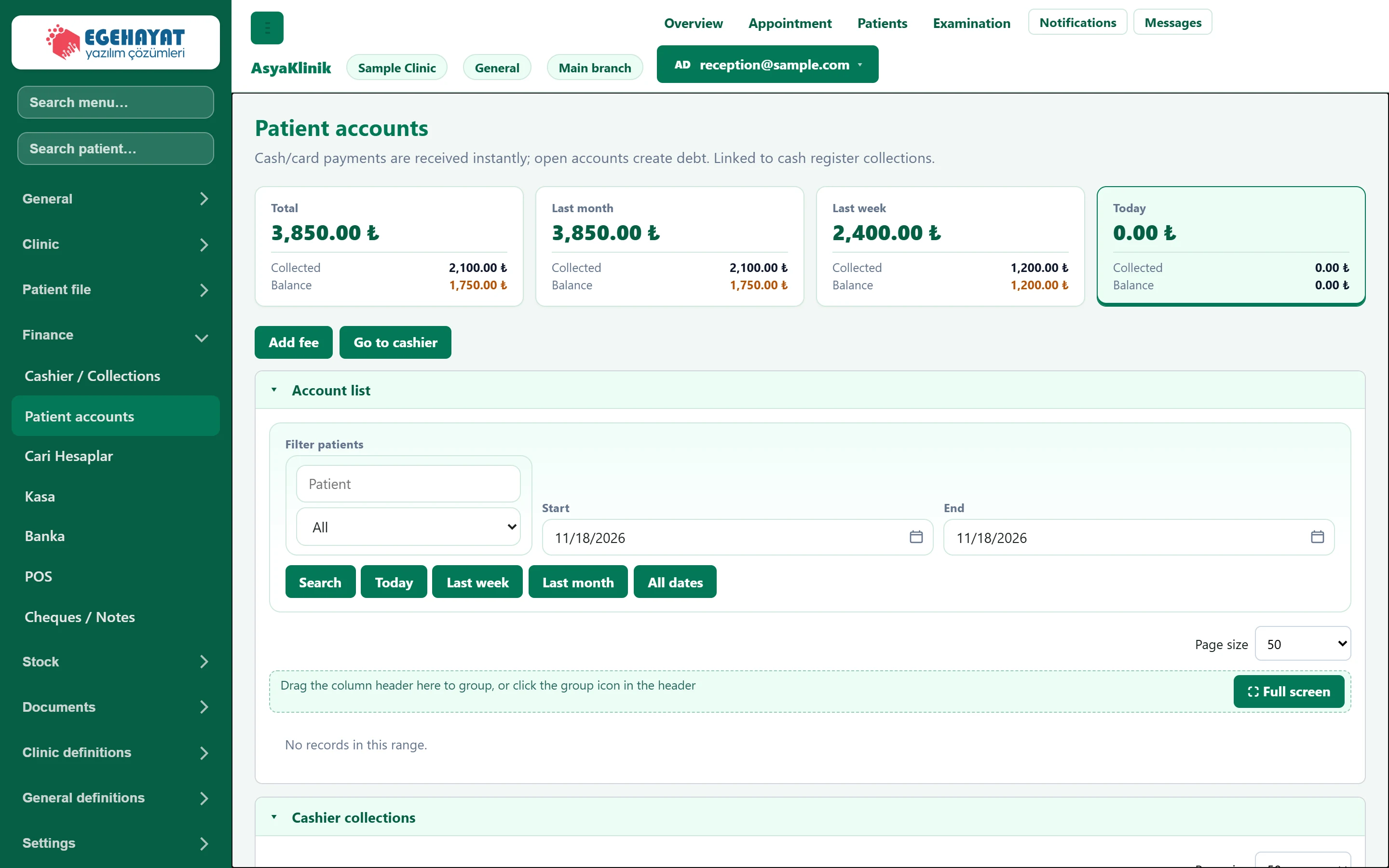
- 1Summary cards All time, last month, last week and today: total, collected, balance.
- 2Add fee Adds a fee (account record) for a patient.
- 3Go to cashier Opens the Cashier / Collections screen.
- 4▾ Account records.
The cards at the top show total, collected and balance for all time, the last month, the last week and today; clicking a card filters the list to that range.
Adding a fee
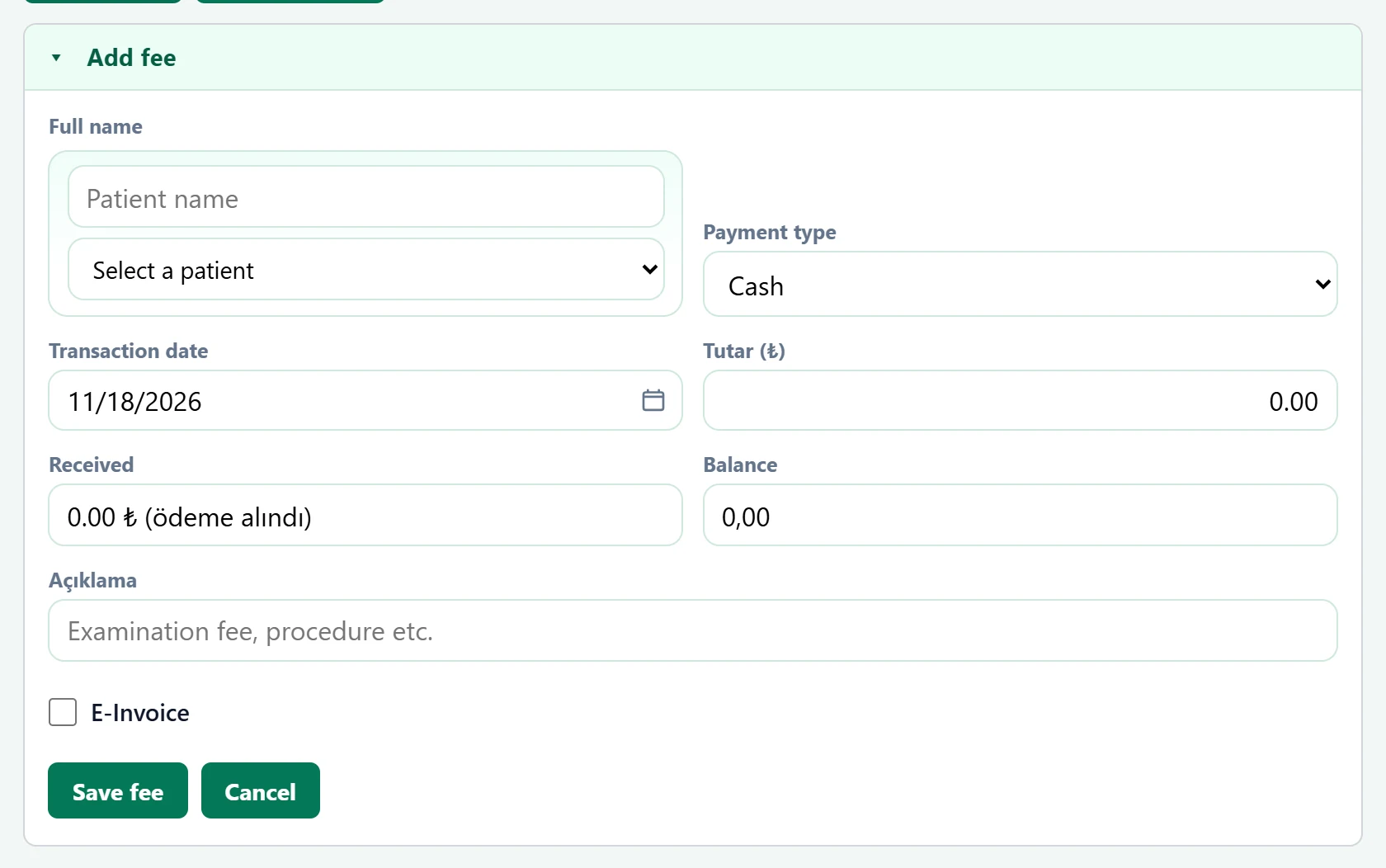
| Field | Sign in | Description |
|---|---|---|
| Full name | Search | The patient charged; typing a name in the upper box narrows the list. Placeholder: «Patient name» |
| Payment type | Choice list | Immediate payment such as cash or card, or open account (stays as debt). Options: Cash · Credit card · Bank transfer · POS · Other · On account |
| Transaction date | Text | Date of the fee. Placeholder: «mm/dd/yyyy» |
| Tutar (₺) | Text | Fee amount. |
| Received | Text | With immediate payment the whole amount shows as received; on open account a partial payment can be entered. |
| Balance | Text | Amount minus received; stays as the patient's debt. |
| Açıklama | Text | Name of the fee (e.g. "Examination fee"). Placeholder: «Examination fee, procedure etc.» |
| E-Invoice | Checkbox | If ticked, the fee is marked for an e-invoice. |
- Click Add fee.
- Choose the patient and the Payment type.
- Enter the amount and the description.
- On an open account, if the patient pays part now, enter the amount received and its payment method.
- Click Save fee.
Account list
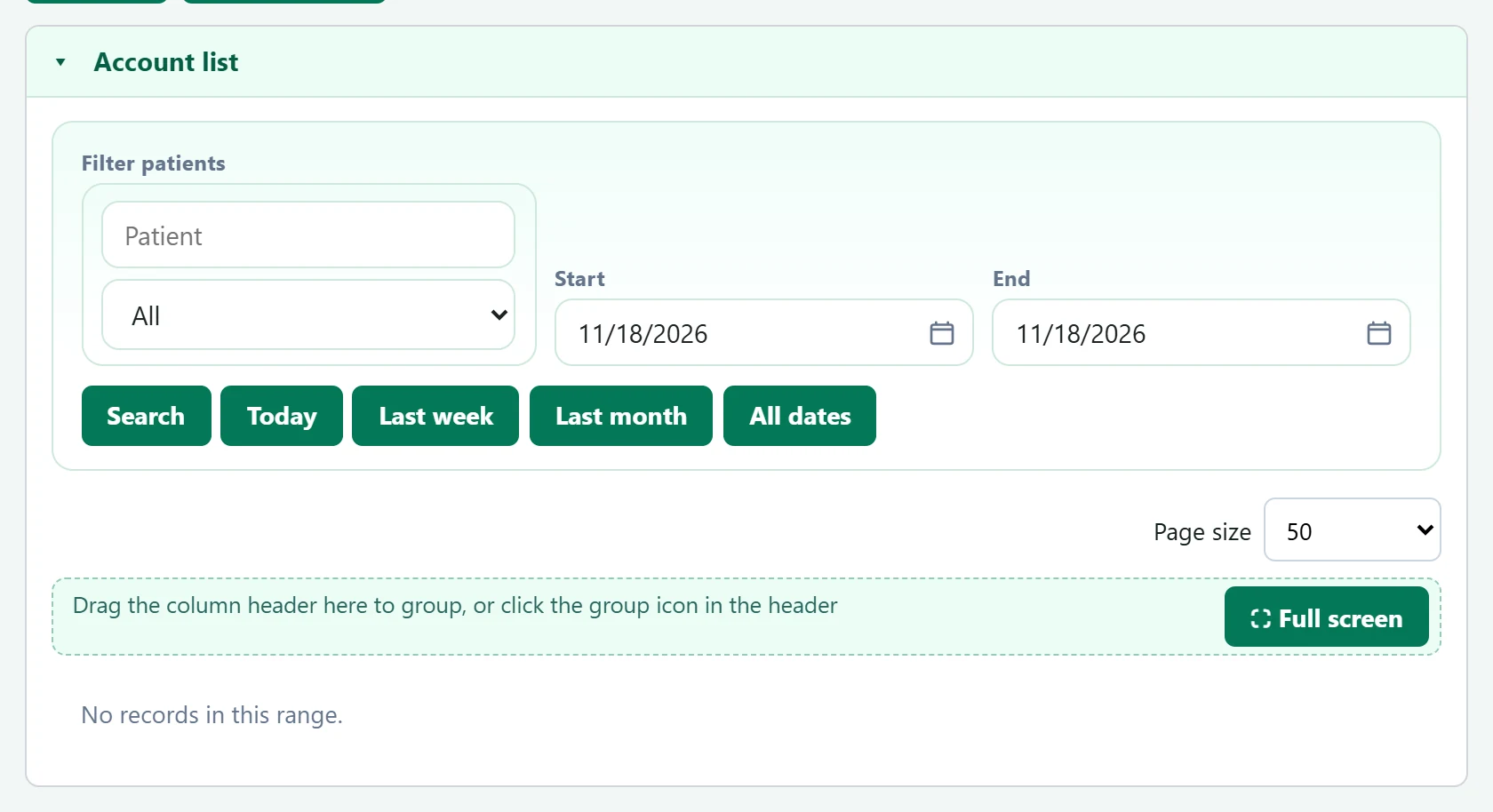
- 1Quick range Today, last week, last month, all dates.
| Field | Sign in | Description |
|---|---|---|
| Filter patients | Search | Only this patient's records. Placeholder: «Patient» |
| Start | Text | First day of the range. Placeholder: «mm/dd/yyyy» |
| End | Text | Last day of the range. Placeholder: «mm/dd/yyyy» |
Show in a row opens the account record:
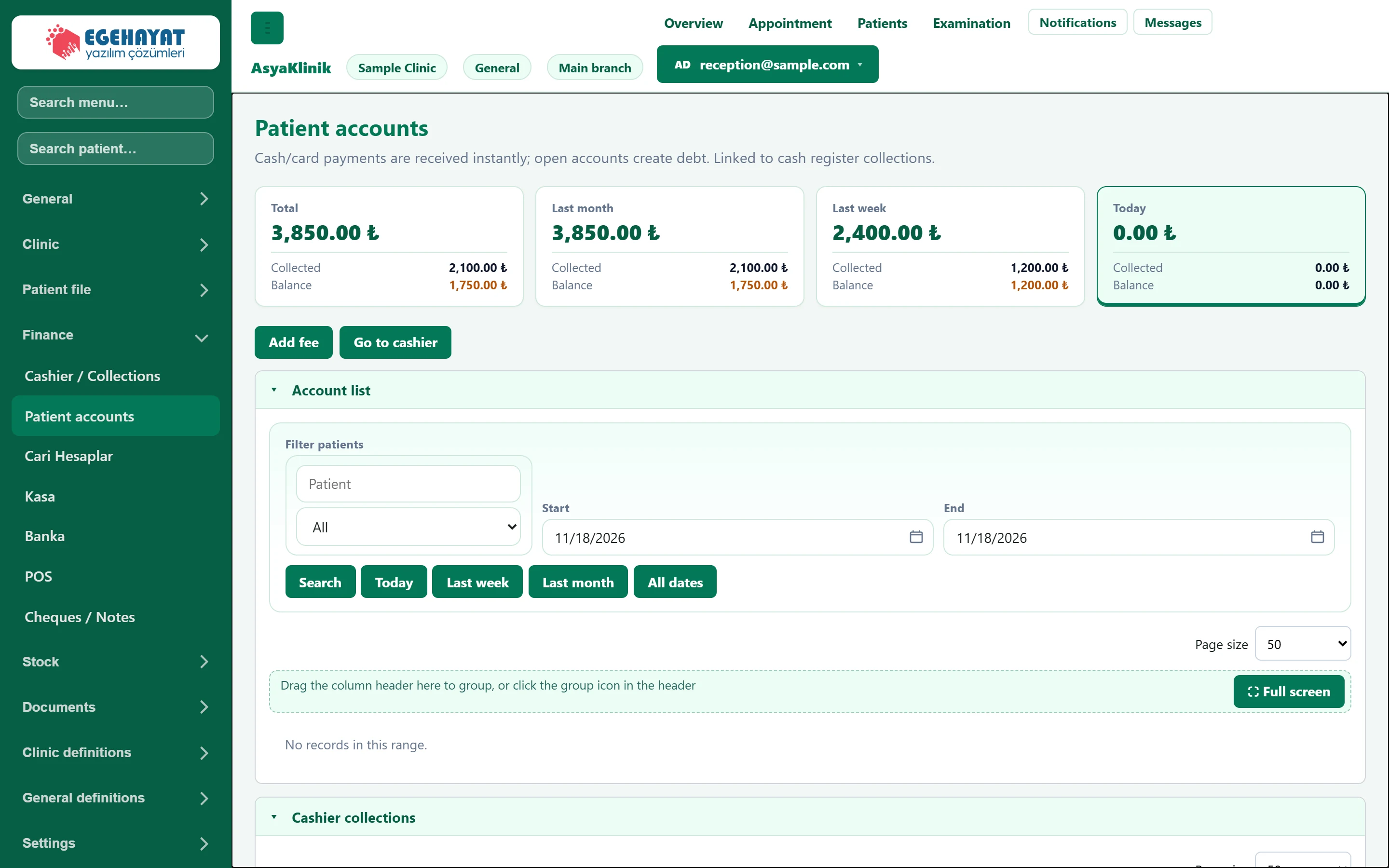
- 1Patient accounts Account record; amount and payment are updated with Edit.
With Edit you change the amount and payment; the full-payment button marks the remaining balance as collected.
If an account record with a payment is deleted, the payment is reversed too.
Common messages
| Message | Cause | Solution |
|---|---|---|
| Patient, description, and amount are required. | A required field is empty. | Enter patient, description and amount. |
| Received amount cannot exceed the receivable. | Received is larger than the fee. | Correct the amount received. |