
 AsyaTicari
 AsyaRestoran
 AsyaOtel
 AsyaCrm
 AsyaKlinik
 AsyaSpor
 AsyaSSH
 AsyaEmlak
 AsyaFilo
 AsyaPuantaj
 AsyaİSG
 AsyaİHD
 Kolay Öğren
AsyaKlinik · Clinic
Reminders
Adding dated reminders about a patient or general tasks and marking them completed.
On the Reminders screen you add dated reminders for tasks such as follow-up calls or result tracking. Due reminders also appear on the Overview screen.
asyaklinik · /reminders
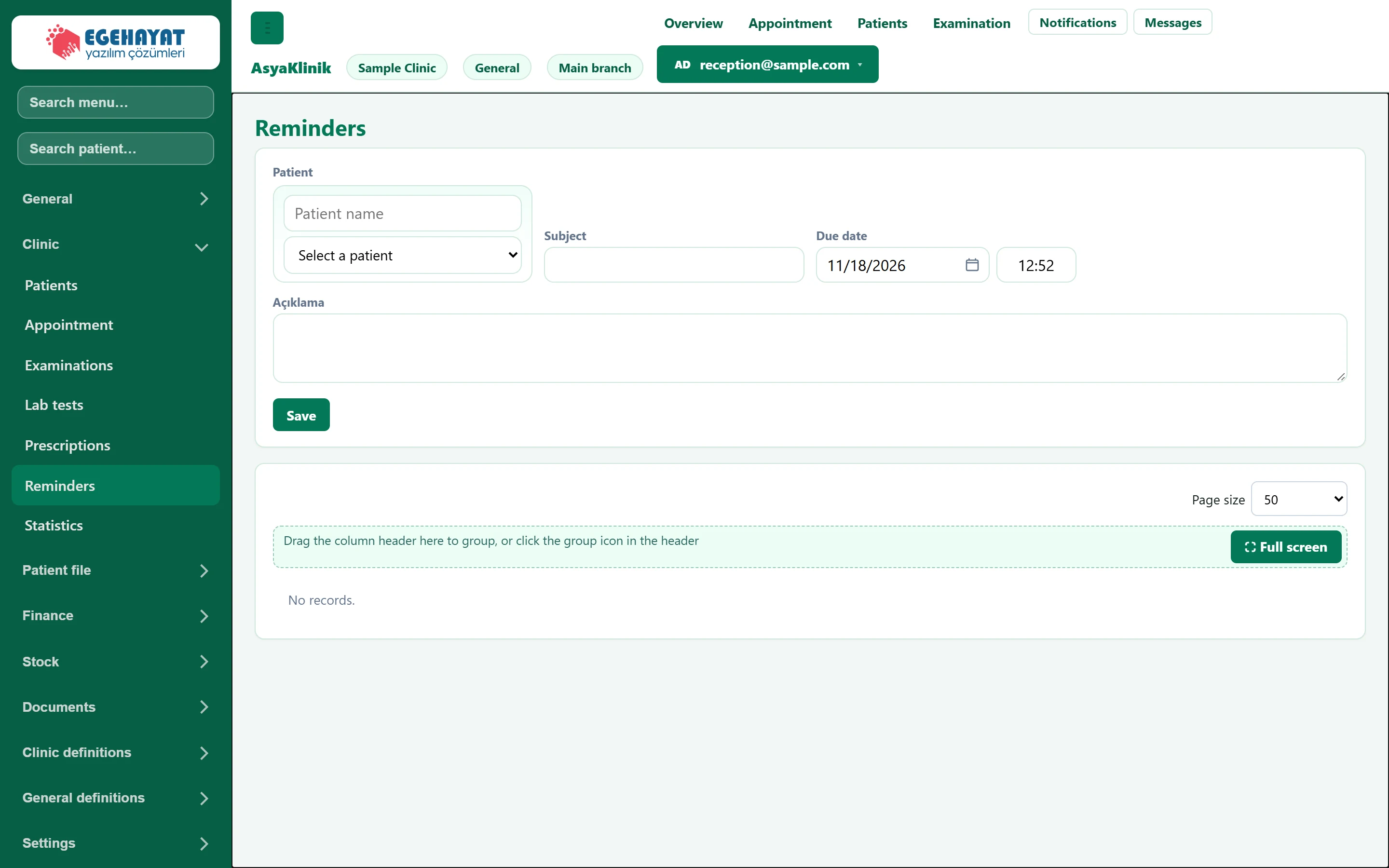
- 1Save Saves the reminder.
- 2List Reminders; mark as completed from the row.
New reminder
Part of the screenNew reminder
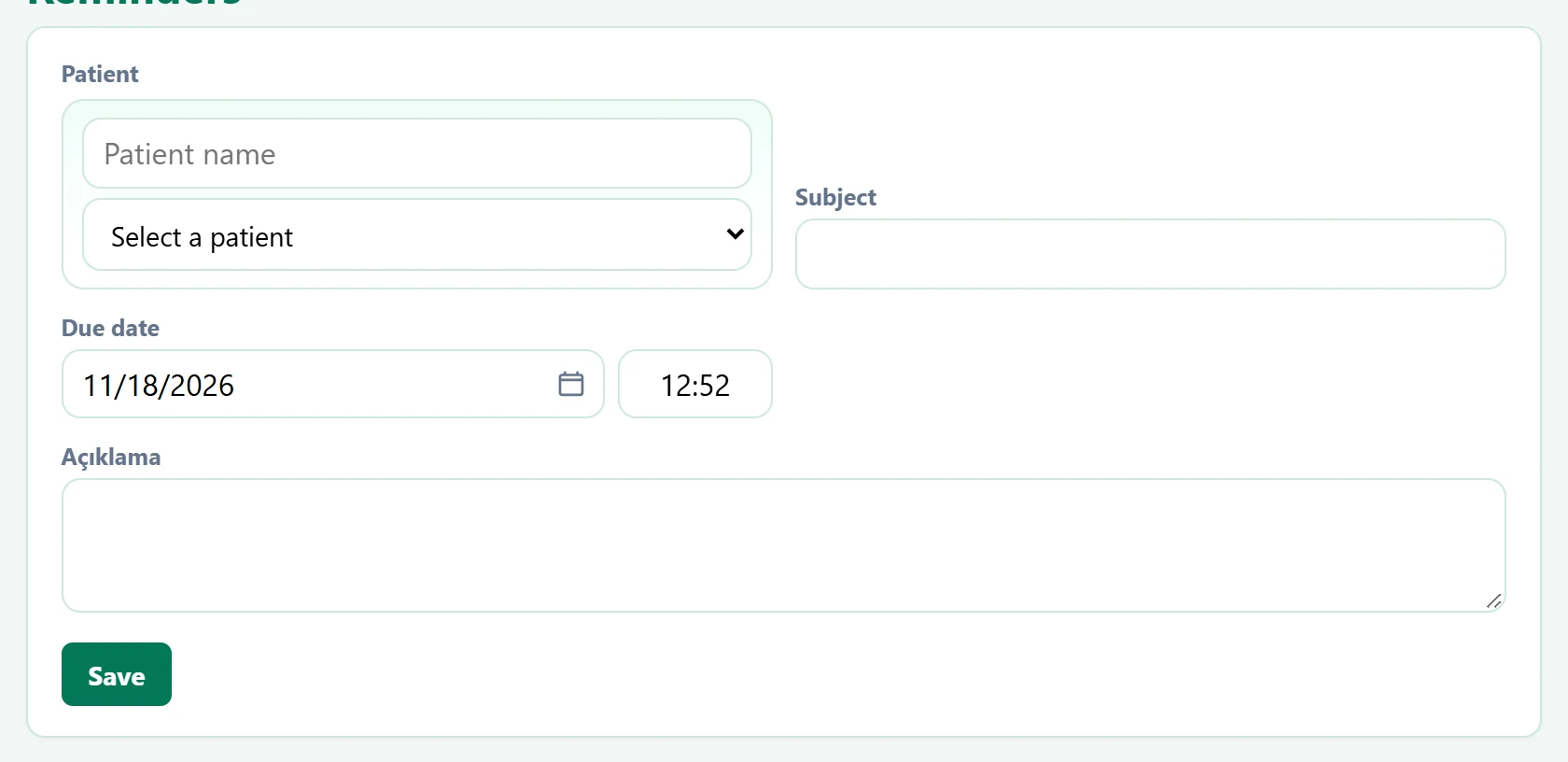
| Field | Sign in | Description |
|---|---|---|
| Patient | Search | Optional; the patient the reminder relates to. Placeholder: «Patient name» |
| Subject | Text | Title of the reminder. Required. |
| Due date | Text | Day and time of the reminder; listed on the Overview screen that day. Placeholder: «mm/dd/yyyy» |
| Açıklama | Long text | Details. |
- Optionally choose a patient.
- Enter the Subject (required) and choose the Due date and time.
- Click Save.
The list shows the status as open or Completed; when the task is done, click Completed in the row.
Common messages
| Message | Cause | Solution |
|---|---|---|
| Subject is required. | Subject empty. | Enter a subject. |