
 AsyaTicari
 AsyaRestoran
 AsyaOtel
 AsyaCrm
 AsyaKlinik
 AsyaSpor
 AsyaSSH
 AsyaEmlak
 AsyaFilo
 AsyaPuantaj
 AsyaİSG
 AsyaİHD
 Kolay Öğren
AsyaKlinik · Patient file
Text templates
Writing and printing general text templates with patient name and date placeholders.
On the Text templates screen you prepare and print general text templates such as information letters or report cover letters. History templates are managed in the examination form, not here.
asyaklinik · /forms
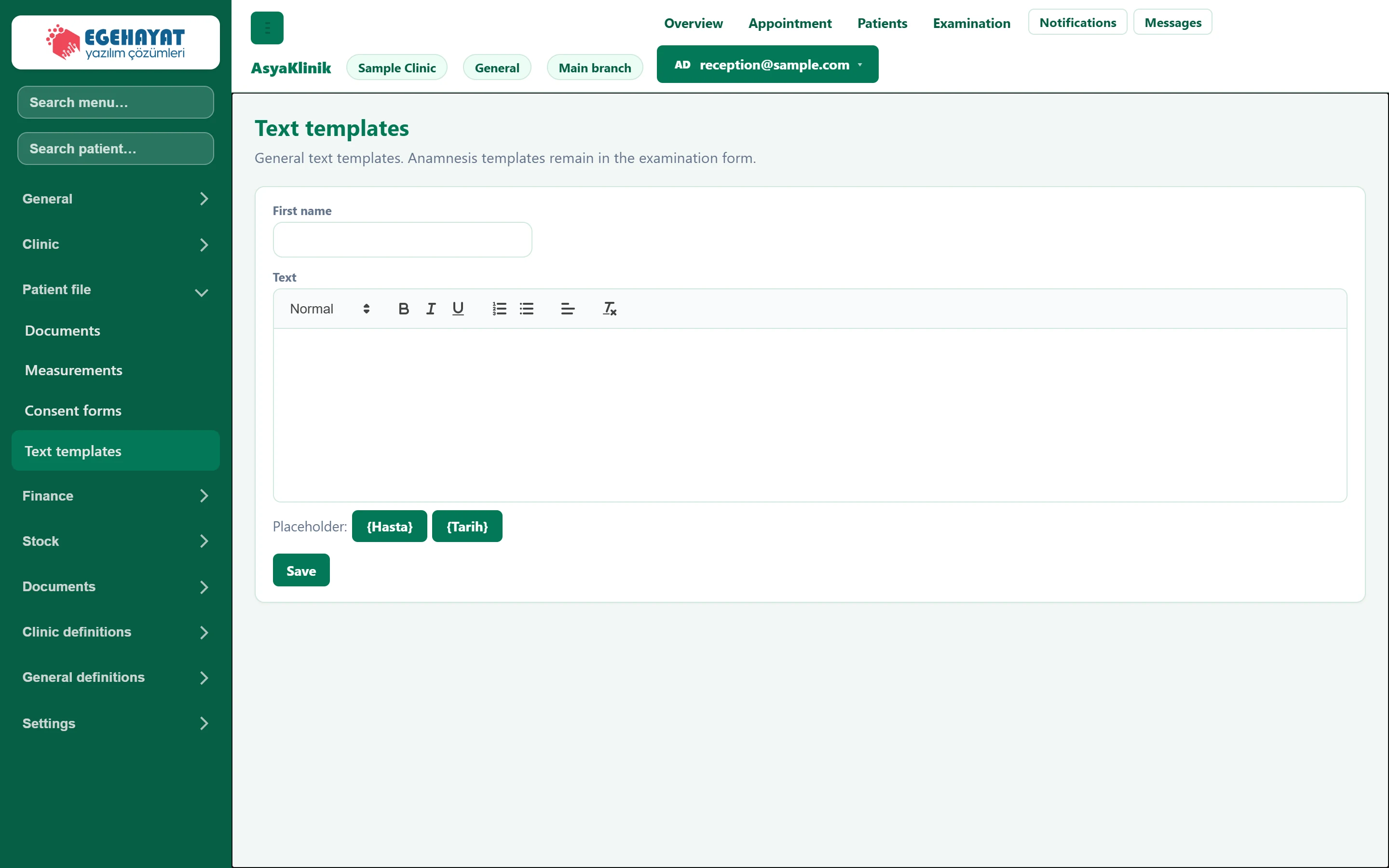
- 1Name Name of the form. Required.
- 2Text Formatted text; the {Hasta} and {Tarih} buttons insert placeholders.
- 3Save Saves the form; it is listed below and can be printed.
- Enter the form's name (required).
- Write in the Text field; apply bold, lists or alignment from the toolbar.
- The and buttons insert placeholders (patient, date).
- Click Save. The form is listed below and printed with Print.
Common messages
| Message | Cause | Solution |
|---|---|---|
| Name is required. | The form name is empty. | Enter a name. |