
 AsyaTicari
 AsyaRestoran
 AsyaOtel
 AsyaCrm
 AsyaKlinik
 AsyaSpor
 AsyaSSH
 AsyaEmlak
 AsyaFilo
 AsyaPuantaj
 AsyaİSG
 AsyaİHD
 Kolay Öğren
AsyaKlinik · Specialty screens
Veterinary
Animal card and owner, vaccination / parasite schedule, barcode product sale, documents and stock alerts.
The Veterinary screen manages animal cards, owners, the vaccination / parasite schedule, barcode product sales and documents. Documents and payments are booked to the owner's account; vaccines and products are deducted from the shared stock. The screen is in the menu of companies with the Veterinary branch; in this branch the word «Patient» becomes Animal.
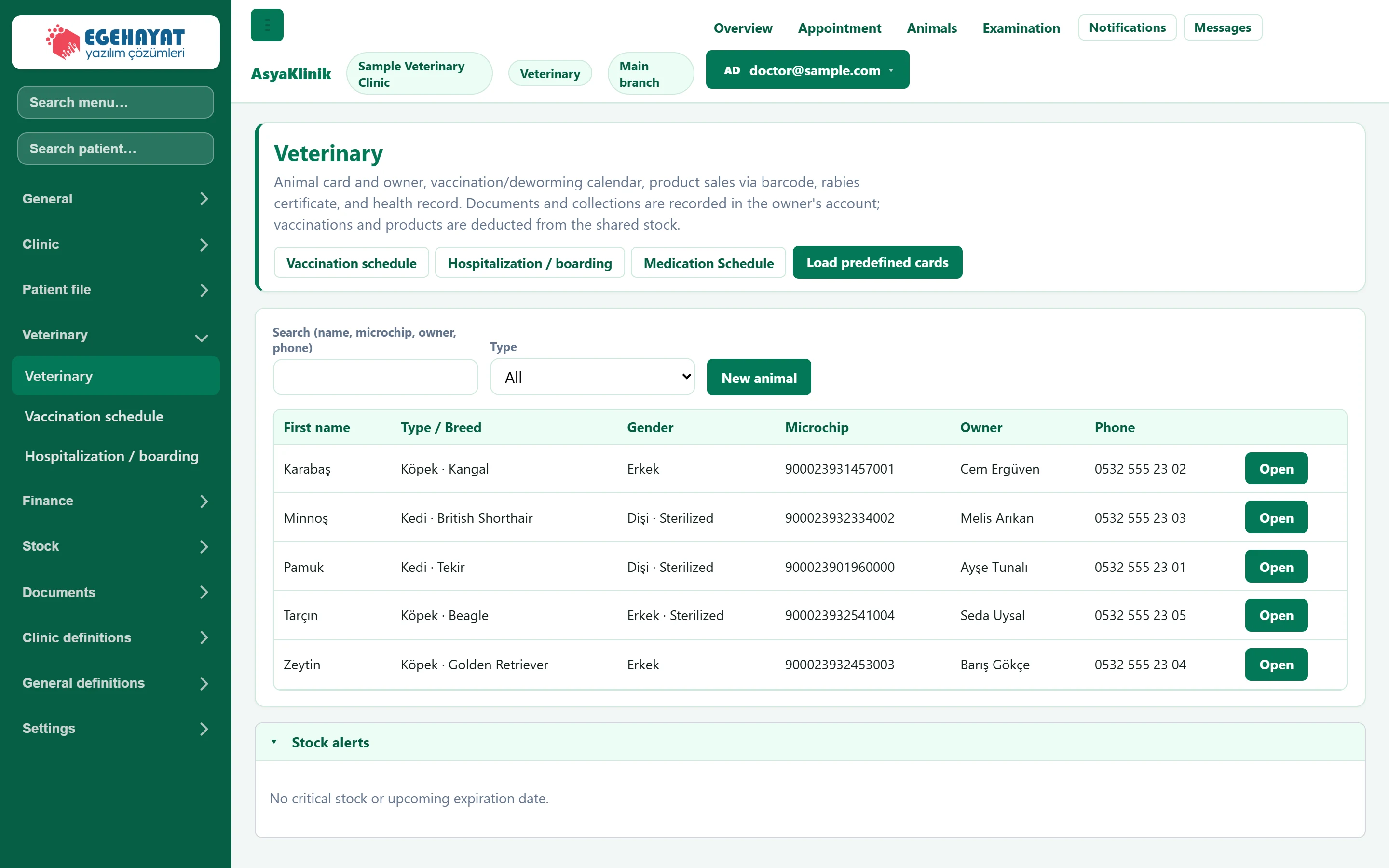
- 1Shortcuts Vaccination schedule, admission / boarding, medication chart and loading ready-made cards.
- 2Search Searches by name, microchip, owner or phone; filters by species.
- 3New animal Opens a new animal card.
- 4Open Opens the animal's card and tabs.
- 5Stock alerts Critical stock and vaccines / products nearing expiry.
Animal card
The card opens with Open or New animal.
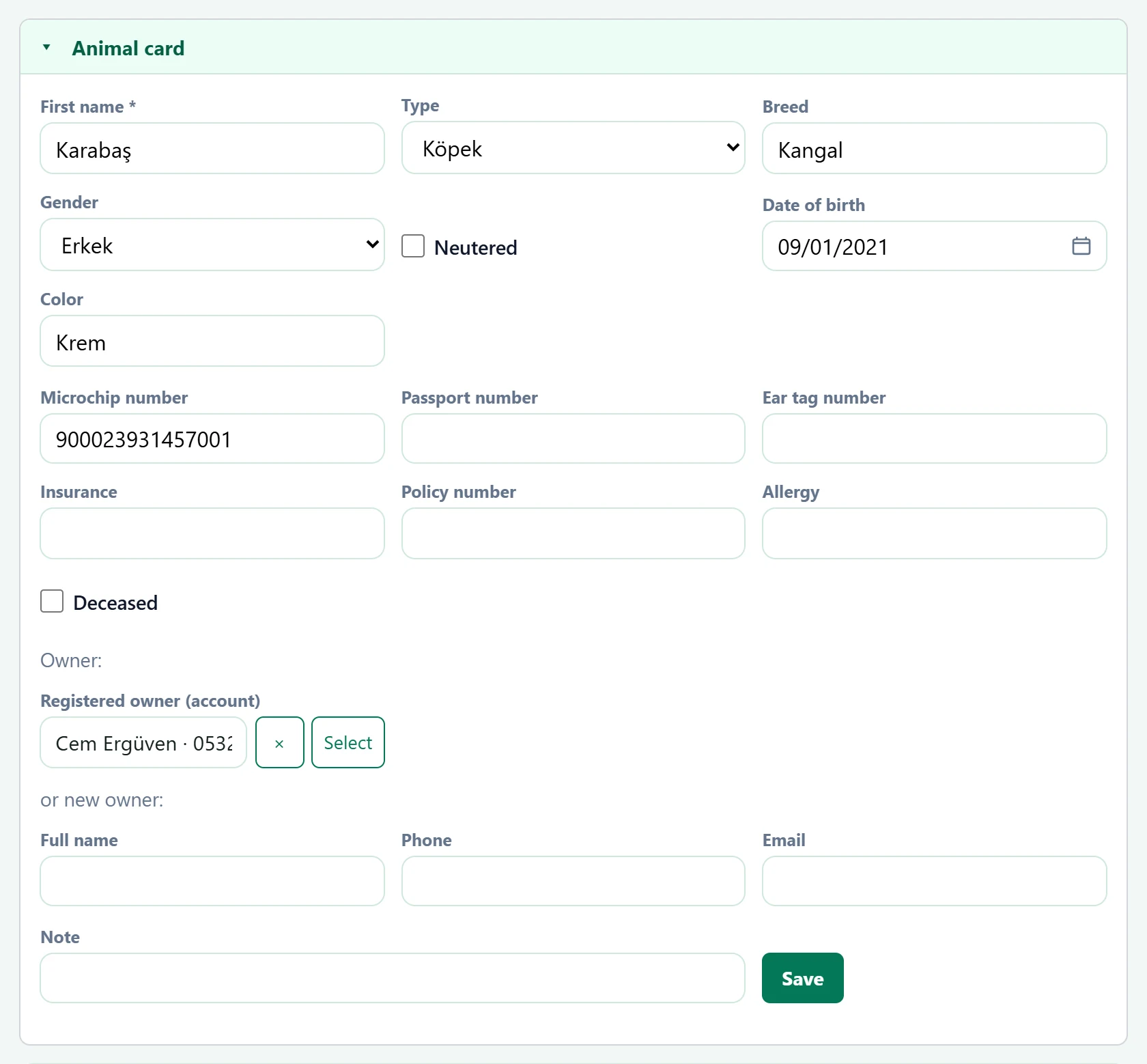
| Field | Sign in | Description |
|---|---|---|
| First name required | Text | Animal's name. Required. |
| Type | Choice list | Cat, dog etc.; the vaccination schedule is created by species. |
| Breed | Text | Breed. |
| Gender | Choice list | Sex. Options: Erkek · Dişi |
| Neutered | Checkbox | Tick if neutered. |
| Date of birth | Text | Date of birth (if known). Placeholder: «mm/dd/yyyy» |
| Color | Text | Colour / pattern. |
| Microchip number | Text | Microchip number; used in search. |
| Passport number | Text | Pet passport number. |
| Ear tag number | Text | Ear tag number (farm animal). |
| Insurance | Text | Insurance company. |
| Policy number | Text | Insurance policy number. |
| Allergy | Text | Known allergies. |
| Deceased | Checkbox | Tick if the animal has died; the list shows «Deceased». |
| Registered owner (account) | Text | Owner's account card; documents and payments are booked to it. Placeholder: «— Select account —» |
| Full name | Text | Owner's name if no account is selected; an account is created on save. |
| Phone | Text | Owner's phone. |
| Text | Owner's e-mail. | |
| Note | Text | Note on the card. |
While a card is open, the animal's name, species and last weight are shown at the top with the tabs; Examination / prescription opens the patient card, Weight graph opens the Measurements screen.
Vaccination / parasites
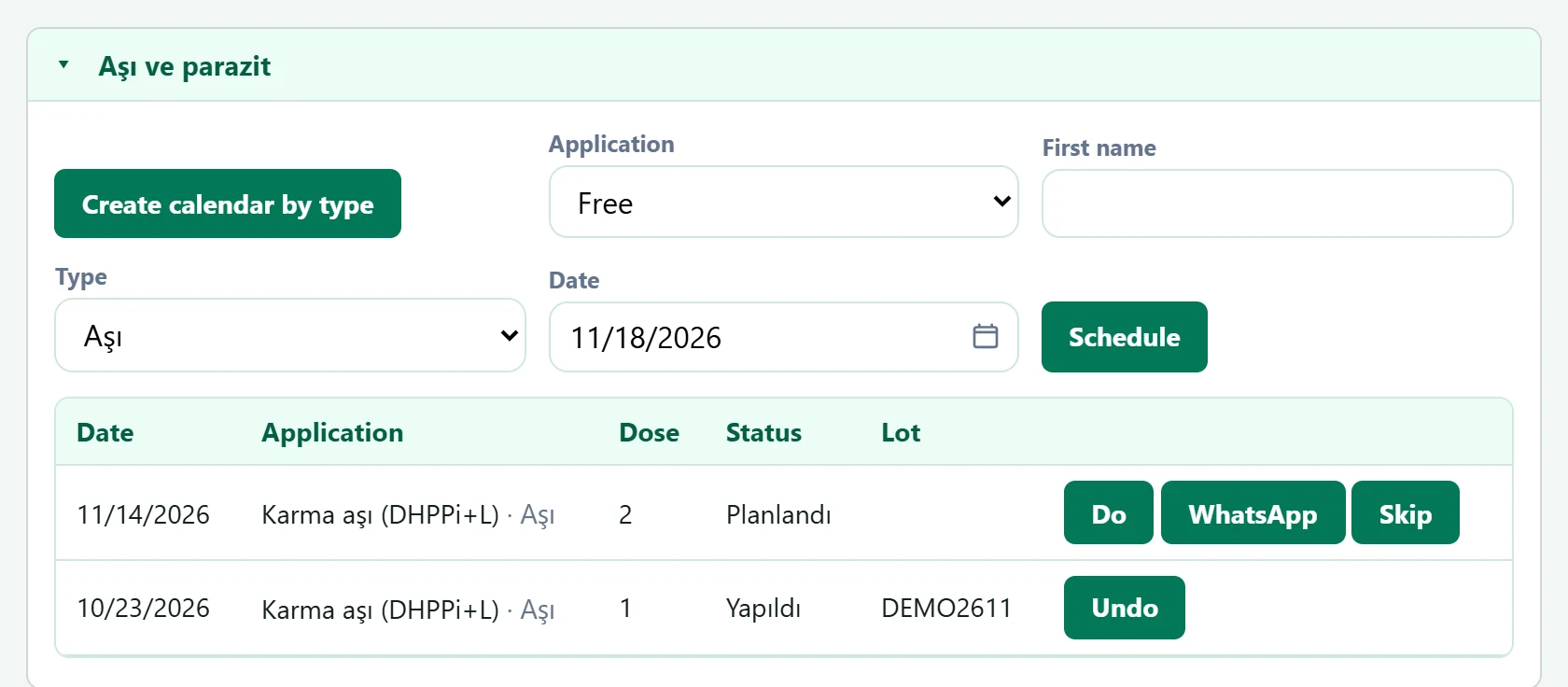
- 1Create calendar by type Creates the standard vaccination schedule for the animal's species.
| Field | Sign in | Description |
|---|---|---|
| Application | Choice list | Ready-made vaccine / parasite template, or Free. Options: Free · Karma aşı (DHPPi+L) · Koronavirüs aşısı · Bronşin (kennel cough) aşısı · Kuduz aşısı · İç parazit uygulaması · Dış parazit uygulaması |
| First name | Text | Name of the vaccine / drug for a free entry. |
| Type | Choice list | Vaccination or parasite treatment. Options: Aşı · İç parazit · Dış parazit |
| Date | Text | Planned application day. Placeholder: «mm/dd/yyyy» |
Product sale
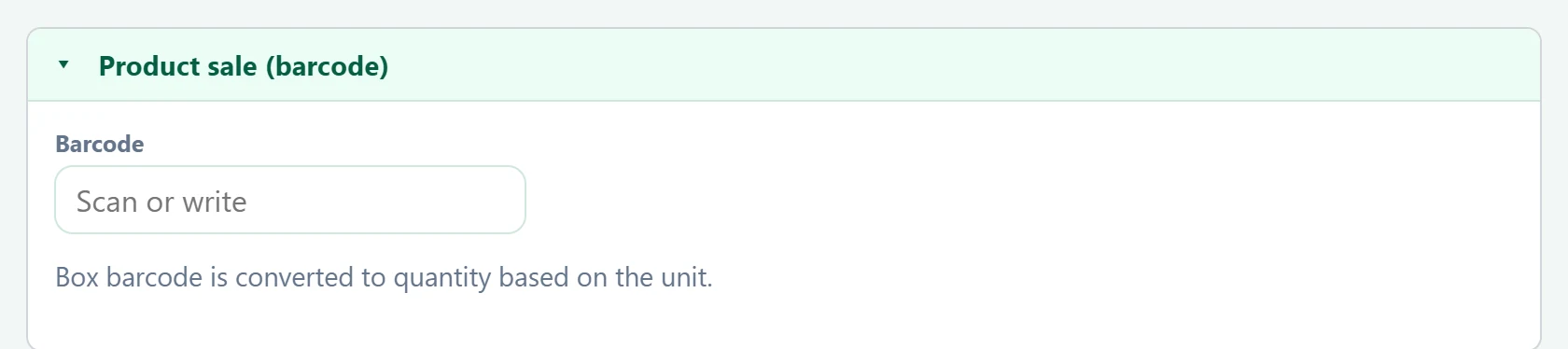
| Field | Sign in | Description |
|---|---|---|
| Barcode | Text | Scan or type the product barcode; a box barcode is converted to pieces using the unit conversion. Placeholder: «Scan or write» |
Scanned products are added to the list; enter quantity, price, amount received and payment method, then Complete sale issues the document and deducts the stock.
Documents

The Rabies vaccination certificate, Health record and Anesthesia / surgery consent are printed with the animal's details.
Common messages
| Message | Cause | Solution |
|---|---|---|
| Sale completed: {0} · {1} | The product sale was saved. | Information only. |
| Refunded; stock returned. | A vaccination was undone. | Information only. |
| No registered animals. | The company has no animal cards. | Open a card with New animal. |