
 AsyaTicari
 AsyaRestoran
 AsyaOtel
 AsyaCrm
 AsyaKlinik
 AsyaSpor
 AsyaSSH
 AsyaEmlak
 AsyaFilo
 AsyaPuantaj
 AsyaİSG
 AsyaİHD
 Kolay Öğren
AsyaKlinik · Specialty screens
Eye examination
Adding visual acuity, intraocular pressure, refraction and fundus findings to an examination record.
The Eye examination screen adds eye findings to an existing examination record. The screen is in the menu of companies with the Ophthalmology branch. An examination must first be opened on the Examinations screen; the list shows the last 50 examinations.
asyaklinik · /login
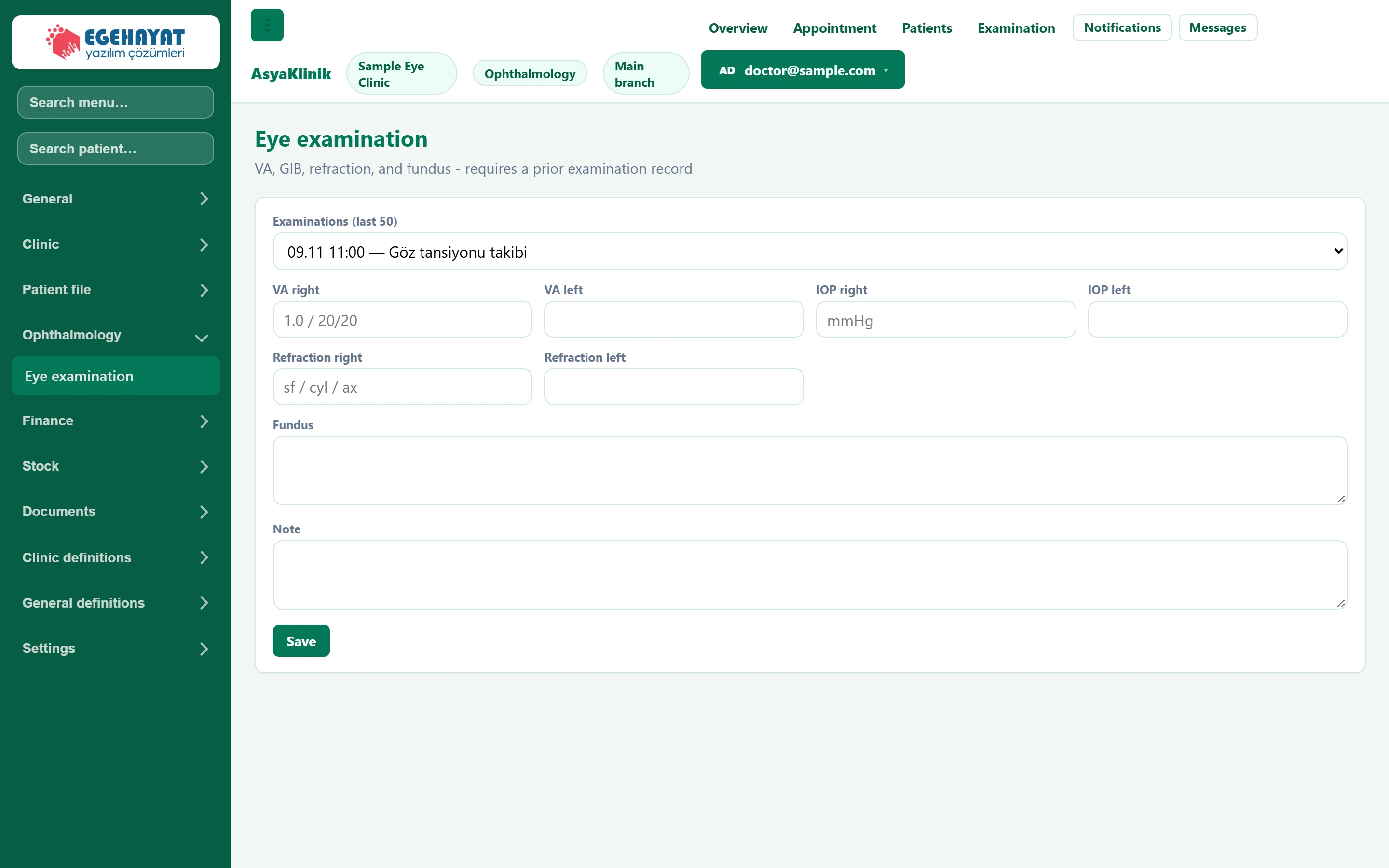
- 1Examination Examination (from the last 50) to which the eye findings are written.
- 2Save Saves the eye fields to the selected examination.
Eye findings
Part of the screenEye examination fields
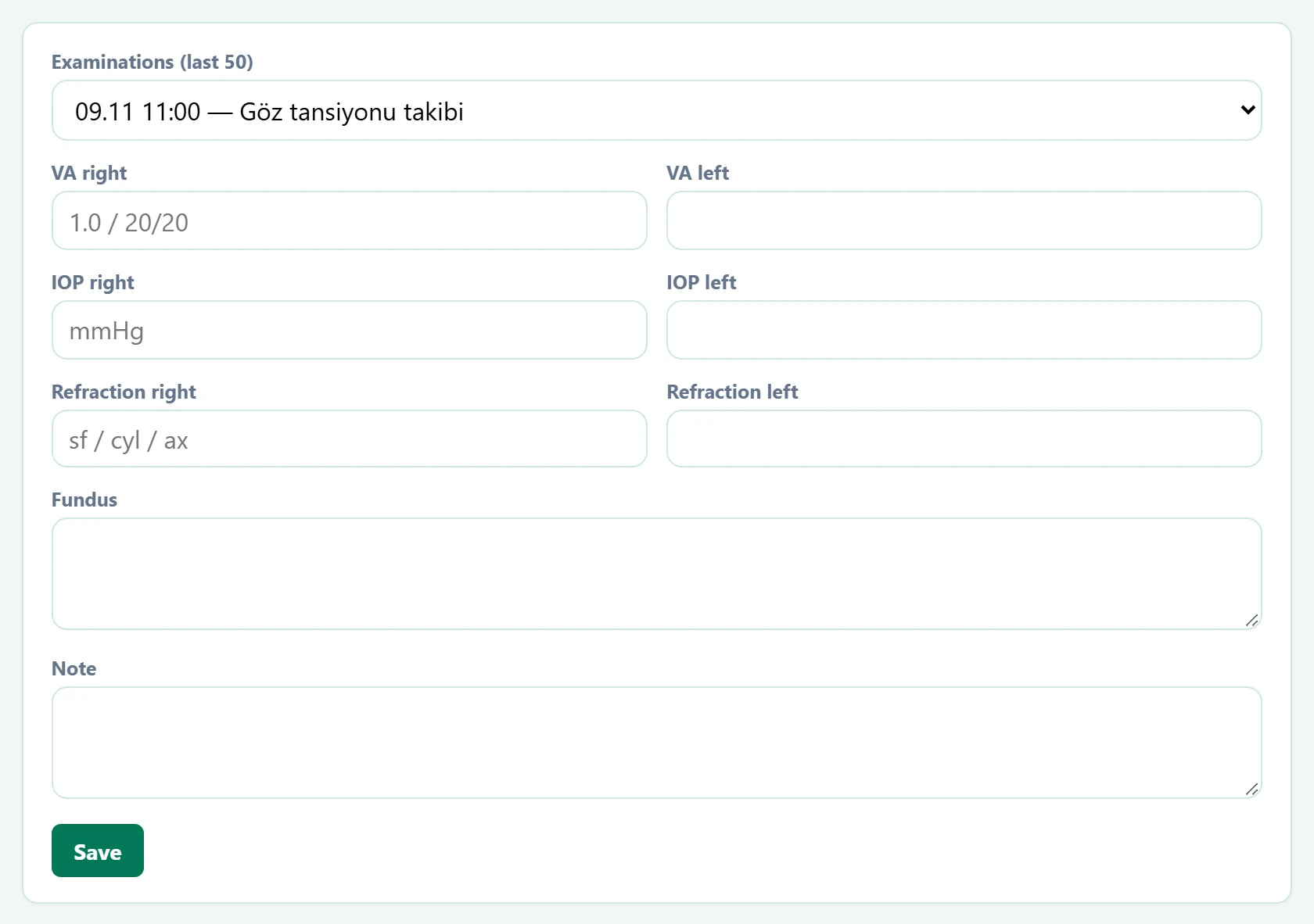
| Field | Sign in | Description |
|---|---|---|
| Examinations (last 50) | Choice list | Examination record the eye findings are added to. An examination must first be opened on the Examinations screen. Options: Select examination · 09.11 11:00 — Göz tansiyonu takibi · 08.11 13:00 — Gözde kızarıklık, kaşıntı · 08.11 10:00 — Uzağı görememe · 07.11 12:00 — Yakını görememe · 07.11 09:00 — Bulanık görme |
| VA right | Text | Right eye visual acuity (e.g. 1.0 or 20/20). Placeholder: «1.0 / 20/20» |
| VA left | Text | Left eye visual acuity. |
| IOP right | Text | Right eye intraocular pressure (mmHg). Placeholder: «mmHg» |
| IOP left | Text | Left eye intraocular pressure (mmHg). |
| Refraction right | Text | Right eye refraction (sph / cyl / ax). Placeholder: «sf / cyl / ax» |
| Refraction left | Text | Left eye refraction. |
| Fundus | Long text | Fundus examination findings. |
| Note | Long text | Other notes. |
Common messages
| Message | Cause | Solution |
|---|---|---|
| Select an examination. | Saving without an examination. | Select the examination in the list. |
| Eye examination areas saved. | The findings were written to the examination. | Information only. |