
 AsyaTicari
 AsyaRestoran
 AsyaOtel
 AsyaCrm
 AsyaKlinik
 AsyaSpor
 AsyaSSH
 AsyaEmlak
 AsyaFilo
 AsyaPuantaj
 AsyaİSG
 AsyaİHD
 Kolay Öğren
AsyaKlinik · Specialty screens
Photo tracking
Storing before, procedure, after and check-up photos by area and comparing them side by side.
On the Photo tracking screen you store the patient's photos by area and stage and compare two photos side by side. The screen appears in the Clinic menu if a branch with the photo feature (Obstetrics & Gynecology, oral and dental health, Aesthetic / Hair Transplant, Veterinary) is enabled.
asyaklinik · /login
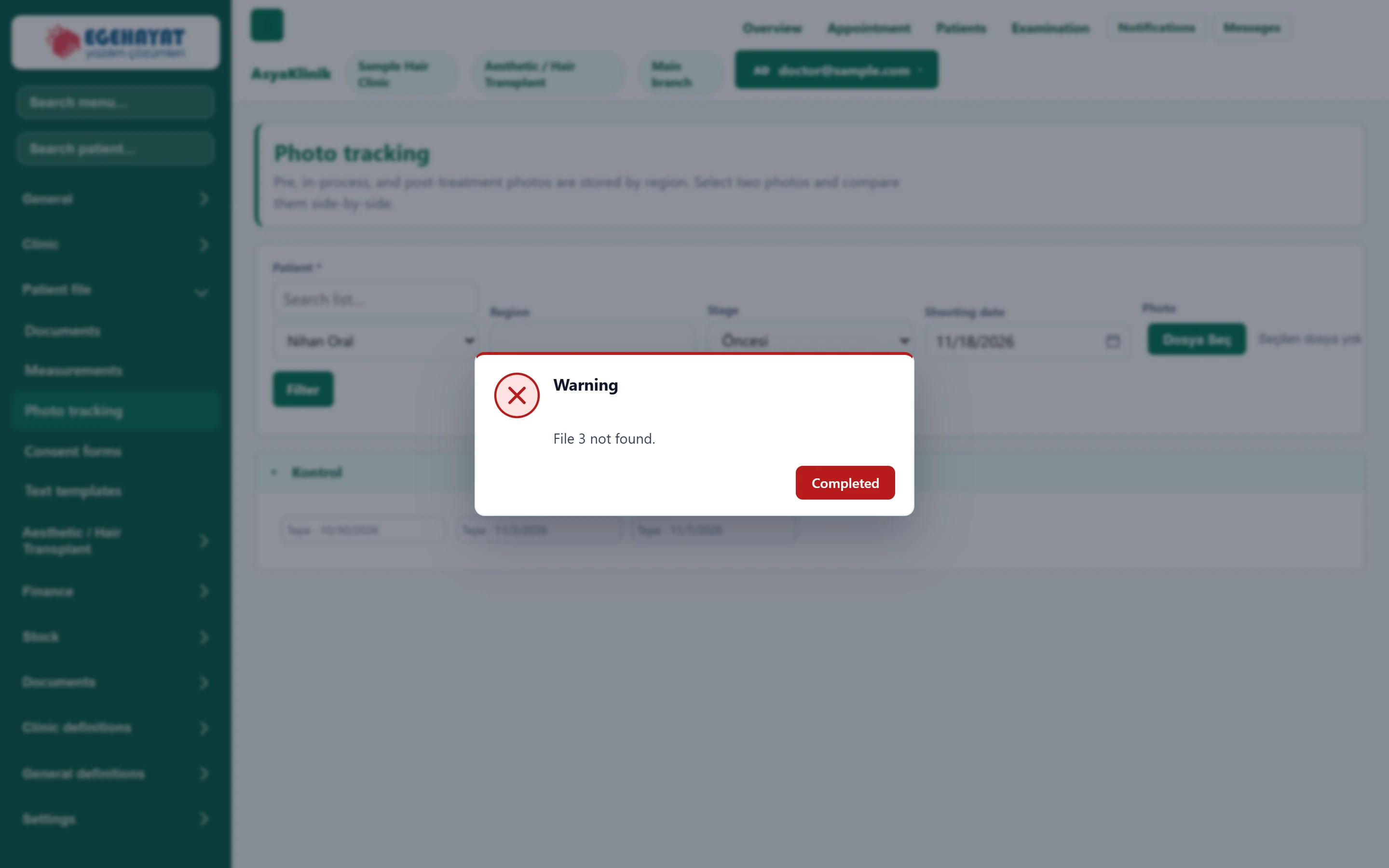
- 1Patient Patient whose photos are listed.
- 2Filter Filters the list by patient, area and stage.
Adding a photo
Part of the screenAdding a photo
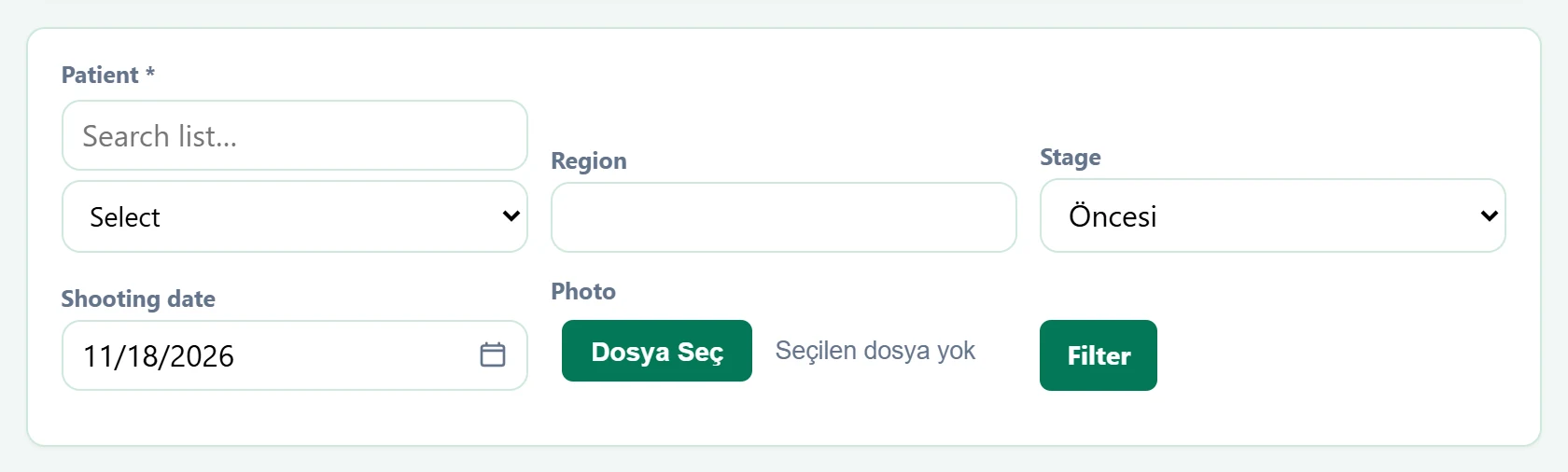
| Field | Sign in | Description |
|---|---|---|
| Patient required | Search | Type a name in the upper box to narrow the list; pick from the list below. Placeholder: «Search list…» |
| Region | Text | Area of the photo (e.g. «front hairline»). |
| Stage | Choice list | Before, during the procedure, after or check-up. |
| Shooting date | Text | Day the photo was taken. Placeholder: «mm/dd/yyyy» |
| Photo | Text | Image file to add. |
The photo is added to the patient as soon as the file is chosen. Photos are listed in panels by stage; clicking two photos opens the Comparison panel.
Common messages
| Message | Cause | Solution |
|---|---|---|
| Select a patient. | A file was chosen without a patient. | Select the patient first. |
| Photo added. | The photo was saved. | Information only. |
| No photo. | The patient has no photo matching this filter. | Change the area / stage. |