
 AsyaTicari
 AsyaRestoran
 AsyaOtel
 AsyaCrm
 AsyaKlinik
 AsyaSpor
 AsyaSSH
 AsyaEmlak
 AsyaFilo
 AsyaPuantaj
 AsyaİSG
 AsyaİHD
 Kolay Öğren
AsyaİSG · OHS operations
Visit Schedule
Planning workplace visits in advance: workplace, staff, day and note.
On the Visit Schedule screen you place workplace visits on days in advance. Visits planned for today appear in the Plan card of the Today screen.
asyaİsg · /ziyaret-plani
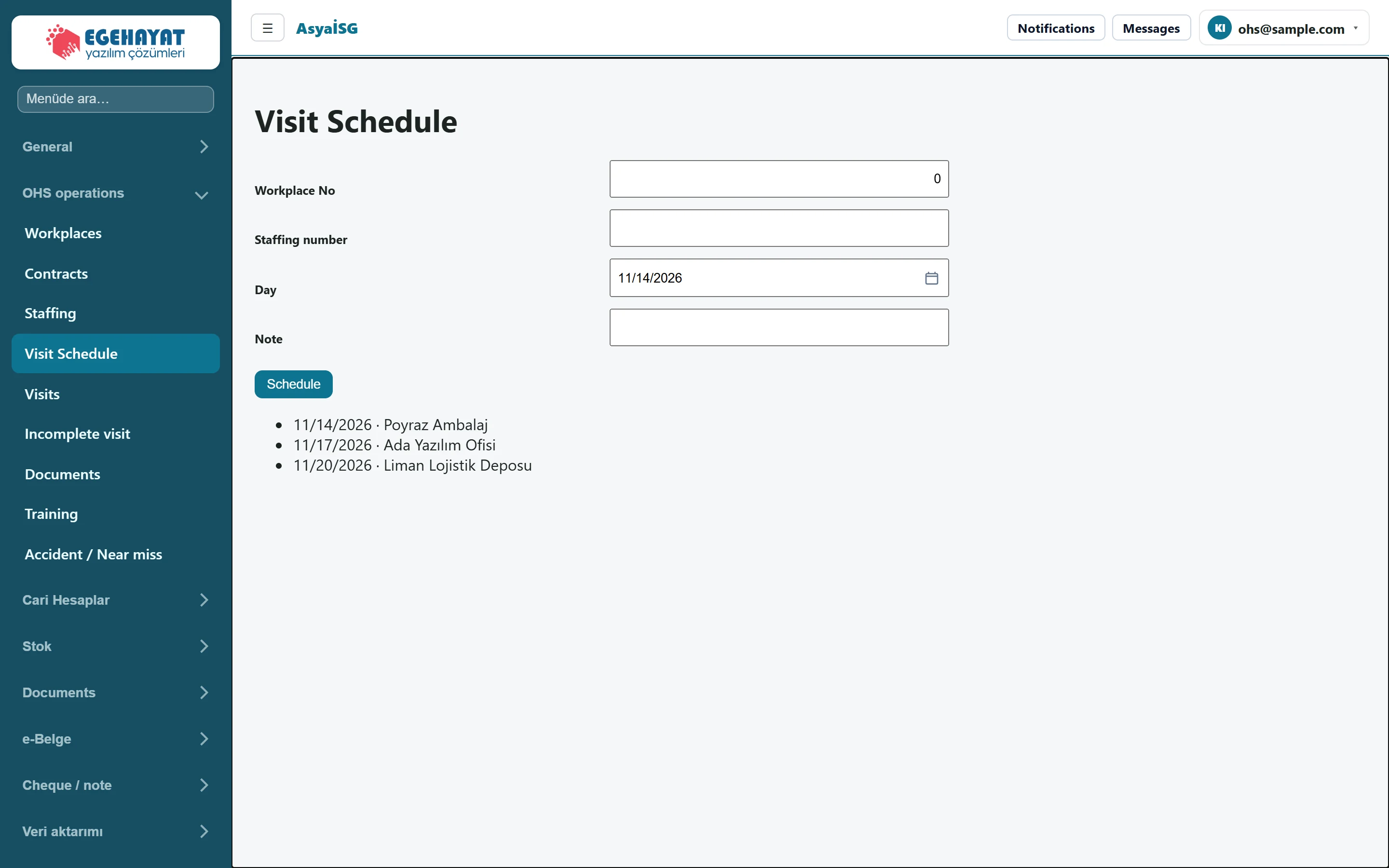
- 1Workplace No New plan form.
- 211/14/2026 · Poyraz Ambalaj Scheduled visits: day · workplace.
Schedule
Part of the screenSchedule
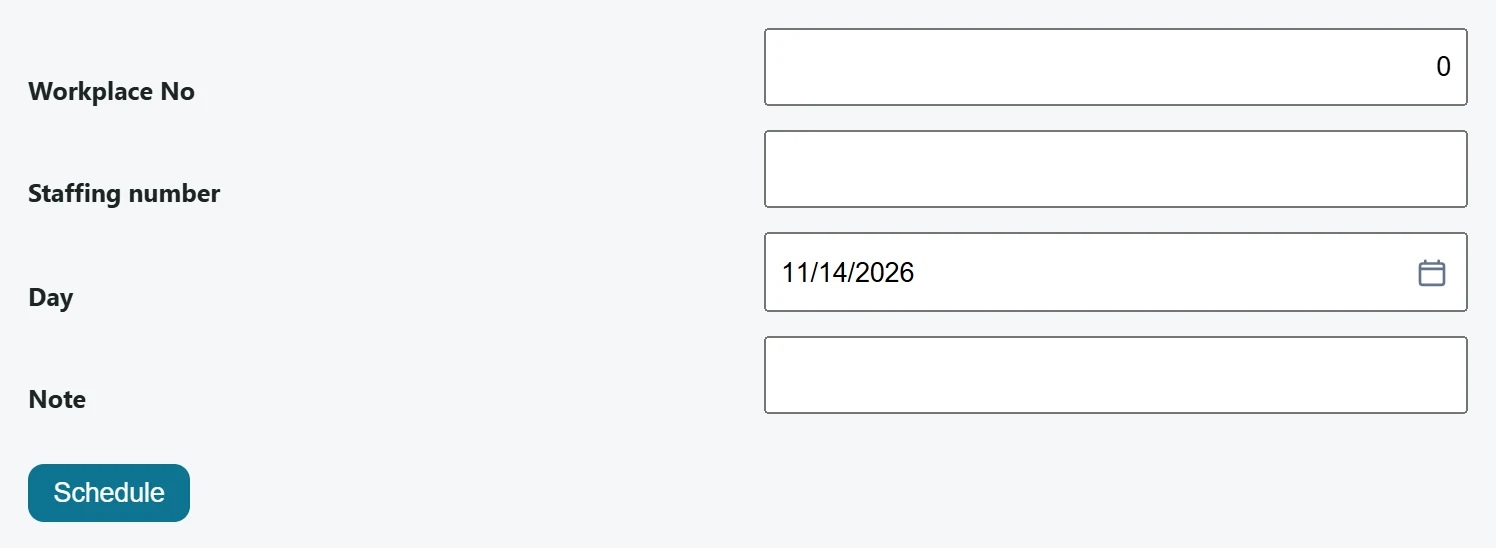
| Field | Sign in | Description |
|---|---|---|
| Workplace No | Text | Record number of the workplace to visit. |
| Staffing number | Text | Record number of the staff member making the visit (optional). |
| Day | Text | Planned visit day. Placeholder: «mm/dd/yyyy» |
| Note | Text | Short note for the visit. |
- In Workplace No enter the record number of the workplace to visit.
- Optionally enter the person making the visit in Staffing number.
- Choose the Day, add a Note if needed and press Schedule.
The plan list is sorted by date (day · workplace).
A plan is only a reminder; the visit itself is recorded on the Visits screen by opening and closing it.