
 AsyaTicari
 AsyaRestoran
 AsyaOtel
 AsyaCrm
 AsyaKlinik
 AsyaSpor
 AsyaSSH
 AsyaEmlak
 AsyaFilo
 AsyaPuantaj
 AsyaİSG
 AsyaİHD
 Kolay Öğren
AsyaİSG · OHS operations
Staffing
OHS professionals (safety expert, workplace physician, other health staff …) and their assignments to workplaces.
On the Staffing screen you define the office's OHS professionals (occupational safety expert, workplace physician, other health staff, office) and assign them to workplaces.
asyaİsg · /kadro
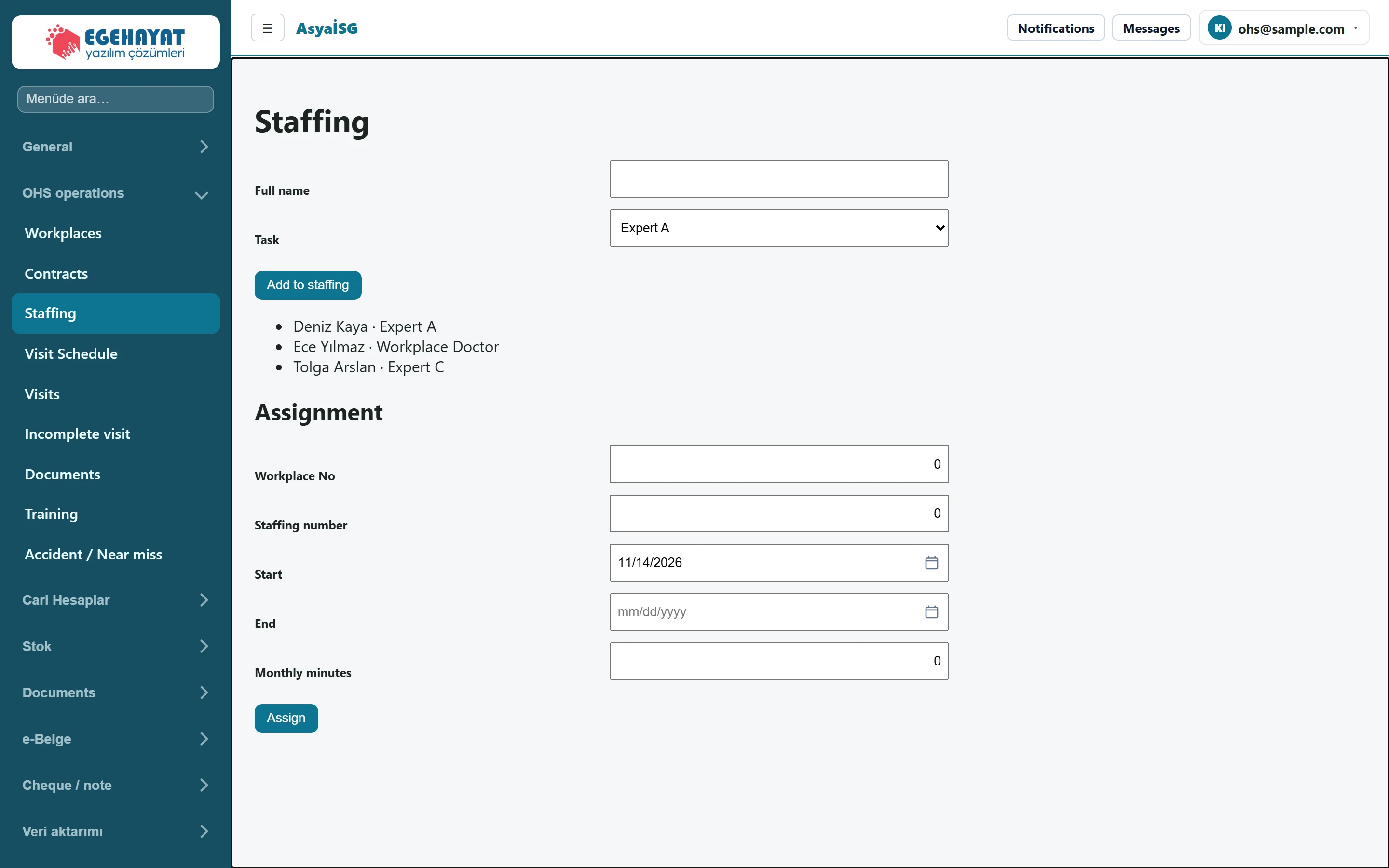
- 1Full name Form to add a person to staffing.
- 2Deniz Kaya · Expert A People on staff and their roles.
- 3Workplace No Form to assign staff to a workplace.
Add to staffing
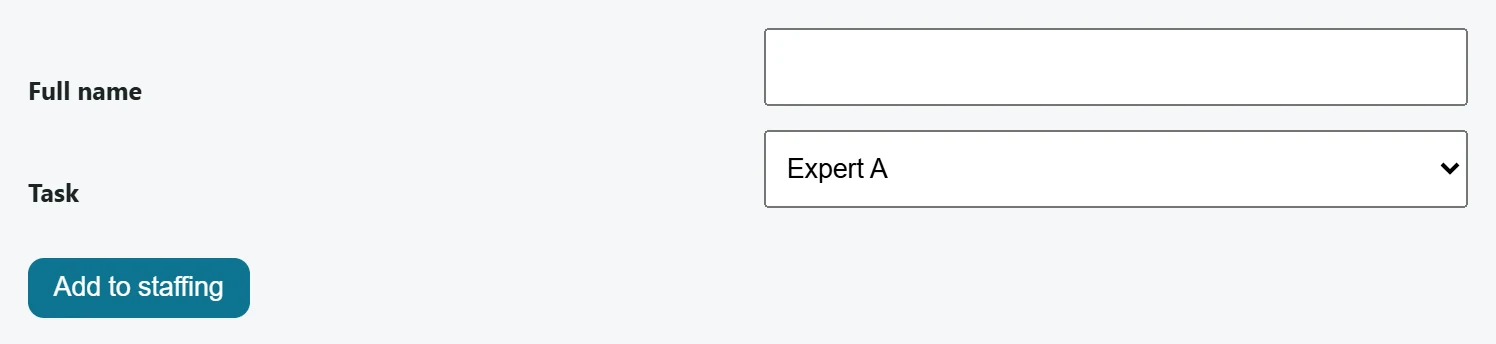
Part of the screenAdd to staffing
| Field | Sign in | Description |
|---|---|---|
| Full name | Text | Full name of the person to add. |
| Task | Choice list | The person's role; options come from the Employee types definition. Options: Expert A · Expert B · Expert C · Workplace Doctor · Other healthcare personnel · Office |
- Enter the Full name.
- Choose the person's role in Task.
- Press Add to staffing. The person is added to the list on the screen as «name · role».
The Task options come from Definitions → Employee types. On first use the types Expert A, Expert B, Expert C, Workplace physician, Other health staff and Office are created automatically.
Assignment
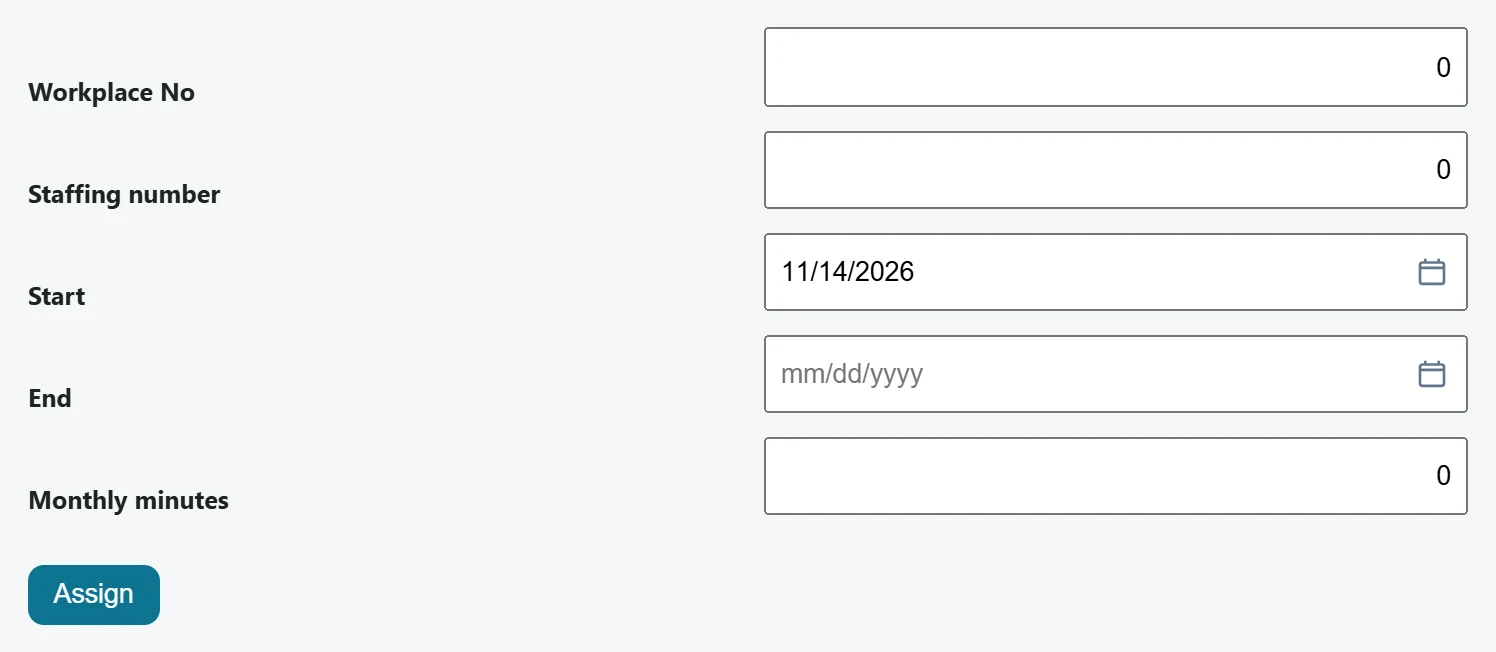
Part of the screenAssignment
| Field | Sign in | Description |
|---|---|---|
| Workplace No | Text | Record number of the workplace for the assignment. |
| Staffing number | Text | Record number of the staff member to assign. |
| Start | Text | Start date of the assignment. Placeholder: «mm/dd/yyyy» |
| End | Text | End date of the assignment; open-ended if left empty. Placeholder: «mm/dd/yyyy» |
| Monthly minutes | Text | Monthly time the person spends at this workplace (minutes). |
- Enter the record numbers of the workplace and the person in Workplace No and Staffing number.
- Choose the Start date; for a fixed-term assignment also enter the End date.
- Enter the Monthly minutes the person spends at this workplace and press Assign.
A person can have only one workplace assignment in the same period: a record whose dates overlap another assignment of that person is not saved. An assignment without an end date is open-ended; keep this in mind before assigning the person elsewhere.
Common messages
| Message | Cause | Solution |
|---|---|---|
| Conflicting appointment record blocked. | The person already has an assignment in the chosen dates, or the assignment could not be saved. | Check the dates and numbers. |