
 AsyaTicari
 AsyaRestoran
 AsyaOtel
 AsyaCrm
 AsyaKlinik
 AsyaSpor
 AsyaSSH
 AsyaEmlak
 AsyaFilo
 AsyaPuantaj
 AsyaİSG
 AsyaİHD
 Kolay Öğren
AsyaİHD · Settings
Control panel
AsyaİHD settings overview: shared company settings panels and product scope.
Control panel is the page in AsyaİHD where the company settings are collected. With the tabs at the top you switch to Workplaces, Users, Permissions and Subscription cart; these pages are the same in all products and are described in the shared guide.
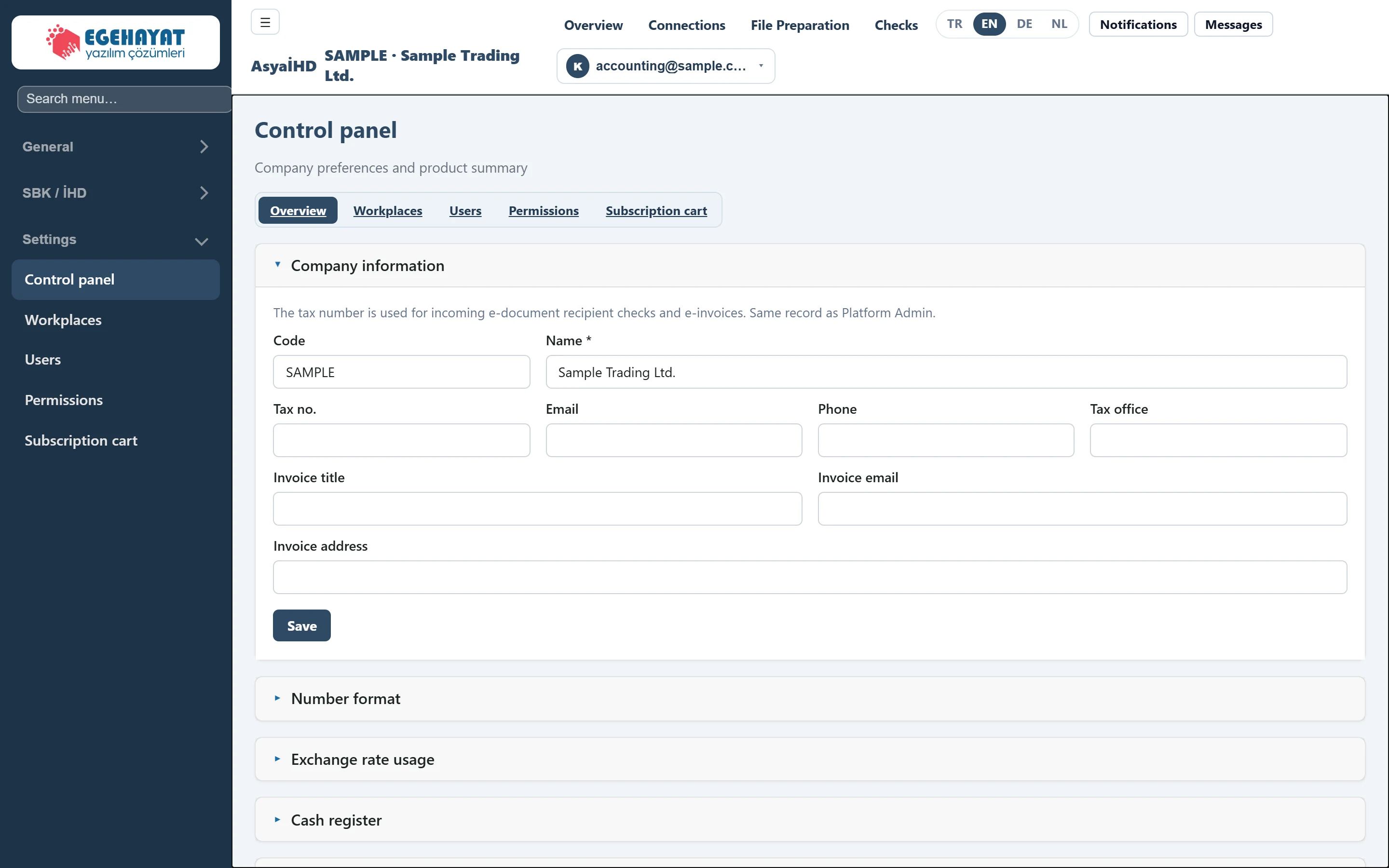
- 1Overview Switches between the settings pages: Overview, Workplaces, Users, Permissions, Subscription cart.
- 2Company information Shared settings panels: company details, number format, exchange rate use, integrations, code template kinds.
Settings panels
The collapsible panels on the page are shared by all products; each panel is saved with its own Save button:
- company information: code, name, tax number, contact and billing details;
- number format, exchange rate use, integrations and code template kinds.
The fields are described in the Control panel topic of the shared guide.
The taxpayer tax number and legal name in the SBK files are not taken from the company information here but from the connection on Connections.
Product
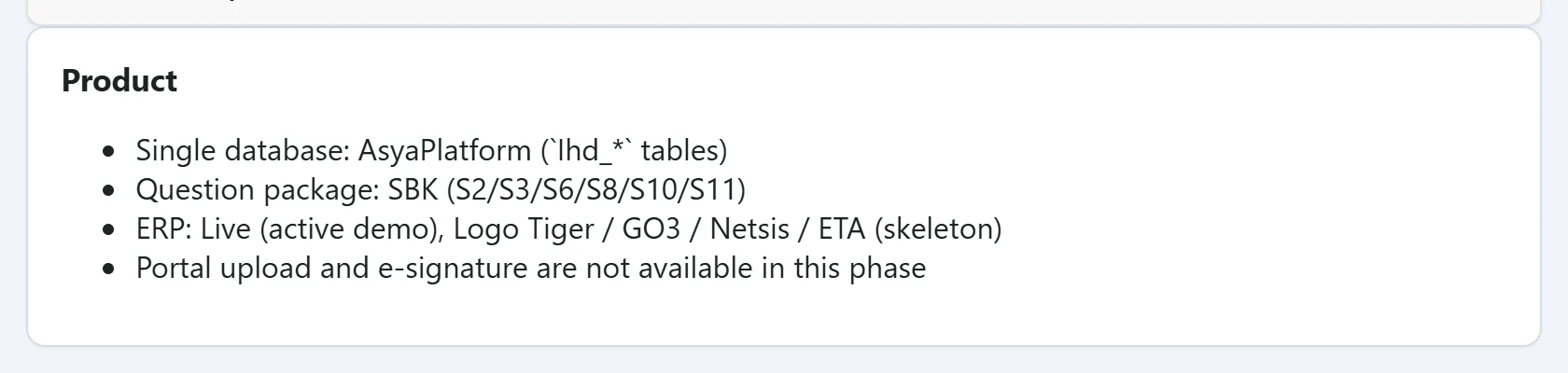
- 1Single database: AsyaPlatform (`Ihd_*` tables) Summary of the product's data, templates and ERP coverage (information only).
This section is informational only: AsyaİHD keeps its data in the Ihd_* tables of the platform database, prepares the S2 / S3 / S6 / S8 / S10 / S11 templates of the SBK question package and contains the Live (active) and Logo Tiger / GO3 / Netsis / ETA (skeleton) ERP adapters. Portal upload and e-signing are not part of this version.