
 AsyaTicari
 AsyaRestoran
 AsyaOtel
 AsyaCrm
 AsyaKlinik
 AsyaSpor
 AsyaSSH
 AsyaEmlak
 AsyaFilo
 AsyaPuantaj
 AsyaİSG
 Kolay Öğren

User guide
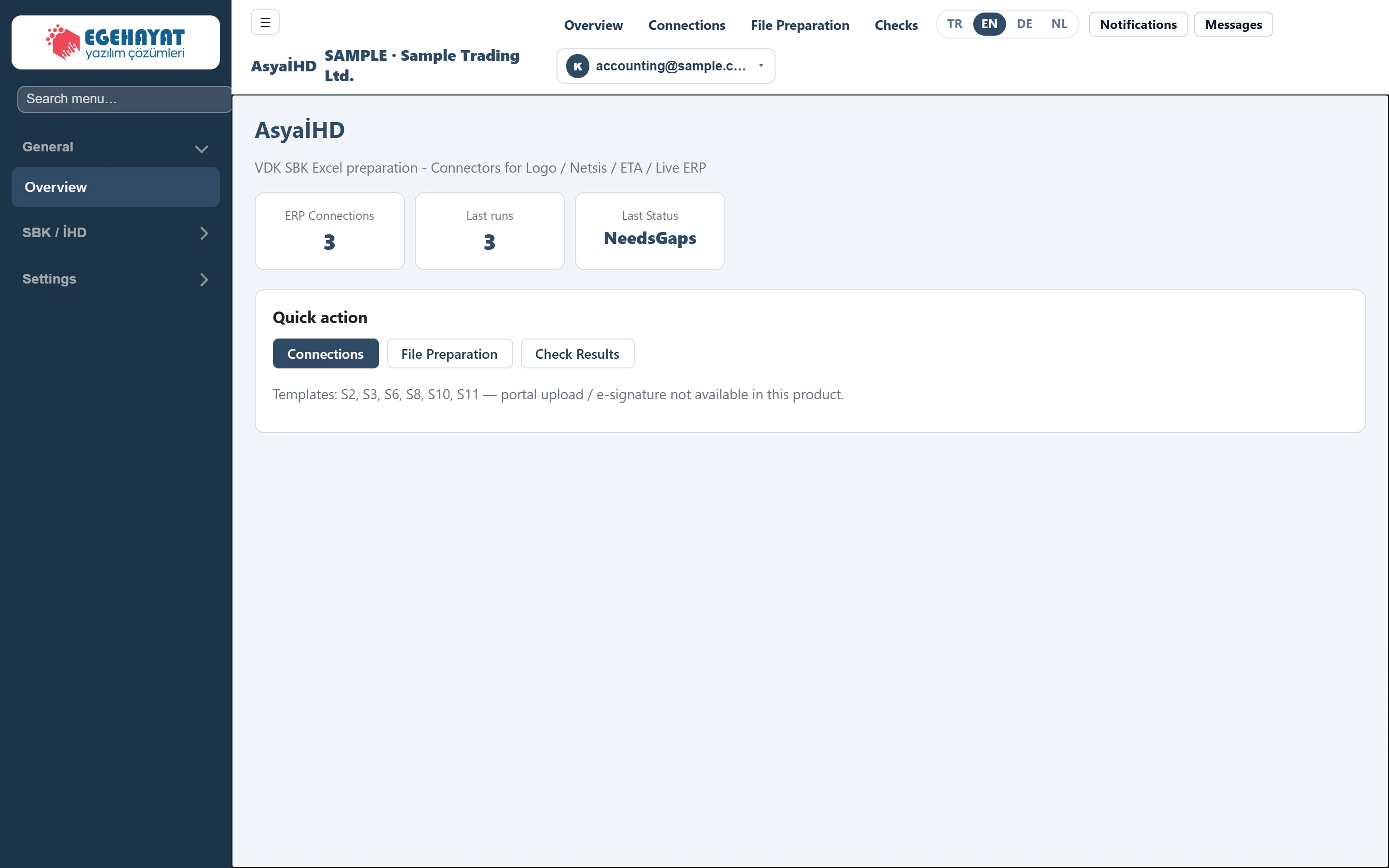
AsyaİHD
Preparing the S2–S11 Excel files for the Tax Inspection Board fake-invoice (SBK) review from ERP data, completing missing items and checking the results.
General
SBK / İHD
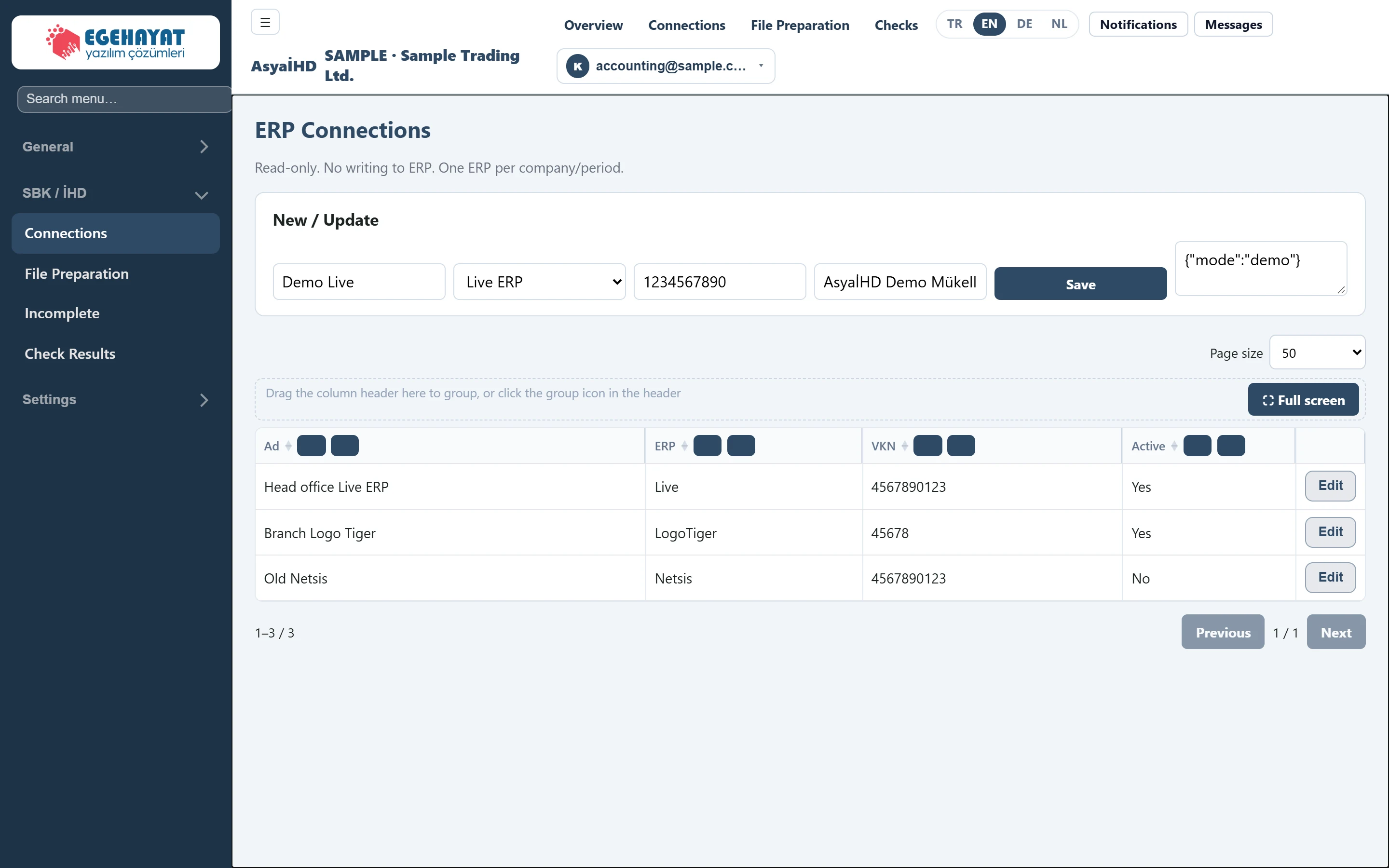 Connections
Defining the ERP and taxpayer the SBK files are read from.
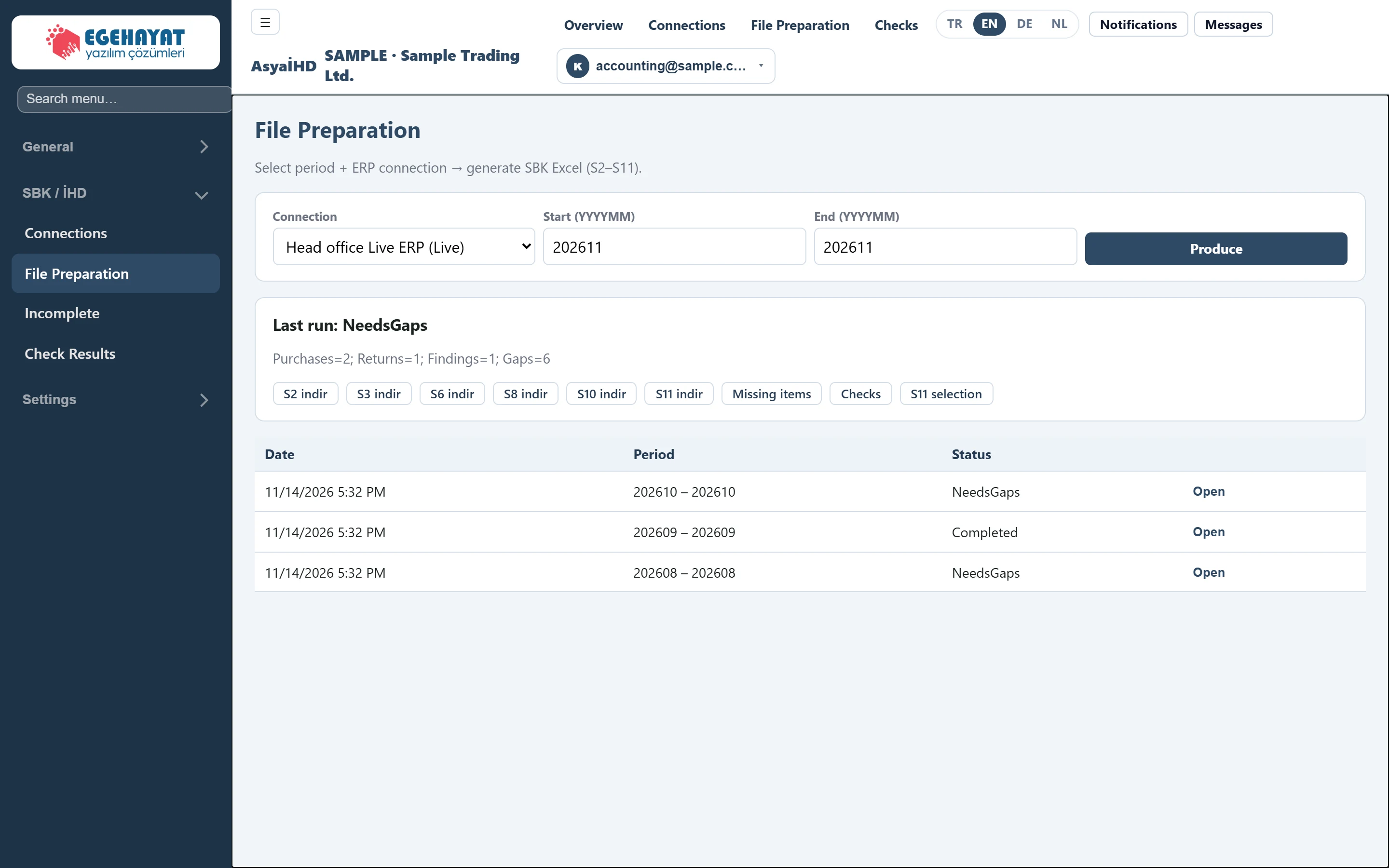 File Preparation
Producing the SBK Excel files (S2–S11) for a connection and period, opening runs, downloading files and the S11 selection.
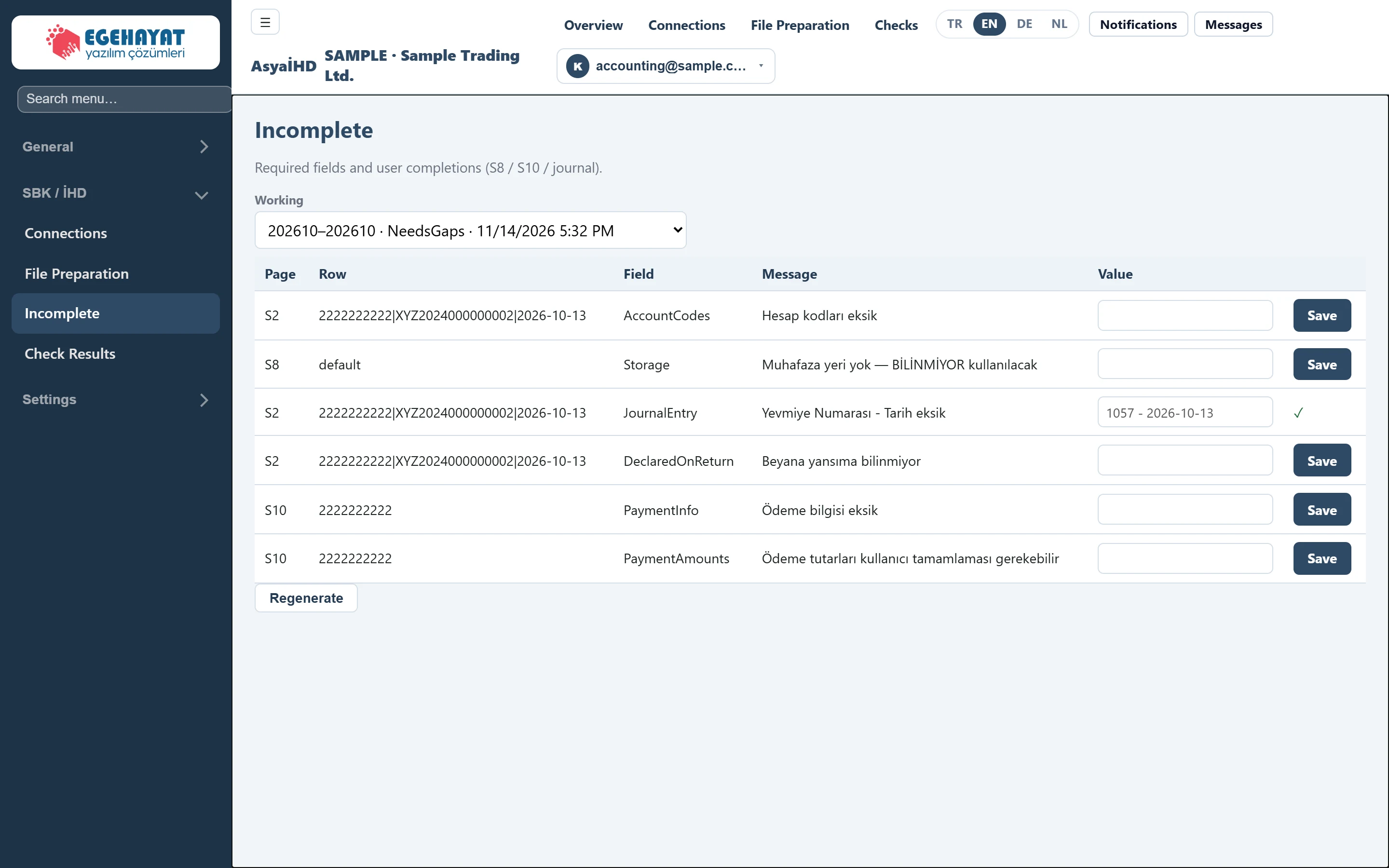 Incomplete
Completing required SBK information that is empty in the ERP (journal entry, account codes, payment, storage place) by hand.
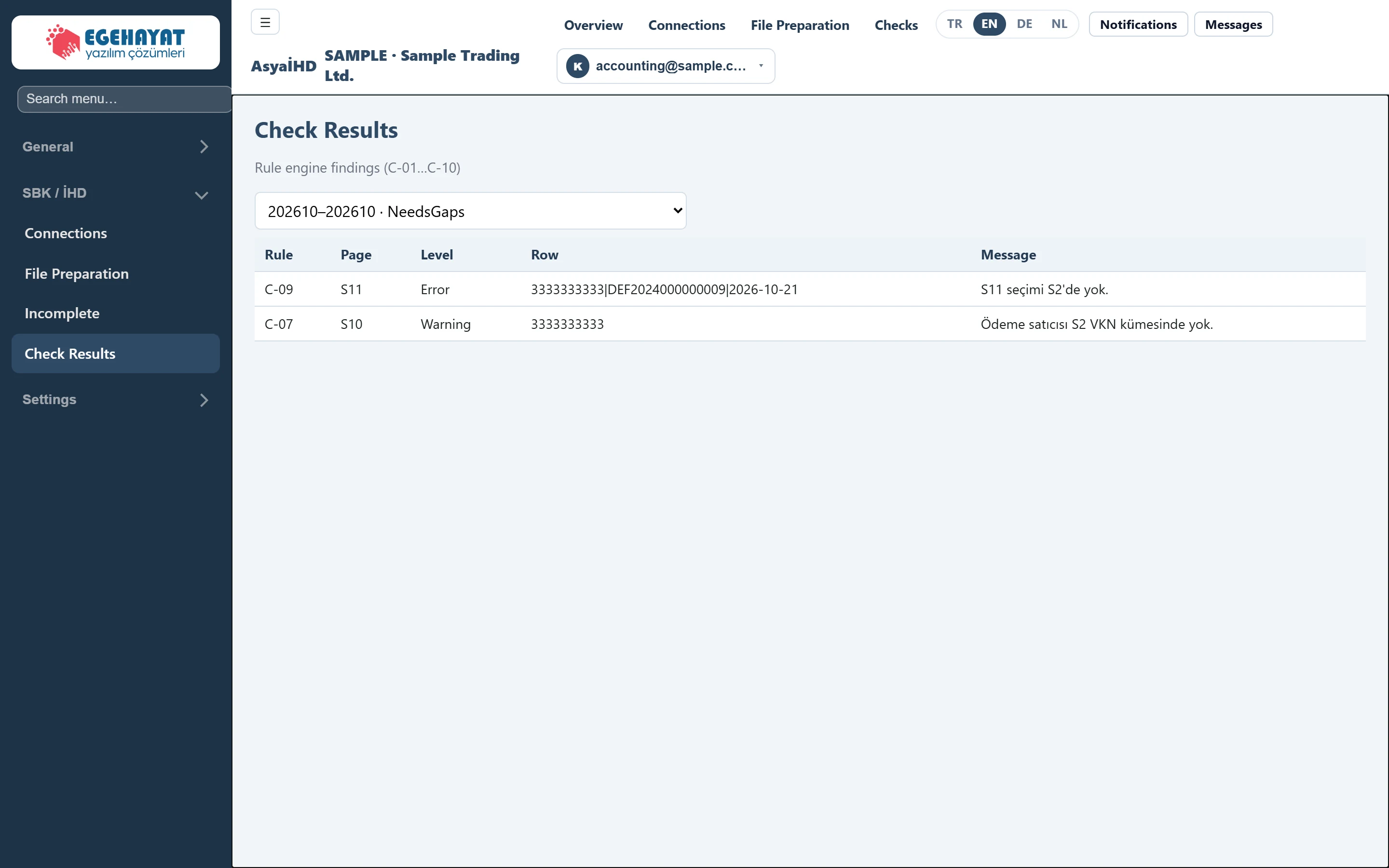 Check Results
Findings (errors / warnings) of the C-01 … C-10 rules for the produced SBK files.
Settings
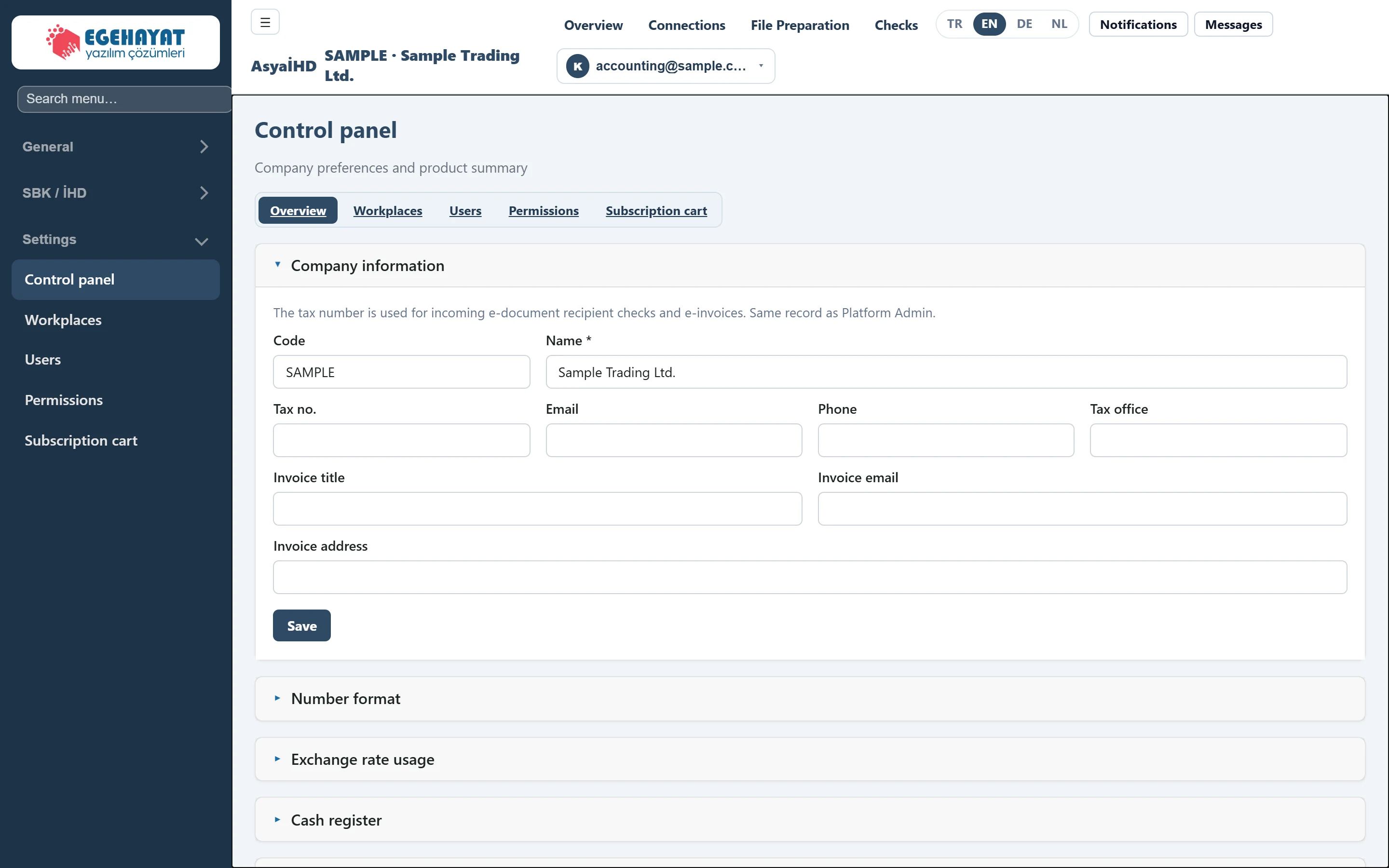 Control panel
AsyaİHD settings overview: shared company settings panels and product scope.
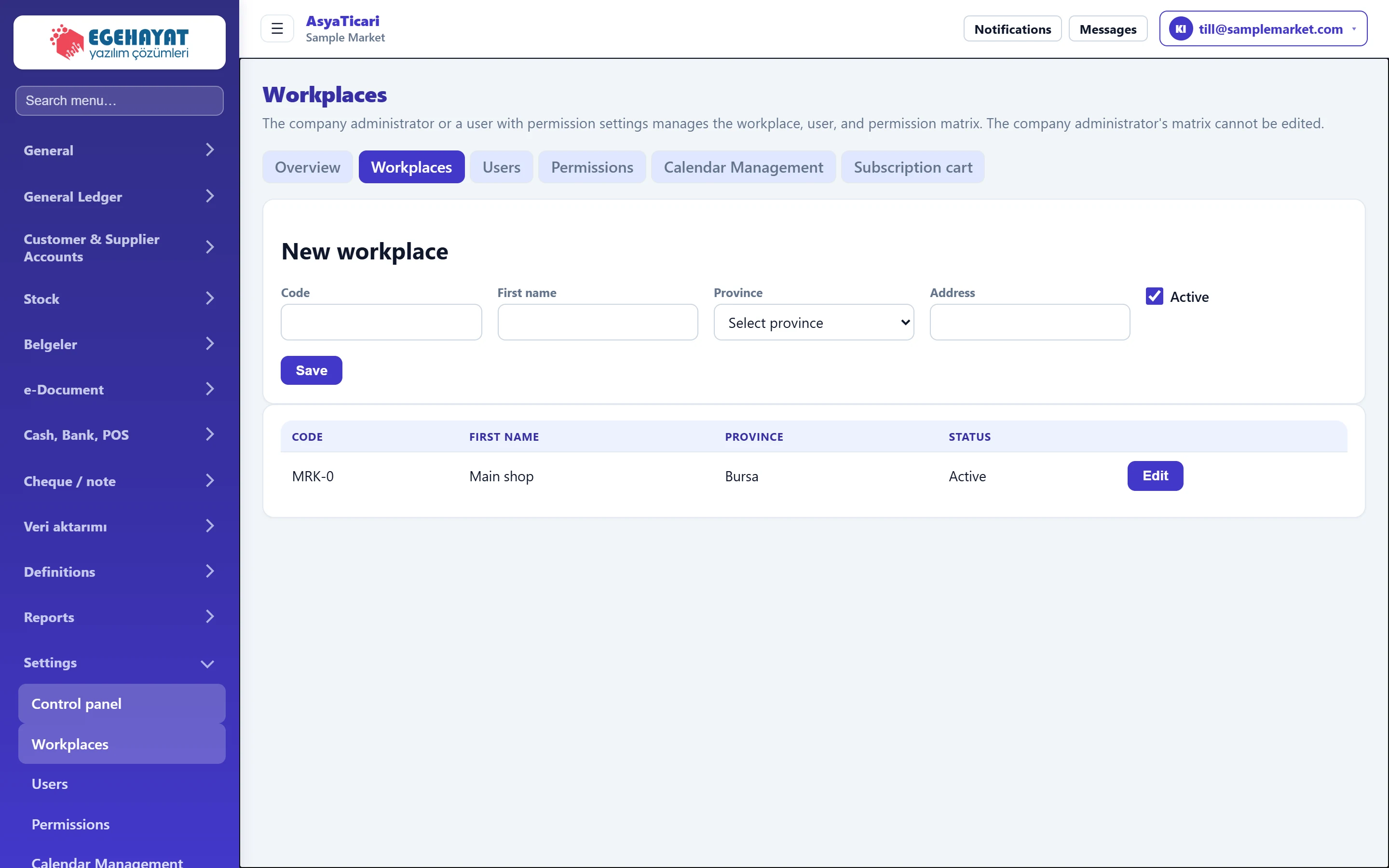 Workplaces
Adding, editing and deactivating the company's workplaces (branches, shops, warehouses).
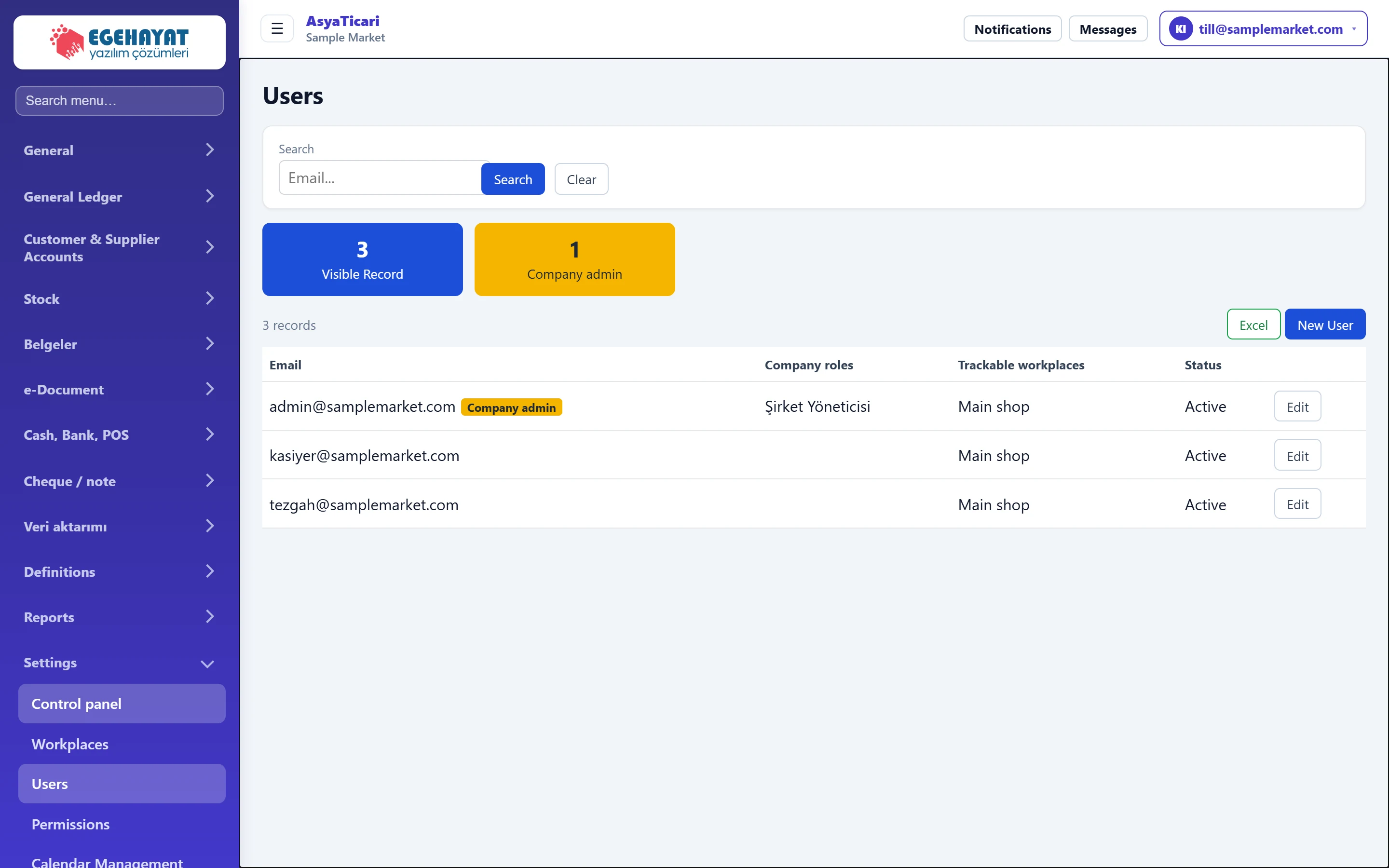 Users
Listing company users, creating new users, assigning roles and workplaces, deactivating users and resetting passwords.
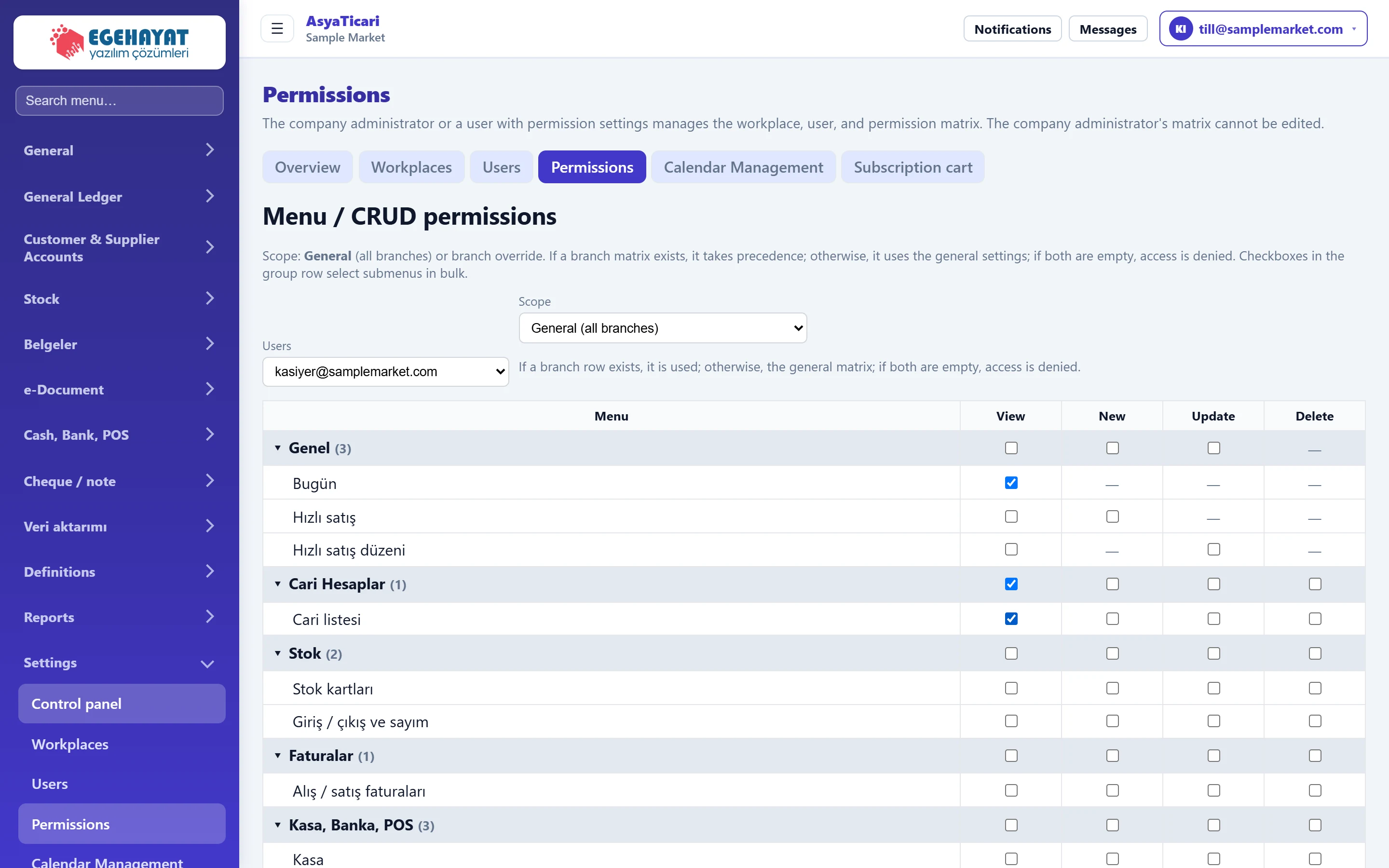 Permissions
Per-user menu and action permissions (view, new, update, delete); for all branches or a single branch.
 Subscription cart
The company's active product, module, integration and feature items; period amounts, deactivating items and payment.