
 AsyaTicari
 AsyaRestoran
 AsyaOtel
 AsyaCrm
 AsyaKlinik
 AsyaSpor
 AsyaSSH
 AsyaEmlak
 AsyaFilo
 AsyaPuantaj
 AsyaİSG
 AsyaİHD
 Kolay Öğren
AsyaTicari · General Ledger
Journal book
Chronological listing of vouchers with journal entry and line numbers, main account, document and payment information.
The Journal book lists the vouchers in the selected range entry by entry. Entry and line numbers are given by the e-ledger rule when the month is finalised in Period operations: they start at 1 at the beginning of the fiscal period and run on without gaps from month to month. Vouchers that are not final appear without a number (—).
Opening the screen
In the side menu click General Ledger → Journal book and click Load book.
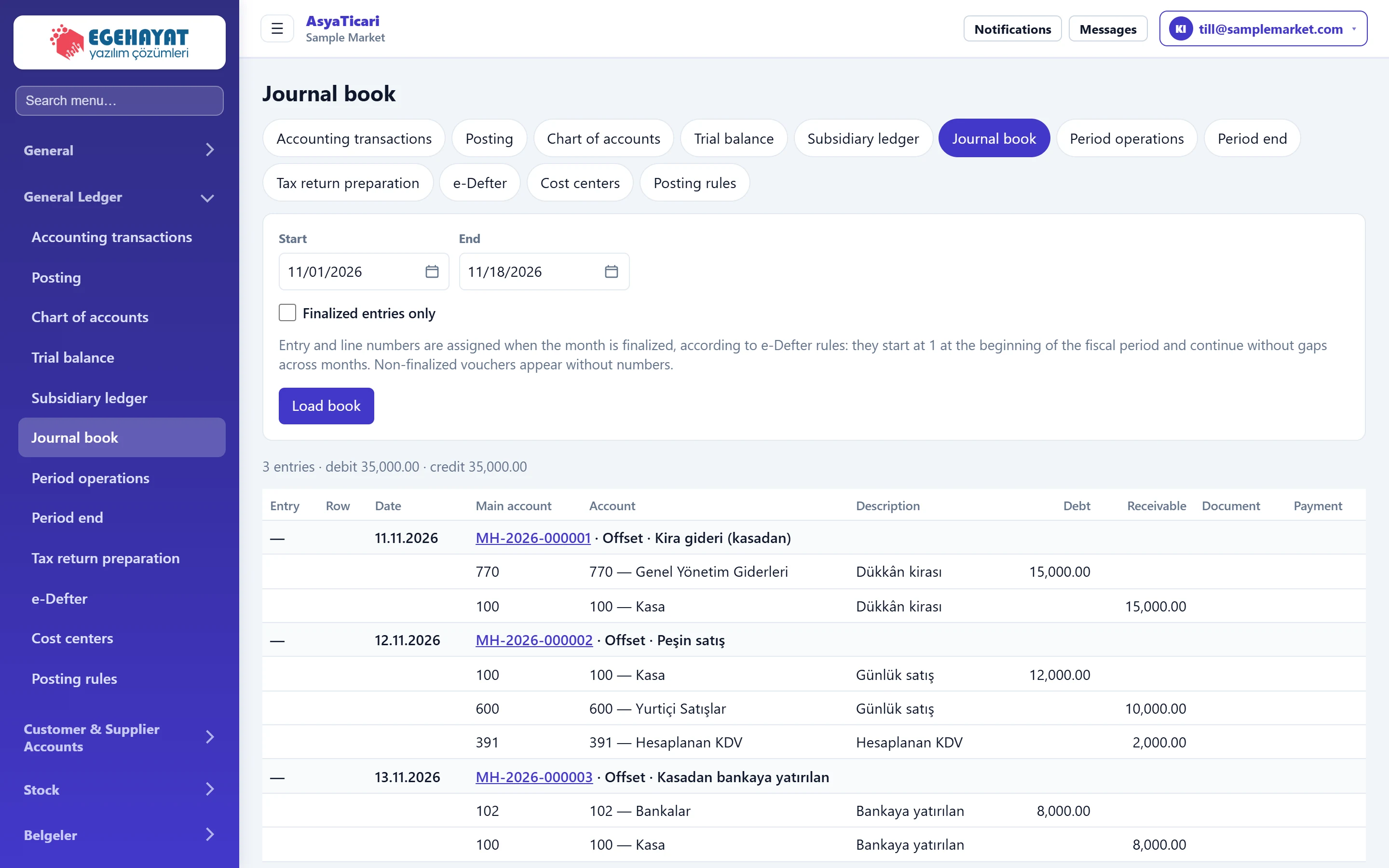
- 1Filter Date range and only final entries.
- 2Load book Fetches the book.
- 3Summary Number of entries and debit / credit totals.
- 4Entry header Journal entry no (— if not final), date, voucher no, type and description.
Filter
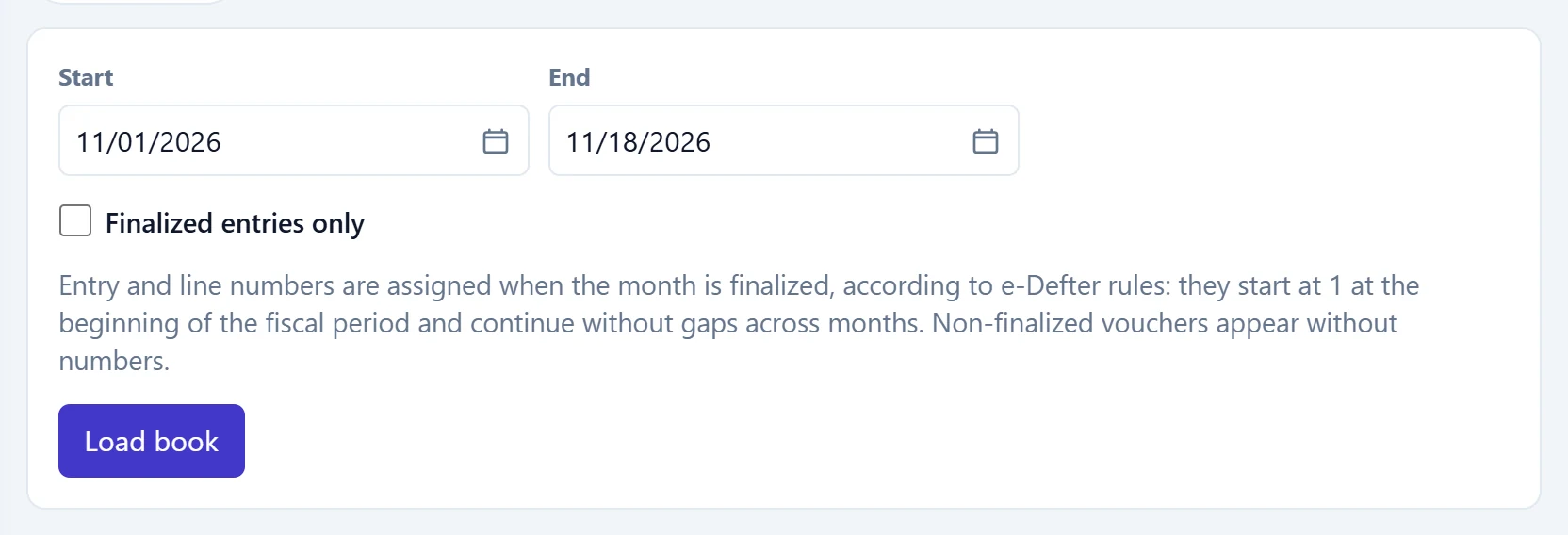
- 1Load book Fetches the book.
| Field | Sign in | Description |
|---|---|---|
| Start | Text | First day of the book; defaults to the first of the month. Placeholder: «mm/dd/yyyy» |
| End | Text | Last day of the book. Placeholder: «mm/dd/yyyy» |
| Finalized entries only | Checkbox | If ticked, only vouchers with a journal number (final) are shown. |
Journal entries
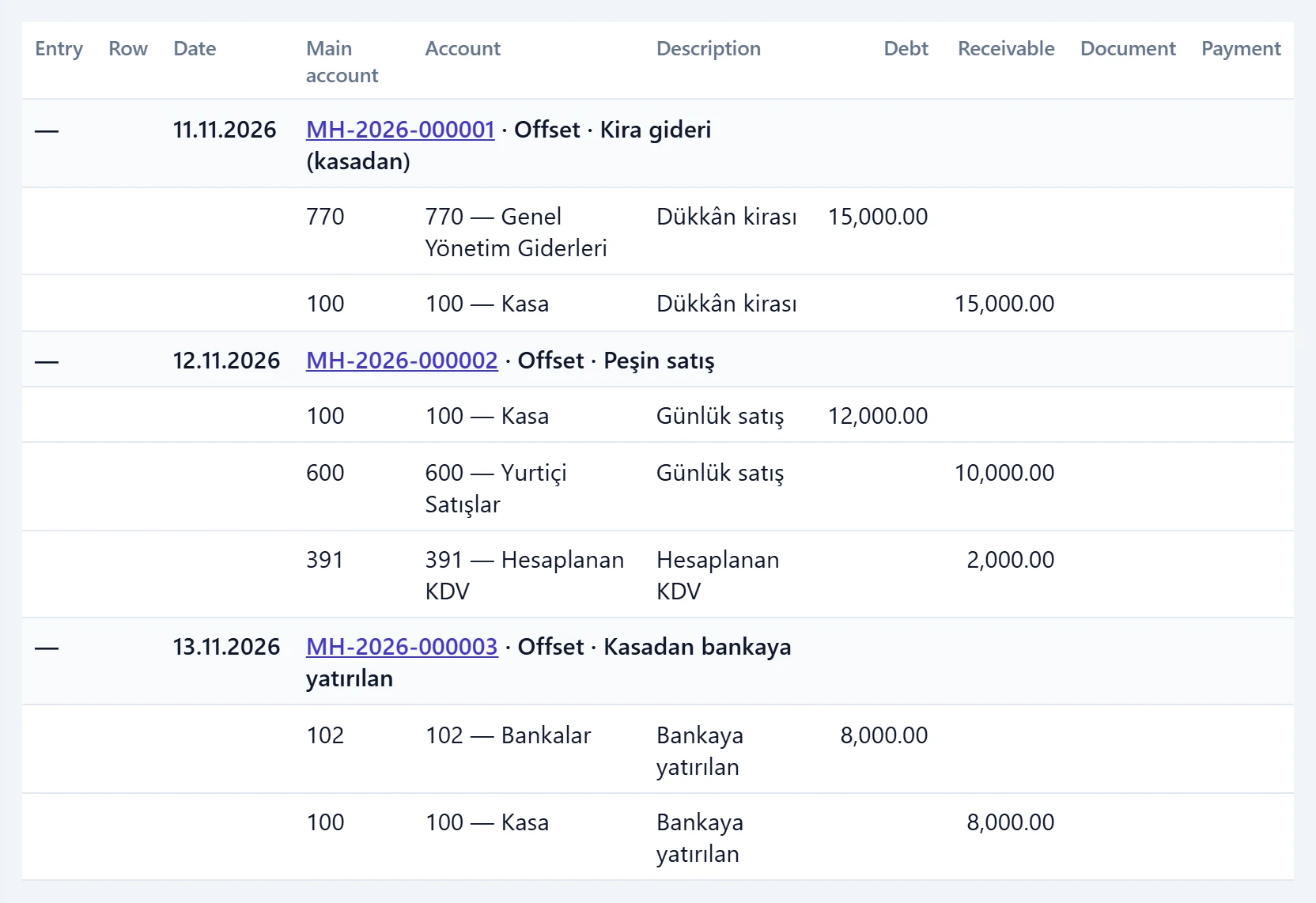
- 1Entry Journal entry number.
- 2Row Book line number (assigned when final).
- 3Main account Main account code of the line.
- 4Document Document information of the line (type, no, date).
Each entry starts with a grey header row (entry no, date, voucher no, voucher type, description); the lines below show main account, account, debit / credit, document and payment method. Click the voucher number to open the voucher.
For an official printout or an e-ledger comparison tick Finalized entries only; only numbered entries are then listed.