
 AsyaTicari
 AsyaRestoran
 AsyaOtel
 AsyaCrm
 AsyaKlinik
 AsyaSpor
 AsyaSSH
 AsyaEmlak
 AsyaFilo
 AsyaPuantaj
 AsyaİSG
 AsyaİHD
 Kolay Öğren
AsyaEmlak · Real estate
Requests
Saving buyer / tenant requests and finding listings that fit them.
On Requests you record what buyers and tenants are looking for and list the suitable listings for each request.
asyaemlak · /talepler
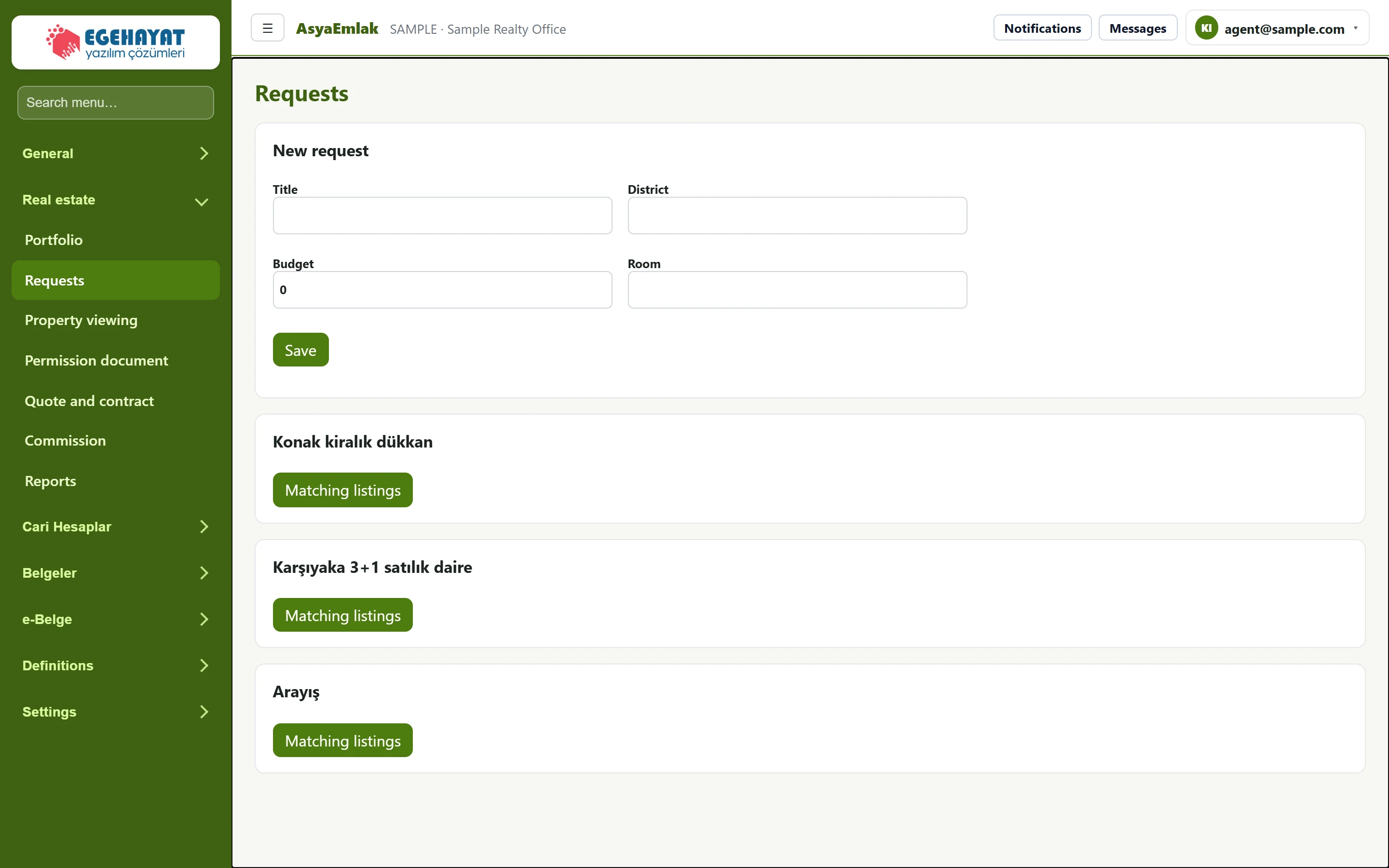
- 1New request New buyer / tenant request.
- 2Konak kiralık dükkan Saved request.
- 3Matching listings Lists the listings that fit the request.
New request
Part of the screenNew request
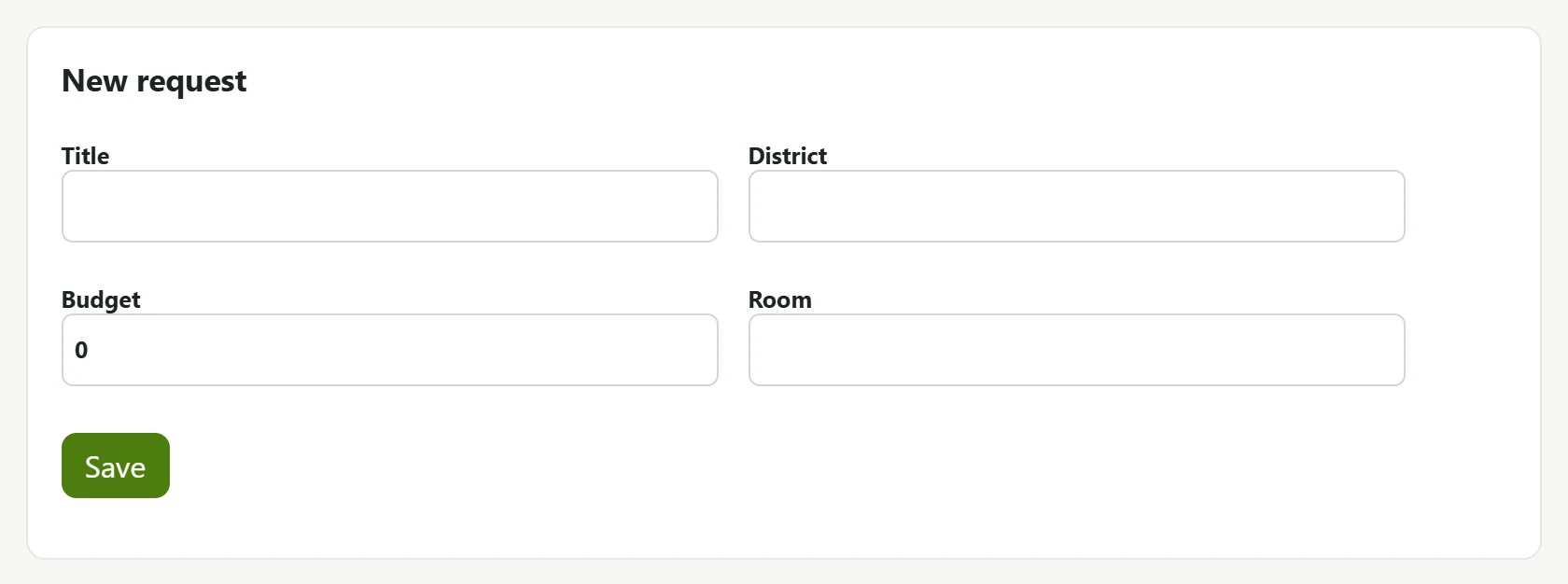
| Field | Sign in | Description |
|---|---|---|
| Title | Text | Short description of the request (e.g. "Karşıyaka 3+1 for sale"). |
| District | Text | District searched for. |
| Budget | Text | Maximum budget (TRY); listings above it do not match. |
| Room | Text | Number of rooms (e.g. 3+1). |
Enter Title, District, Budget and Room and press Save. The request is added as a card to the list below. Requests opened from this screen are saved as housing / for sale requests.
Matching listings
Part of the screenMatching listings
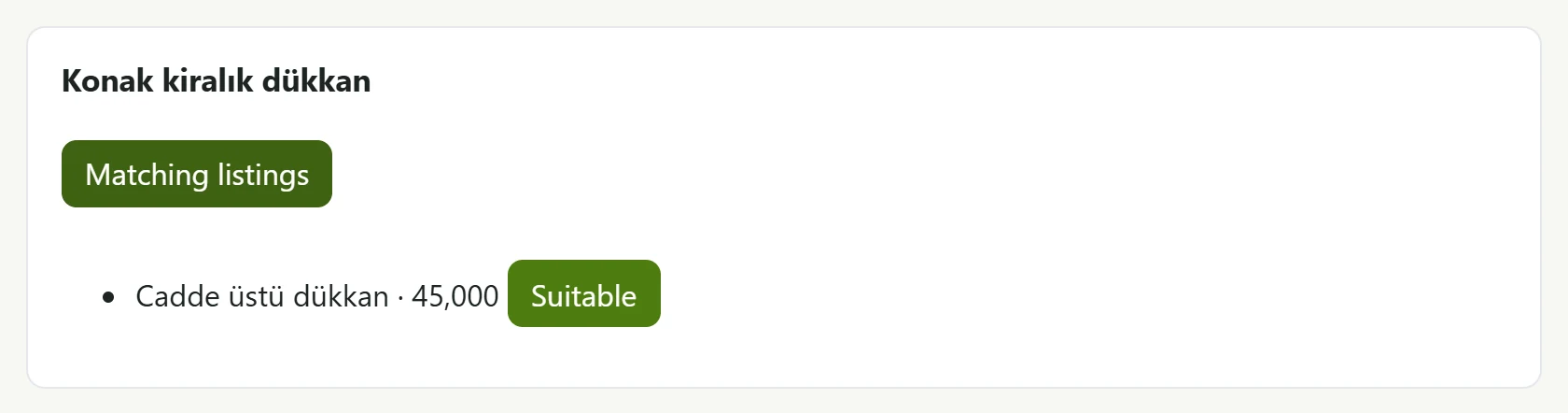
- 1Cadde üstü dükkan · 45,000 Suitable Matching listing: title and price.
- 2Suitable Marks the listing as suitable for this request.
The Matching listings button on the request card lists listings that:
- are published, with the same purpose and property type as the request;
- cost no more than the Budget (no limit if the budget is empty);
- have the same District and Room as the request, if these were entered.
Press Suitable next to a listing you consider suitable; the match is saved.
If the list is empty, check the budget, the district spelling and whether the listing is published. Draft listings do not match.