
 AsyaTicari
 AsyaRestoran
 AsyaOtel
 AsyaCrm
 AsyaKlinik
 AsyaSpor
 AsyaSSH
 AsyaEmlak
 AsyaFilo
 AsyaPuantaj
 AsyaİSG
 AsyaİHD
 Kolay Öğren
AsyaEmlak · Real estate
Showing and key
Showing records of listings and who holds the property keys.
The Property viewing screen has two parts: showing records of the listings and tracking of property keys.
asyaemlak · /gosterme
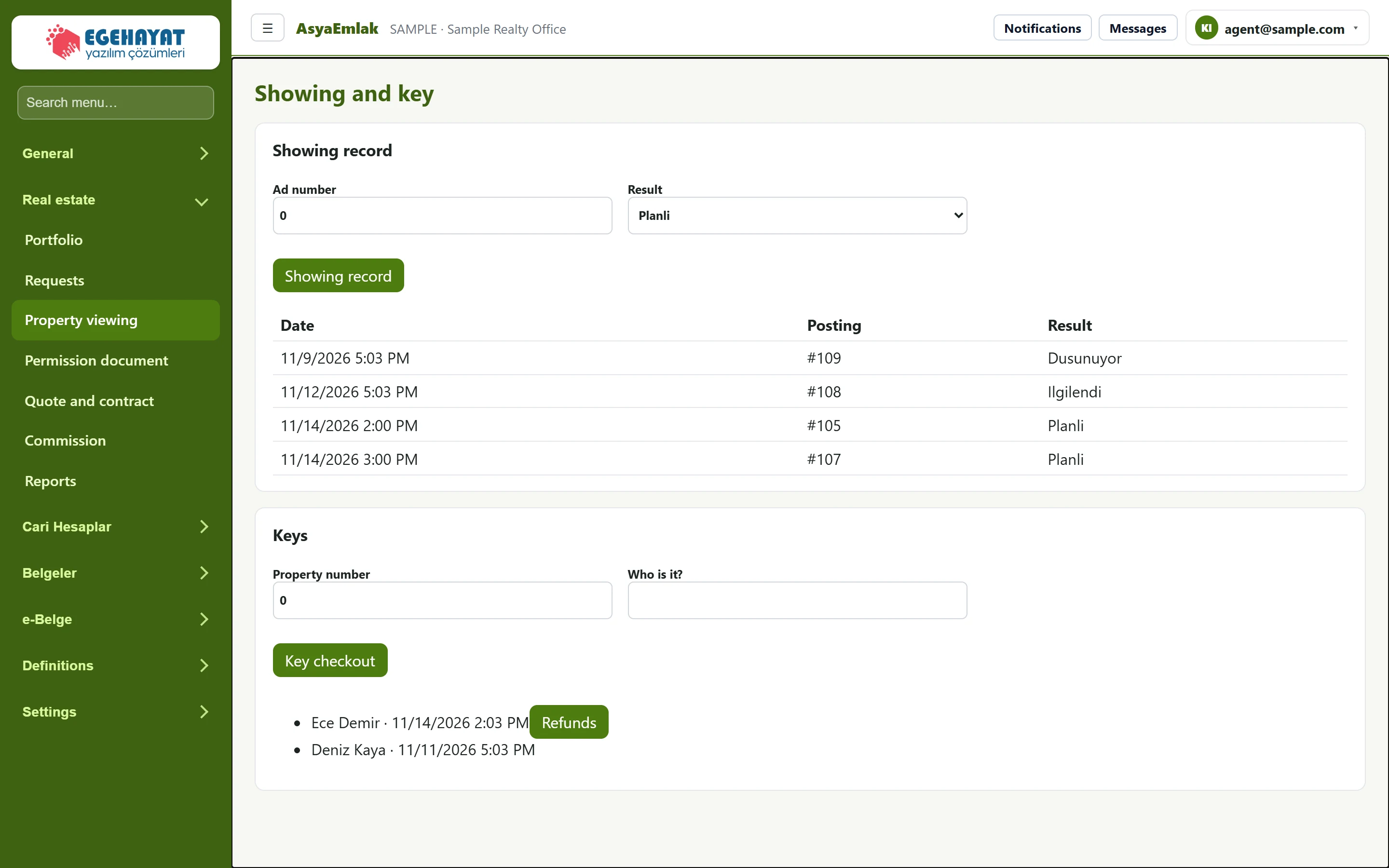
- 1Ad number New showing record.
- 2Date Posting Result Showing history: date, listing, result.
- 3Property number Key handed out.
- 4Refunds Return record when the key comes back.
Showing record
Part of the screenShowing record
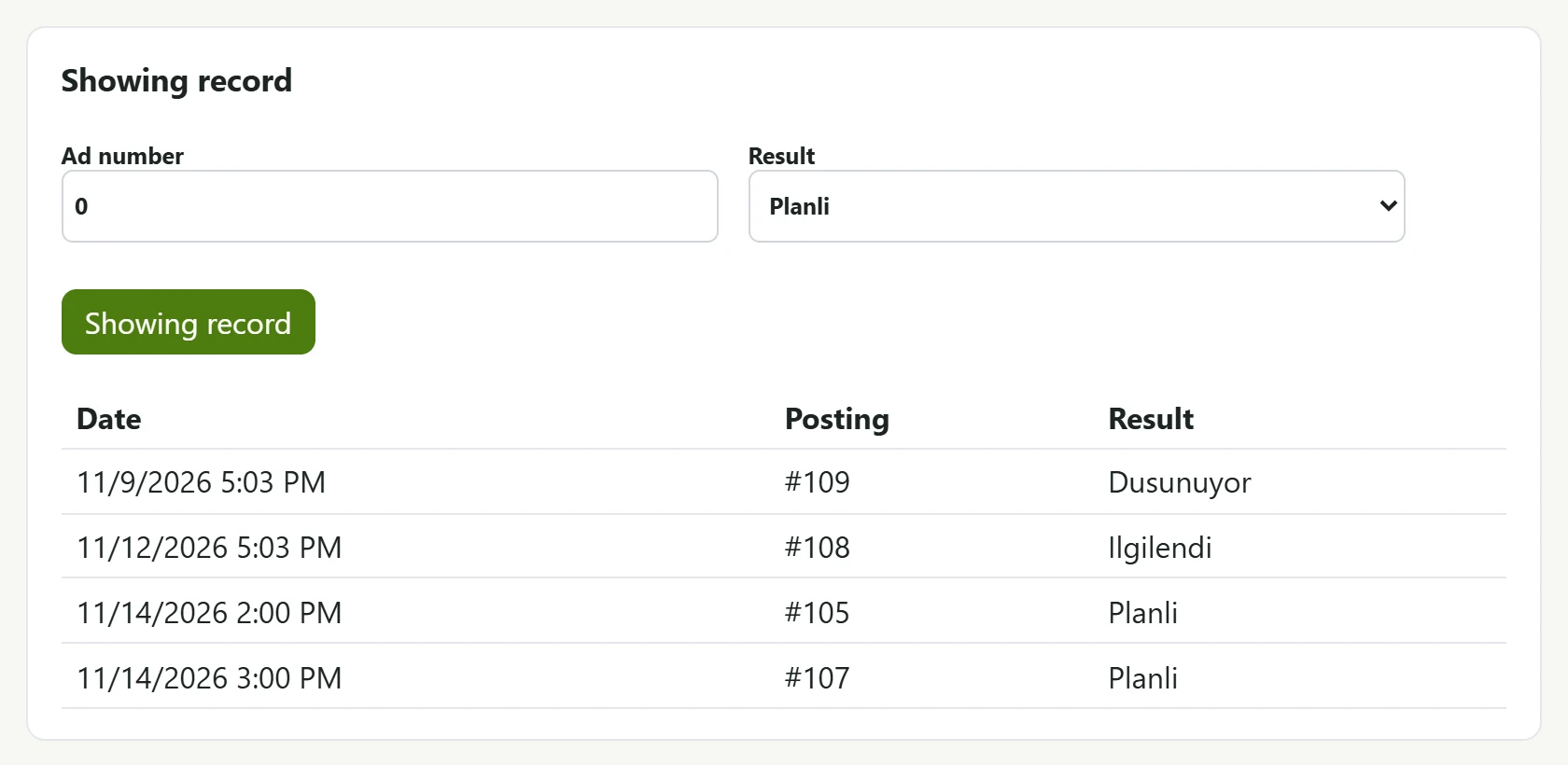
| Field | Sign in | Description |
|---|---|---|
| Ad number | Text | Record number of the shown listing (same as the # in the showing list). |
| Result | Choice list | Planned, interested, thinking or not suitable. Options: Planli · Ilgilendi · Dusunuyor · UygunDegil |
- In Ad number enter the listing's record number: the number shown with # in the lists (e.g. #105). The EML-… listing number from the portfolio is not entered here.
- Choose the outcome in Result.
- Press Showing record. The showing is saved with the current date and time and added to the table.
Showings dated today also appear in the Displays card on Today.
Keys
Part of the screenKeys
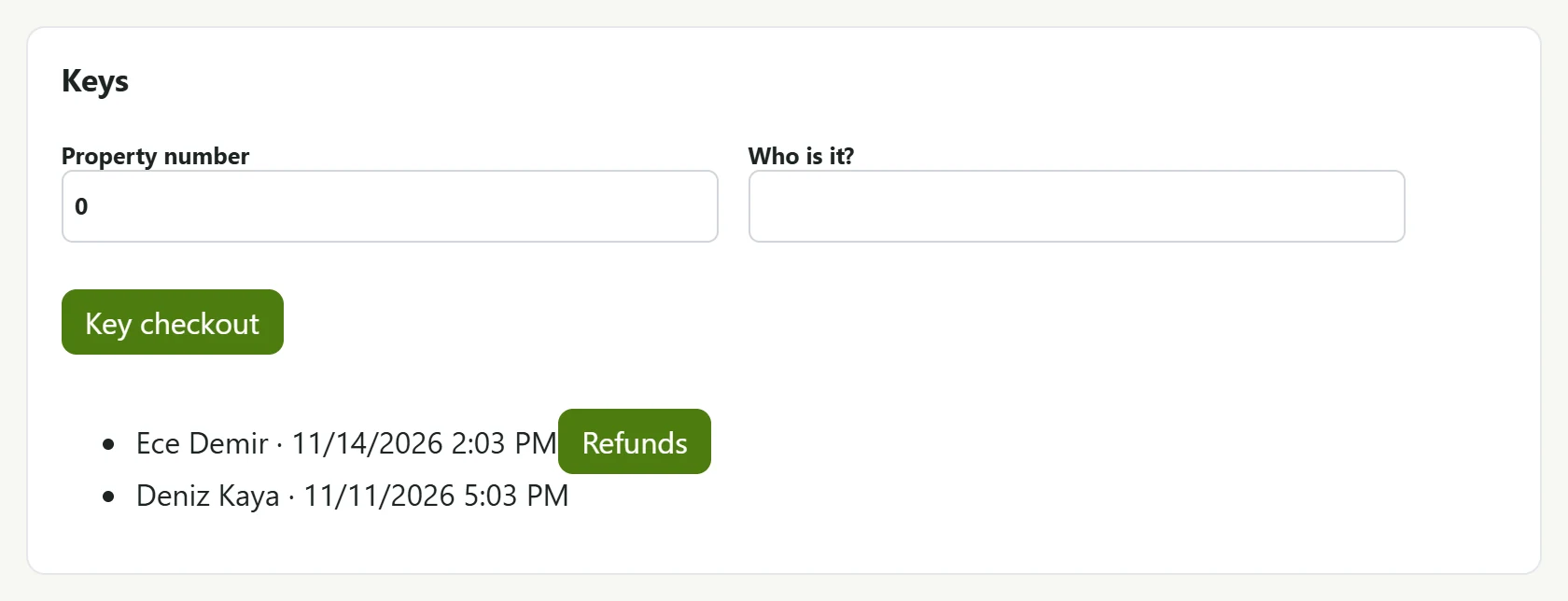
| Field | Sign in | Description |
|---|---|---|
| Property number | Text | Record number of the property whose key is handed out. |
| Who is it? | Text | Person who takes the key. |
- Fill in Property number and Who is it? and press Key checkout. The record is added to the list with the checkout time.
- When the key comes back, press Refunds in its row. A returned key has no button in its row.
Common messages
| Message | Cause | Solution |
|---|---|---|
| Display written. | The showing was saved. | — |
| No record found. | The listing was not found or you may not see it. | Check Ad number (the record number shown with #). |