
 AsyaTicari
 AsyaRestoran
 AsyaOtel
 AsyaCrm
 AsyaKlinik
 AsyaSpor
 AsyaSSH
 AsyaEmlak
 AsyaFilo
 AsyaPuantaj
 AsyaİSG
 AsyaİHD
 Kolay Öğren
AsyaCrm · Settings
Permissions (menu / CRUD)
Granting menu view and new / update / delete permissions per user, generally or per branch, with a matrix.
On the Permissions screen you decide, item by item, which menus a user can see and in which records they may create, update or delete. It is used for person-specific settings on top of roles. The screen is available to users with the user management permission.
asyacrm · /ayarlar/yetkiler
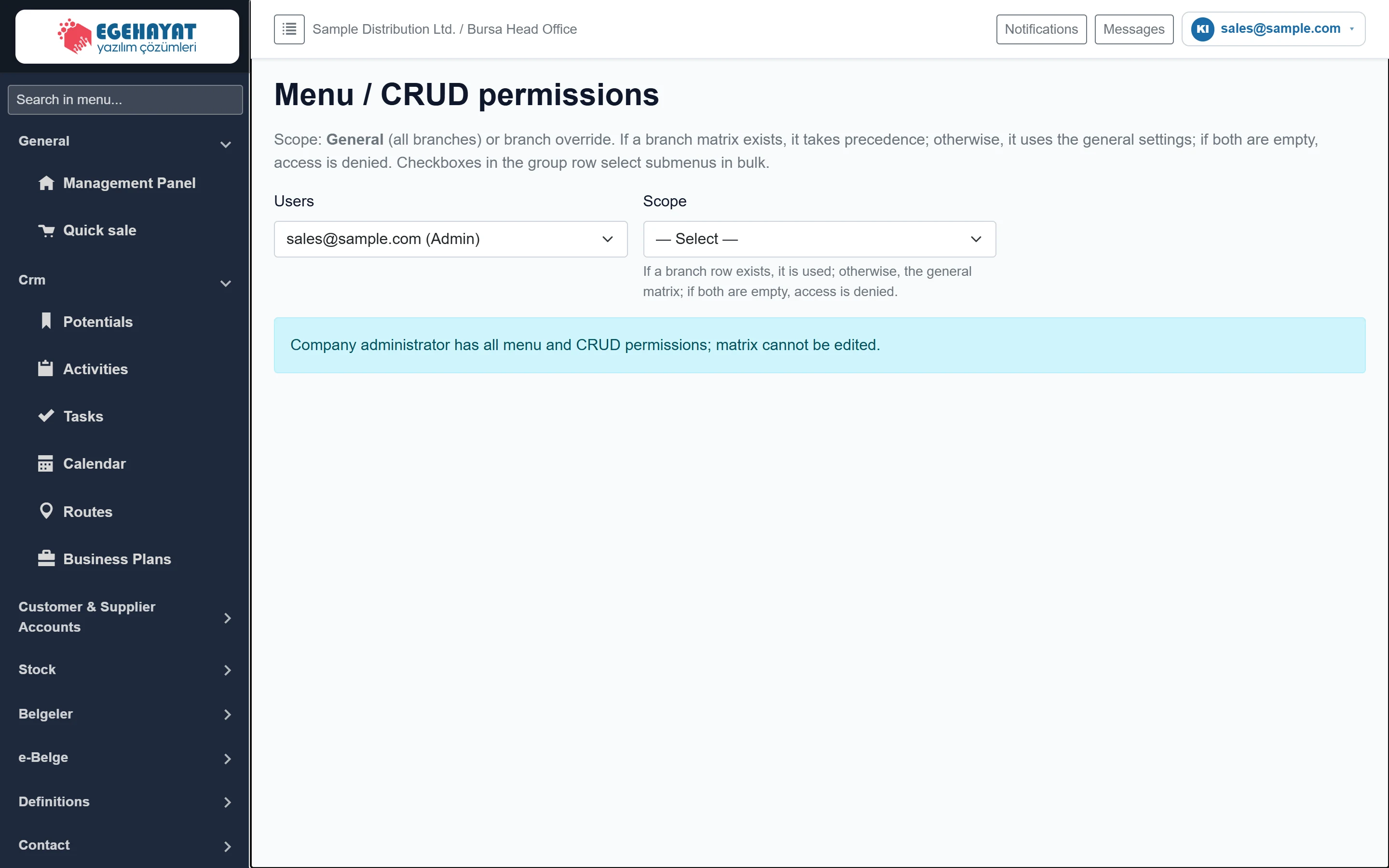
- 1Scope explanation A branch row applies if present; otherwise the general matrix.
- 2User The user whose permissions are edited.
- 3Scope General (all branches) or a single branch.
User and scope selection
Part of the screenUser and scope selection
| Field | Sign in | Description |
|---|---|---|
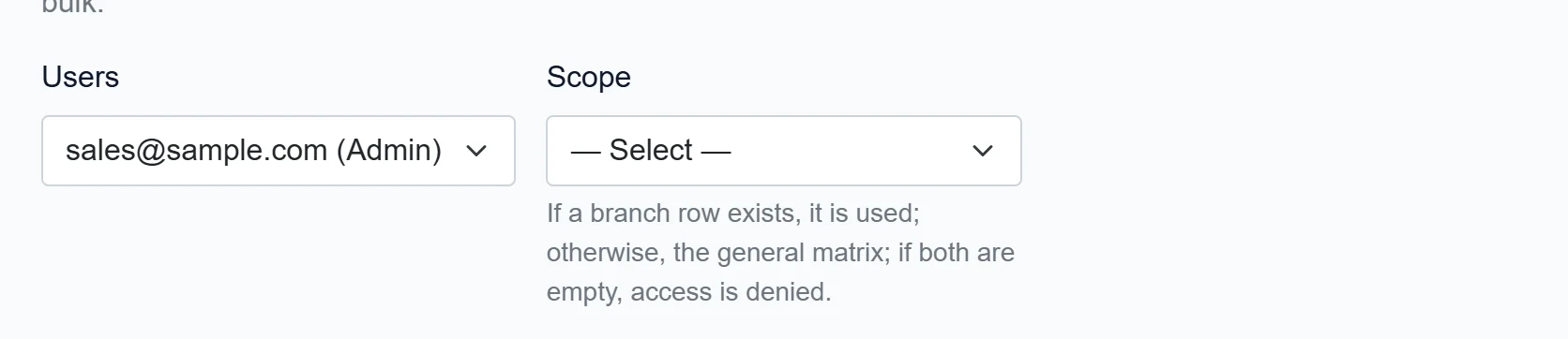
| Users | Choice list | Users of the company; admins are marked «(Admin)». Options: — Select — · sales@sample.com (Admin) |
| Scope | Choice list | «General (all branches)» or a specific branch (branch override). Disabled until a user is selected. Options: — Select — · General (all branches) |
The scope has two levels:
- General (all branches): matrix valid in all workplaces of the user.
- Branch (branch override): matrix valid only in that workplace. If a branch has its own matrix, it replaces the general one there; if both are empty, the user has no access in that branch.
If a company administrator is selected, no matrix opens and this information is shown:
Part of the screenWhen a company admin is selected

- 1Info An admin's matrix is not edited; they have all permissions.
Editing the permission matrix
- Choose the person in the User list.
- Choose General (all branches) or a branch in the Scope list. The matrix opens.
- In each menu row tick View, New, Update, Delete. The boxes on a group row tick all sub-menus of that group at once; clicking the group name expands / collapses its rows.
- Press Save permissions. A "general permissions saved" or "branch permissions saved" message appears.
Set up the General matrix first and add branch matrices only where a branch must differ. That way you grant a new menu permission in one place.
A permission change may not reach the user's open session immediately; ask the user to sign out and in again.
Common messages
| Message | Cause | Solution |
|---|---|---|
| The company administrator has all menu and CRUD permissions; the matrix is not edited. | The selected user is a company administrator. | To restrict them, remove Company administrator on the Users screen. |
| Permissions cannot be edited without selecting a company. | The session has no company. | Sign out and sign in again. |