
 AsyaTicari
 AsyaRestoran
 AsyaOtel
 AsyaCrm
 AsyaKlinik
 AsyaSpor
 AsyaSSH
 AsyaEmlak
 AsyaFilo
 AsyaPuantaj
 AsyaİSG
 AsyaİHD
 Kolay Öğren
AsyaCrm · Definitions
Countries, provinces and districts
Viewing the country, province and district lists used in addresses and moving between country → province → district.
The Countries, Provinces and Districts screens show the location lists chosen in account, lead and workplace addresses. These lists are shared platform-wide: all companies and products use the same records. Turkey's provinces and districts are preloaded.
Because the lists are shared by all companies, only the platform administrator can change them. Company users see the lists and choose from them in addresses; the add, edit and delete buttons are not shown. If a province / district is missing or wrong, contact support.
Countries
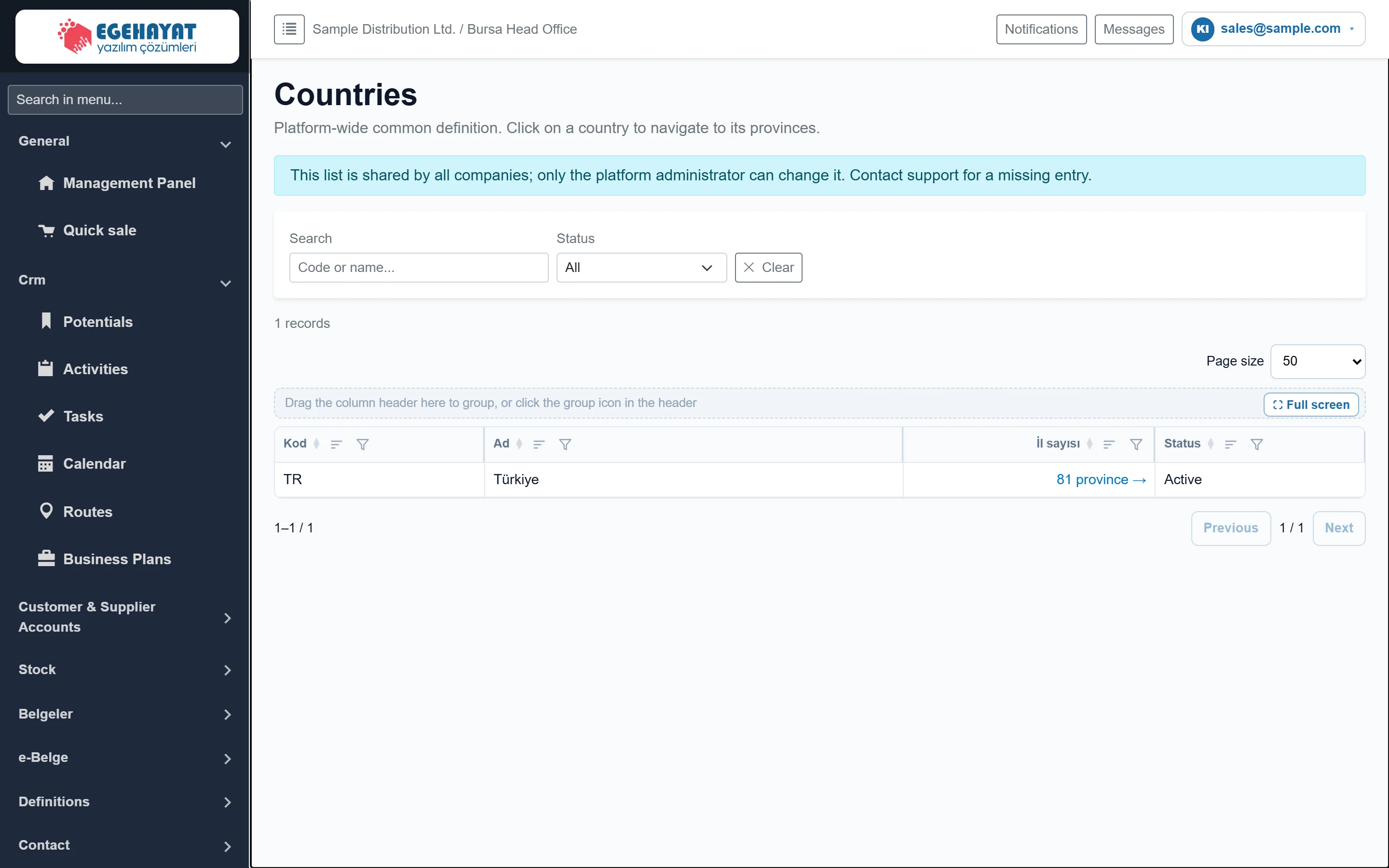
- 1Filter Search by code / name and filter by status.
- 2Number of provinces Opens the country's provinces.
The link in the Number of provinces column opens that country's province list.
Provinces
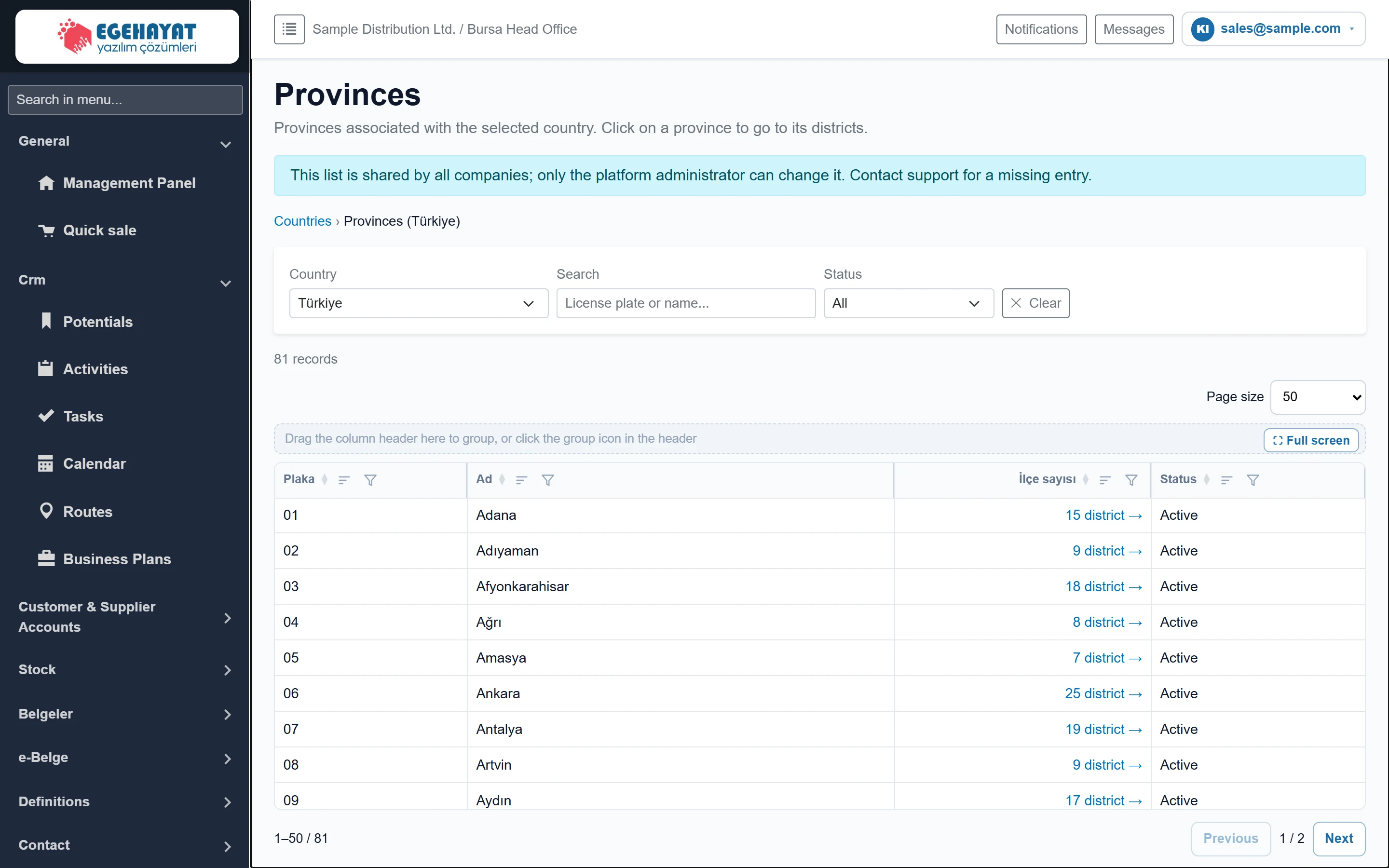
- 1Navigation Path back to the countries list.
- 2Country The country whose provinces you want to see.
- 3Number of districts Opens the province's districts.
Choose a country in the Country list at the top; the Number of districts link opens the province's districts. Use the navigation line at the top of the page to go back to Countries.
Districts
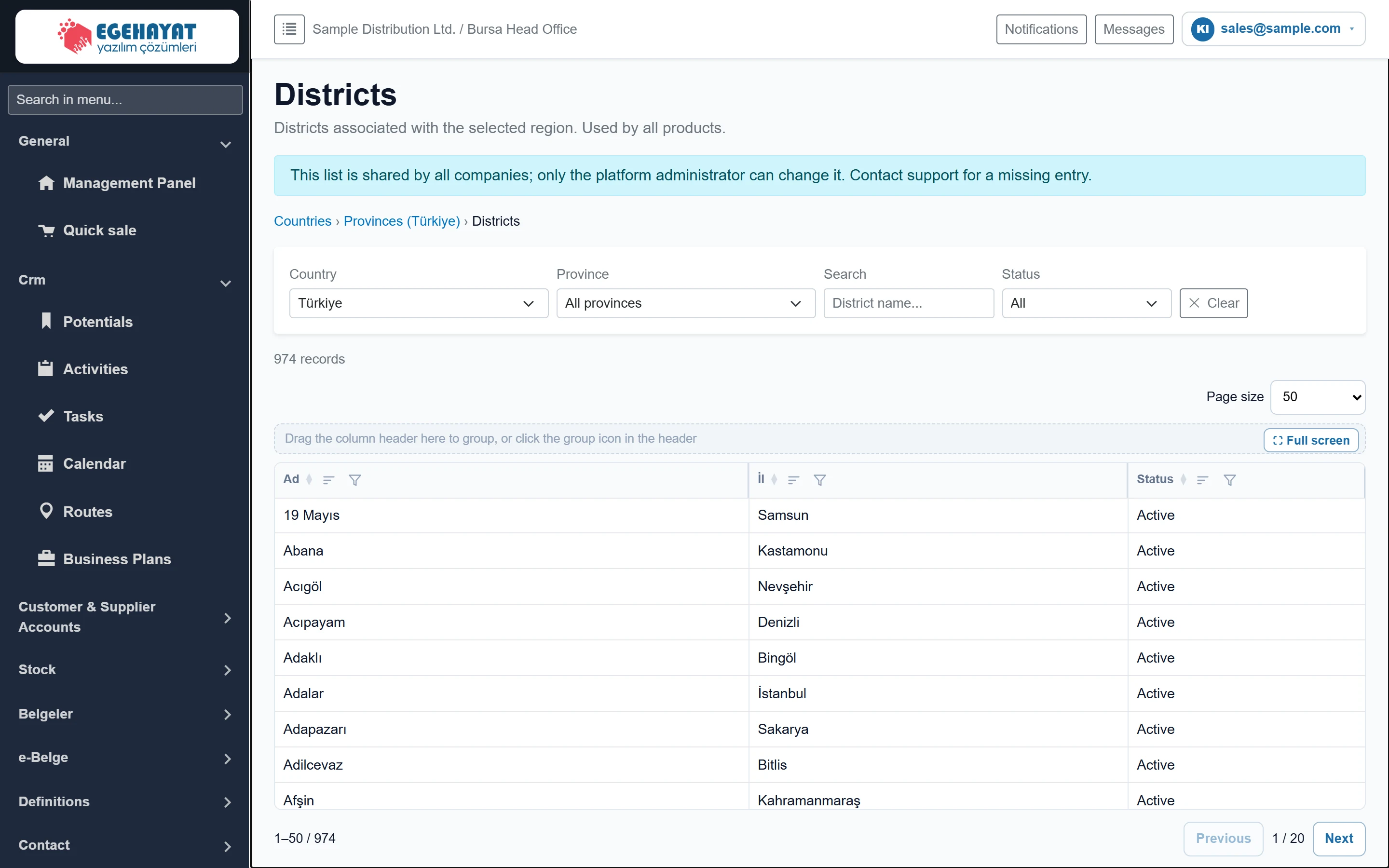
- 1Navigation Path back to the countries and provinces lists.
- 2Filter Country, province, name search and status filter.
- 3Paging Move between pages.

- 1✕ Clear Clears the filters.
| Field | Sign in | Description |
|---|---|---|
| Country | Choice list | The country whose districts are listed. |
| Province | Choice list | Choose a province, or “— All provinces —” to see all districts of the country. |
| Search | Text | Part of the district name. Placeholder: «District name...» |
| Status | Choice list | Active, inactive or all districts. Options: All · Active · Inactive |
Inactive entries do not appear in address selection but stay visible on older addresses. Use the status filter to see inactive entries in the list.