
 AsyaTicari
 AsyaRestoran
 AsyaOtel
 AsyaKlinik
 AsyaSpor
 AsyaSSH
 AsyaEmlak
 AsyaFilo
 AsyaPuantaj
 AsyaİSG
 AsyaİHD
 Kolay Öğren

User guide
AsyaCrm
A customer relationship application that brings leads and accounts, field activities, tasks, routes and work plans, e-mail and field reports together in one place.
General
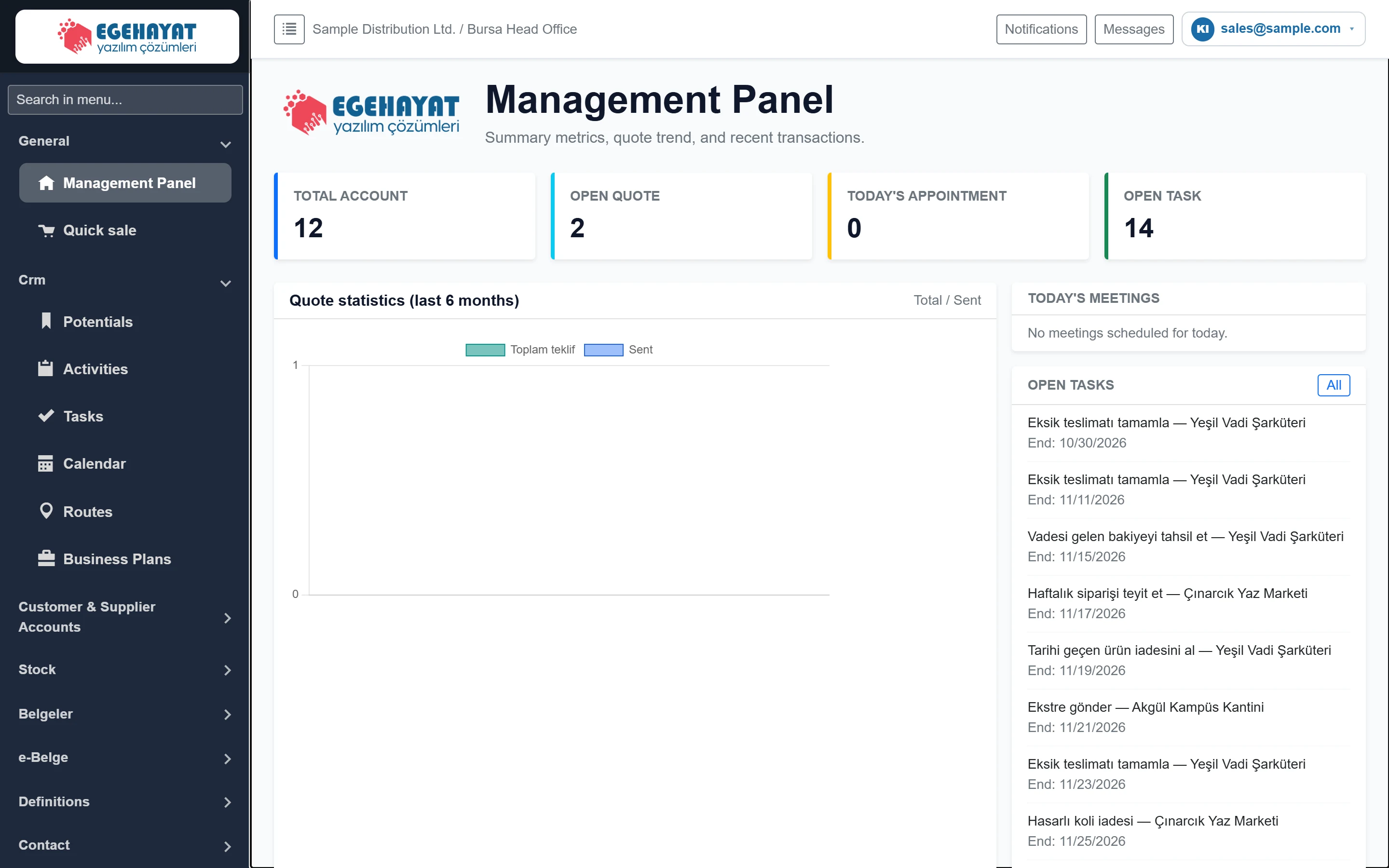 Sign-in and management panel
The management panel shown after signing in to AsyaCrm: left menu, top bar, counters, quote statistics, today's meetings, open tasks and recent records.
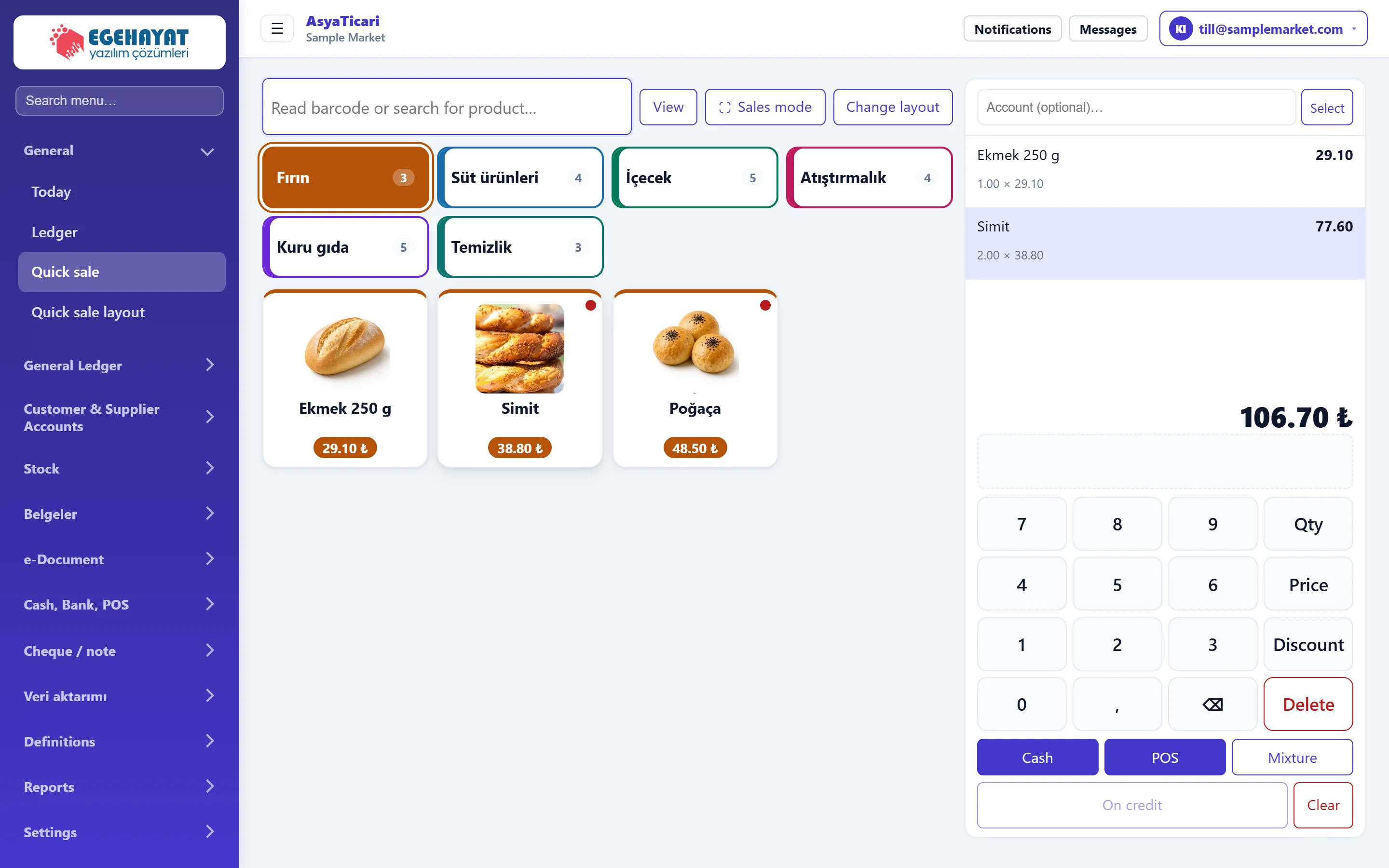 Quick sale
Counter sales by scanning a barcode or tapping a product button; keypad for quantity, price and discount; cash, POS, mixed and credit payment.
Crm
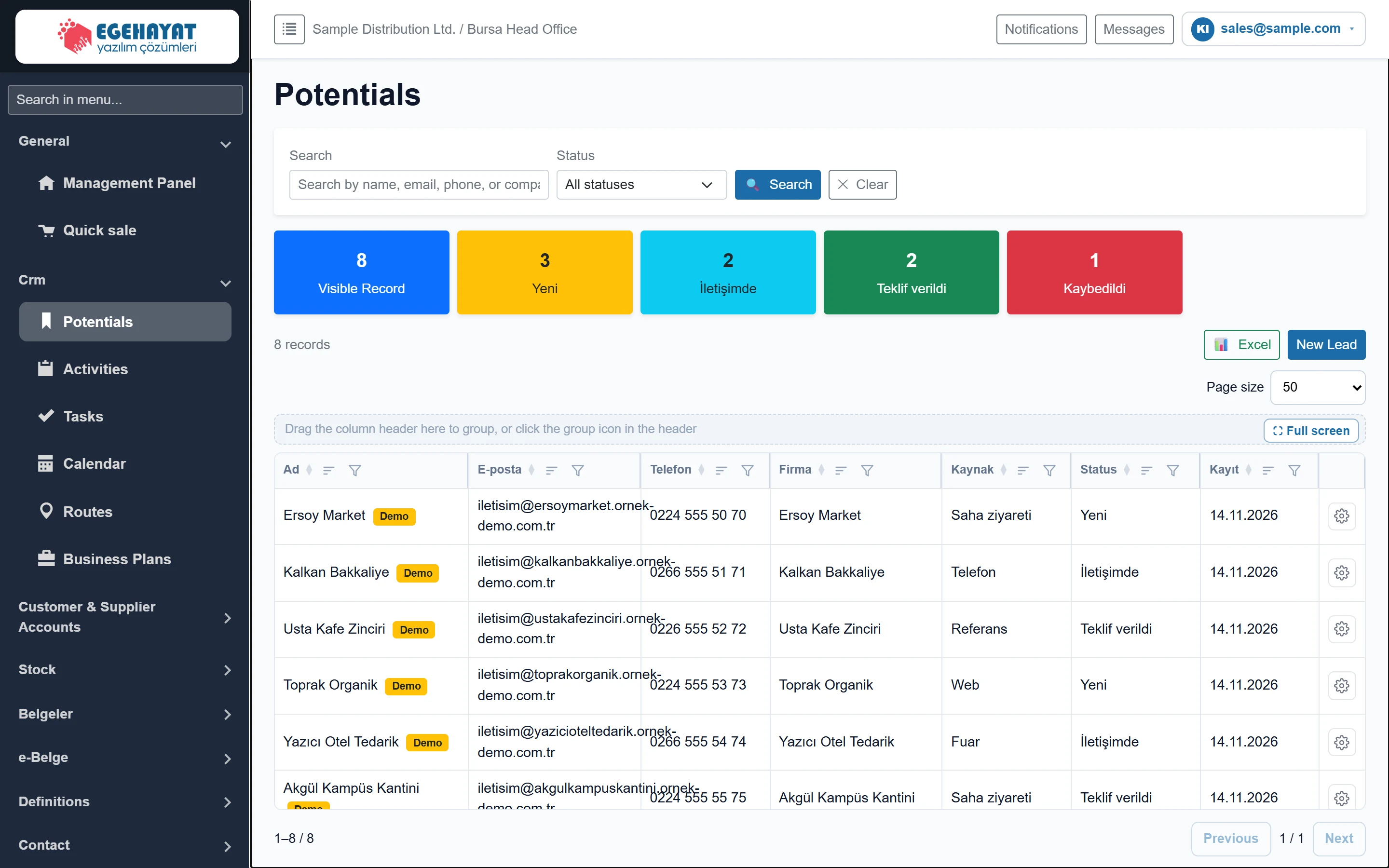 Leads
List of prospective customers who are not accounts yet, the lead form (addresses, location, source, status, contacts) and converting a lead into an account card.
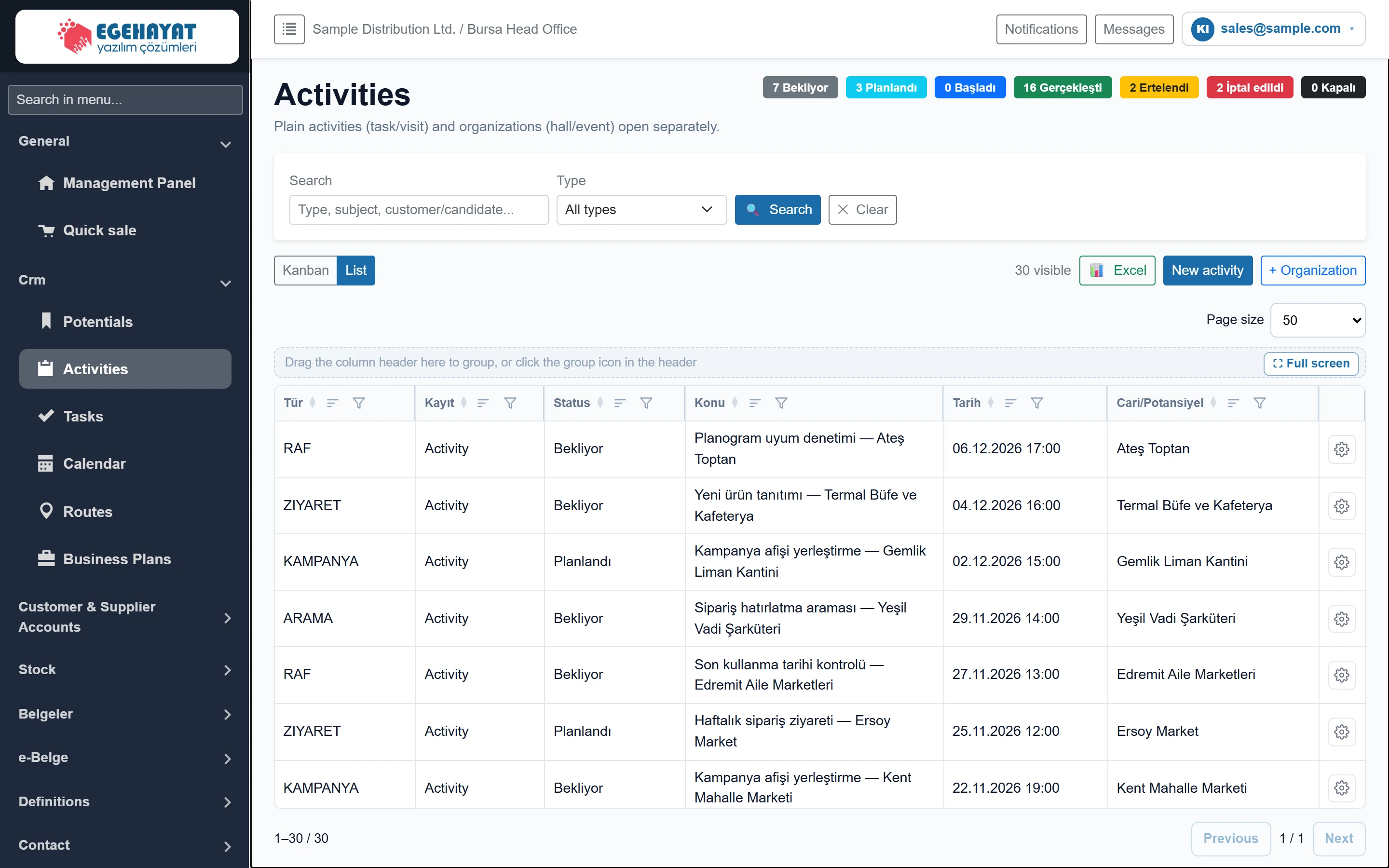 Activities
List and kanban of visits, calls, meetings and other contacts with accounts and leads; the activity form (general, descriptions, details, attachments), checklist and organisation tab.
 Tasks
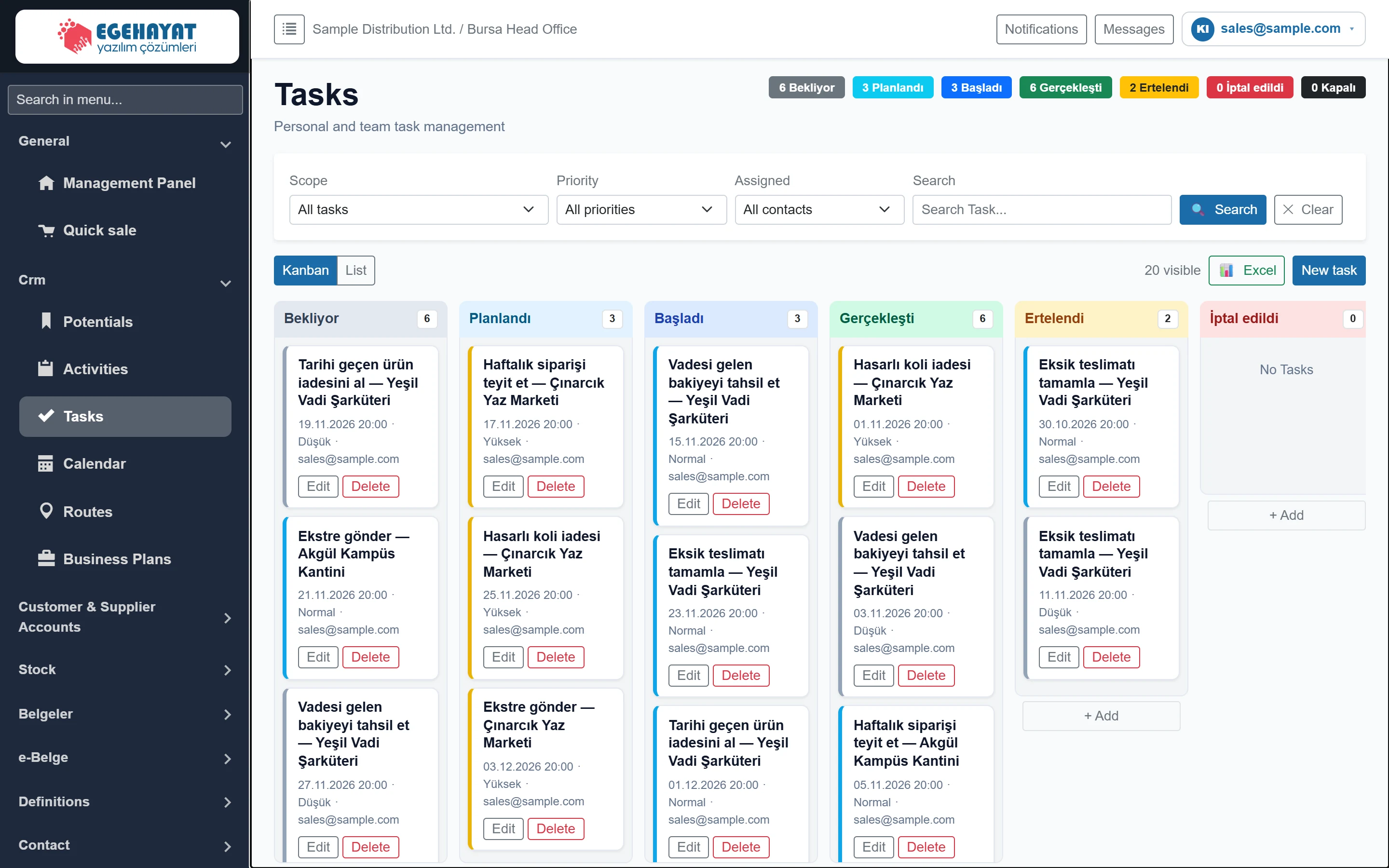
Kanban and list of personal and team tasks; scope, priority and assignee filters; the task form, assignment notification and checklist.
 Calendar
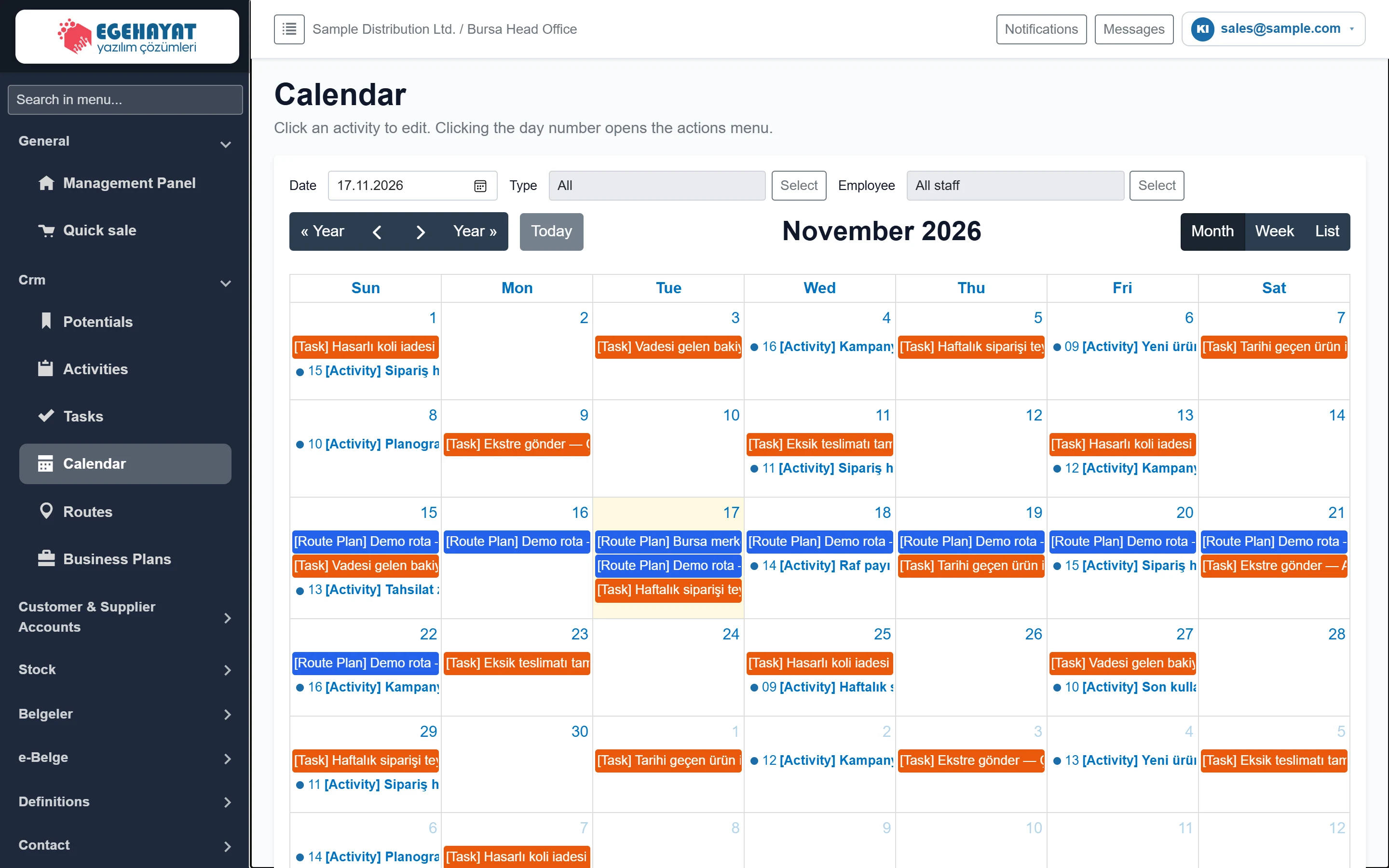
Month / week / list calendar of activities, tasks and route plans; type and staff filter, day summary, closing and reopening days for records.
 Routes
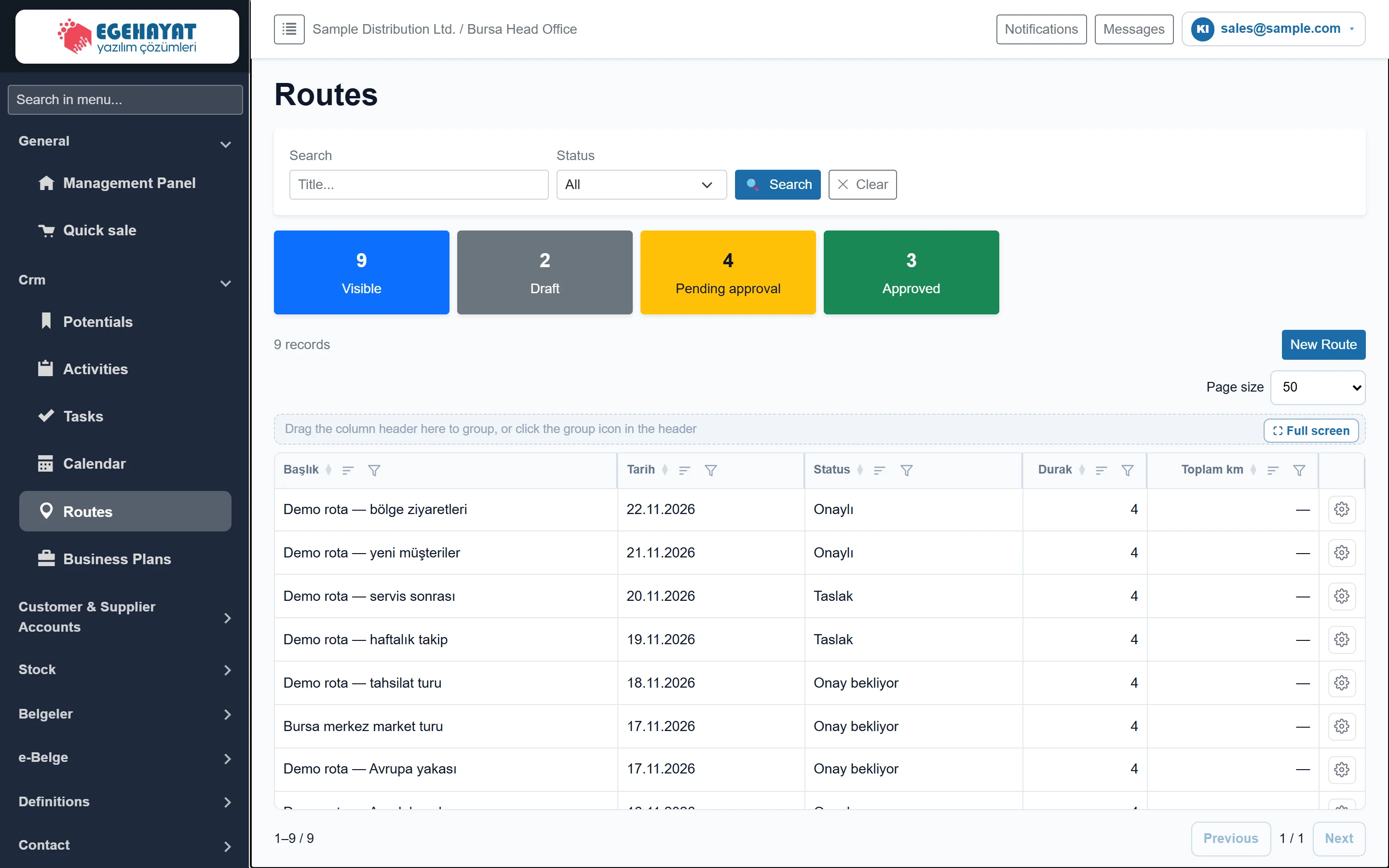
Daily visit routes for the field team: adding stops, nearest-neighbour sorting, distance and time schedule, approval, task creation and map.
 Business Plans
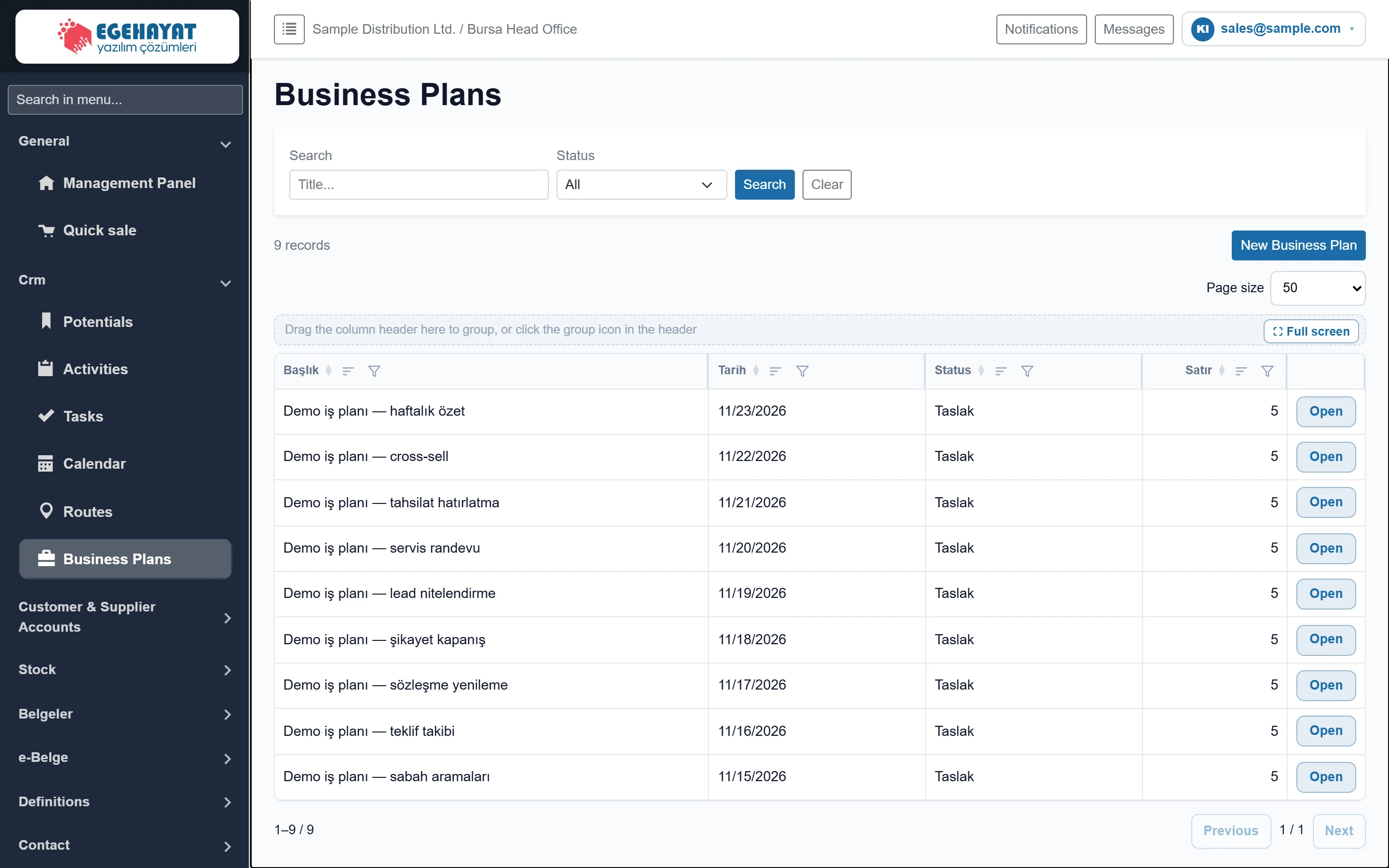
The list of accounts and prospects an employee calls or meets on a day: time planning, approval and one task per row.
Customer & Supplier Accounts
 Account list and statement
Customer and supplier balances, overdue amounts, account statement, collections / payments and debit / credit entries without invoice.
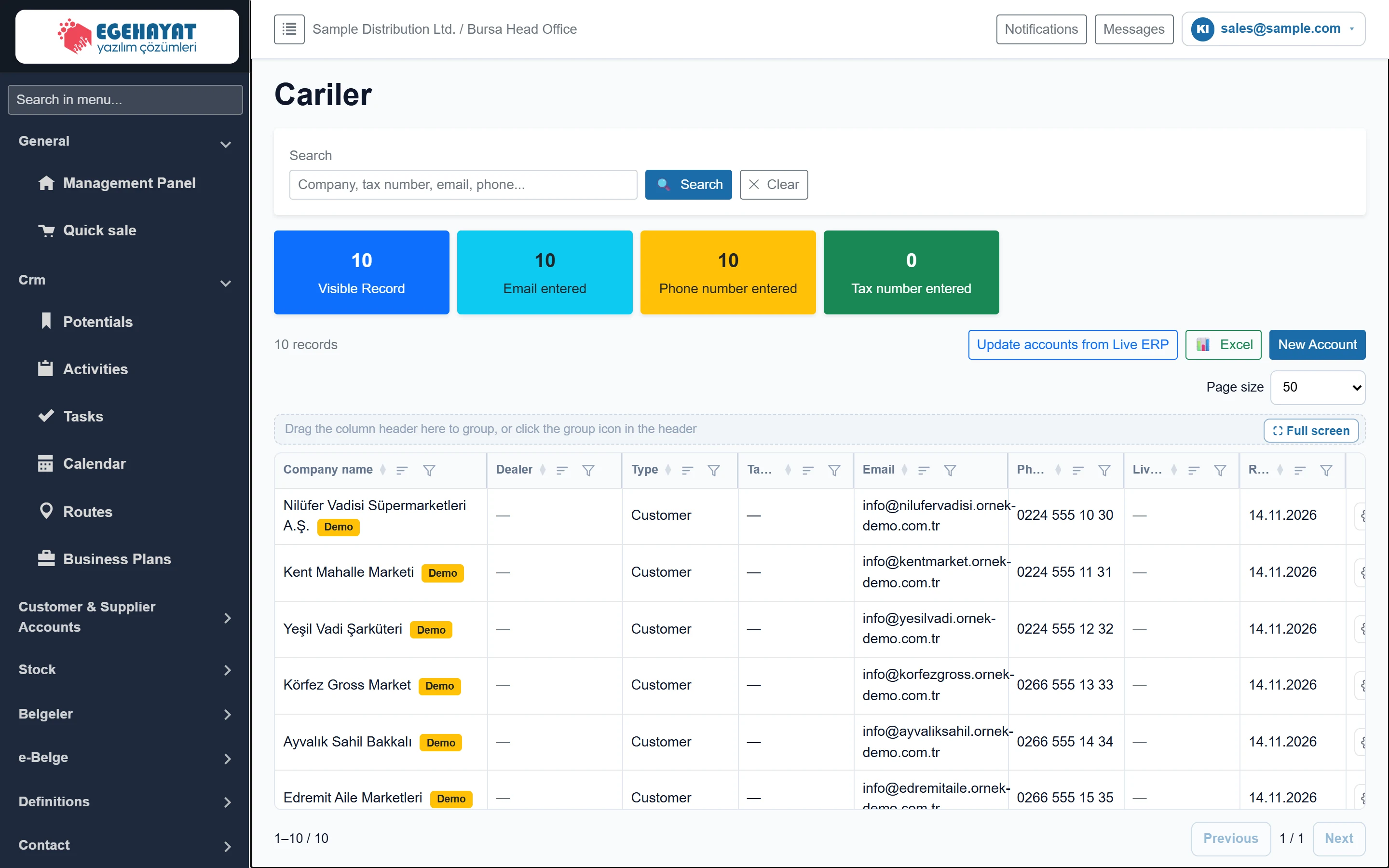 Customer & Supplier Accounts
Crm customer and supplier cards: search and counters, update from ERP, card sections (identity, commercial, logistics, risk, address, contacts, vehicles).
Stock
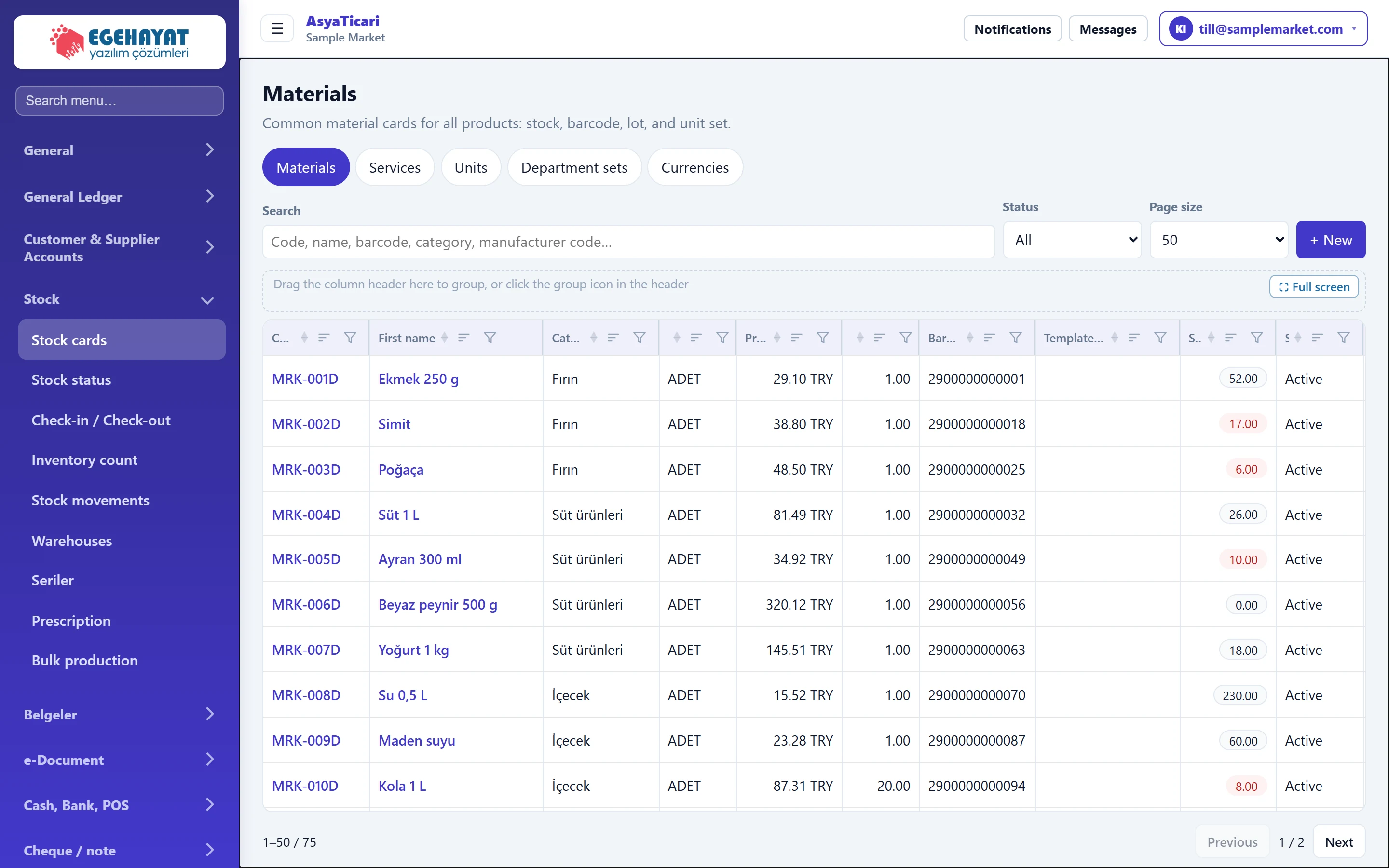 Stock cards
Listing, searching and creating material (stock) cards: identity, price and VAT, stock tracking, product picture, units and barcodes, allergens.
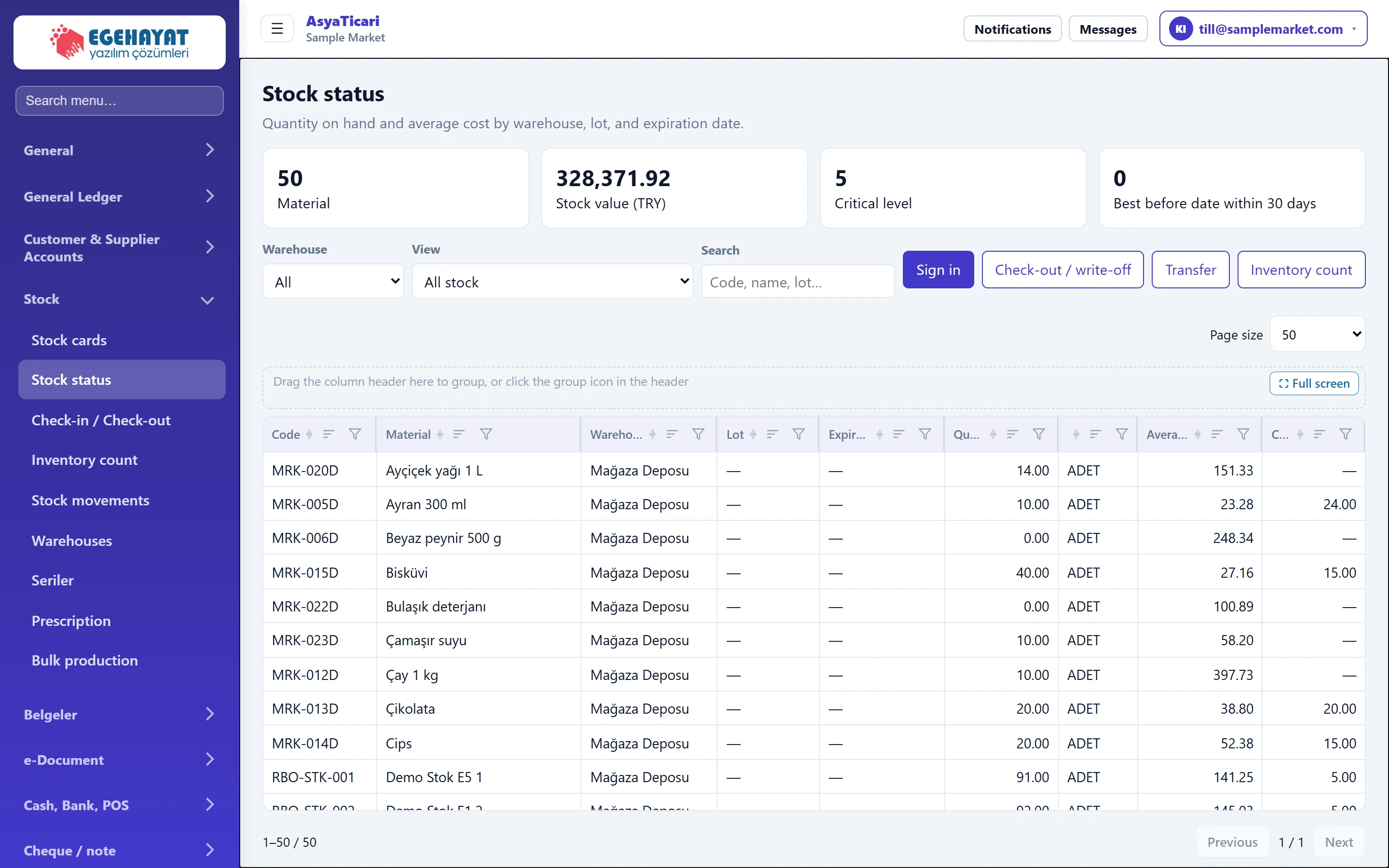 Stock status
Quantity on hand and cost by warehouse, lot and expiry date; critical stock and expiry warnings; single-item receipt, issue, transfer and count.
 Stock in / out slip
Recording non-invoice receipts, consumption issues and waste on a single multi-line slip by scanning barcodes.
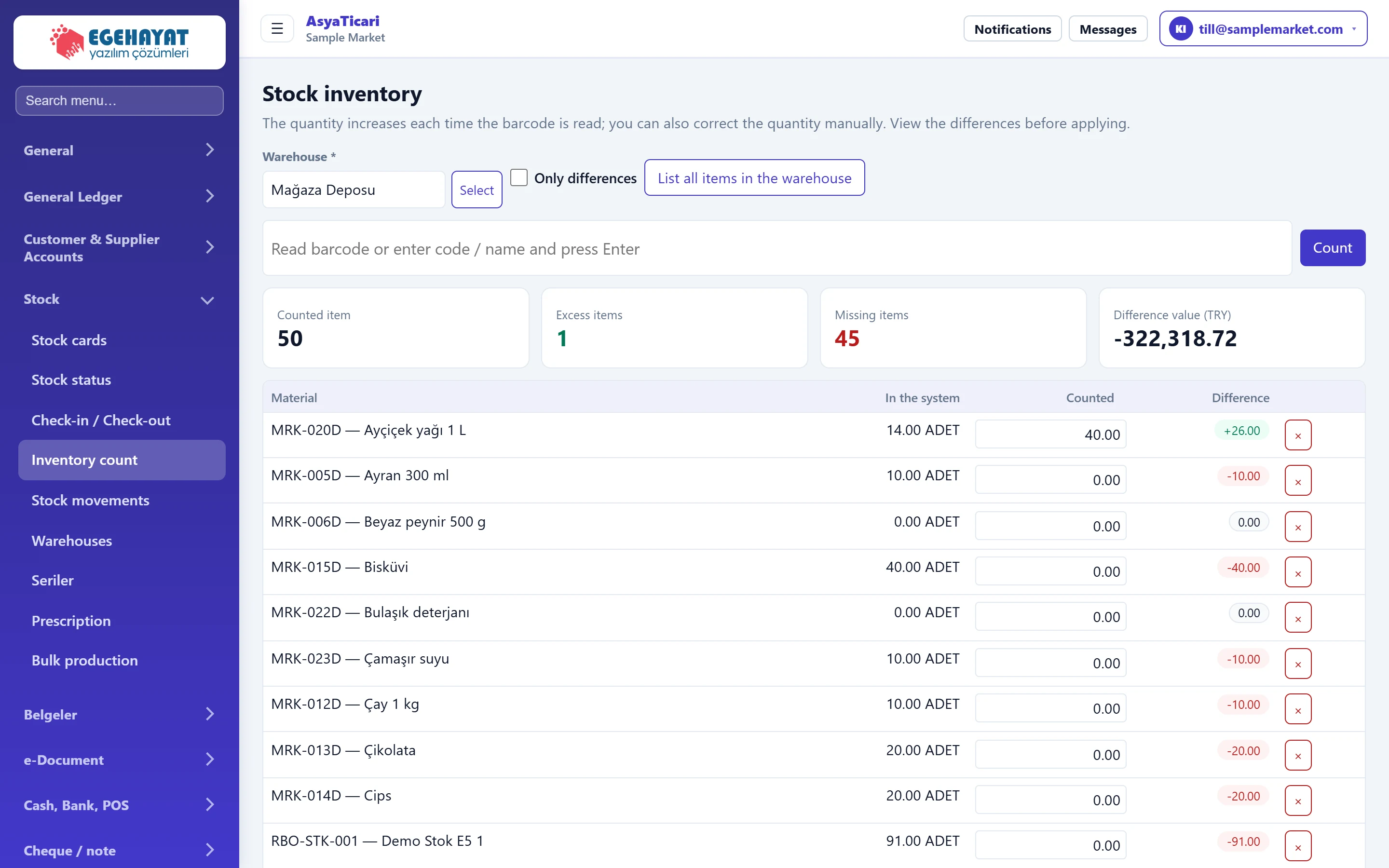 Stock count
Counting a warehouse by barcode, comparing system and counted quantities and posting the differences to stock.
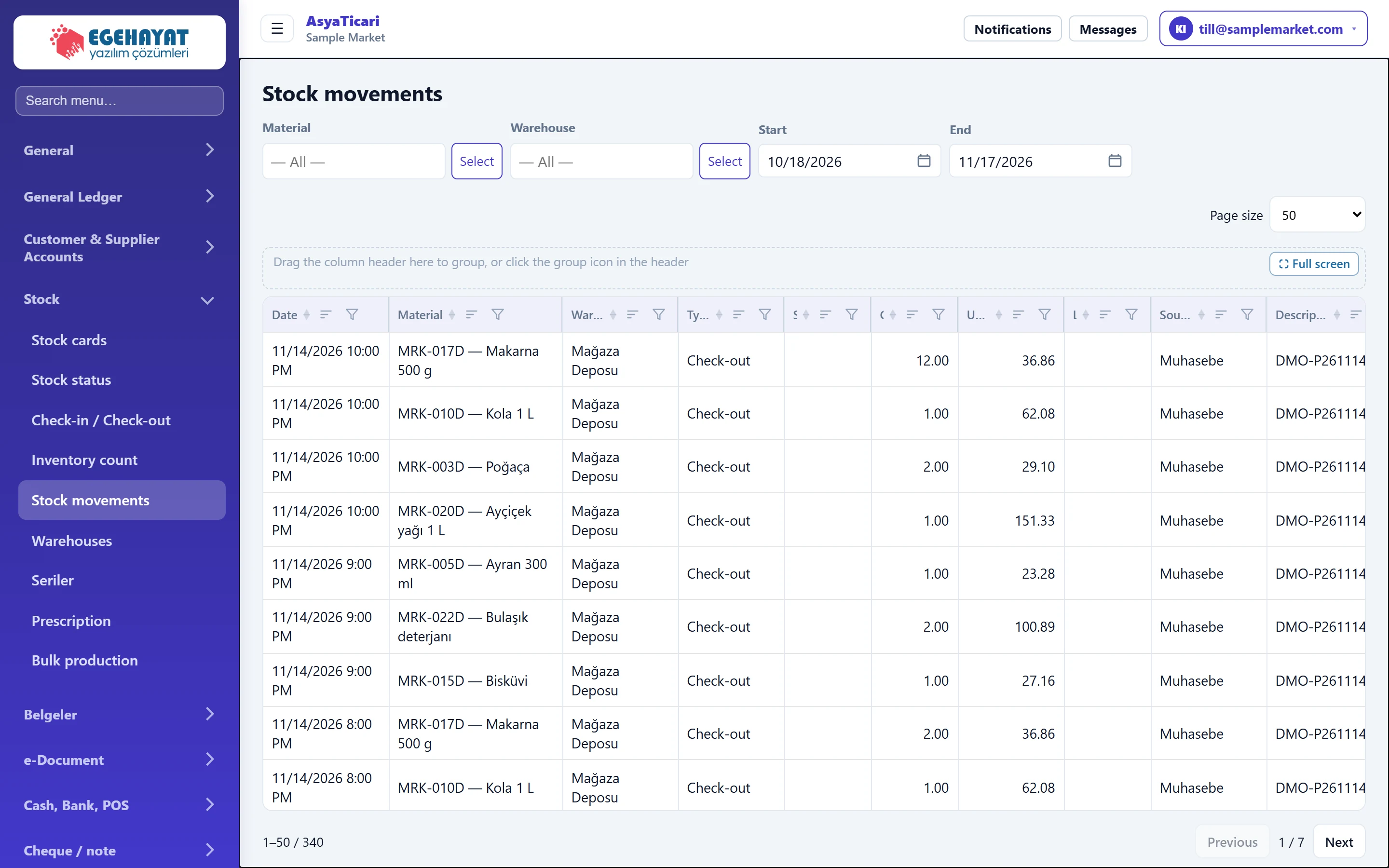 Stock movements
List of all stock receipts and issues by material, warehouse and date.
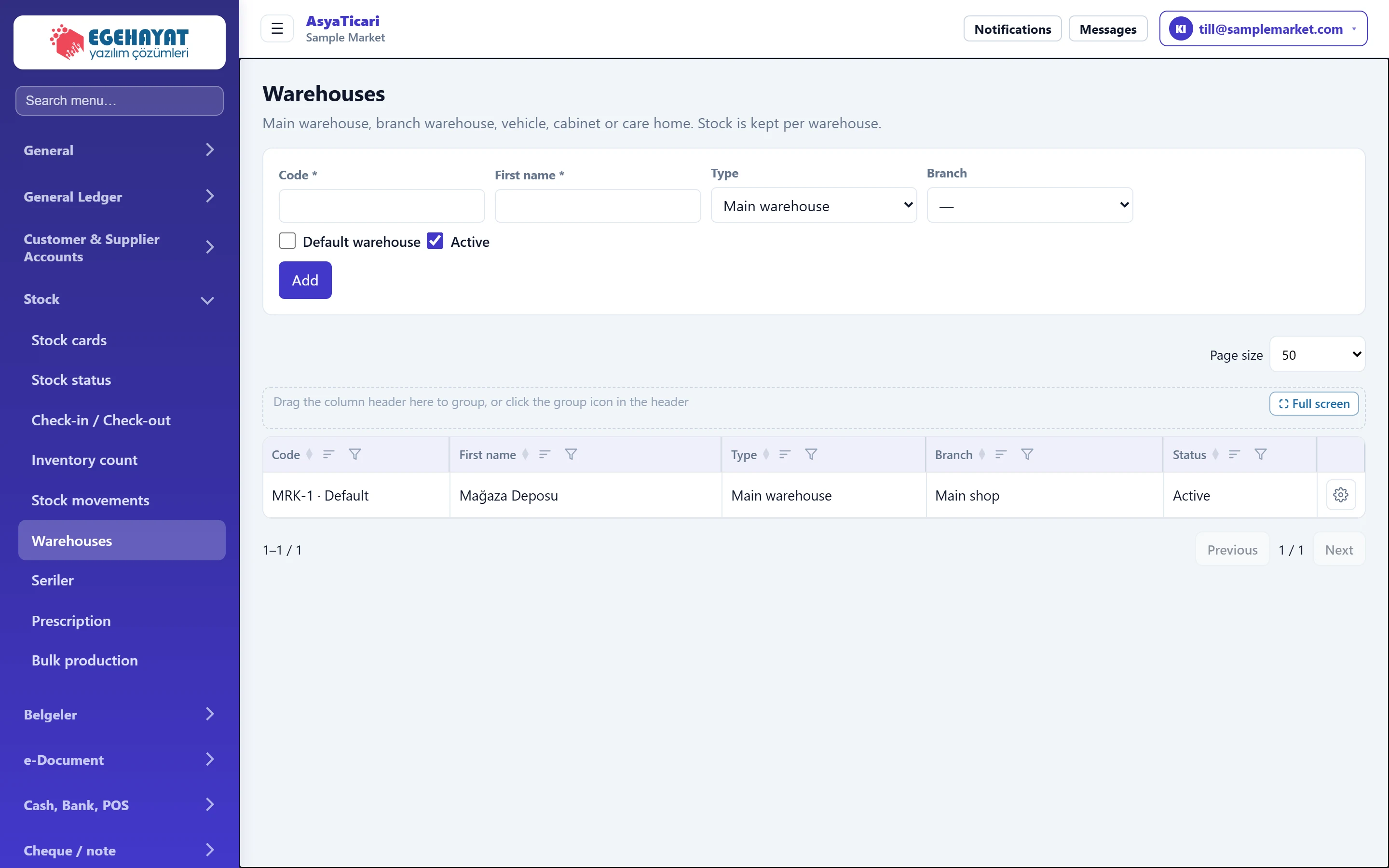 Warehouses
Defining main warehouse, branch warehouse, vehicle or cabinet; choosing the default warehouse.
Belgeler
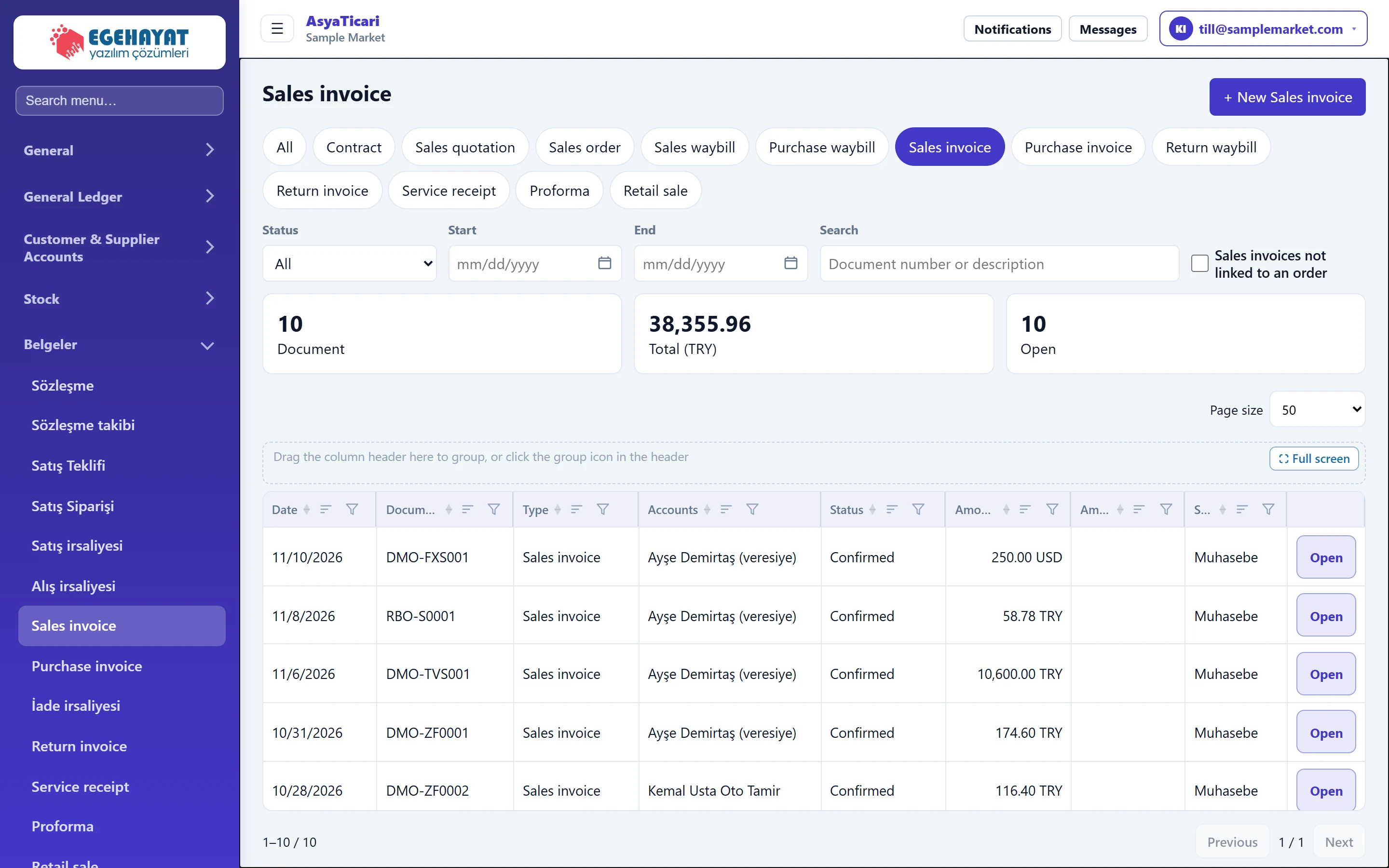
e-Belge
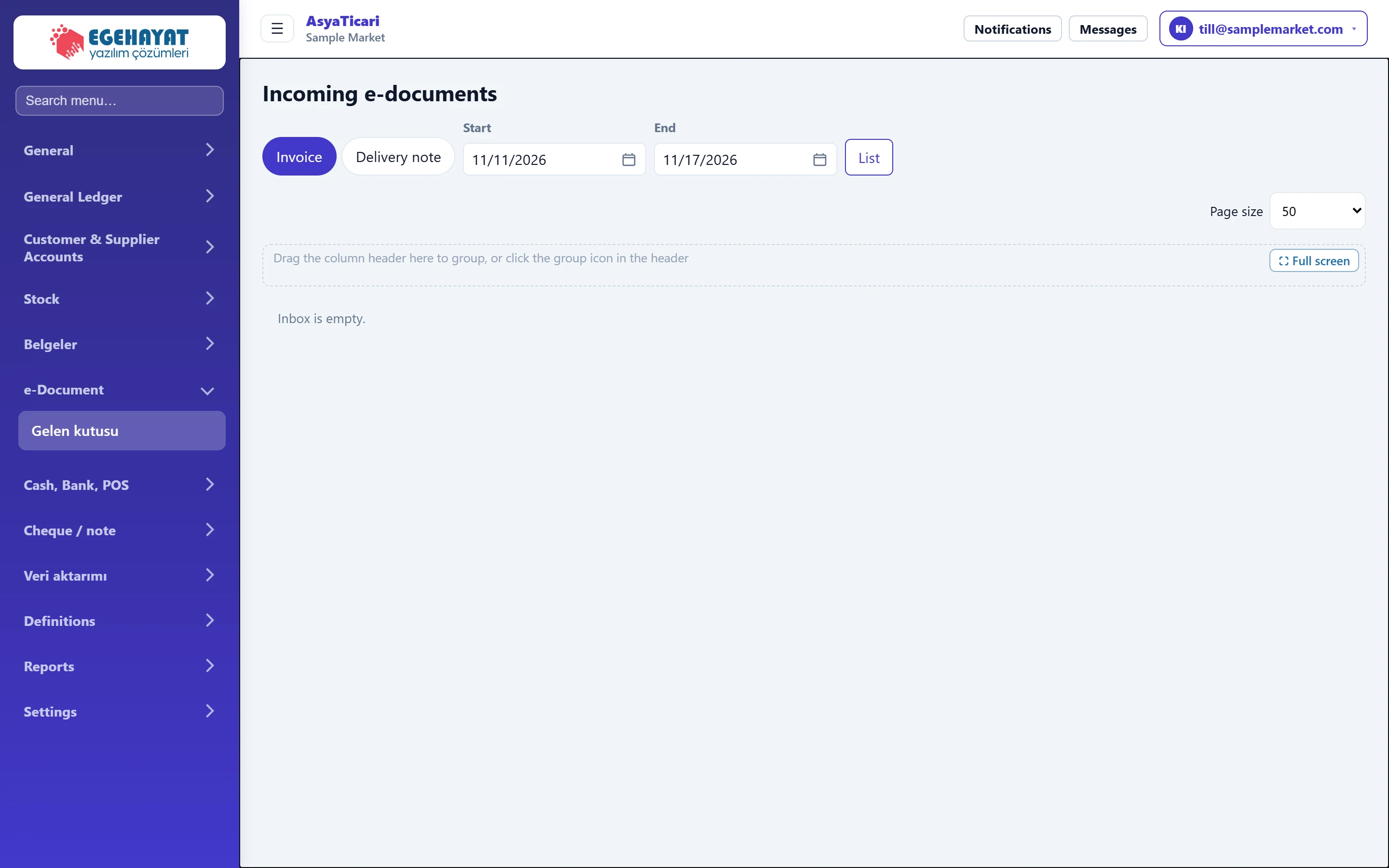
Definitions
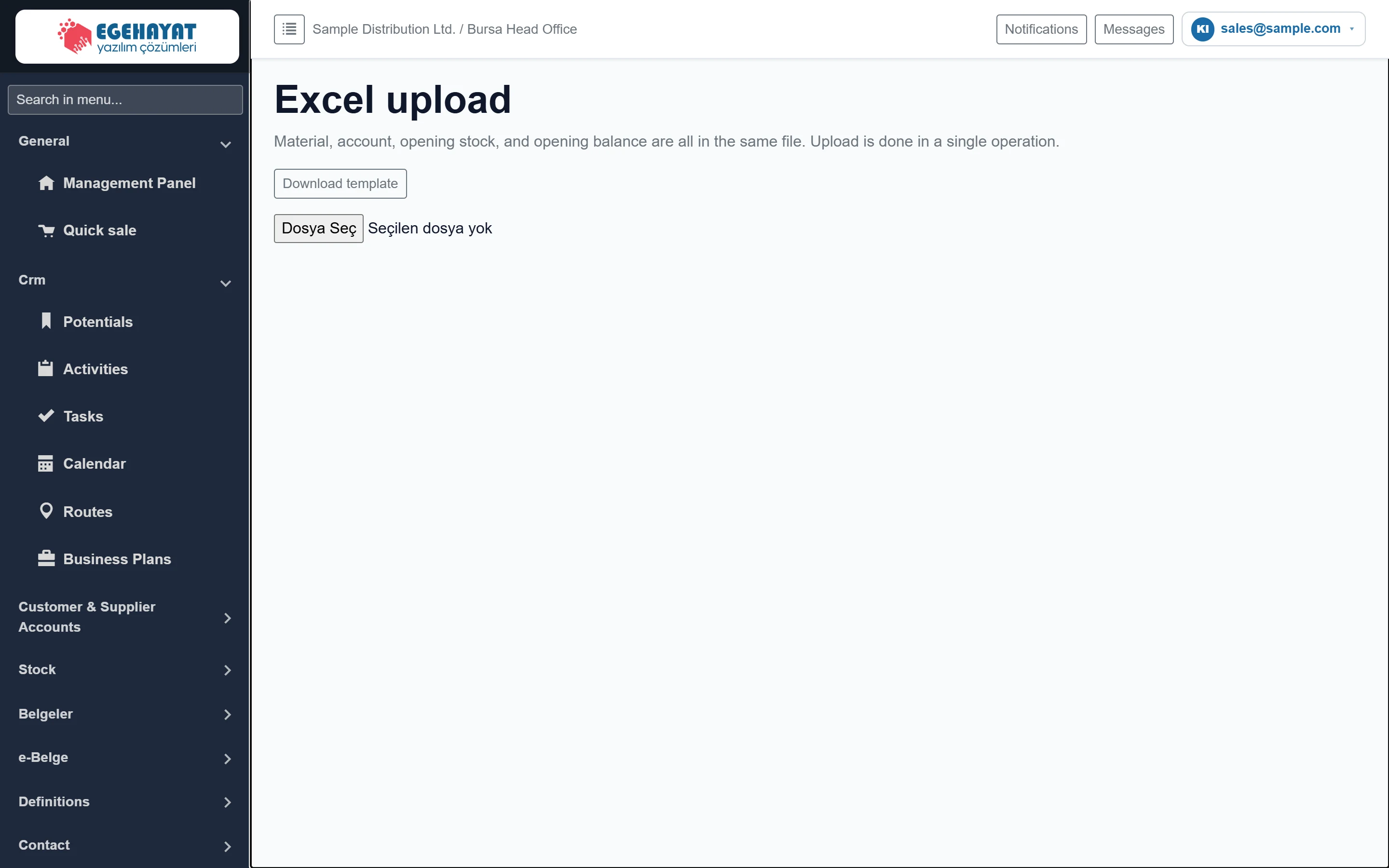 Excel upload
Bulk upload of material and account cards, opening stock and opening balances from a single Excel file.
 Type Definitions
Defining, ordering, branch-scoping and deactivating activity and task types (visit, call, collection …).
 Account catalogs
Defining the group, category, sector and commercial transaction group lists chosen on the account card.
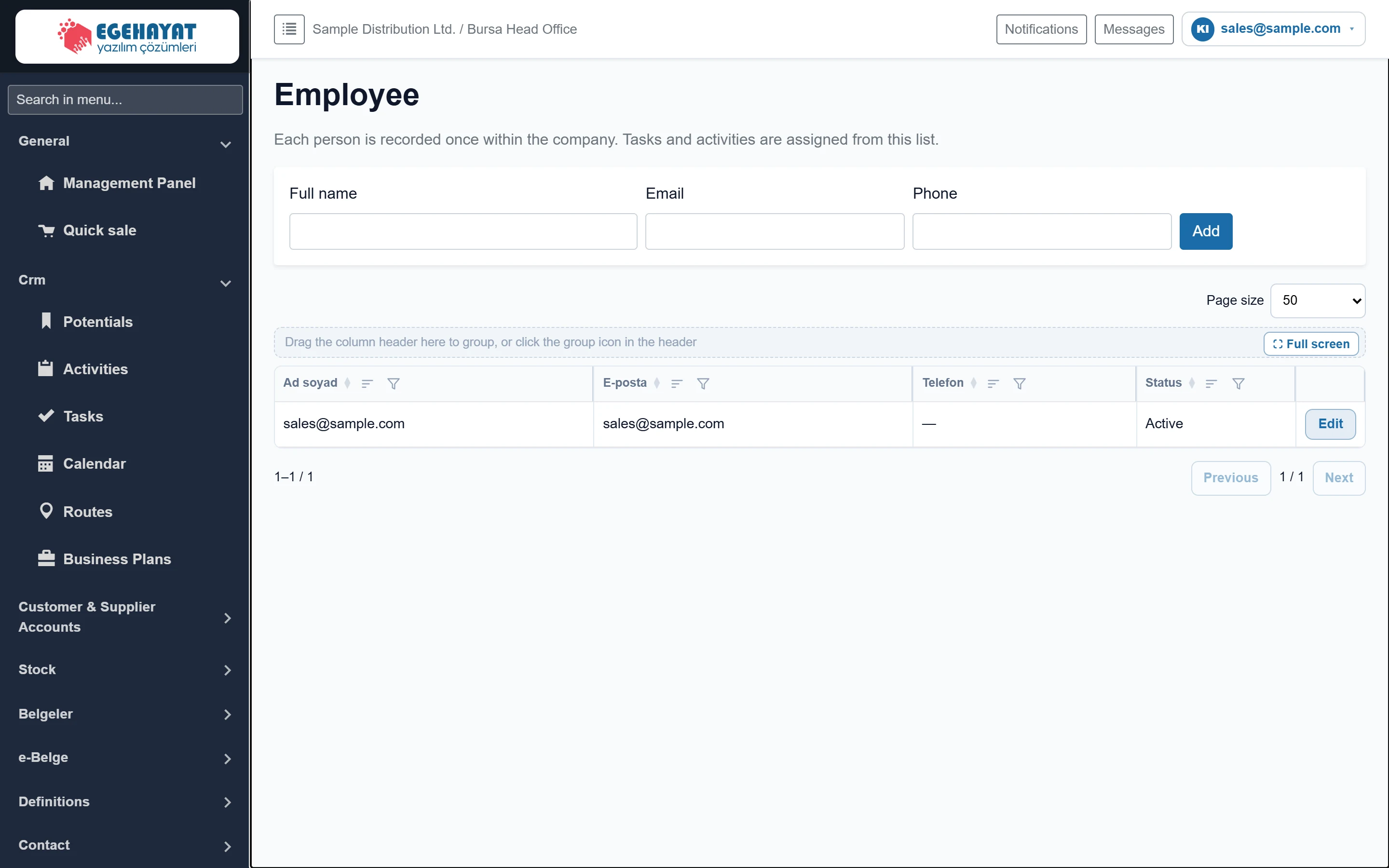 Employee
Adding and editing the company's staff list used when assigning tasks and activities.
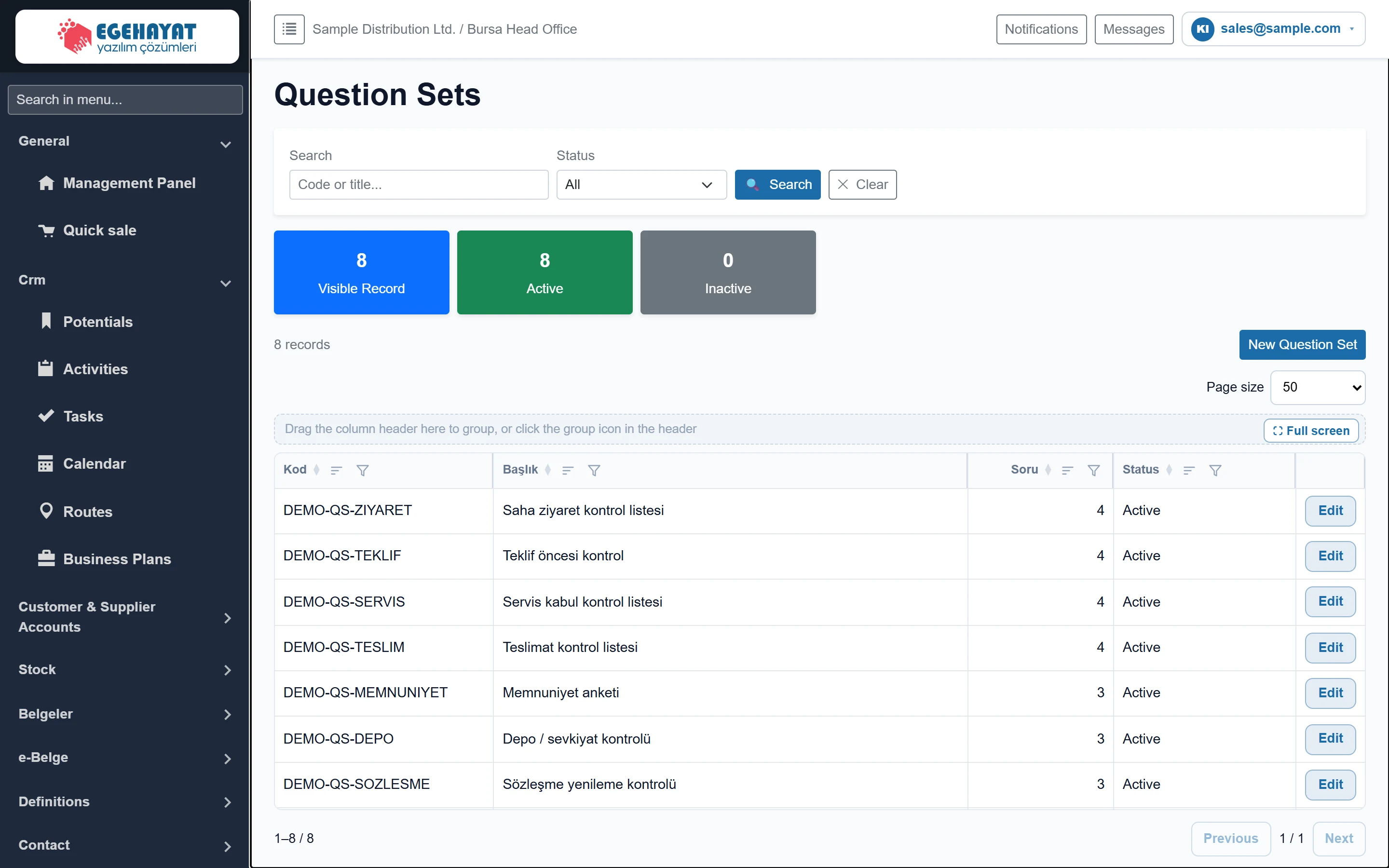 Question Sets
Defining the checklists filled in during field visits (question set, questions, answer types, options).
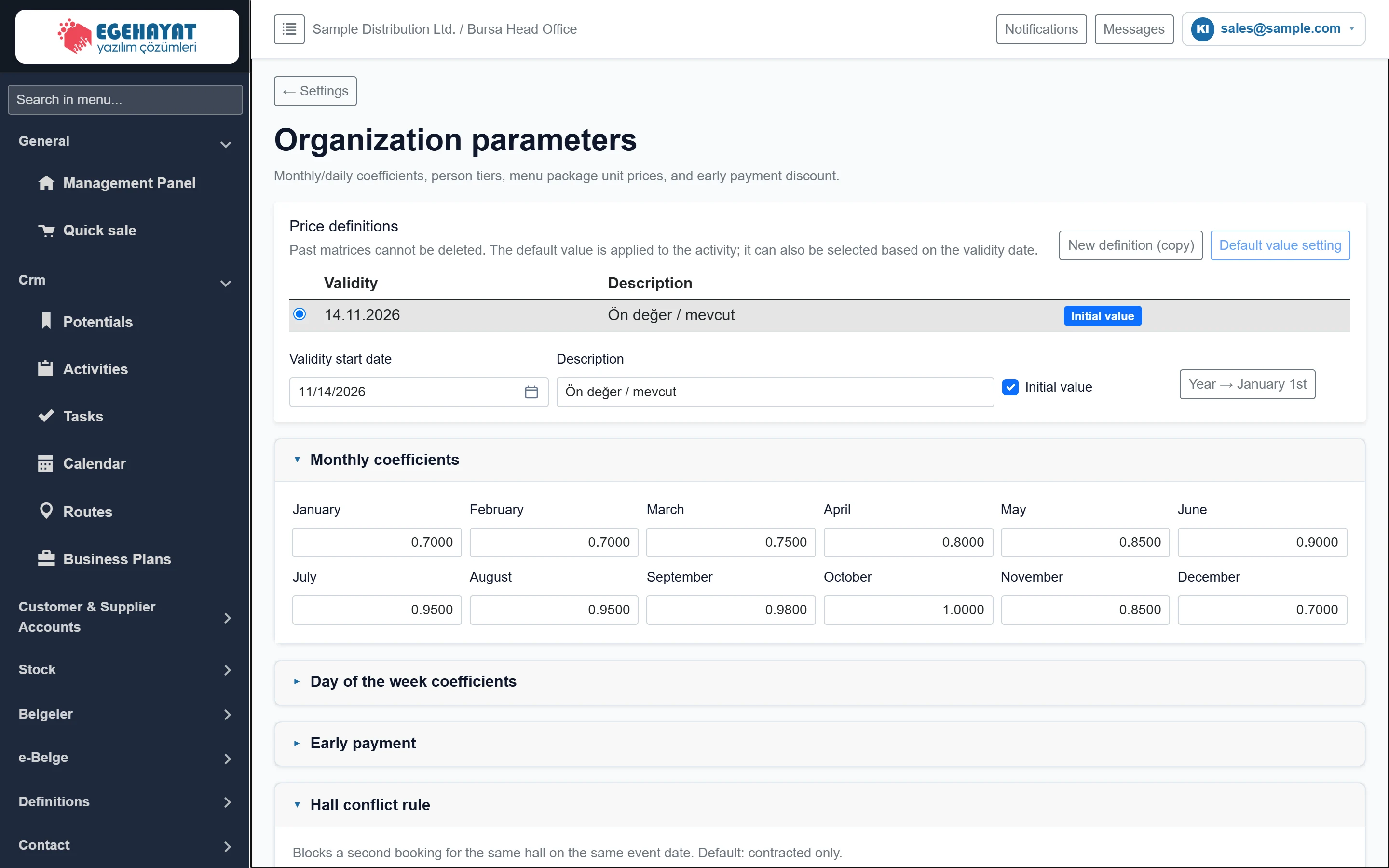 Organization parameters
Month / weekday coefficients, guest tiers, menu packages, price and VAT matrices, early payment and the hall conflict rule for pricing organizations (weddings, meetings …).
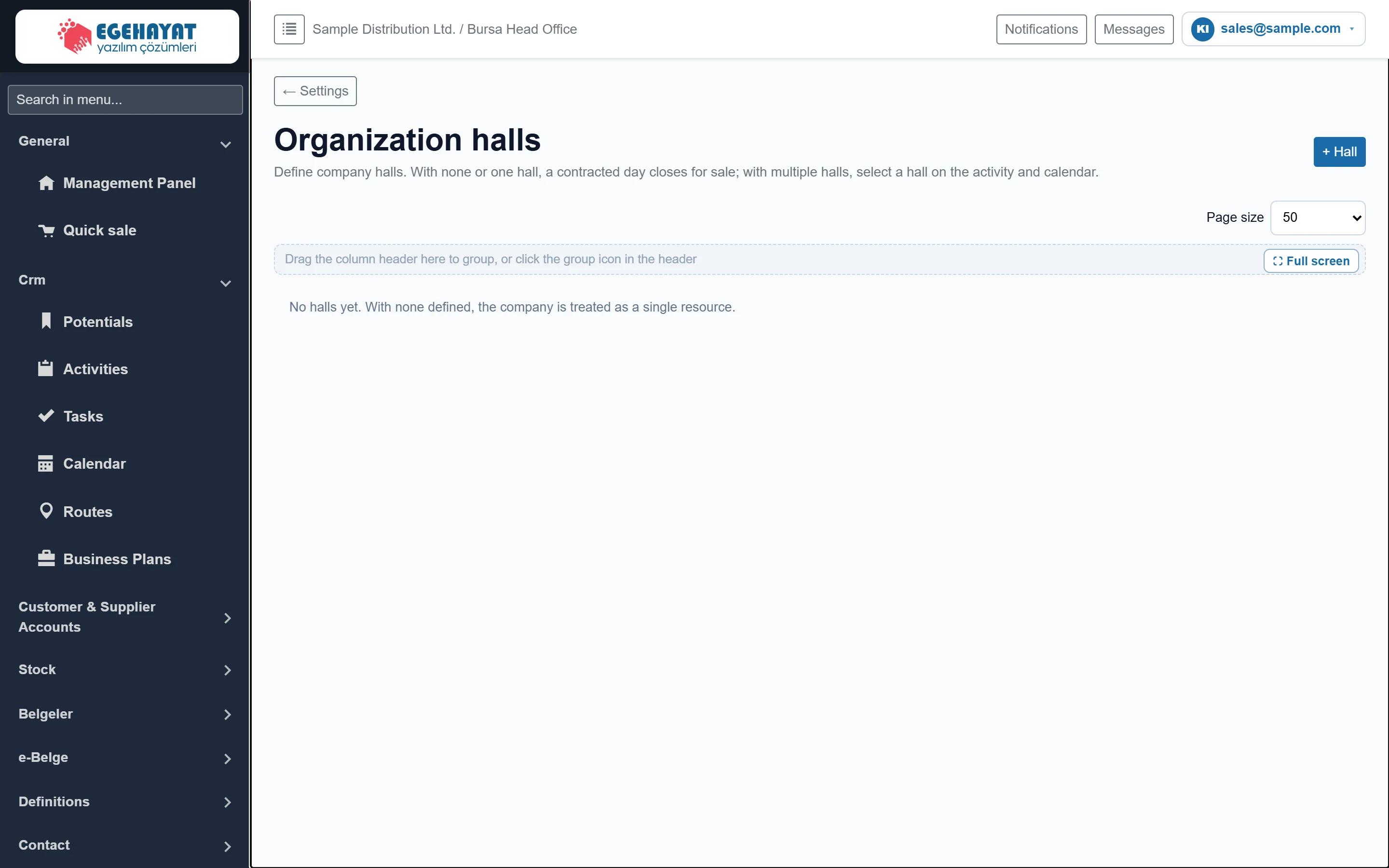 Organization halls
Defining event halls with code, name, capacity and order; editing and deleting them.
 Code templates
Code template definition that builds account, item and service codes level by level (main group, sub-group, brand…) plus a sequence number.
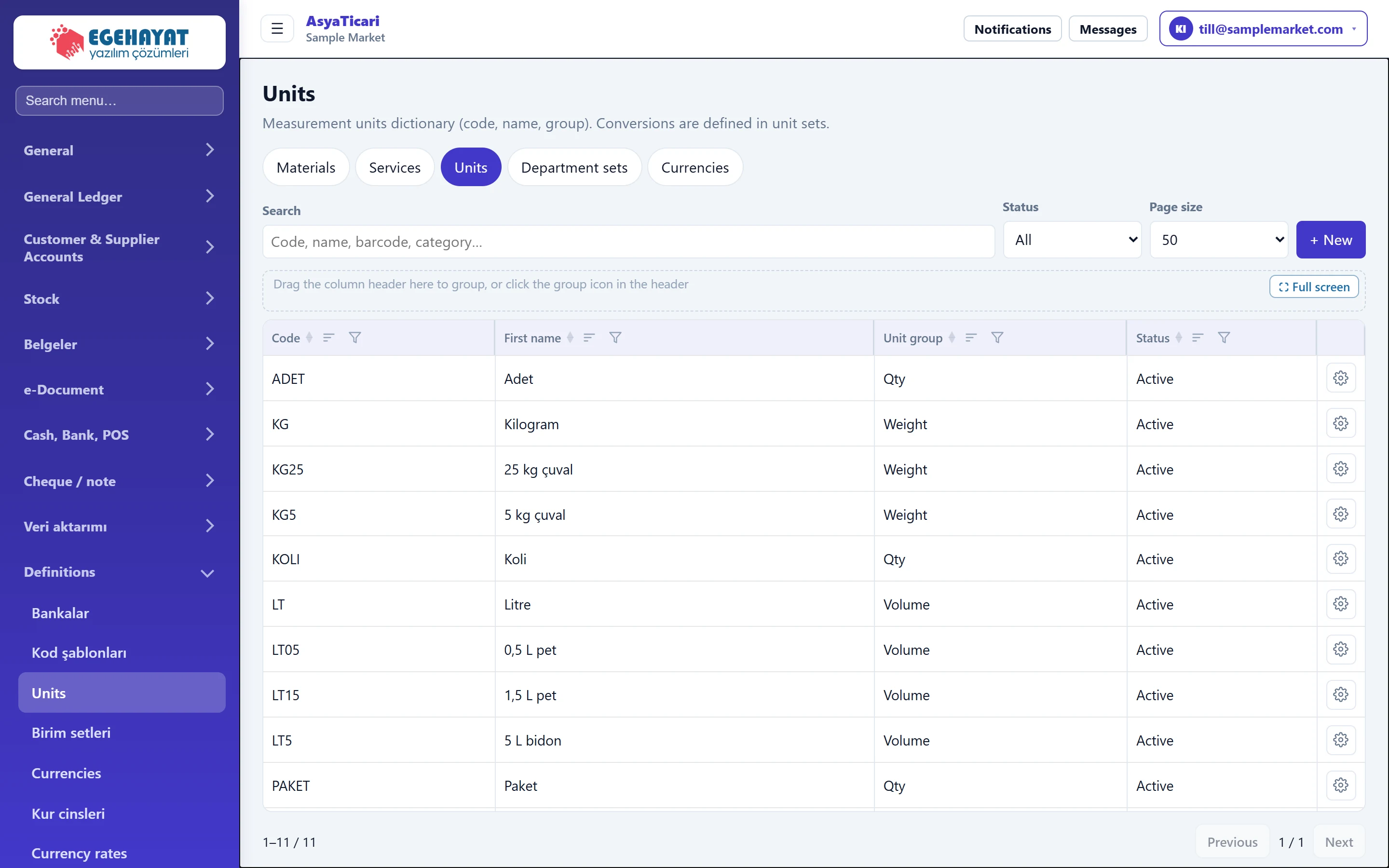 Units and unit sets
Measurement units (piece, kg, litre…) and the unit sets that convert between them (piece + box, kg + sack).
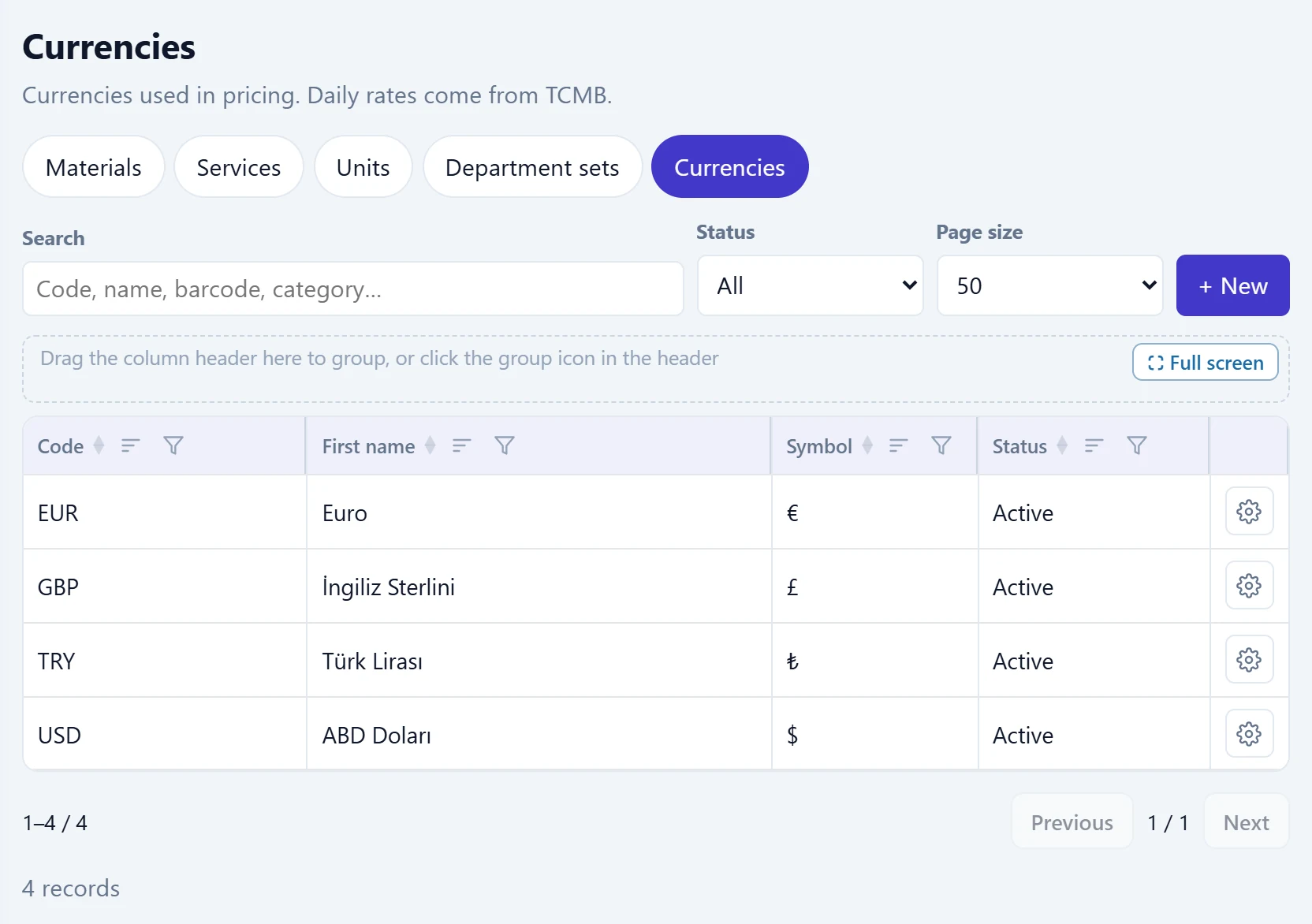 Currencies, rate types and exchange rates
Currencies used in prices, the rate types that can be used in documents, and daily exchange rates fetched from the central bank (TCMB) or entered manually.
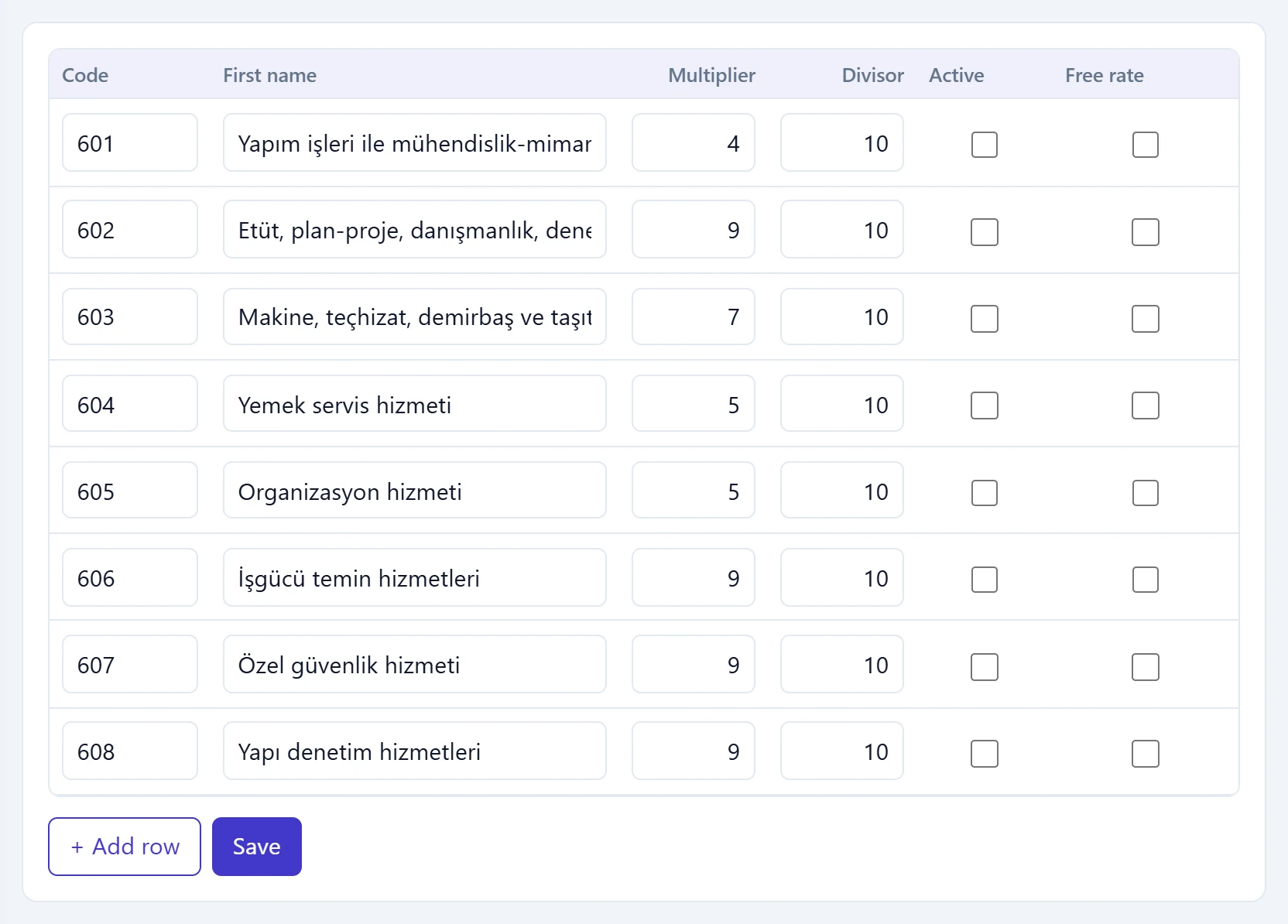 Withholding, VAT exemption and tax offices
Tax authority (GİB) VAT withholding codes and rates, VAT exemption codes for zero-VAT lines, and the tax offices chosen on account cards.
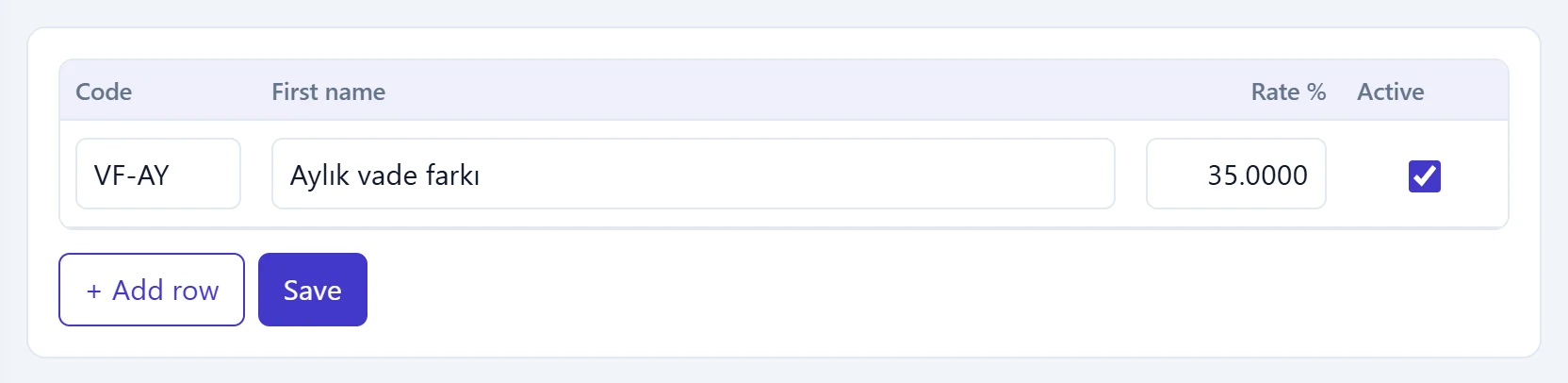 Interest, discount, expense type and payment definitions
Late-payment / interest rates, purchase and sales discounts, cash and bank expense types, instalment payment plans and payment cards.
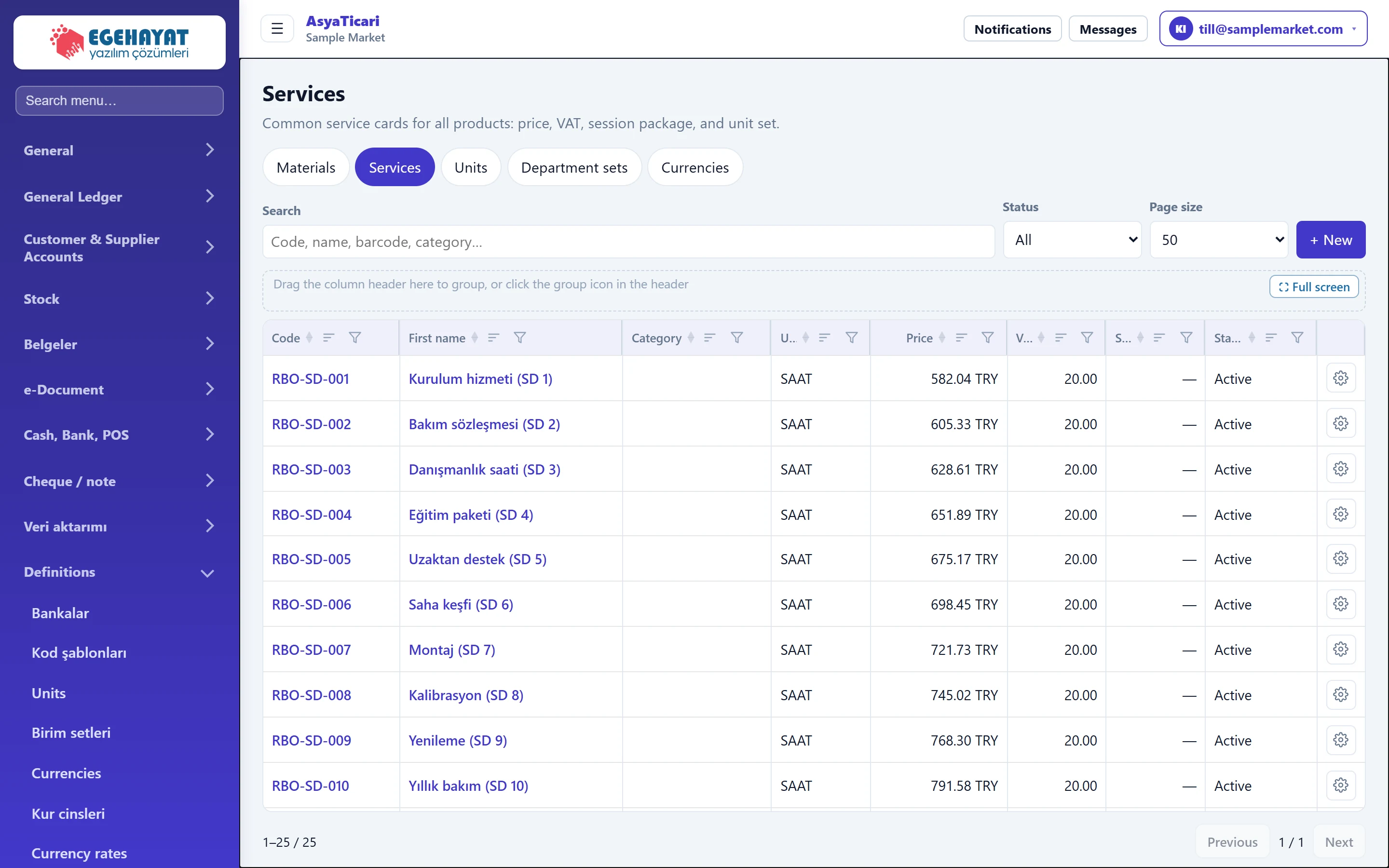 Service definitions
Cards for sales items without stock (labour, installation, maintenance, session packages) with price, VAT, withholding, unit set and package details.
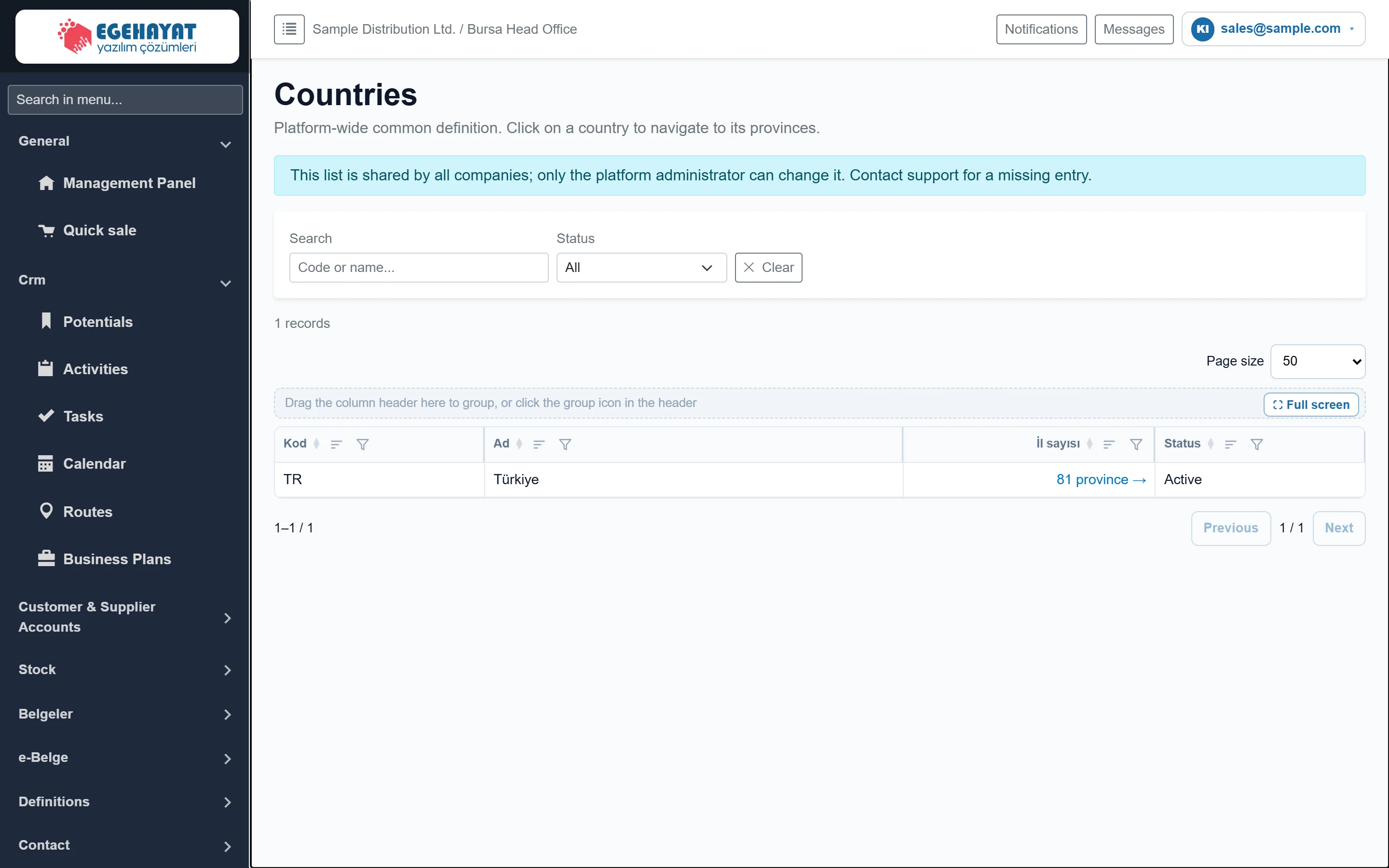 Countries, provinces and districts
Viewing the country, province and district lists used in addresses and moving between country → province → district.
Contact
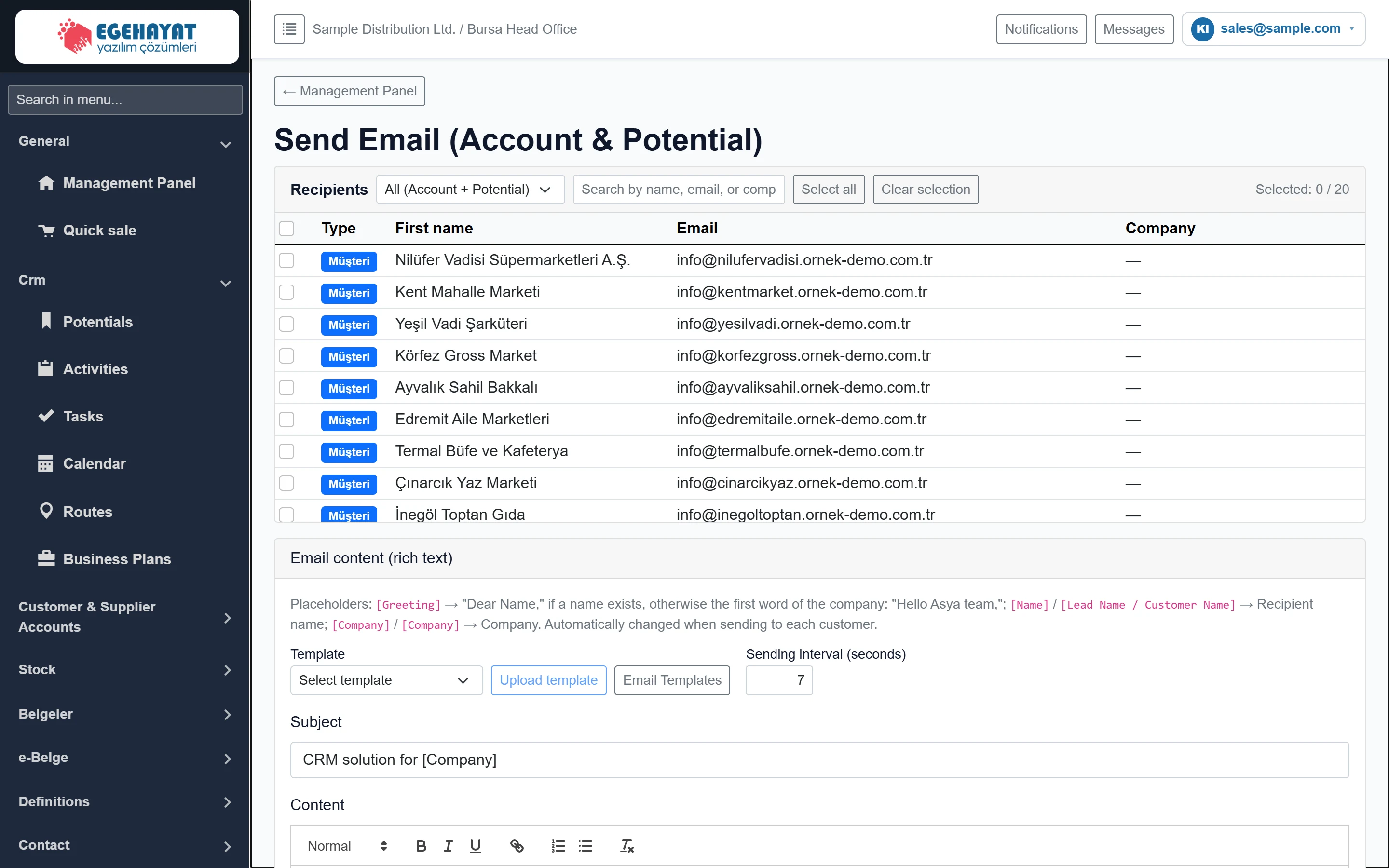
Reports
Settings
 Control panel (company settings)
Company and invoice details, logo, number format, exchange rate usage, external system integrations, code template variants and company features.
 Workplaces
The company's branch / workplace list; adding a workplace, editing code, name, address and map location, deactivating and deleting.
 Users
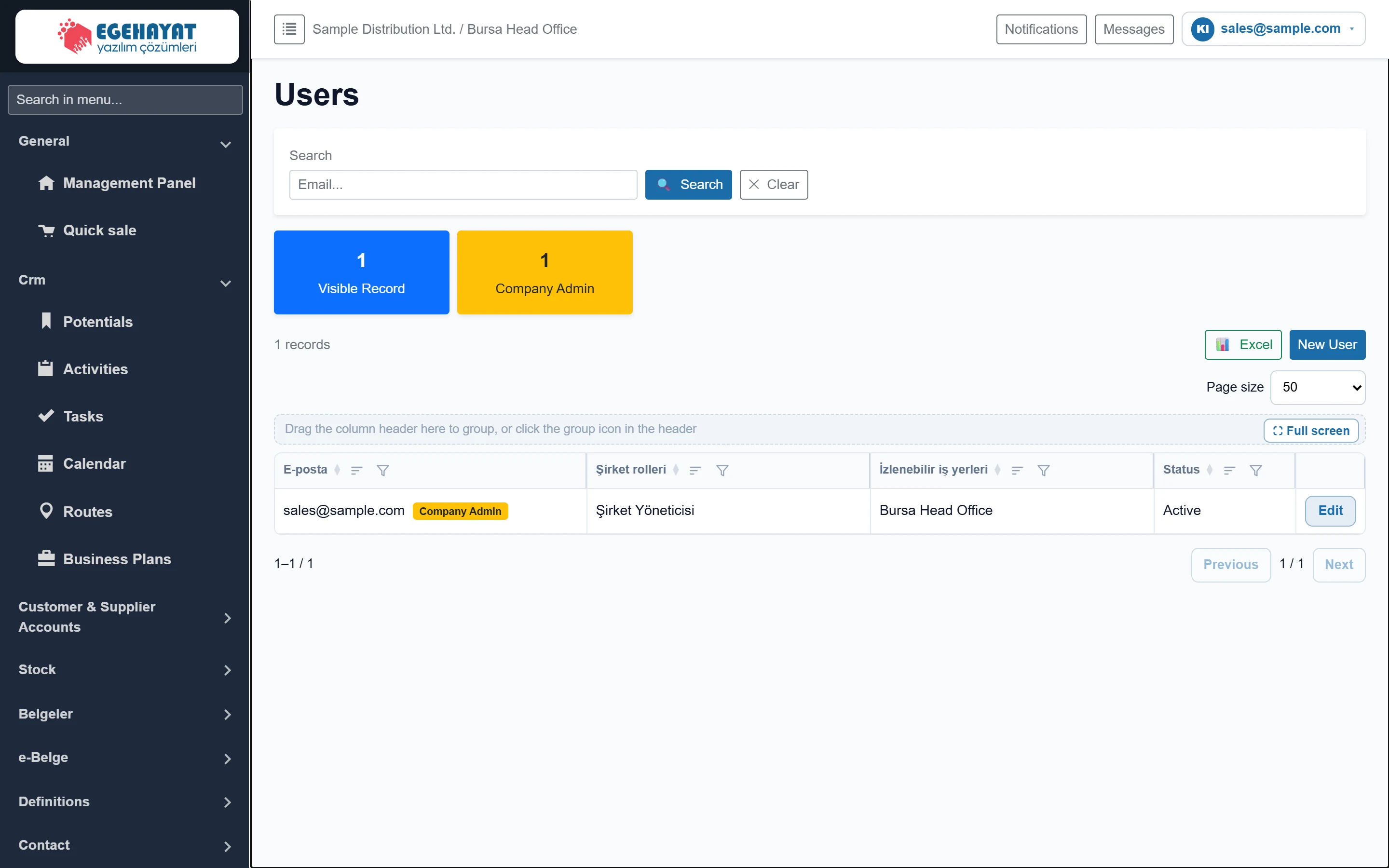
List of company users; creating a user, admin / active status, trackable workplaces, roles and password reset.
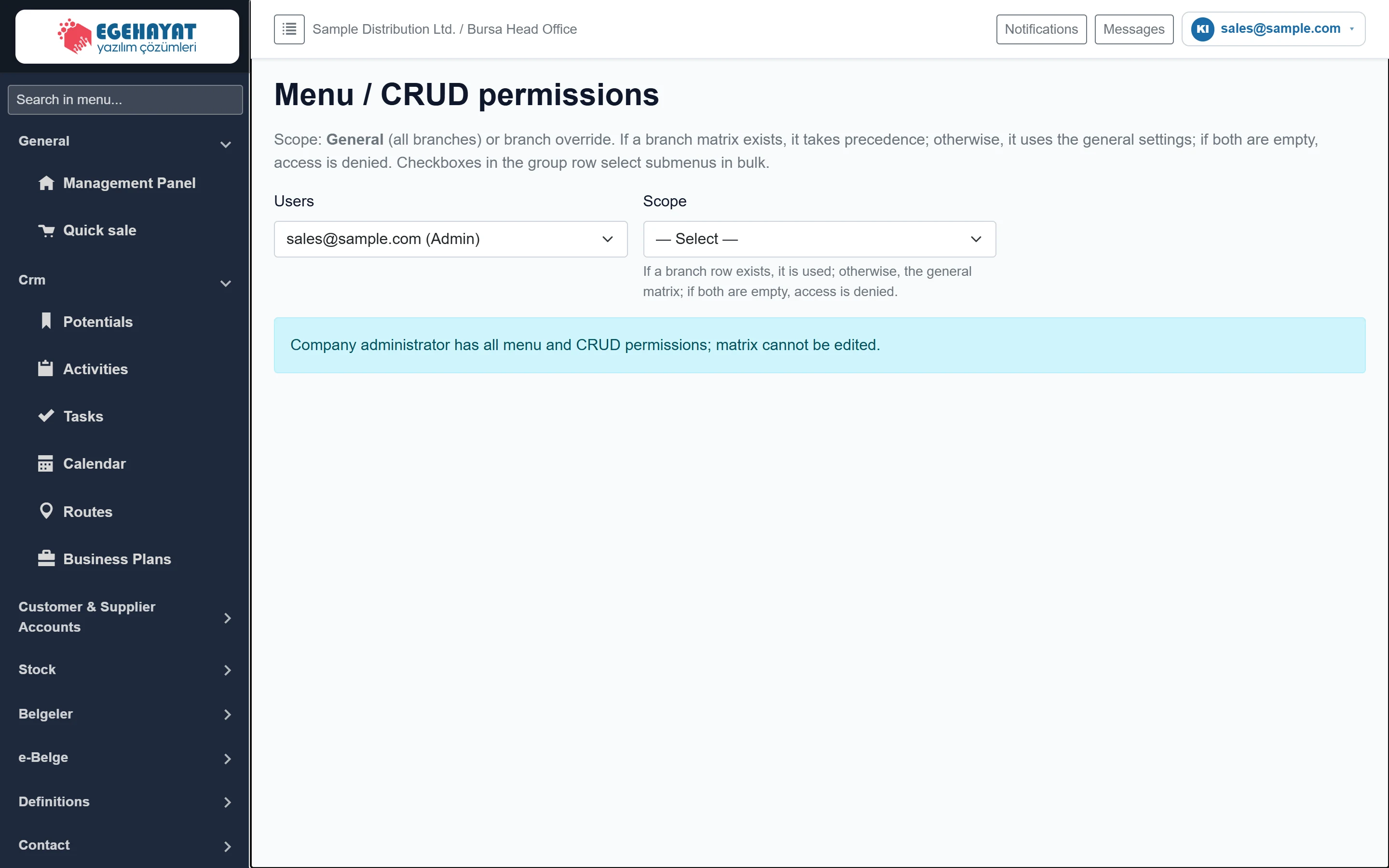 Permissions (menu / CRUD)
Granting menu view and new / update / delete permissions per user, generally or per branch, with a matrix.
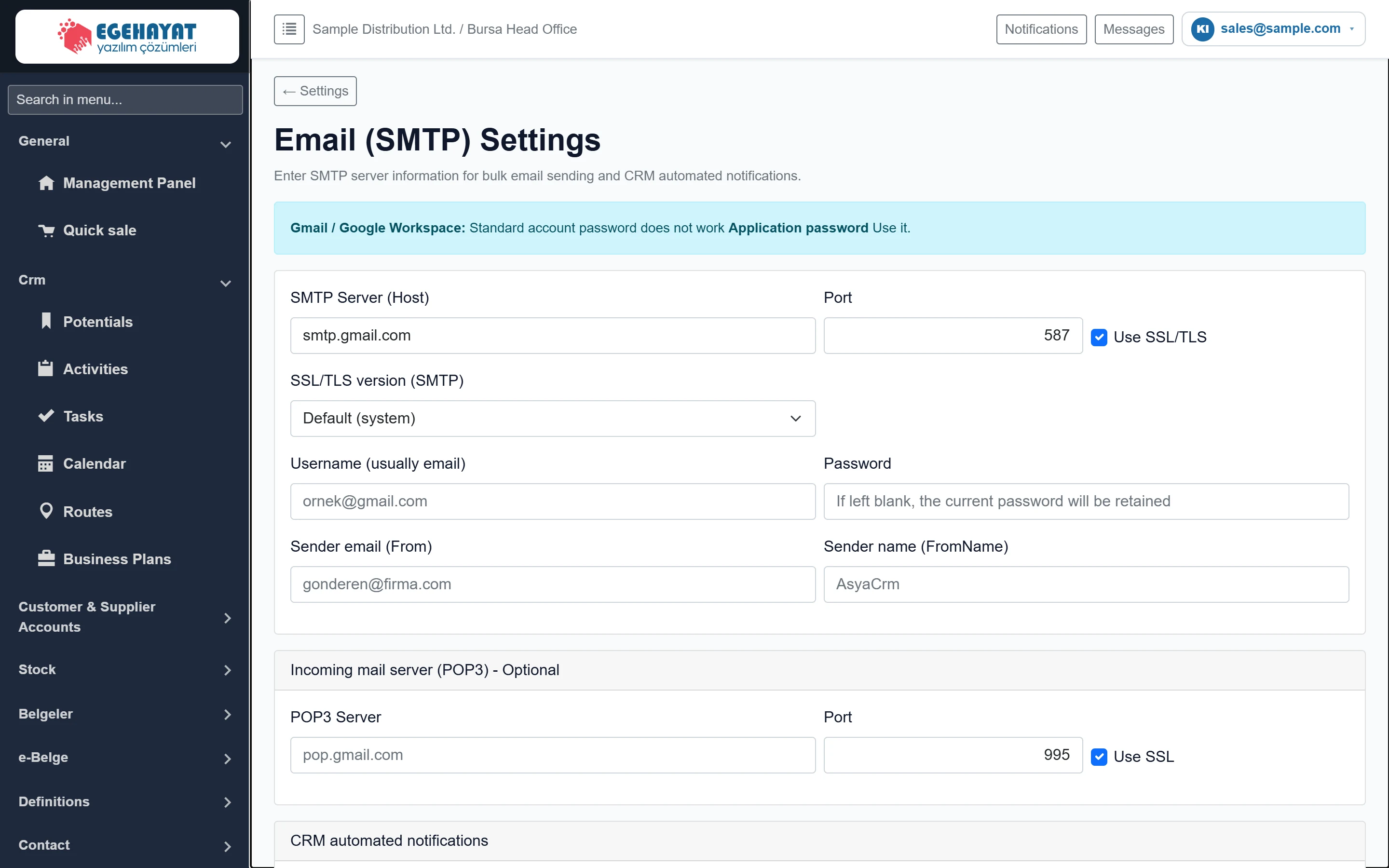 Email Settings
SMTP / POP3 account for bulk e-mail and automatic notifications, notification recipients, daily summary, test e-mail and recent e-mail log.
 Reconciliation correspondence templates
E-mail subject, WhatsApp / e-mail body, PDF header and closing texts used when sending account reconciliations; separate templates for TRY and foreign currency.
 Integrations
Reconciliation e-mail (SMTP) status, WhatsApp (Meta Cloud API) settings and the details of the ERP connection (Live ERP, Netsis) enabled by the platform administrator.
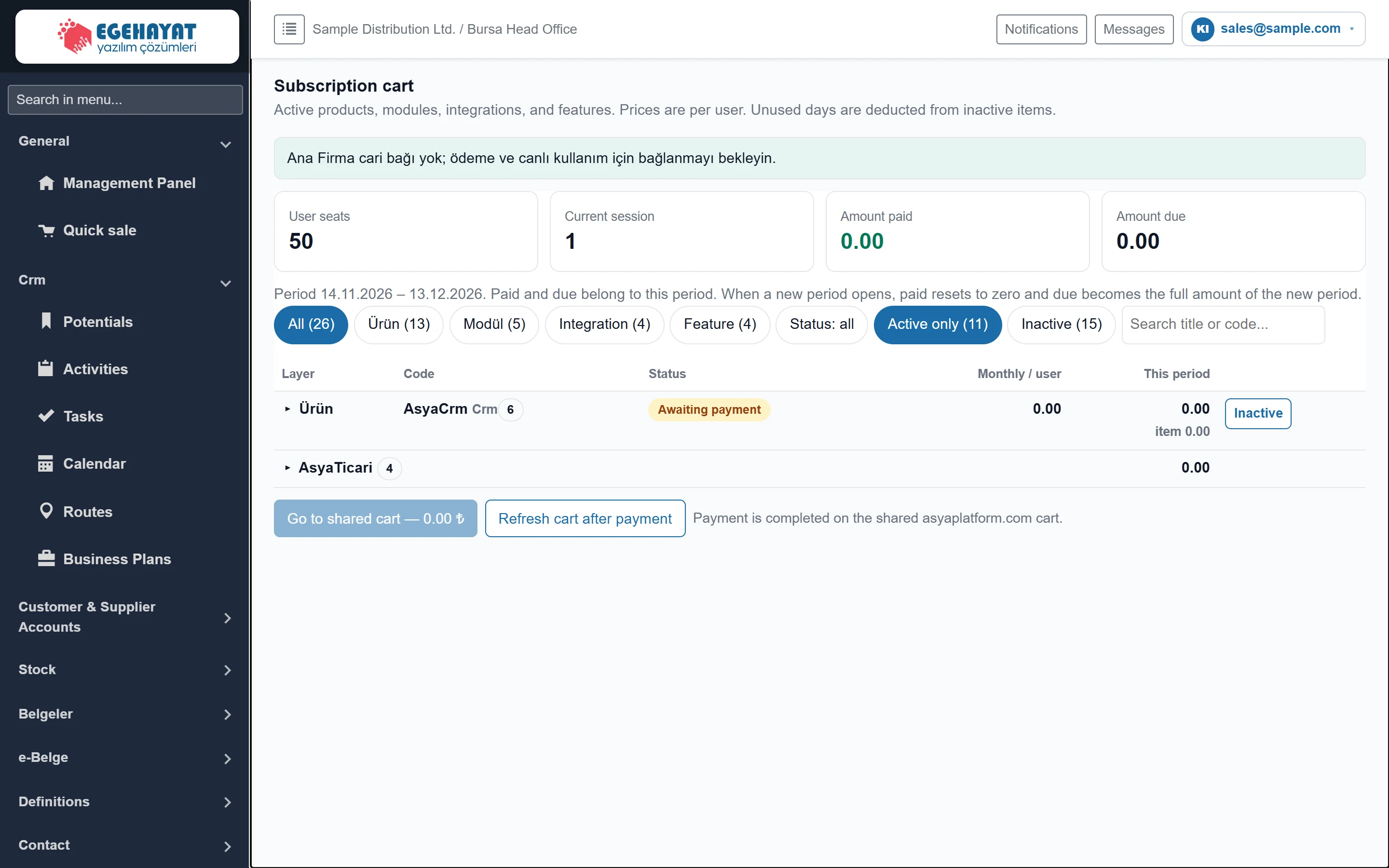 Subscription cart
The company's active product, module, integration and feature items, user count, amount paid / due in the period, deactivating items and paying in the common cart.
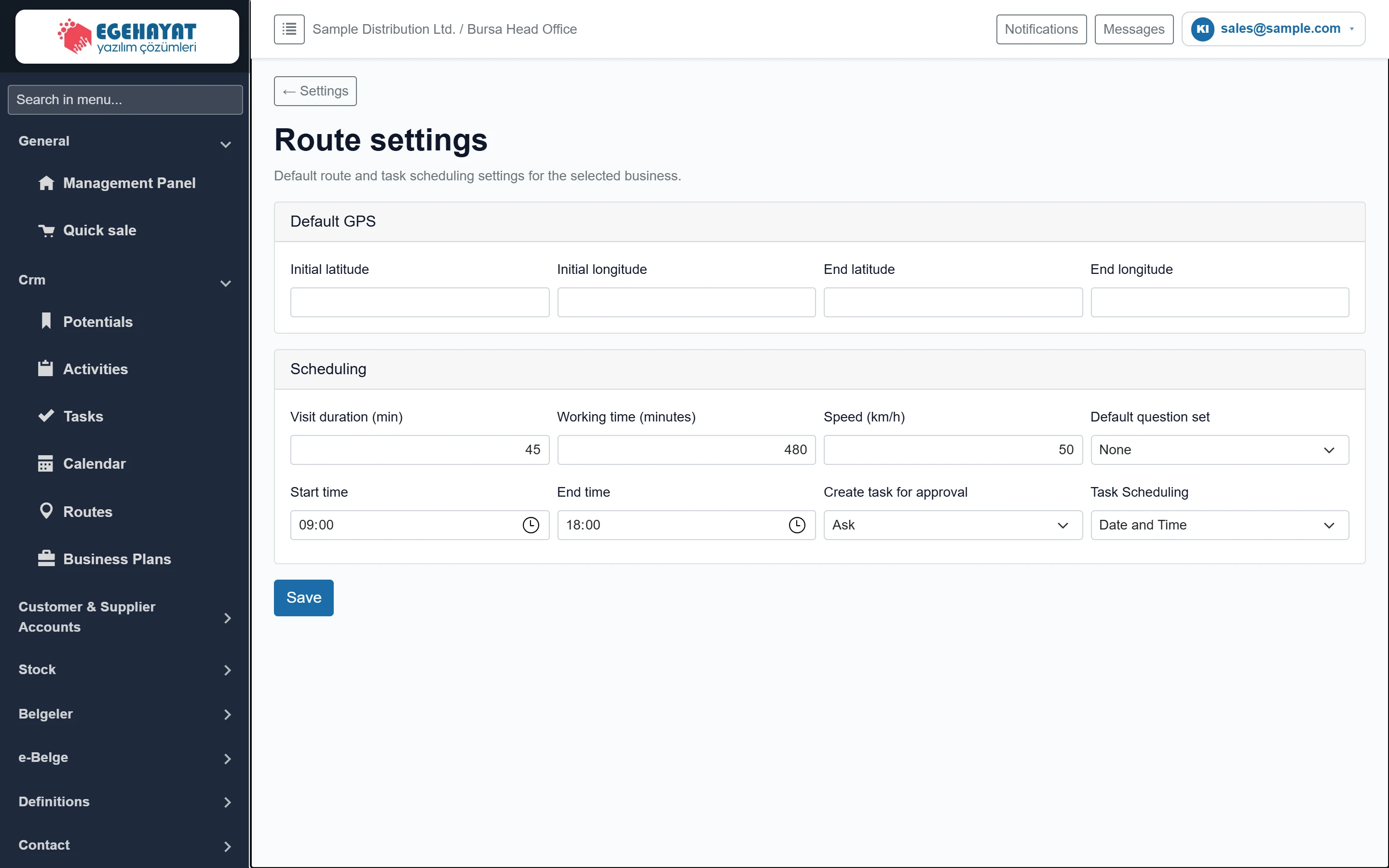 Route settings
Workplace route defaults: start / return point, visit time, travel speed, working hours, task creation on approval and task scheduling.
 Activity status rules
Rules that change an activity's status automatically when a quote / order is linked, a task is completed or a closing status is chosen.
 Activity status headers
Changing the display names of activity statuses (Waiting, Planned, Started, Completed …) and hiding unused statuses.
 Audit logs
List of the last 200 create, update, delete and system actions in the company with date, action, record type and user.